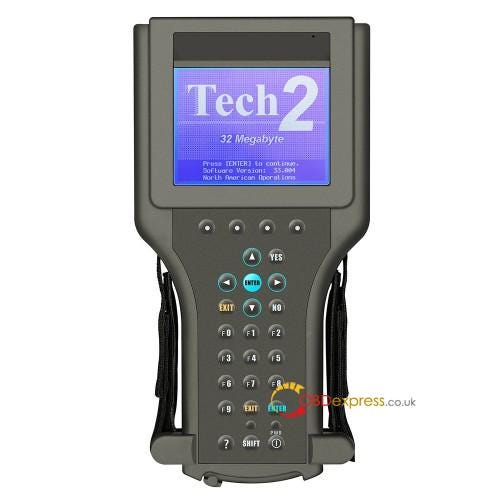
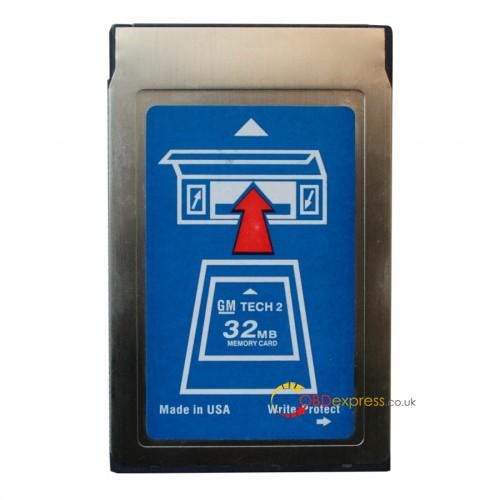
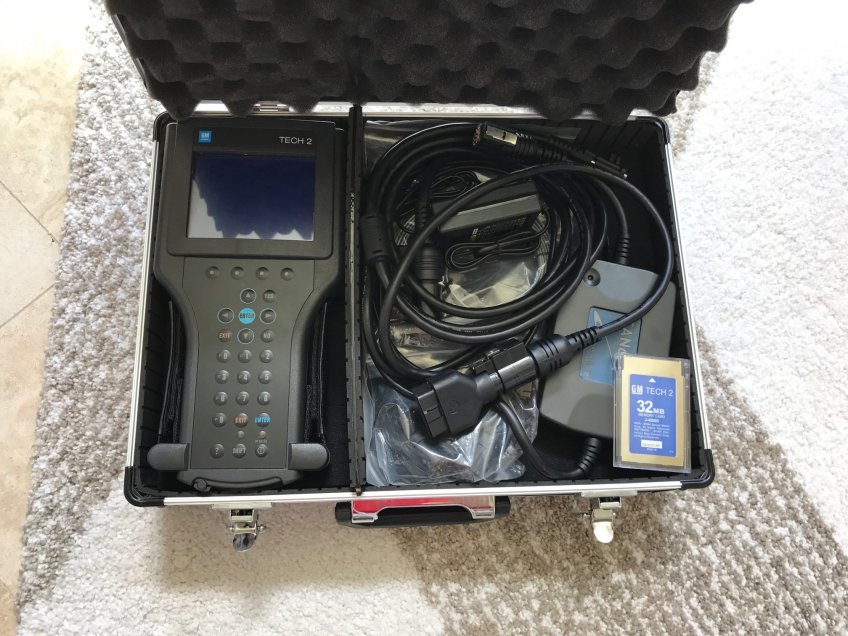
I have a lot to recommend having a
Tech II clone for DIY work on our cars.
For the way that you are going to be using the Tech II clone, your going to be fine with it.
As for why GM is going to the
GM MDI and a
GDS2, instead of using a Tech II with TIS2000 software, it because the MDI with GDS2 flashes a hell of lot faster when you have flash a new module with either it orginal firmware or upgraded firmware. Its also faster to use than having to press buttons on the Tech II for basic commands during diagnostics as well.
So in regards to the vets, Tech II clone will cover all the Chevrolet Corvette C6 cars and older since the last of the updated firmware on the unit covers from here back. If you do need to reflash something, it's done via Tis2000 with the Tech II as the pass through device.
On a Chevrolet Corvette C7, since GM did not make upgraded firmware to flash into the Tech II's to cover these cars, then it's a MDI that is needed instead. As for the MDI's firmware, they will cover no only the new cars, but the cars that the old Tech II's used to cover as well.
Now the glitch on the MDI regarding cloning it, since it has to use the GDS2 software for the pass through only device, GDS2 software has not been cracked like Tis2000 software has been isntead.
So the only way that even a clone MDI is going to work, is to have a subscription to GM (Few $K a year) to allow you to use the GDS2 software that has to log into GM each time it used instead.
Hence the Clone Tech II unit you get will already be loaded with the most current firmware, and for most of the stuff you going to use the Tech II clone, will just be using the unit by itself without being connected to a lap top.
Also the cracked copy of Tis2000 that you get with the clone model, does not have to be connected/logged into GM to use it for 99% of the stuff (do not need an account with GM).
Note, if push comes to shove and you can not find a copy of the needed firmware to flash into a unit to upgrade a module, then you can get a one day subscription to GM to pull down the needed file from them.
Another place the people have had good luck with as well.
Do not worry about what version of windows you are running.
Hence if you are running win 10, and the software needs to run on wp, then you can runs something like VM player (free) to vm XP on the machine to run under that shell. Hell the cracked version of Tis2000 will come with VM player to begin with. So the Cracked TIS200 disc first installs VM player to your machine with a XP shell, then installs Tis2000 to that shell when you install the disc.
So when you start the cracked TIS200 program after loading the disc, it first loads the VM player software, then opens TIS2000 in that VM player running in XP, on your win 10 machine.
As for a cracked version of GDS2 and all the other software needed as well like Tis2web), if someone has skinned that cat, and it will work with a GM MDI II clone, then it just a mater of time before they hit the market as well.
Hence with the Tech II since it preflashed with 33.004 firmware , it does not have to be connected to a PC for 99% of what is going to be use for. Since the Mdi II is PC driving only, then you get into the can of worms with all the needed Software cracked so you don't have to web connect to GM to run the software instead.
Quick way of how GDS2 works, with having to renew the software lease every 14 days, and also needing a SPS subscription to reflash as well.
Really to sum it up, since the clone Tech II work on the c6 vets, we have lucked out that the clone units are dirt cheap now. Its the C7 guys that are now having to play the waiting game to get their hands on a Working cloned MDI 2 with all its needed cracked software so they are not being raped by the dealers ever time the tool is needed. Hence just like the C6, the C7 has a pump in the ABS system that needs to be cycled via the tool every time you bleed the brakes to flush the old fluid (and air if the systemwhen dry) out every few years, and although there are other tools that can be used to do such instead, none of them are currently cheap instead.
Hell, with a
clone Tech II going for around $200, if you did the inflation math of when you used to have to buy a timing light for tuning a engine of the old of say pre 90's, pretty much about the same price; while the Tech II doing so much more instead. Plus when you go to sell the vet in a private party sale, having a Tech II to go with the car is a huge selling factor as well; so your really not out of money in the end no mater how you look at it buying one .
The way I look at it, the vet should have come with not only a Tech II to being with, but also a battery tender and TPMS reset tool as well. Think about that, since most cars today will still display codes on the dash if it has problems (no scanner needed), while on the vet it will not. C5 you could a magnet to reset the TPMS, while on the C6 you can not. And battery drain when the car sits for days/weeks, hell the C6 should of had a plug in port with a built in tender on the car as well.
Last edited by Dano523; 12-13-2017 at 09:13 AM.
SOURCE:
http://blog.obdexpress.co.uk/2017/12/29/tech-ii-clone-perfect-with-chevrolet-corvette-c7/