Wednesday, 3 March 2021

VVDI Key Tool Max generate universal remote + made AKL (for 2020 HONDA CR-V)

 2020 HONDA CR-V generate universal remote and made AKL with Xhorse VVDI Key Tool Max in 20 minutes, no pin code required. I used MINI OBD Tool.
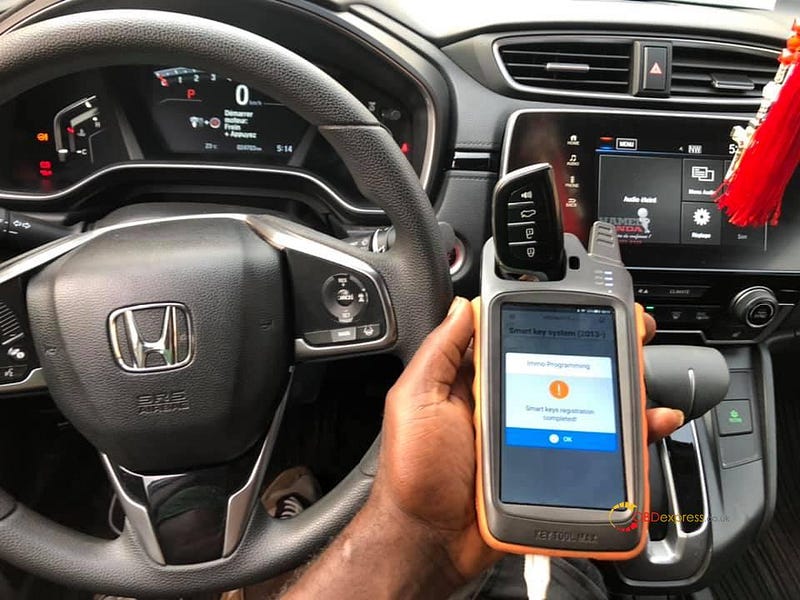
VVDI Key Tool Max


How did I do it all?

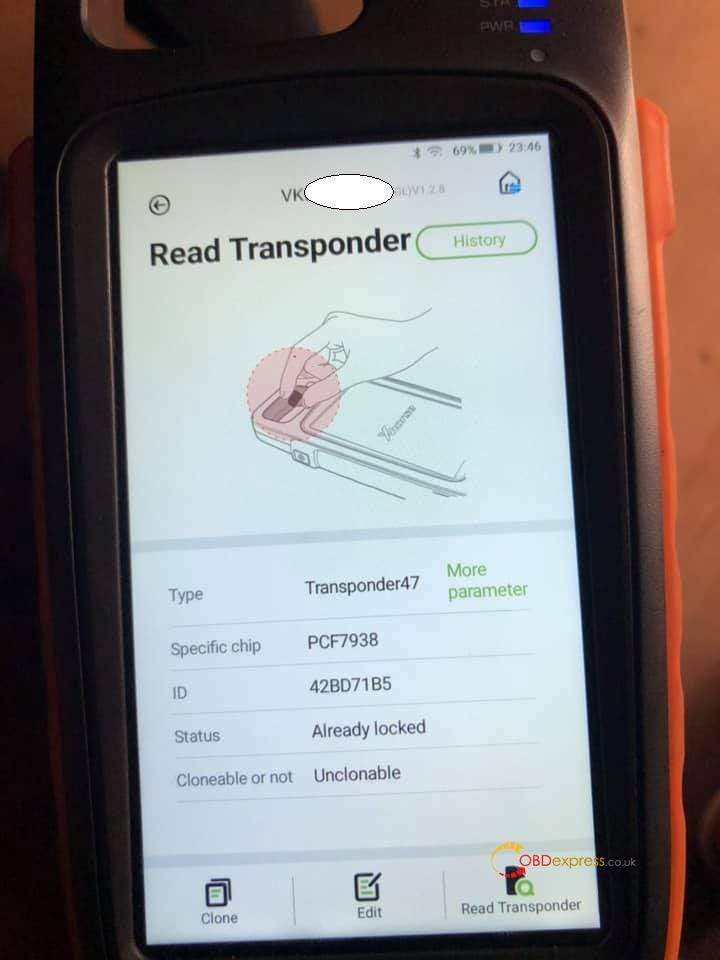
I generate this universal remote in accordance to the original version 433Mhz immediately I did that the the transponder automatically rhymes with the CR-V transponder wich is ID47 PCF7938.
VVDI Key Tool Max


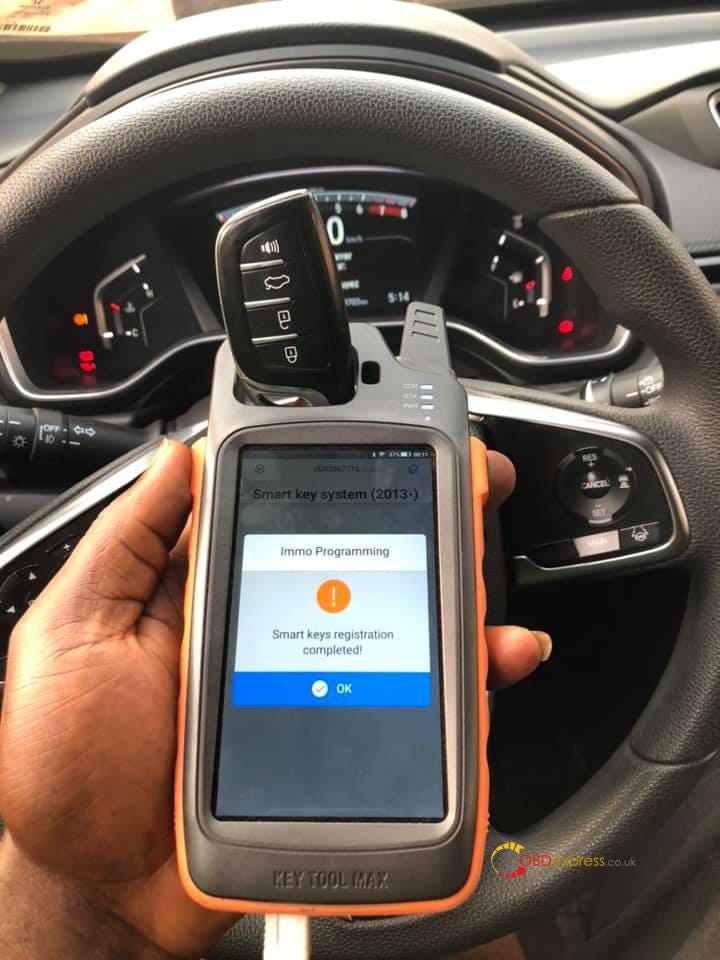
From then I went to the car with the mini obd connected the tool and chosed AKL option from there I just followed the orders from the tool switch ignition on and off till it came on and car started.
VVDI Key Tool Max


For example, for CR-V 2020 you choose this option and worked.
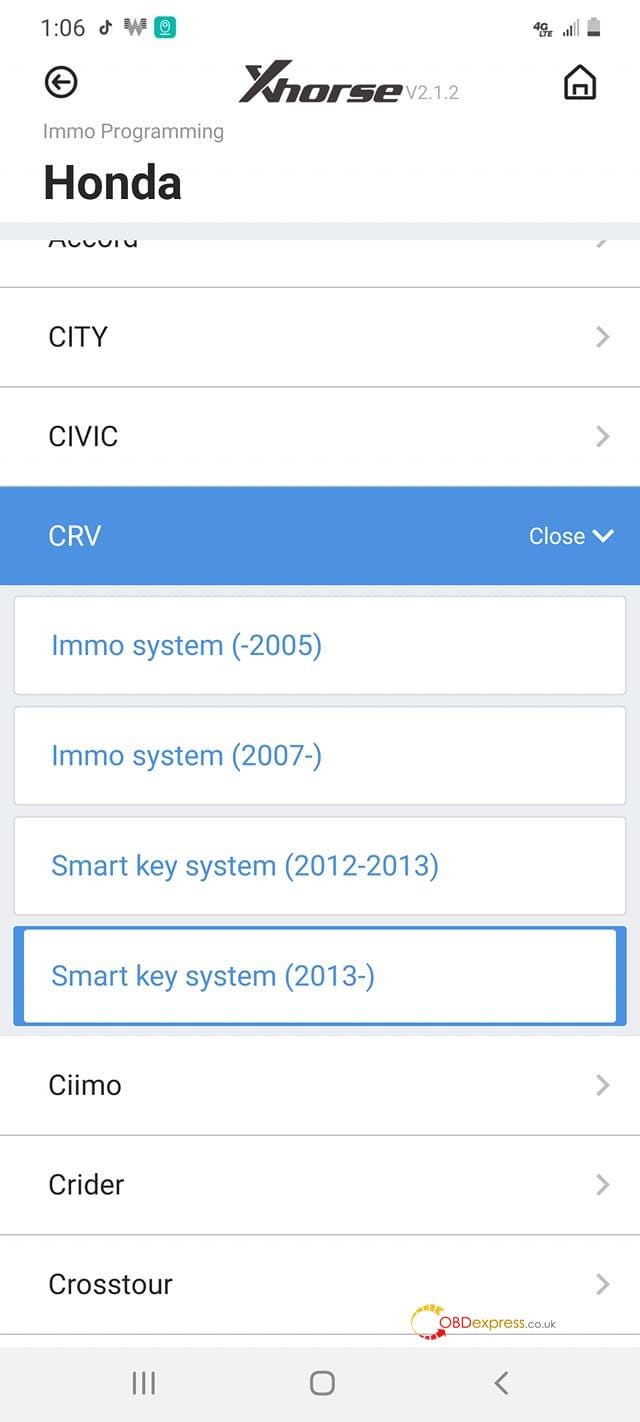
VVDI APP


Xhorse VVDI Key Tool Max plus MINI OBD Tool good source:

https://www.obdexpress.co.uk/wholesale/xhorse-vvdi-key-max-mini-obd-tool.html

Tuesday, 2 March 2021

vxdiag gm gds "No device detected" solution

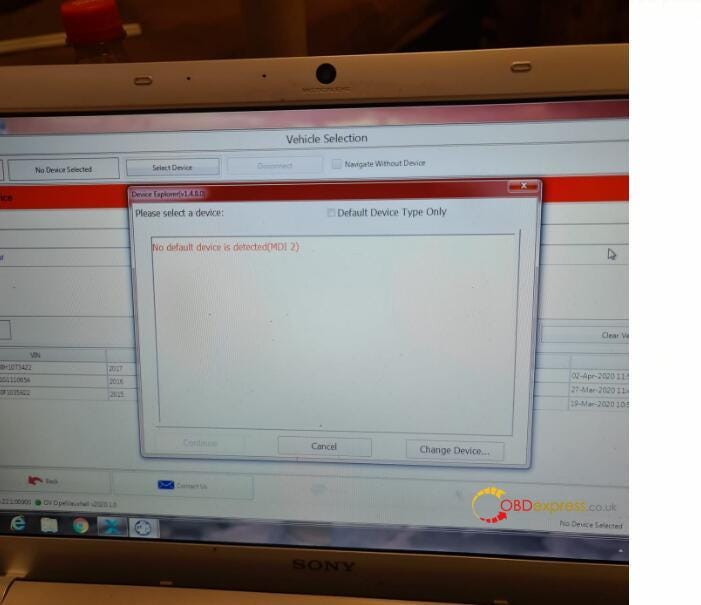
Recently, some users reported that his laptop failed to detect vxdiag gm gds. After selected interface as MDI 2, it reported no default device is detected and some error message:


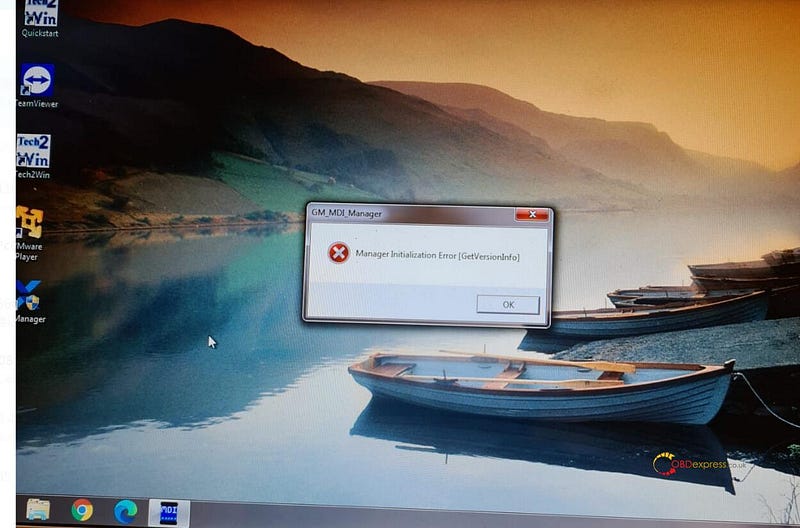
"Manager Initialization Error"

solve vxdiag gm gds prompt “No device detected”

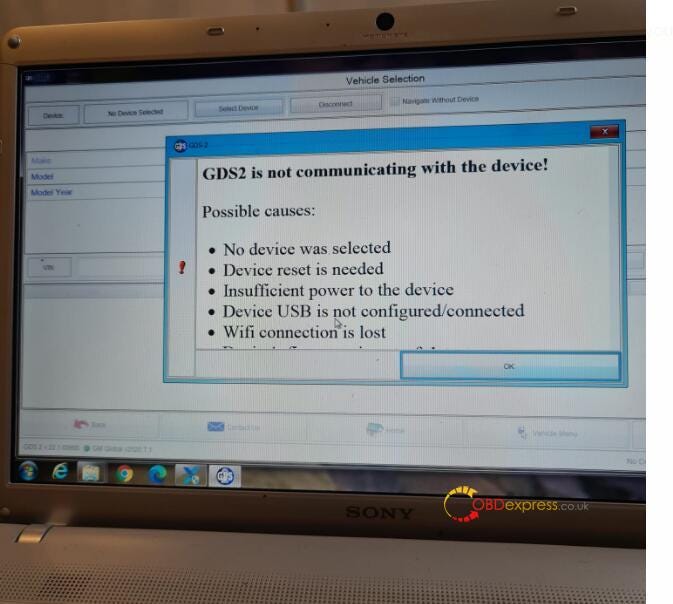
"GDS2 is not communicating with the device"

prompt “No device detected”

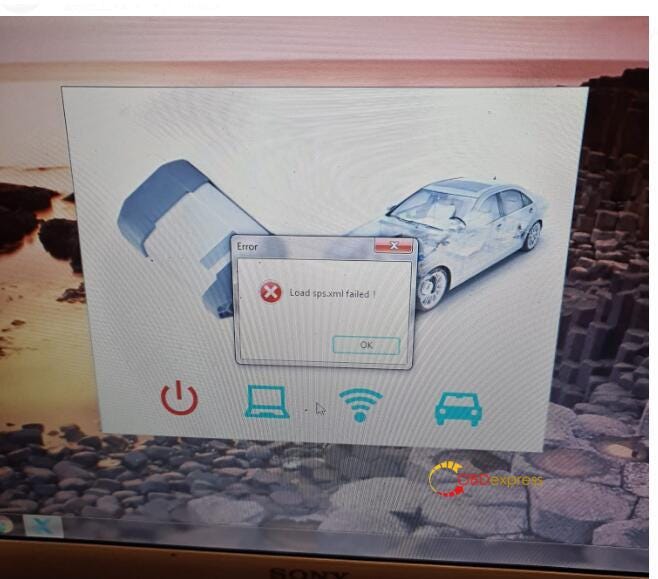
"Load sps.xml failed."

prompt “No device detected”

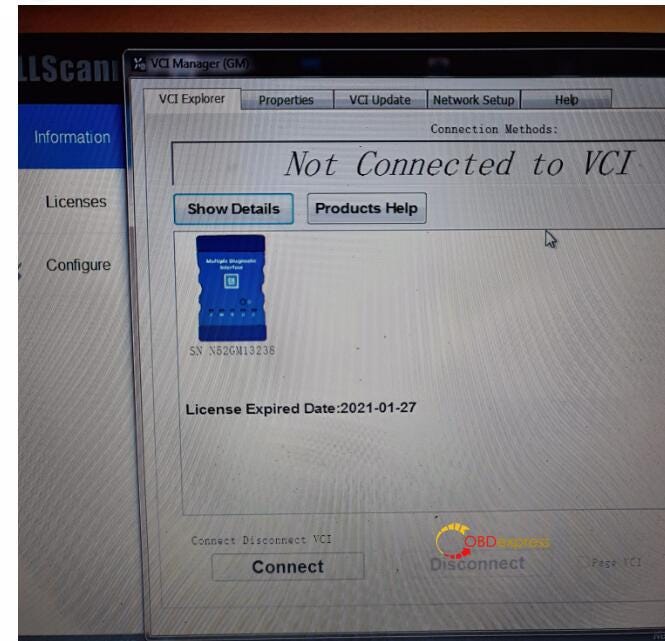
"Not connected to VCI"

prompt “No device detected”

“No device detected”


Because many users have experienced this situation recently, we asked technical staff for help and got a solution:


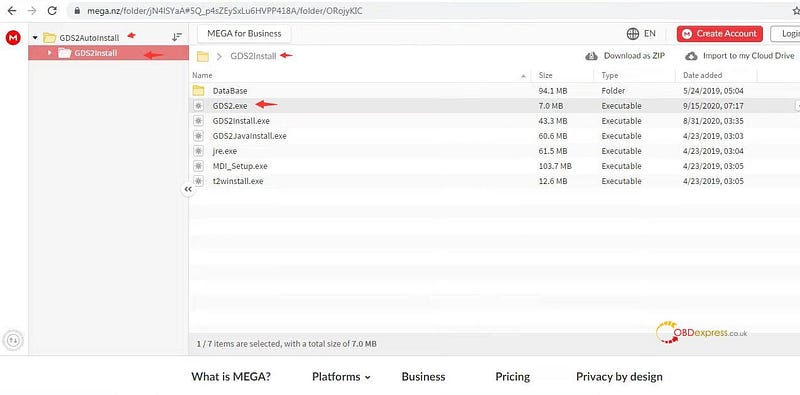
1. Download GDS2.exe from GDS2Install software folder mega link here:https://mega.nz/#F!jN4lSYaA!5Q_p4sZEySxLu6HVPP418A

solve vxdiag gm gds prompt “No device detected”


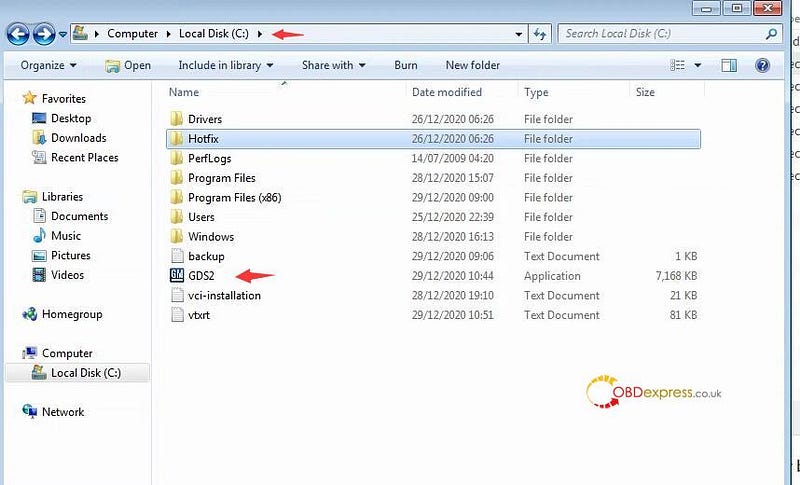
2. Copy & paste GDS2.exe and replace GDS2 in Local Disk C:// (or GDS2 in installation root directory you choosed)

solve vxdiag gm gds prompt “No device detected”

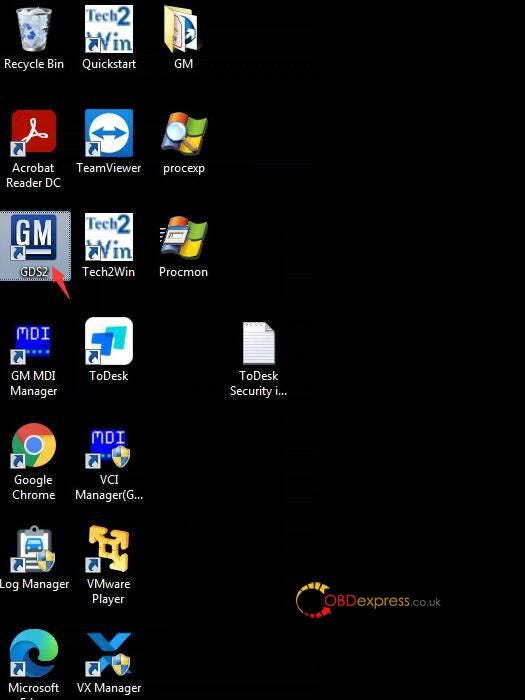
3. Delete GDS2 shortcut on desktop


4. Send GDS2.exe shortcut from C:// to desktop

solve vxdiag gm gds prompt “No device detected”


5. Run GDS2 software on desktop to open software successfully.


This solution works on both WIN7 and WIN10, but it has not been tested on WindowsXP. Looking forward to more testing and feedback.

Autel IM508 remote key added (for Fiat 500 2016)

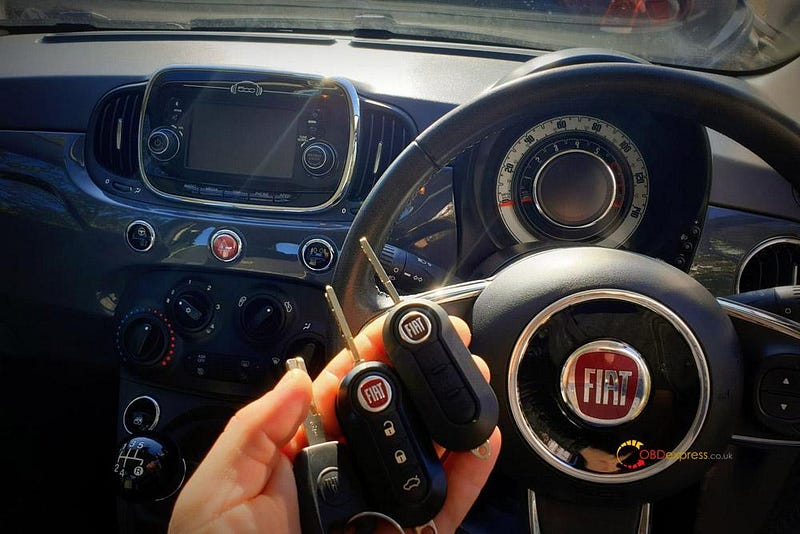
 Fiat 500 2016 remote key added with Autel MaxiIM IM508 + xp400pro via OBD.

xp200 will works also (x400pro is not necessary, I used XP400 Pro because I bought IM508 + XP400 Pro at cheaper price).

It's aftermarket key I bought additionally instead of OEM key.

Fiat 500 2016 remote key added with Autel IM508


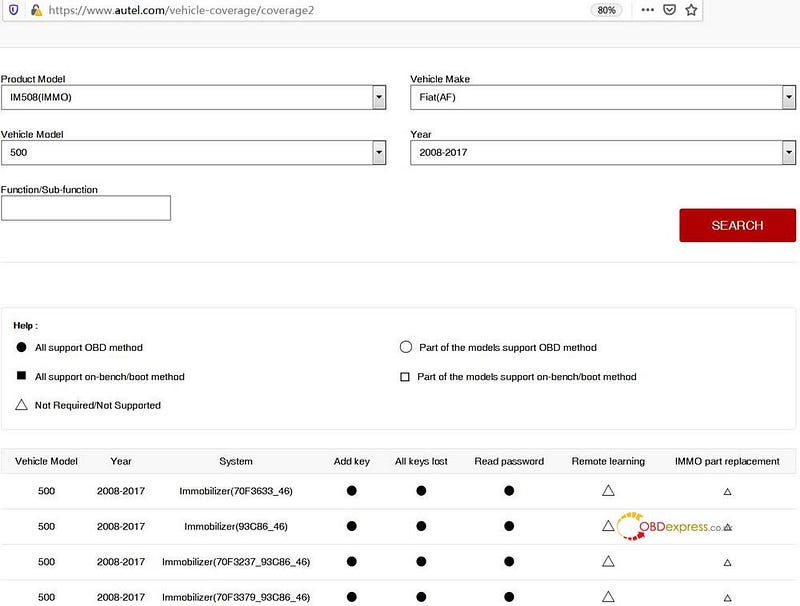
Fiat 500 2016 remote key coverage by Autel MaxiIM IM508:

Take Fiat (AF area) 500 2008 -2017 for example:

Fiat 500 2016 remote key added with Autel IM508


Enjoy!


https://www.obdexpress.co.uk/

Autel Im508 key programming (for 2009 Seat Leon all keys lost)

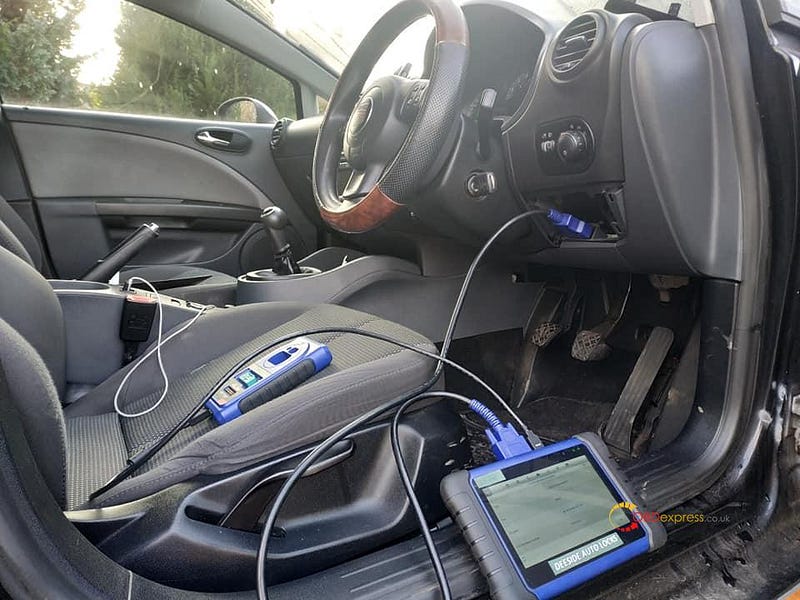
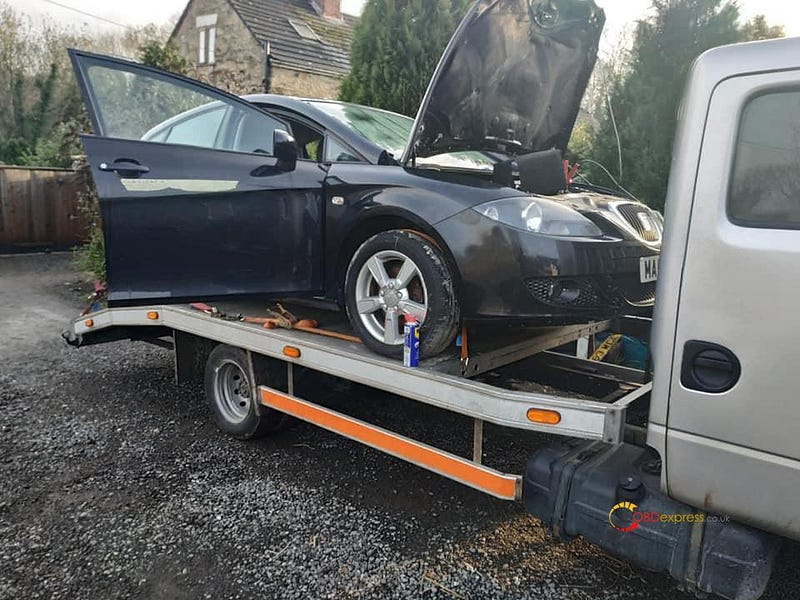
 Have 2009 seat Leon with all keys lost to program key with Autel MaxiIM Im508 and XP400, all are done via OBD. With network connection.


Q: Did you change the Cs

A: no didn't change C's


Q: Will xp200 do these.

A: unused xp400 but xp200 should do it.

Look at the IM508 search result from Autel official site:


Enjoy!


www.obdexpress.co.uk

Monday, 1 March 2021

obdstar dp plus read eeprom (without eeprom adapter)

 One user feedback: I’ve got the obdstar dp plus c package and no eeprom adapter do they sell separately and how do you use it any pictures?


In fact:

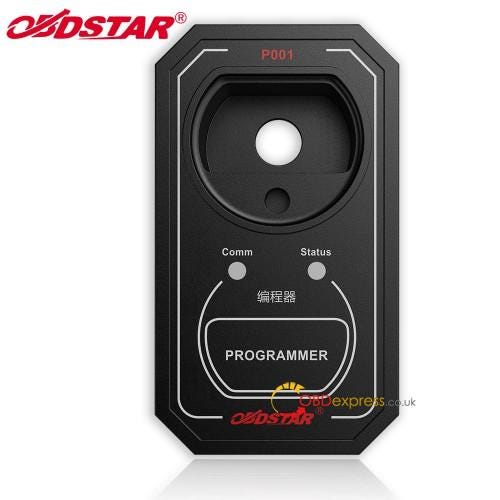
You can use the P001 Programmer Unit you've got with your DP Plus, it is connected to the tablet with the USB part from your x300 Diagnostic cable.

When you want to use P001 Programmer Unit, you need to go there in order to read the eeprom :

- Immo --> Eeprom --> then you can RW Eeprom

there is actually a lot of available protocols.

The eeprom reader / writer with the X300 is really good i think.


Look at this image of P001 Programmer:

It is integrated with the EEPROM adapter, RFID adapter and Key Renew adapter, is a

multifunctional programmer.

obdstar dp plus c package


A little to add: How to use obdstar P001 Programmer with X300 DP Plus.

This is a very complete operation guide.

2010 BMW 328i AKL OBD Cas3++ ISTAP by Autel IM608

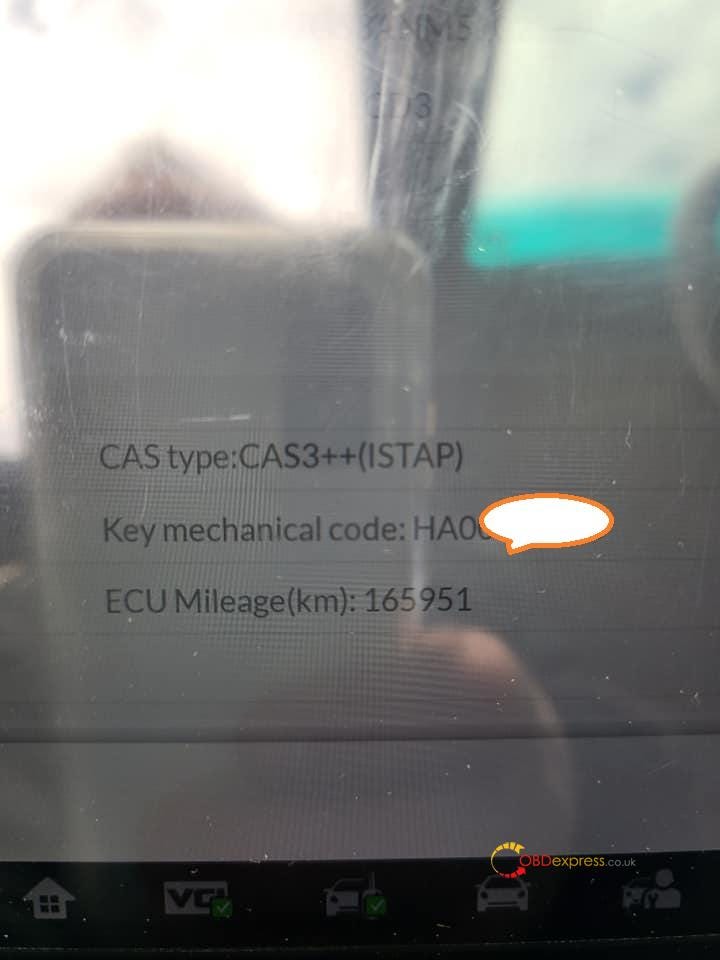
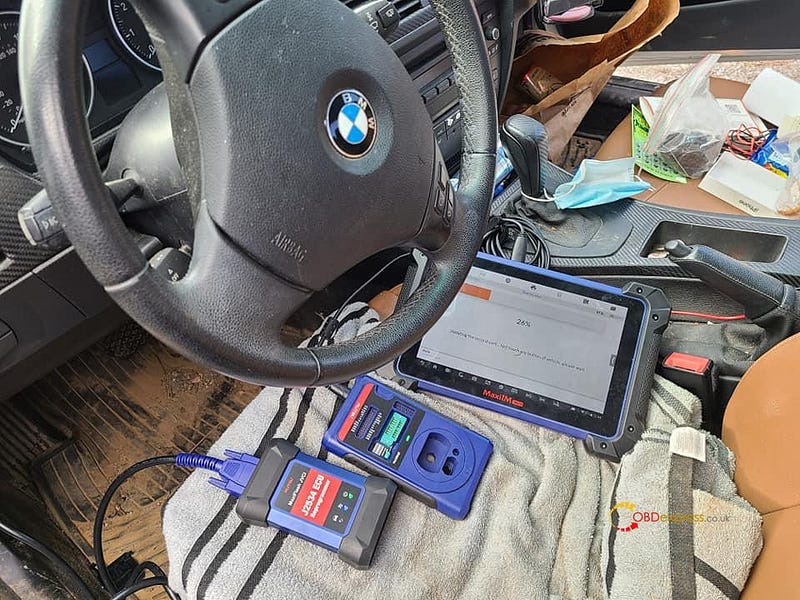
 Success: Autel MaxiIM IM608 program key for 2010 BMW 328i when all keys lost via OBD Cas3++ ISTAP.

2010 BMW 328i AKL OBD Cas3++ ISTAP

2010 BMW 328i AKL OBD Cas3++ ISTAP


There are some questions and answers following, I think everyone is very curious.

Q: On istap is it posible to do 64attemps or no?

Im not sure if 64 is only for cas3++

A: 64 time. Vehicle fired up on the 51 time.

Kept vehicle running for 15 minutes and sync DME 10 times


Q: Which stabilizer did you use?

A: I use inc100


Q: how did you get the isn?

A: Please look at the on-screen guide of Autel IM608.

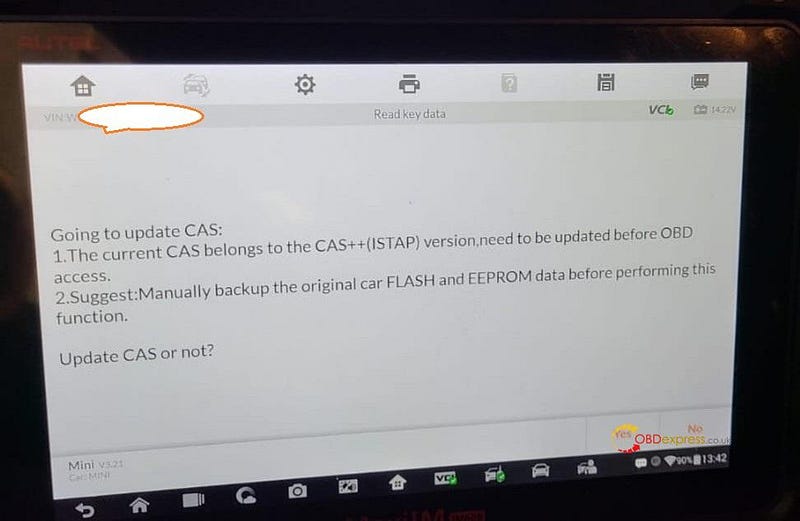
Going to update CAS:

  1. The current CAS belongs to the CAS++ (ISTAP) version, need to be updated before OBD access.
  2. Suggest: Manually backup the original car FLASH and EEPROM data before performing this function.
2010 BMW 328i AKL OBD Cas3++ ISTAP


Q: what kind of key did you use?

A: Aftermarket.


Xtool X100 Pad2 program oven key for Opel 2015

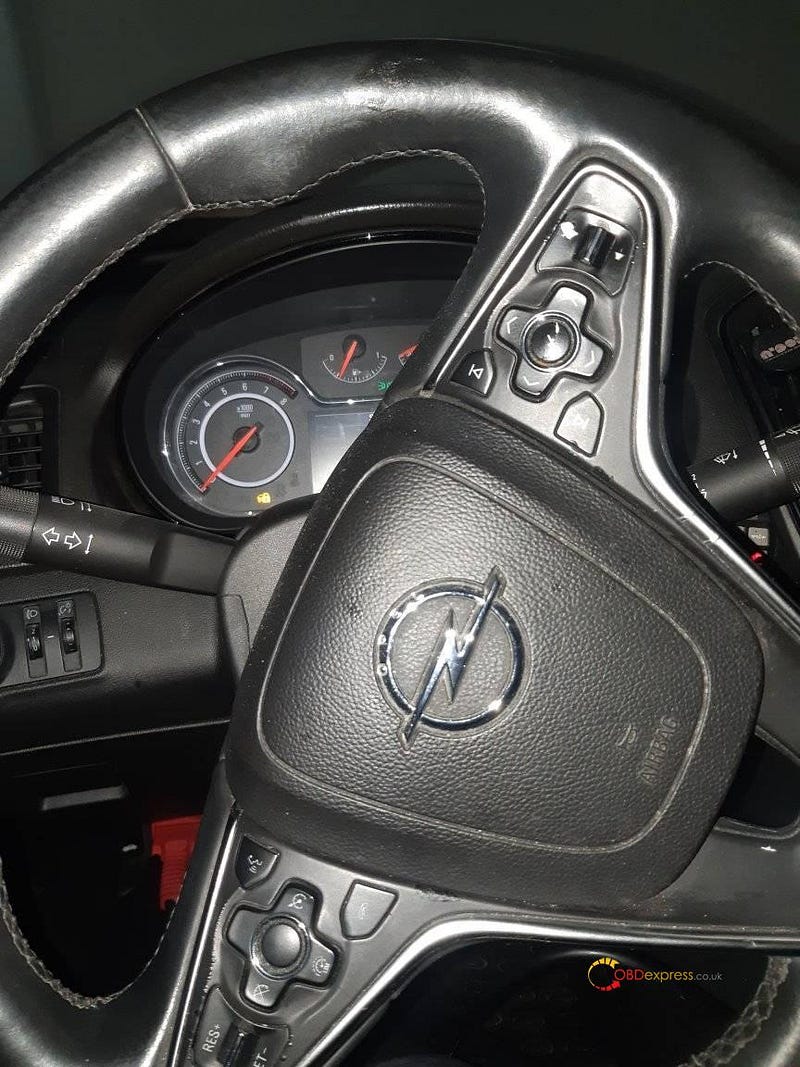
 Today, used Xtool X100 Pad2 to program Oven Key Opel 2015 successfully (both all keys lost and add new key) and I'd like to share with all of you my test reports. One friend feedbacks he done one in the past. A Insignia , had the Carpass, it worked very well too.

This is Opel 2015, connect Xtool X100 Pad2 to it.

Xtool X100 Pad2 Program Oven Key Opel 2015 Successfully

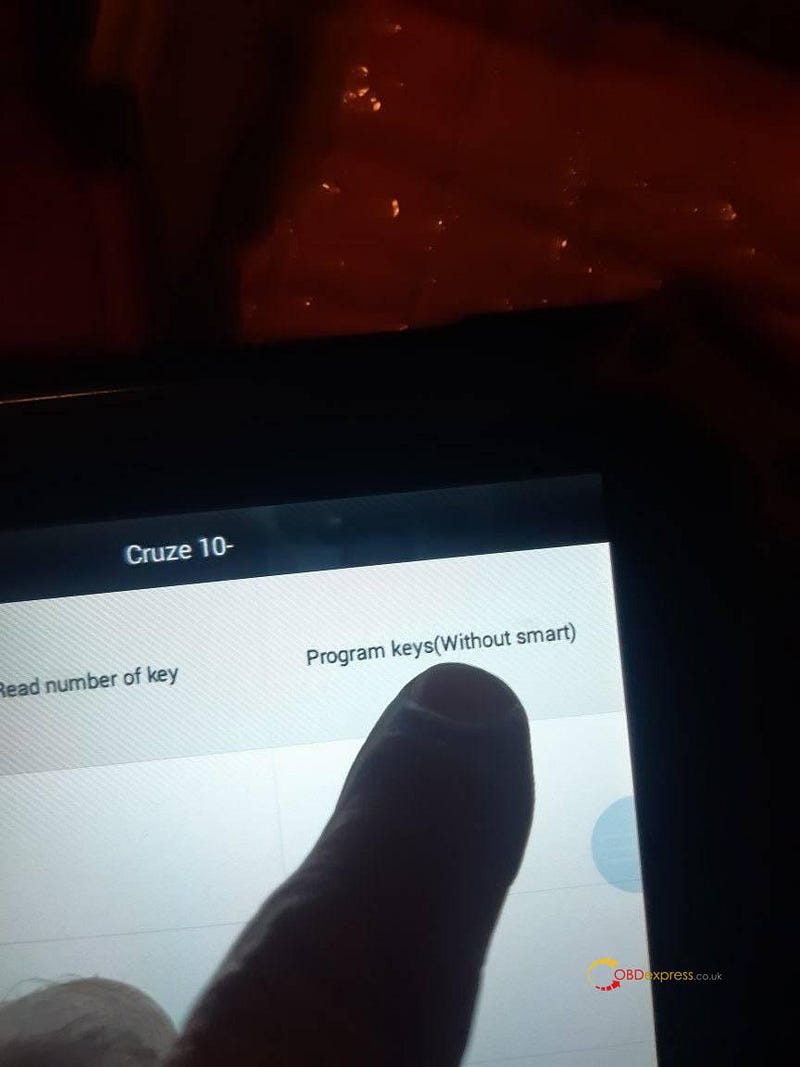
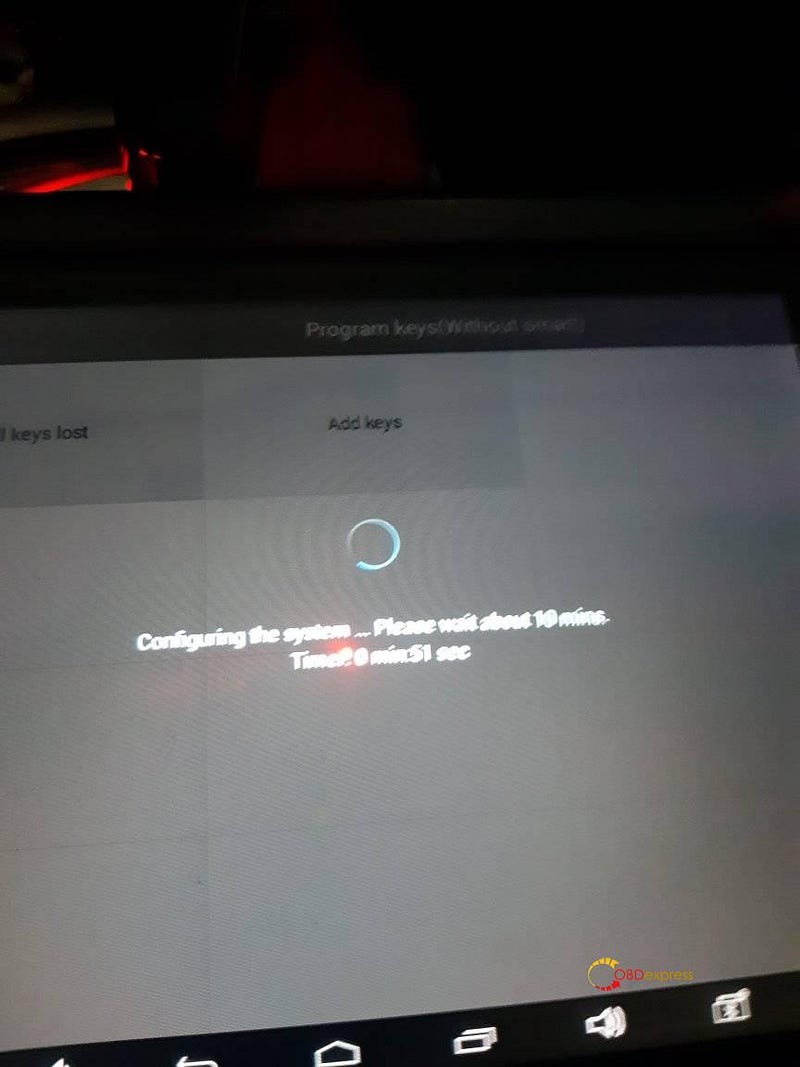
Select “Program keys (Without smart)

Xtool X100 Pad2 Program Oven Key Opel 2015 Successfully

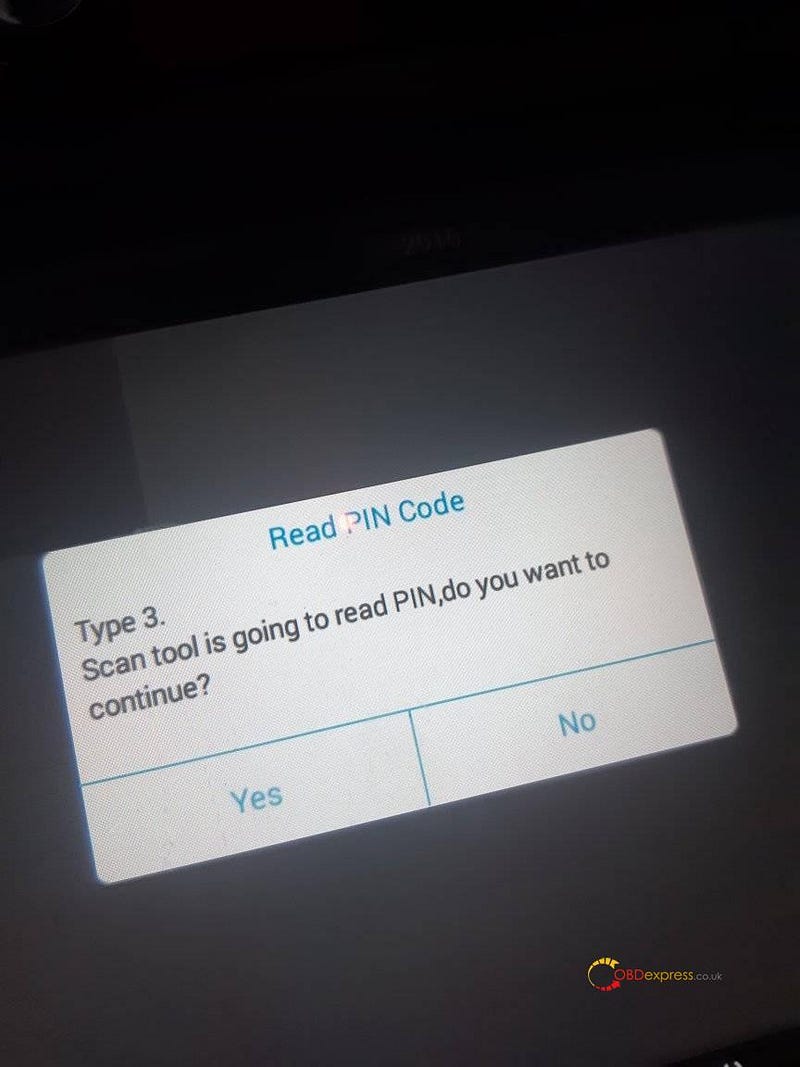
It is going to read PIN, tap “Yes” to continue.

Xtool X100 Pad2 Program Oven Key Opel 2015 Successfully

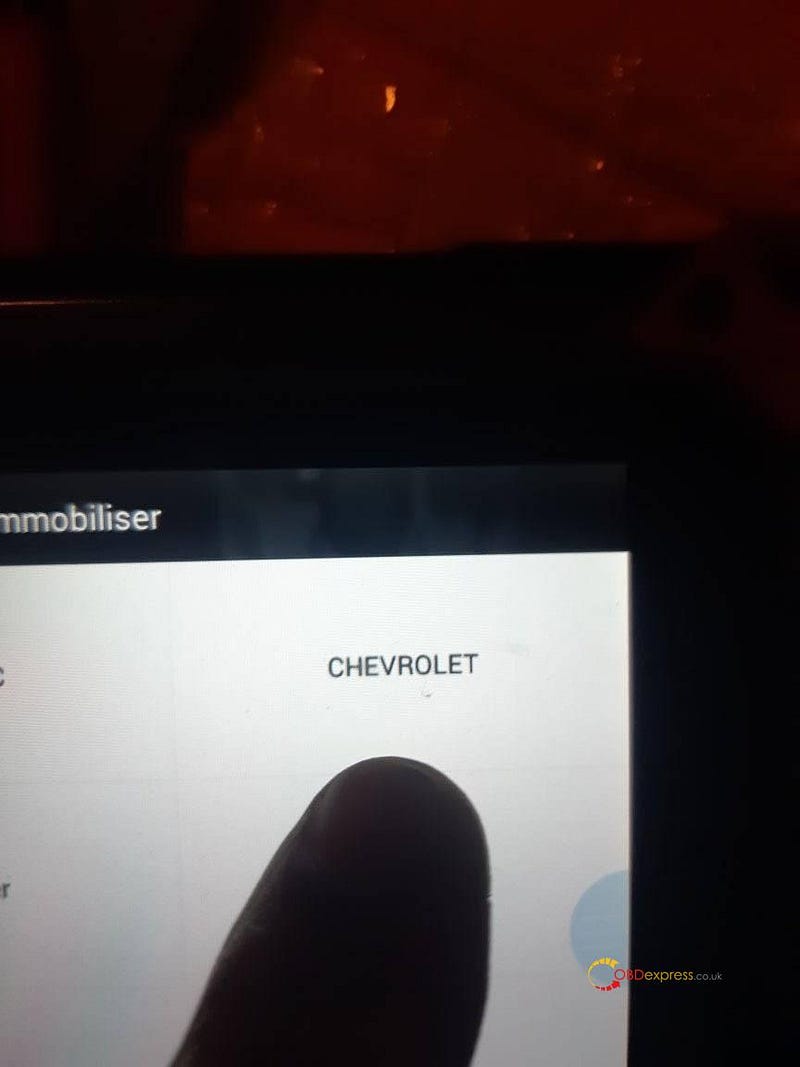
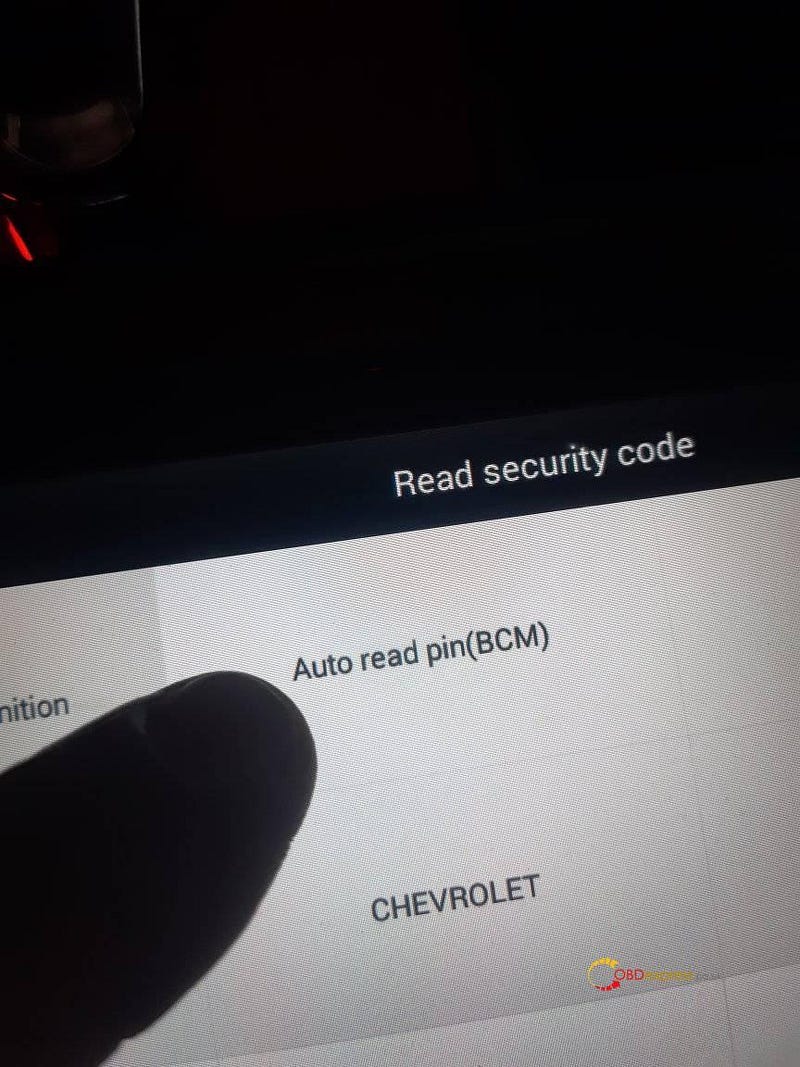
Immobilizer -> Chevrolet

Xtool X100 Pad2 Program Oven Key Opel 2015 Successfully

Read security code.

Xtool X100 Pad2 Program Oven Key Opel 2015 Successfully

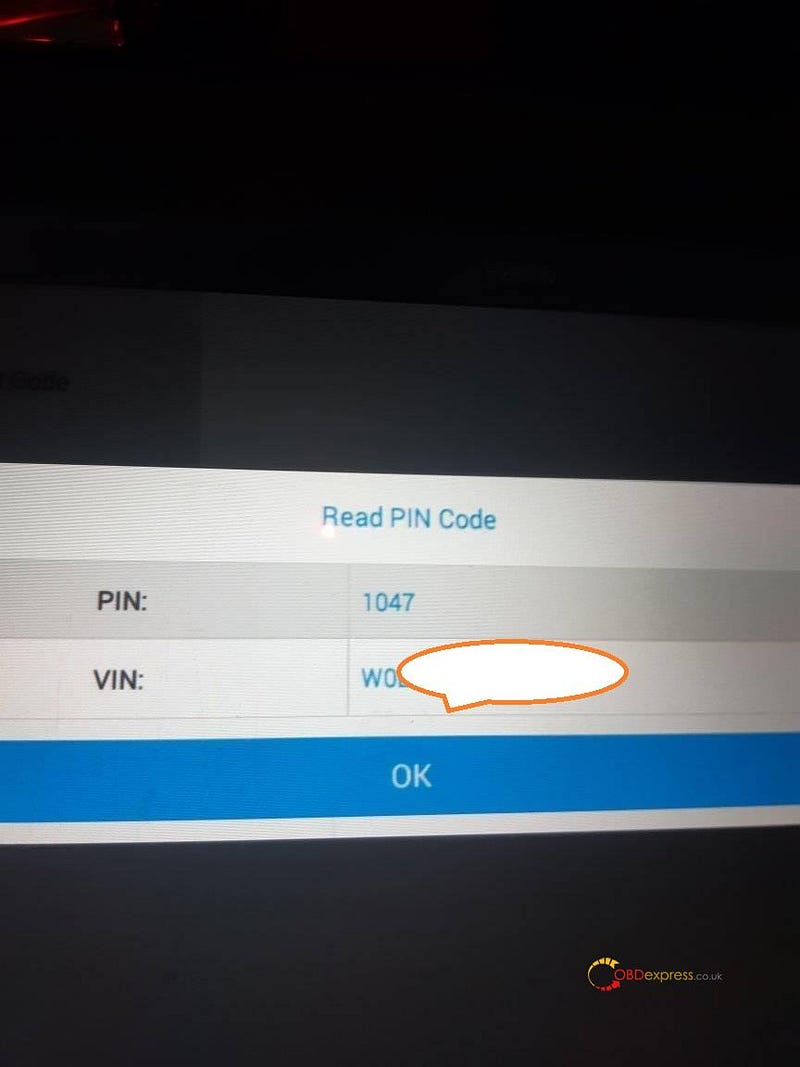
Obtain the PIN and VIN.

Xtool X100 Pad2 Program Oven Key Opel 2015 Successfully

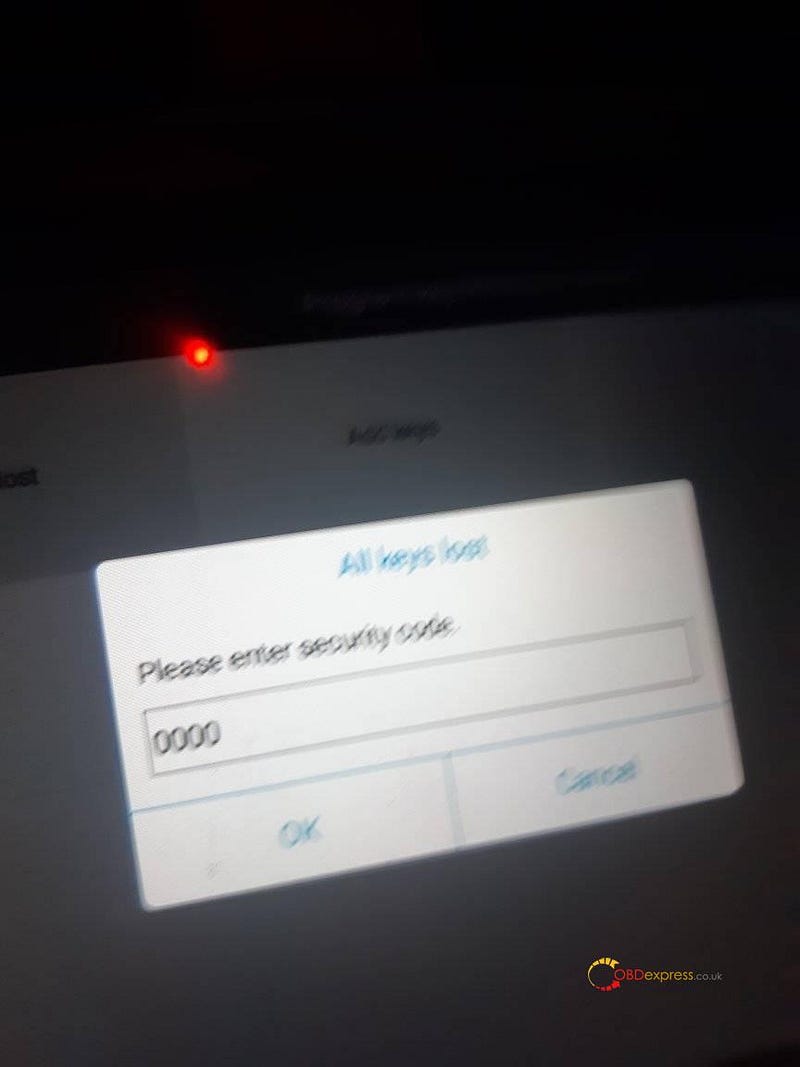
Please enter security code.

Xtool X100 Pad2 Program Oven Key Opel 2015 Successfully

All keys lost or add keys.

Xtool X100 Pad2 Program Oven Key Opel 2015 Successfully

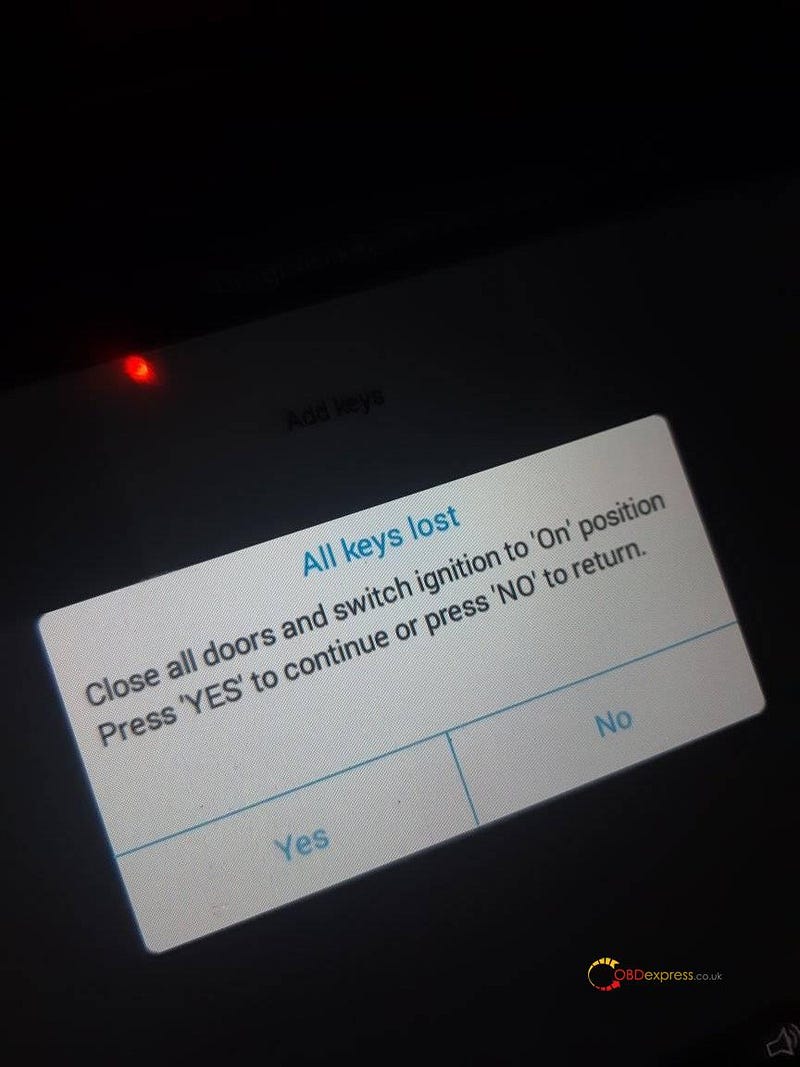
All keys lost operation guide: Close all doors and switch ignition to “On” Position. Press “Yes” to continue or press “No” to return.

Xtool X100 Pad2 Program Oven Key Opel 2015 Successfully

Alright, I am very happy with Xtool X100 Pad2 for it can add new key and program all keys lost, besides there are step-by-step operation guide on the screen.

How to Unlock Ford BOSCH MD1CP006 with OBDSTAR ECU Master via Boot?

 This guide covers the procedure for unlocking, reading, and writing locked Bosch MD1 CP006 engine control units found on Ford F-250 and F-...