CGDI CG100X and CG70 Airbag Reset Tool have been updated to fully support the encrypted Tesla airbag module 1512876–00-E (R7F701330). Now you can clear crash data automatically — no need to send modules back to the factory!
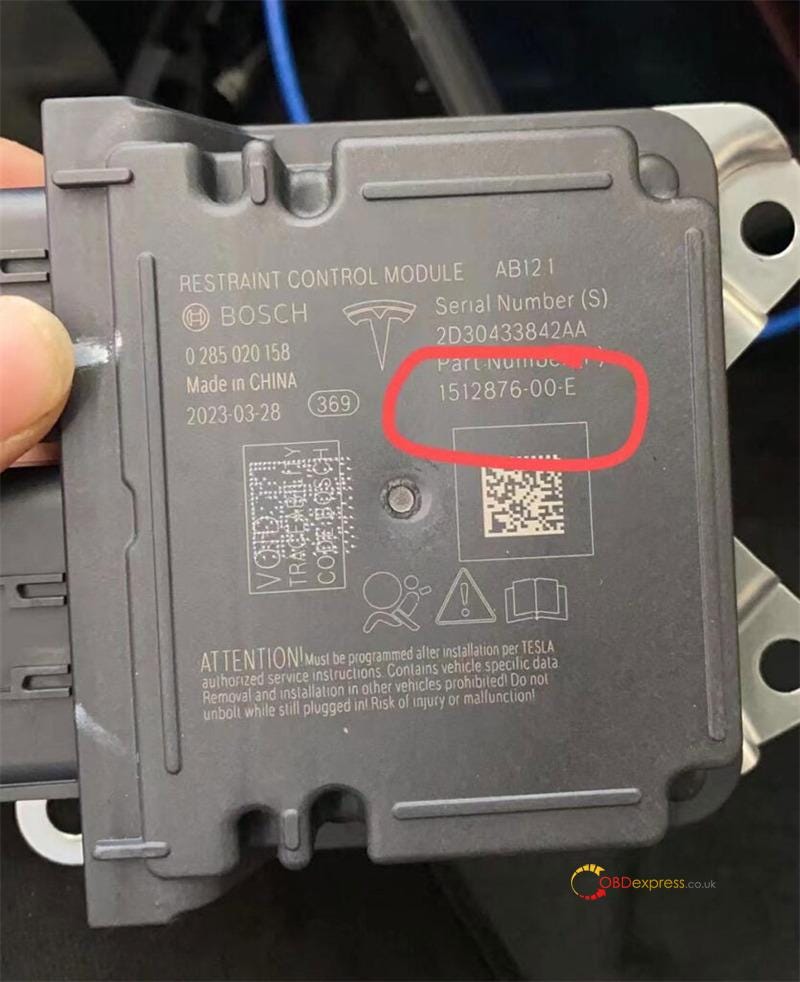
How It Works (Both Tools)
CG100X and CG70’s built-in algorithm handles everything automatically:
1.Read 95M01 EEPROM data
2.Auto-correct crash data
3.Unlock and read 1330A MCU
4.Write repaired data back
Method 1: Using CGDI CG100X Programmer
Preparation:
Update CG100X software to V2.0.4.0 or above
Use PRO V2 Harness and D1 Adapter

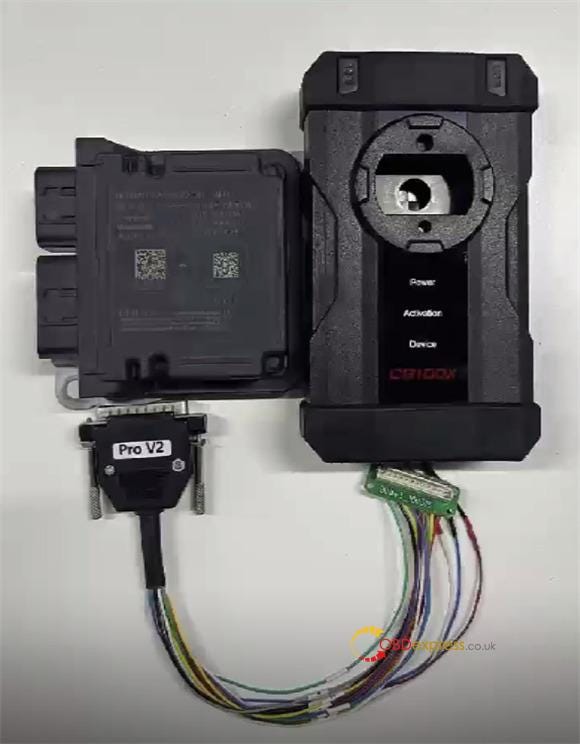
Steps:
1.Remove Tesla airbag shell
2.Connect CG100X to airbag via PRO V2 Cable and CG100X D1 Adapter
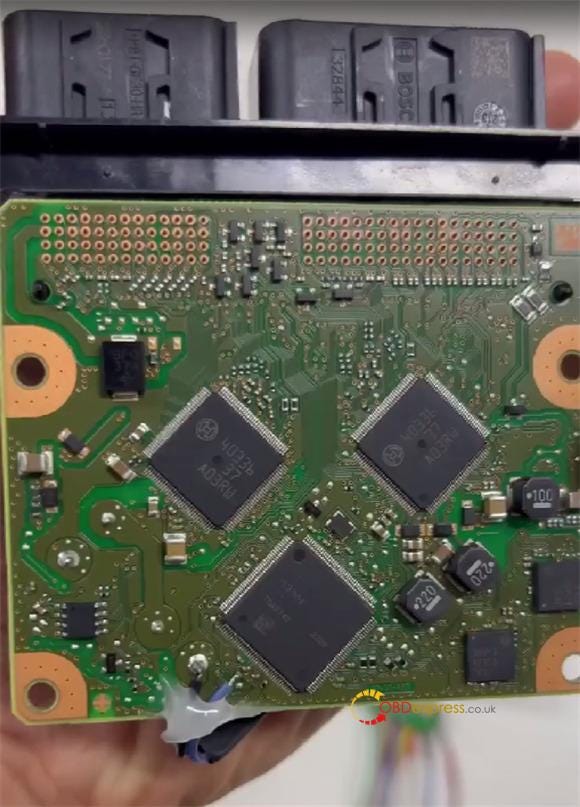
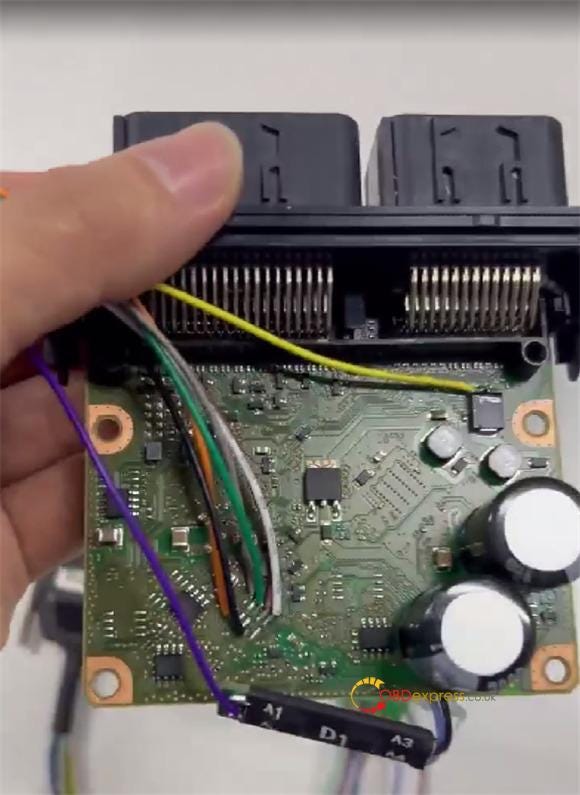
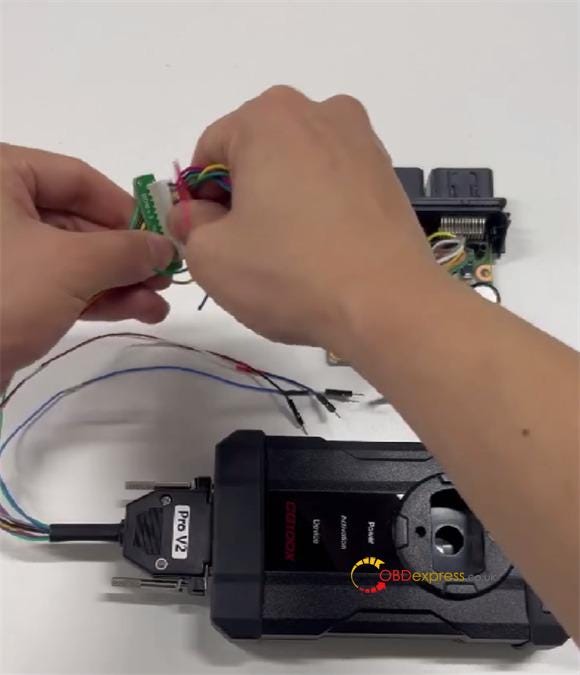
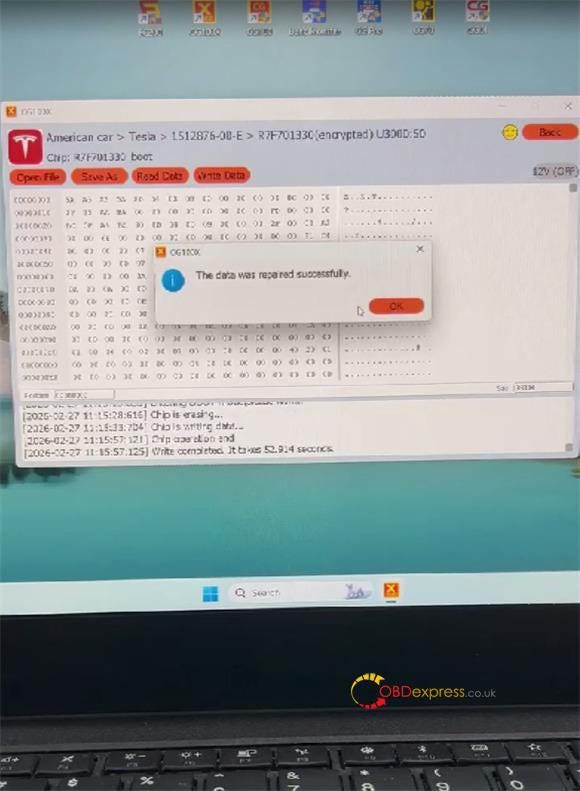
3.Navigate: Airbag → American car → Tesla → 1512876–00-E → R7F701330 (encrypted) → Start operation
4.Tool auto-decrypts, erases, and writes data
5.Success message appears

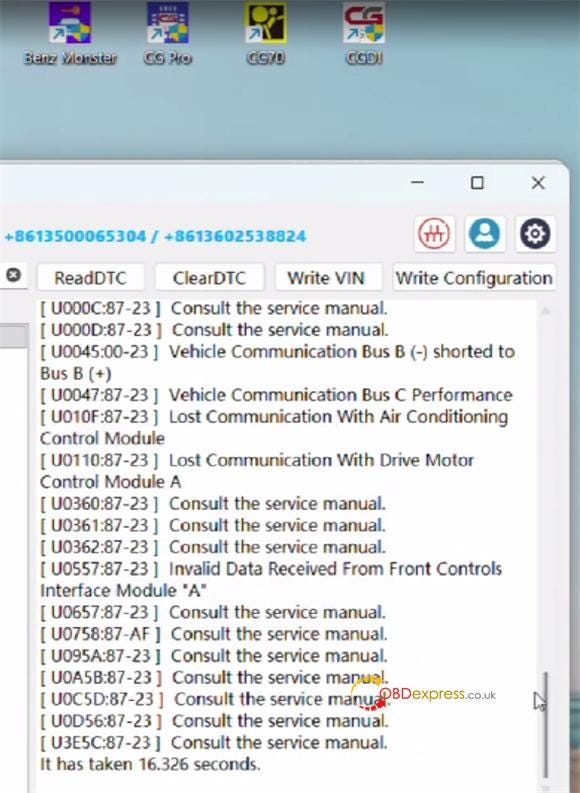
6.Re-check DTCs to confirm fault cleared
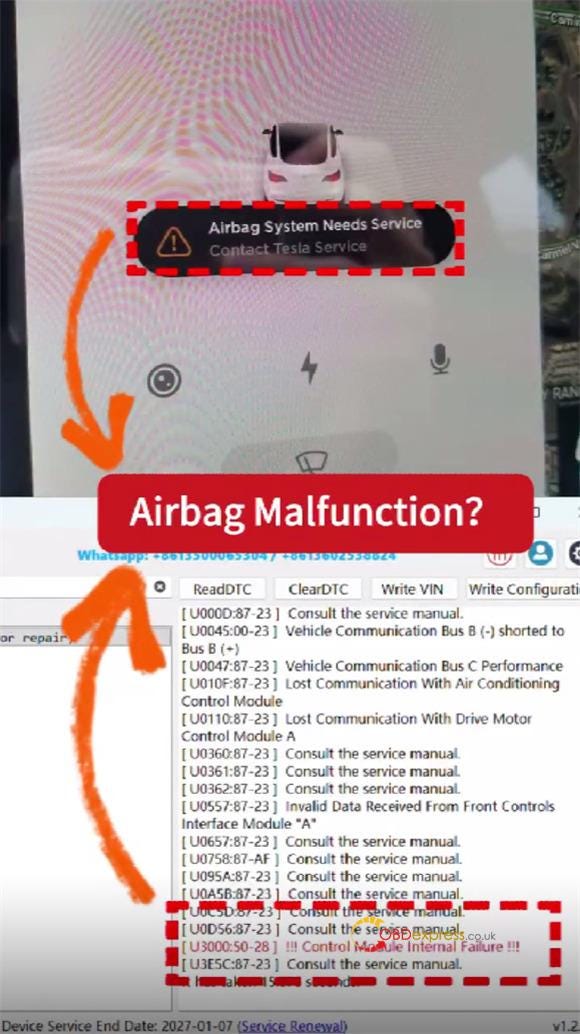
Method 2: Using CGDI CG70 Airbag Reset Tool
Preparation:
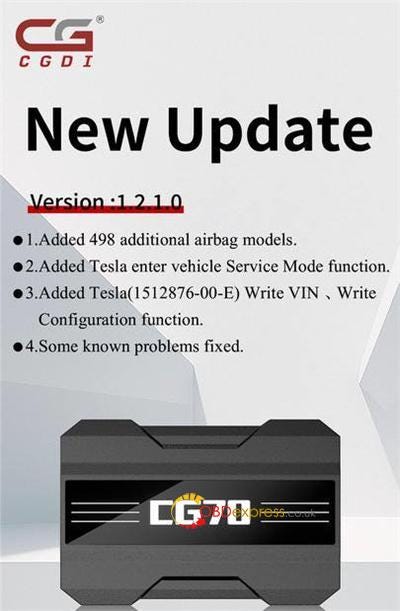
Update software to V1.2.1.0 or above
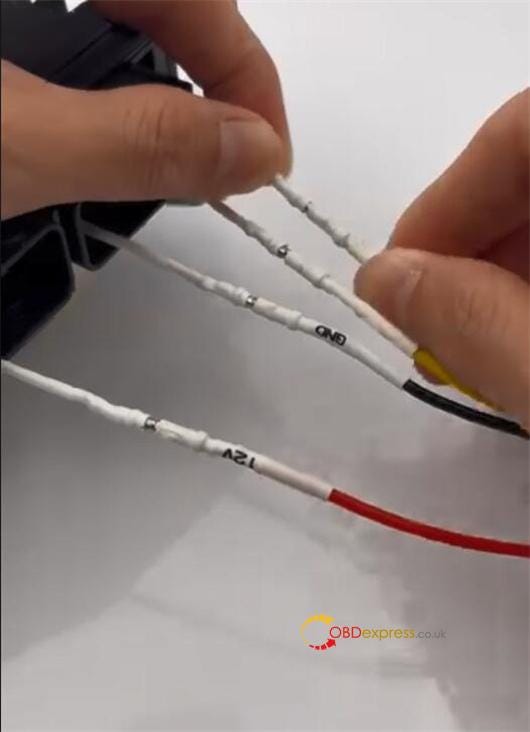
Use jumper cables
Steps:
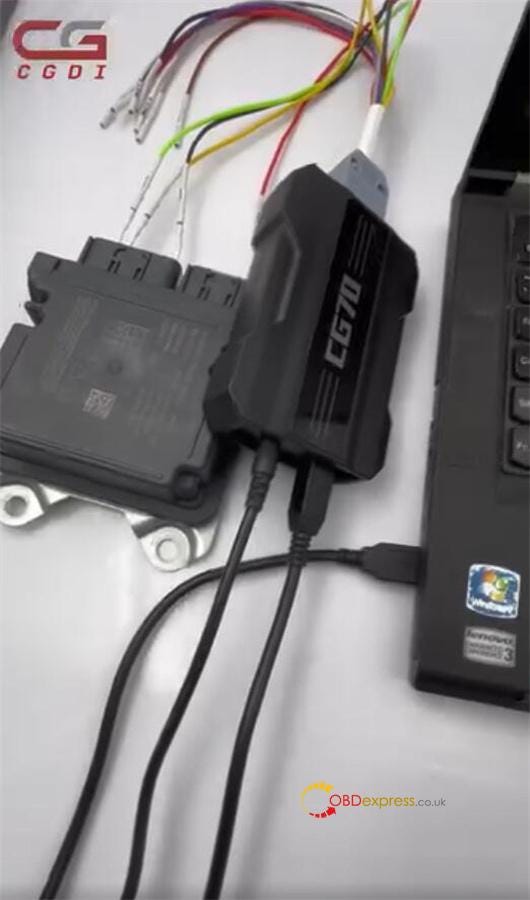
1.Connect CGDI CG70 to Tesla airbag via harness, and connect to PC via USB cable
2.Supply power to CG70
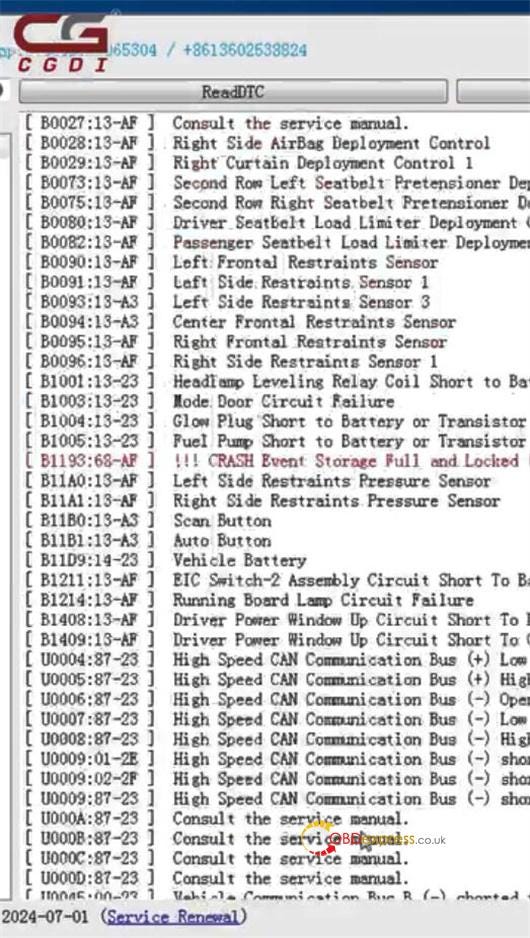
3.Open software → select Tesla model → Read DTC
4.Example fault: B1193:63-AF CRASH Event Storage Full and Locked
5.Contact CGDI support to complete the repair (do not attempt alone)
Important
Always contact CGDI technicians for repair assistance — no self-repair.
For Tesla 1872985–00-A (R7F701330), CG70 currently supports diagnostics only. Full SRS reset coming soon.



No comments:
Post a Comment