Looking for a reliable way to perform Hyundai ix35 key programming? This guide shows how to use the Lonsdor K518 Pro to program a 2015 Hyundai ix35 ID46 smart key via OBD.
Prerequisites & Preparation
Before beginning the programming process, ensure you have the following items ready:
- Lonsdor K518 Pro Key Programmer.
- OBD Cable for vehicle connection.
- One working original car key.
- A new Lonsdor smart key.
Step 1: Generate the Smart Key
The new key must first be initialized to the correct vehicle profile.
- Connect the K518 Pro to the vehicle’s OBD port.
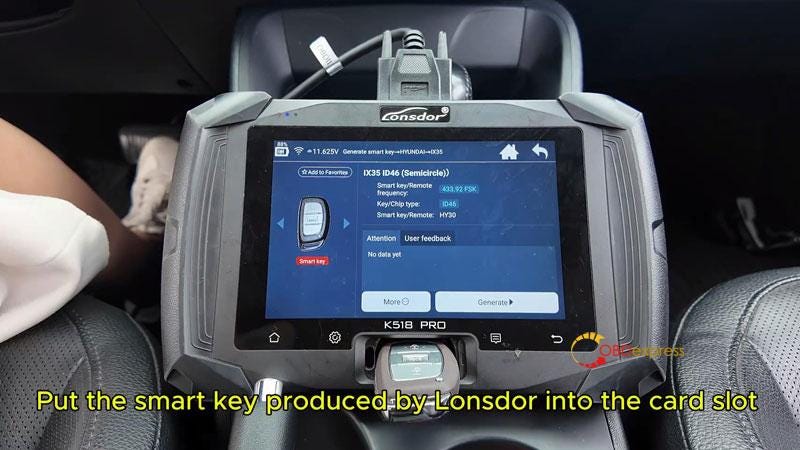
- Navigate to Generation Smart > Hyundai > IX35 ID46(Semicircle)
- Place the new Lonsdor smart key into the K518 Pro card slot.
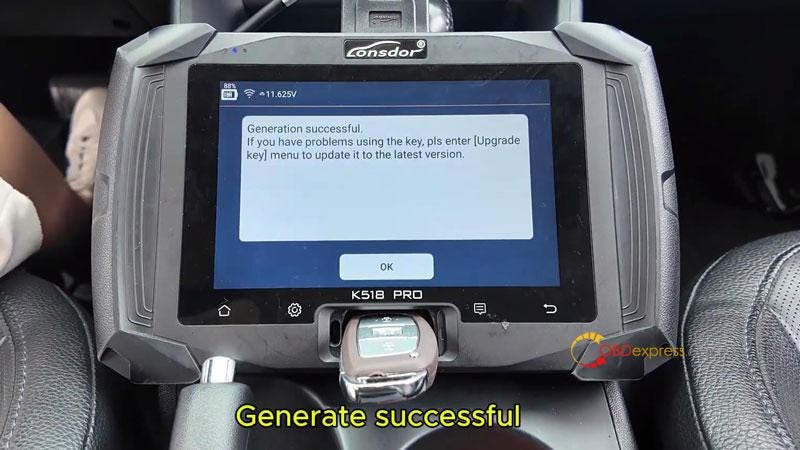
- Click Generate and wait for the "Generate Successful" message.
Step 2: Read the PIN Code
The PIN code is required to access the vehicle’s immobilizer system.
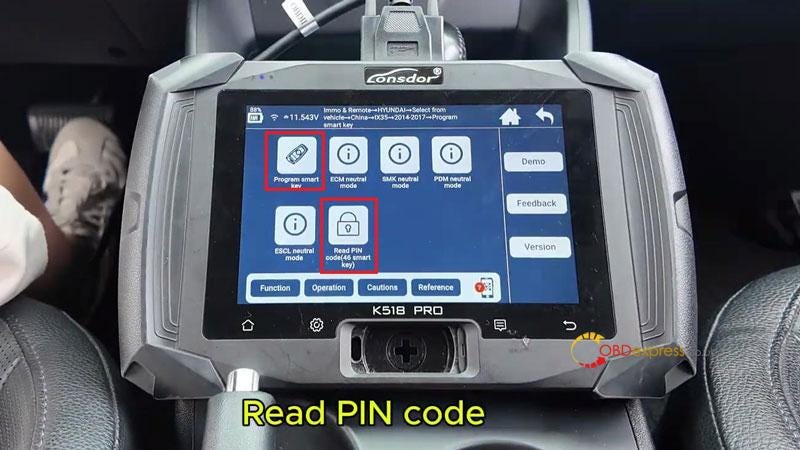
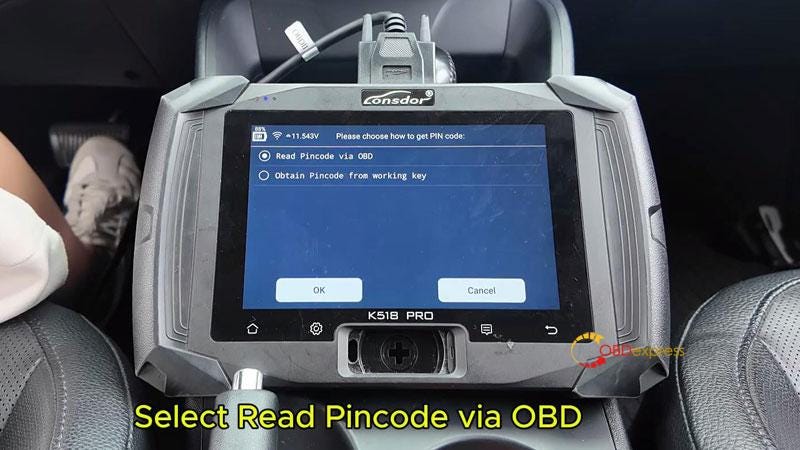
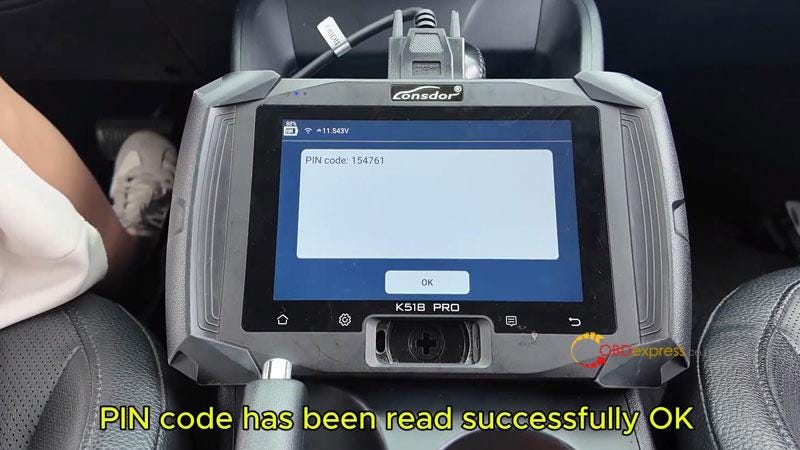
- From the main menu, go to Immo & Remote > Hyundai > Select from Vehicle > China > ix35 > 2014–2017 > Program smart key > Read PIN Code(46 smart key) > Read PIN Code via OBD.
- Follow the on-screen prompts:
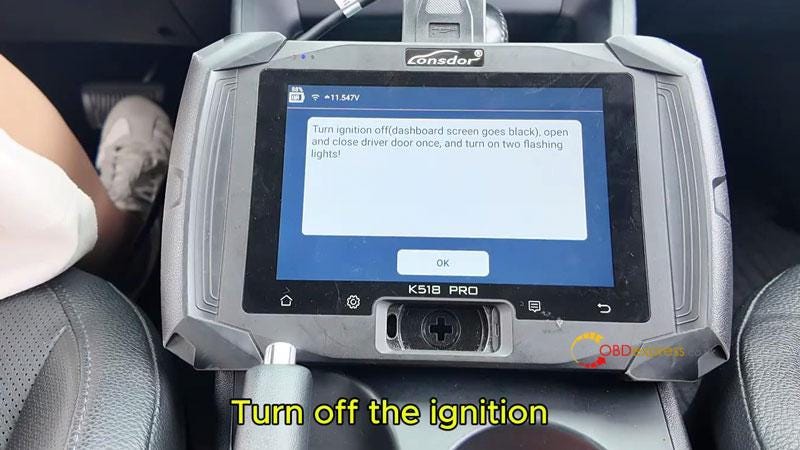
- Turn off the ignition.
- Open and close the driver’s door once.
- Turn on the hazard lights (two flashing lights).
The device will then display the successfully read PIN code.
Step 3: Program Smart Keys
Once you have the PIN, you can link the keys to the vehicle.
- Select Program Smart Key from the menu.
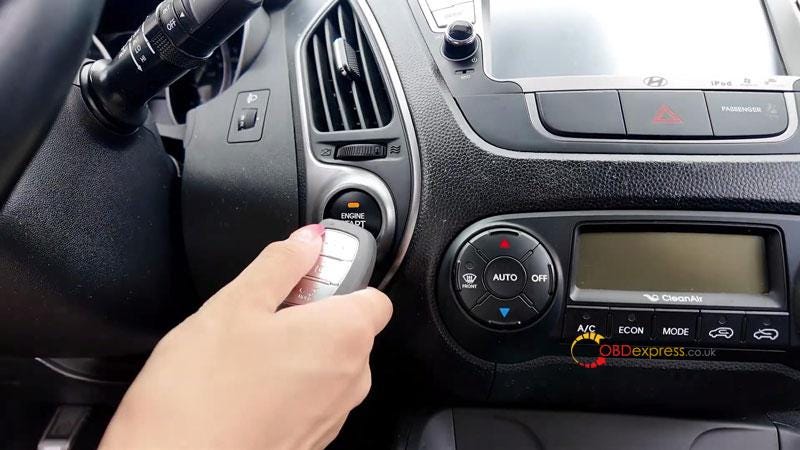
- Press the vehicle’s Start button once.
- Turn off the ignition.
- Open and close the driver’s door again and ensure hazard lights are on.
- The K518 Pro will automatically enter the PIN code; click OK to continue.
- Follow the device prompts to complete the programming for the first key.
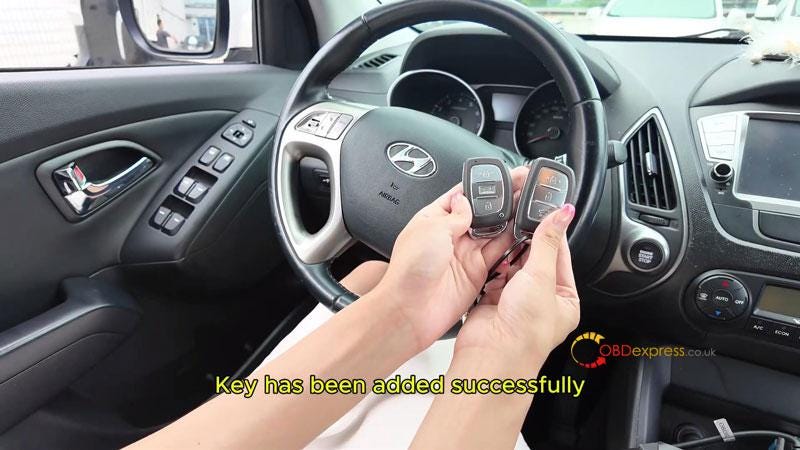
- If you have a second key (the original), follow the prompts to program it as well until "Programming Complete" is displayed.
Step 4: Verify Success
Always test both keys to ensure full functionality.
- Engine Start: Step on the brake and press the Start button with the new key, then repeat with the original key.
- Remote Functions: Test the Lock and Unlock buttons on both remotes to ensure they operate normally.


No comments:
Post a Comment