This guide provides a straightforward walkthrough for programming a new 2025 Buick GL8 smart key using the KEYDIY KD-X4 and the Specialized DOIP Adapter. This process is essential for newer Buick models that utilize rolling code security.
Prerequisites & Tools Needed
Before starting, ensure you have the following hardware ready:
- KD-X4 Key Programmer
- KD Universal Smart Key
- KEYDIY DoIP Adapter
- Stable internet connection (for third-party password calculation)
Step-by-Step Programming Guide
Key Identification & Generation
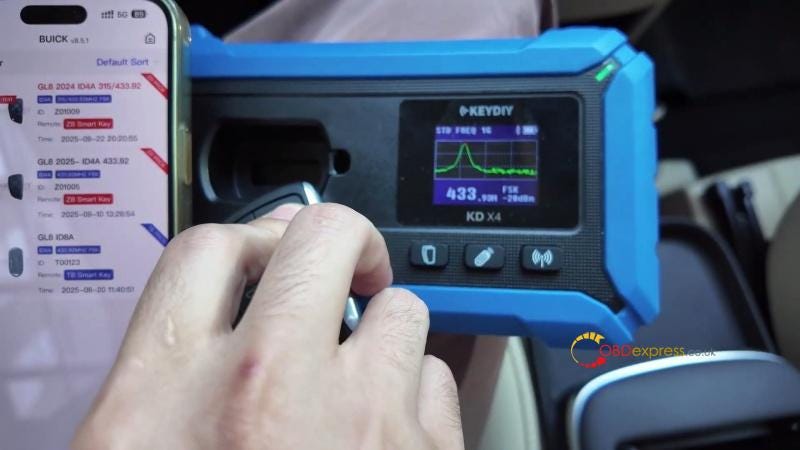
First, verify the frequency of the original key to ensure the new KD smart key is programmed correctly.
- Test the original key’s frequency (it should be 433.92 MHz).
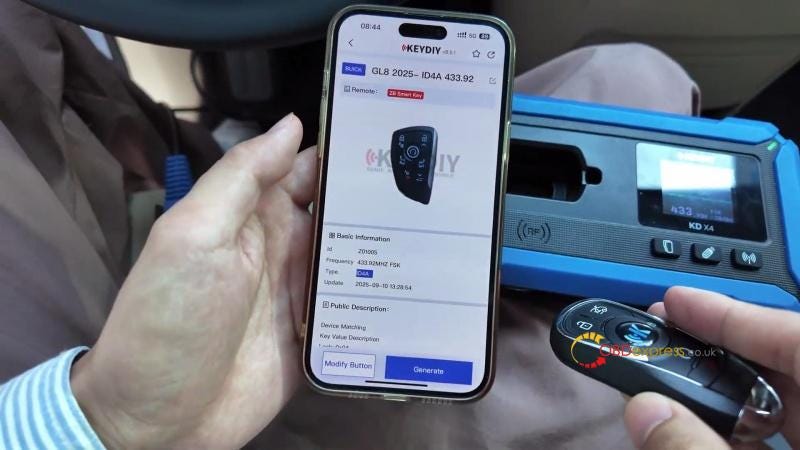
- Power on the KD-X4 and select Remote Function > Smart Key Remote. > Buick > GL8 2025-ID4A 433.92.
- Place the new KD smart key into the KD-X4 slot and generate the remote.

Hardware Connection
Newer Buick GL8 models require the DOIP protocol for IMMO programming.
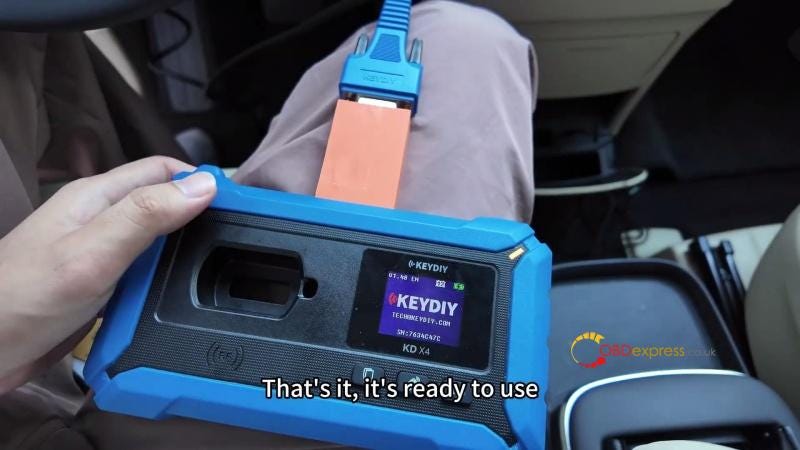
- Disconnect the standard OBD plug and connect the DOIP Adapter.
- Plug the adapter into the vehicle’s OBDII port.
IMMO Programming & Password Calculation
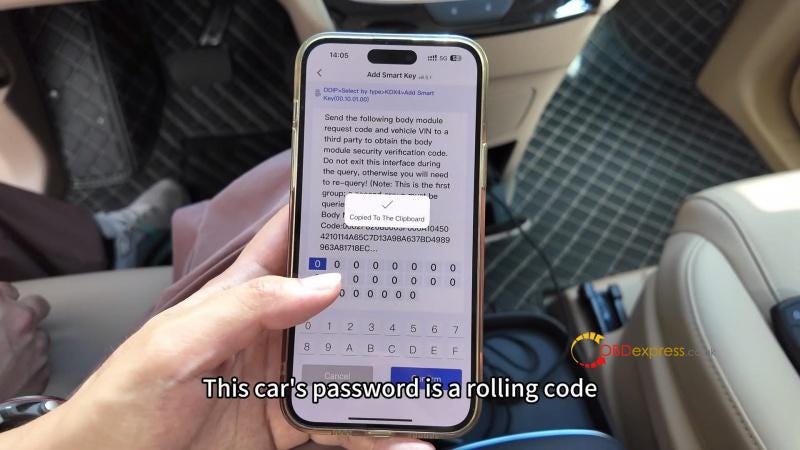
Since the 2025 Buick GL8 uses a sophisticated rolling code system, static passwords will not work. You must perform an online calculation:
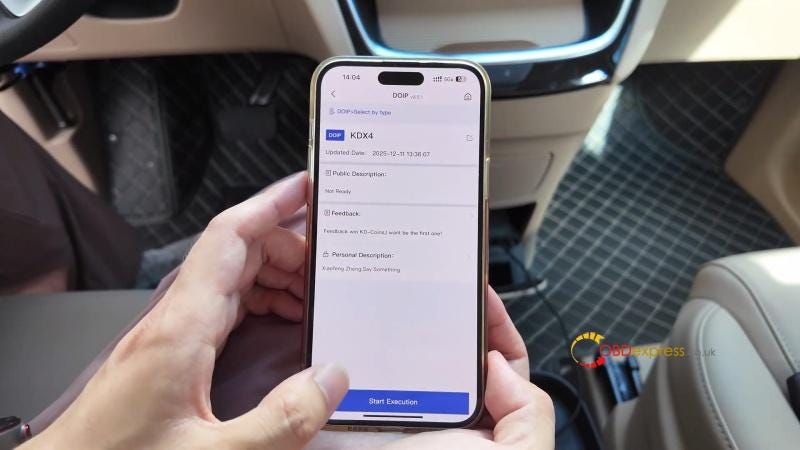
- In the KD app, navigate to IMMO Programming > KD-X4 > DOIP > Start Execution > Add Smart Key.
- Follow the prompts to press the start/stop button once, turn off the ignition and move all existing keys away from the sensing area.
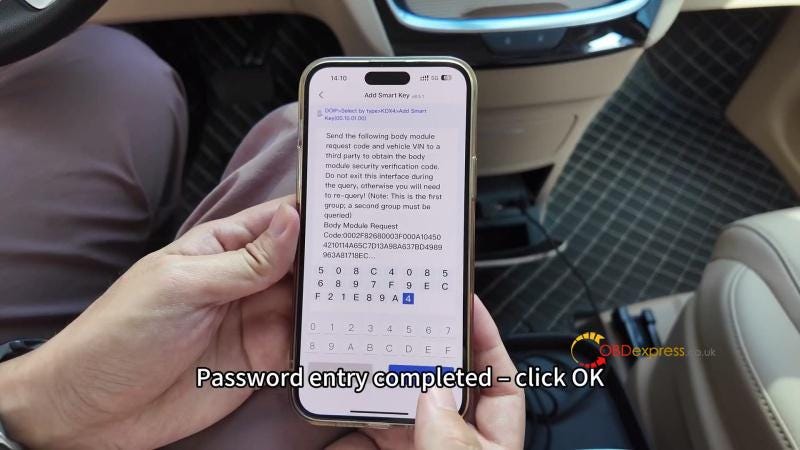
- Rolling Code Entry: The device will generate data. Send this data to your third-party provider to receive the first password.
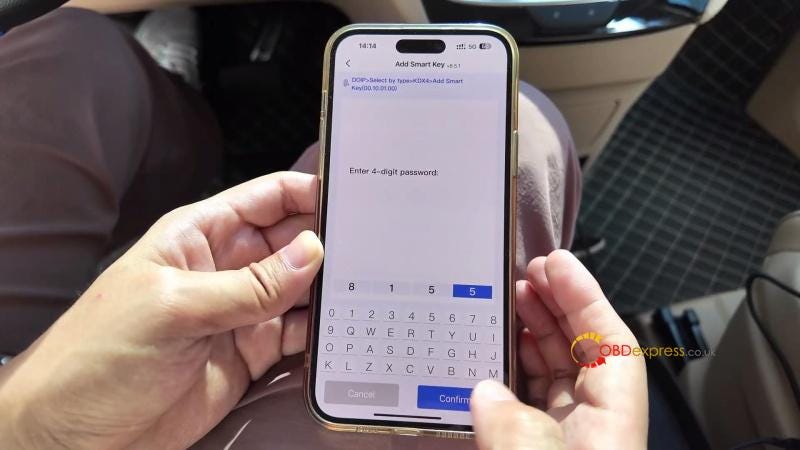
- Repeat the process for the second set of data to get the second password.

- Final Matching
- Once the passwords are confirmed, wait 5 seconds.
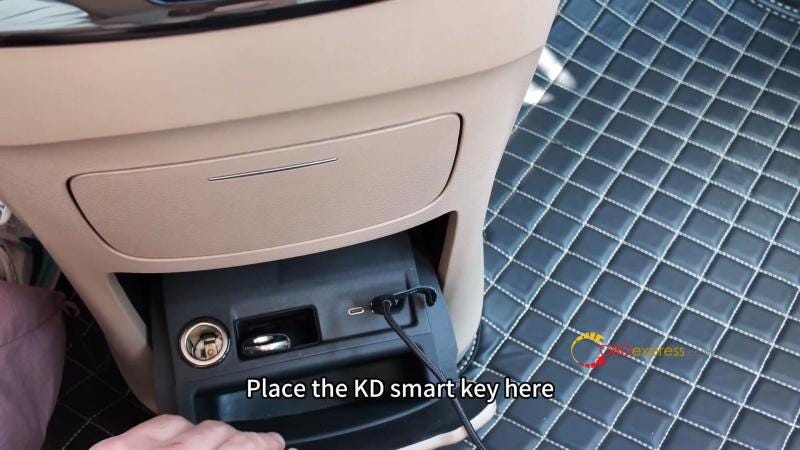
- Place the new KD smart key into the square key slot next to the cigarette lighter.
- Press and hold the Start/Stop button for 5 seconds to finalize the link.
Testing the Results
After the app confirms "Matching Completed," test all remote functions:
- Unlock/Lock: Ensure the doors respond immediately.
- Sliding Doors: Verify the electronic sliding door buttons function correctly.
- Engine Start: Ensure the vehicle starts with the new key while the original is kept at a distance.


No comments:
Post a Comment