Showing posts with label Xhorse Key Tool Plus. Show all posts

Sunday, 1 March 2026

Xhorse Key Tool Plus VW MQB49 5C CLK Line not Connected Solution

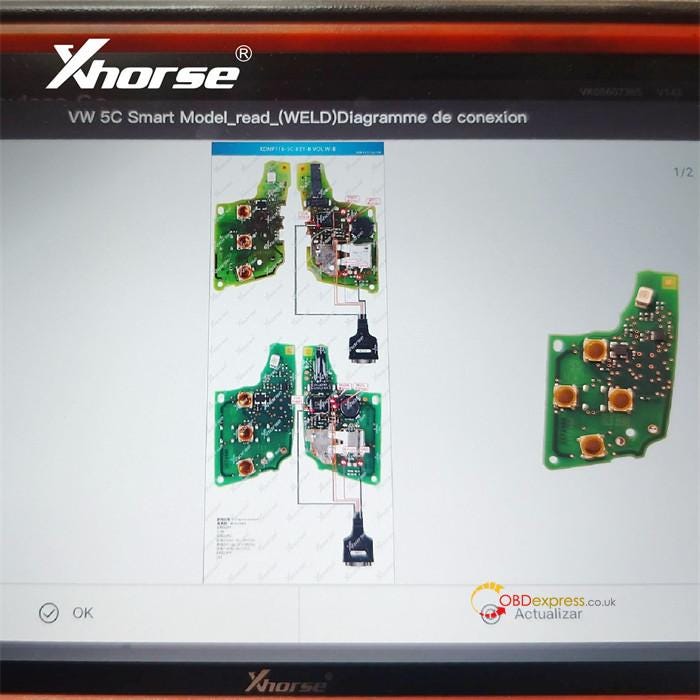
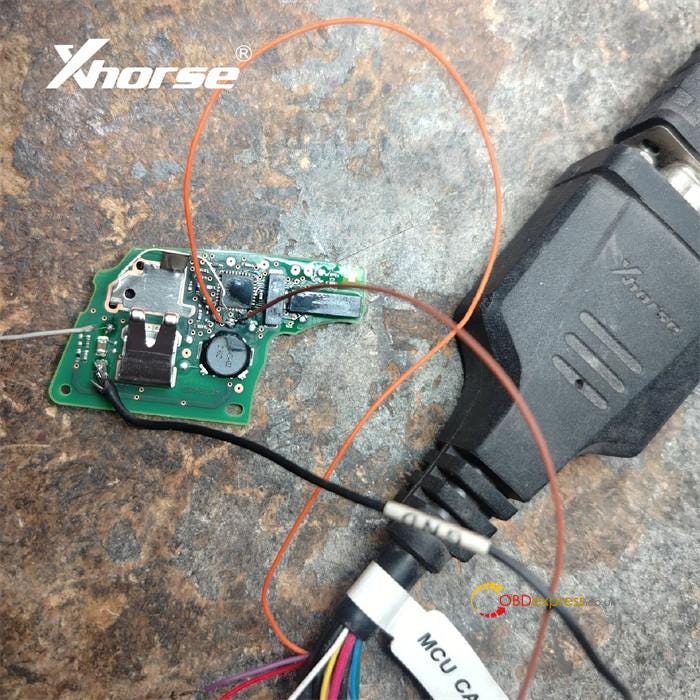
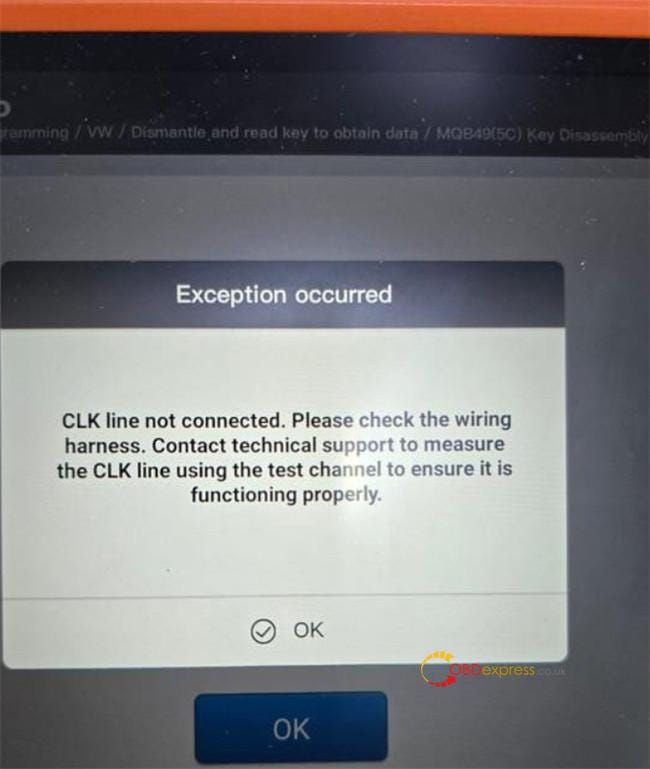
 One customer reported that when he tried to add a 2023 VW MQB49 5C key using VVDI Key Tool Plus, the device could not read the original key data, and appeared the error message "CLK line not connected." All soldering was correct, the error also occurred with solder‑free adapter.

VVDI Key Tool Plus VW MQB49 5C CLK Line not Connected Solution

Solution:

1.Inspect all wiring connections thoroughly — wire colors can vary. Always verify by matching the actual labels on the wires themselves.

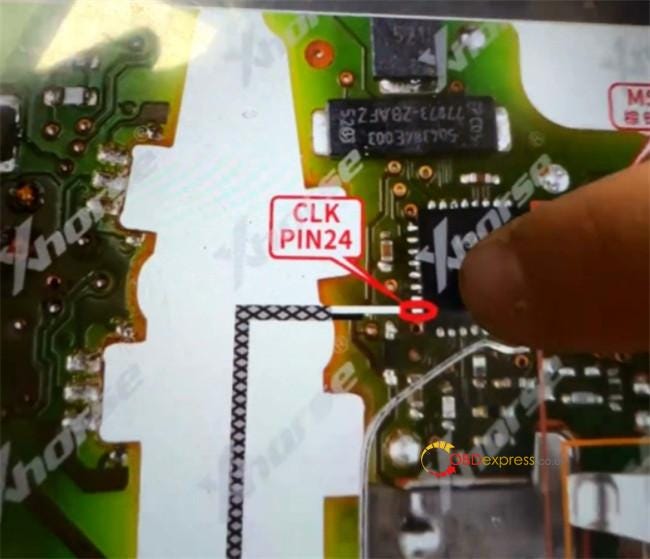
2.Pay special attention to the CLK line.

The CLK signal connects to Pin 24 on the chip.

VVDI Key Tool Plus VW MQB49 5C CLK Line not Connected Solution

3.Check and restore the chip connection if needed:

  • Examine the chip pins under a microscope.
  • Carefully polish any cracked or visibly damaged pins.

VVDI Key Tool Plus VW MQB49 5C CLK Line not Connected Solution

4.Ensure the CLK connection is physically stable:

  • Resolder the wire securely, or
  • If using a 5C/5D solder‑free adapter, press a needle firmly against the CLK pin to maintain consistent contact throughout the procedure.

VVDI Key Tool Plus VW MQB49 5C CLK Line not Connected Solution

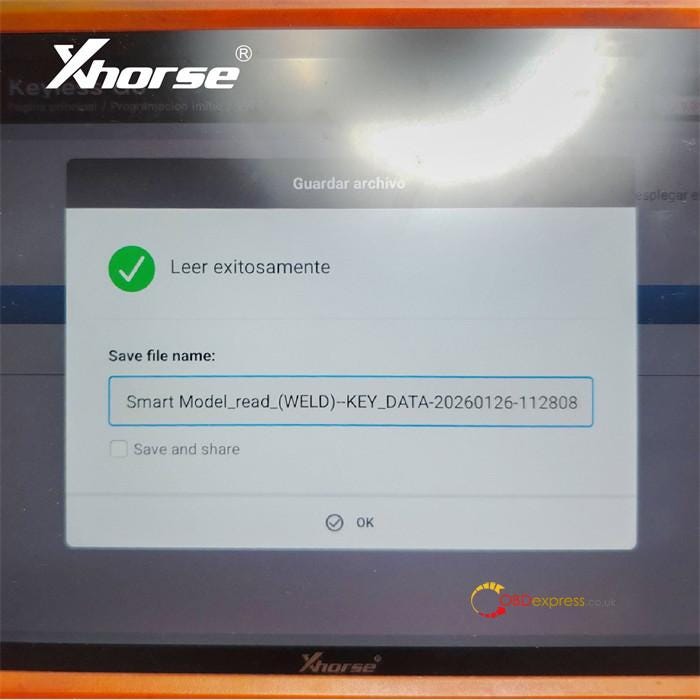
Once the CLK connection is properly established, the Xhorse Key Tool Plus will successfully read the original key data.


www.obdexpress.co.uk

Monday, 9 February 2026

Xhorse Key Tool Plus V143 Update: Support VW 5C 5D Add Key

 Xhorse has released a software upgrade to both Xhorse Key Tool Plus Full version and VA version.

This update extends key programming support for Volkswagen 5C and 5D systems.


Xhorse Key Tool Plus V143 Update

What's New in This Upgrade:

  • 5C systems now support programming of VVDI smart keys (XS series) as well as original keys, both locked and unlocked.
  • 5D systems currently support original keys only.
  • Adds compatibility with the latest 5C/5D key models from brands including Volkswagen, Skoda, Audi, and Porsche.
  • Supports Key Tool Plus for soldered chip reading, with solder-free adapter support coming soon.

Xhorse Key Tool Plus V143 Update

Device Compatibility:

This upgrade applies to Key Tool Plus V143. Support for more Xhorse tools is planned — stay tuned for future announcements.

User Feedback:

"5C key addition completed smoothly — fast and stable performance. With VVDI Key Tool Plus, both original and VVDI XS smart keys are now supported, making daily tasks more efficient." –@Eduardo Martinez


Xhorse Key Tool Plus V143 Update

www.obdexpress.co.uk

Monday, 29 January 2024

Xhorse Key Tool Plus Add CAS1 Mechanical Key with Godiag Test Platform

 Confirmed! Xhorse VVDI Key Tool Plus Pad is able to work with GODIAG BMW CAS1/CAS2 Mech-Key Test Platform to add a new BMW CAS1 mechanical key on bench without any issue.

First, connect devices and CAS1 module.

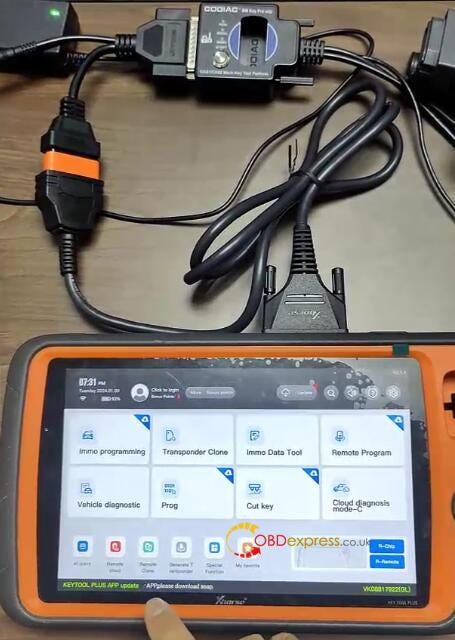
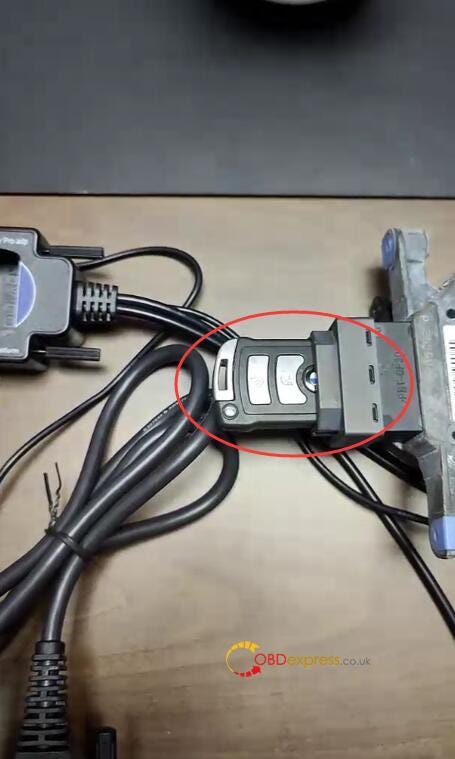
1.Connect Key Tool Plus and Godiag BMW Mech-Key Test Platform via OBD2 to DB25 Cable

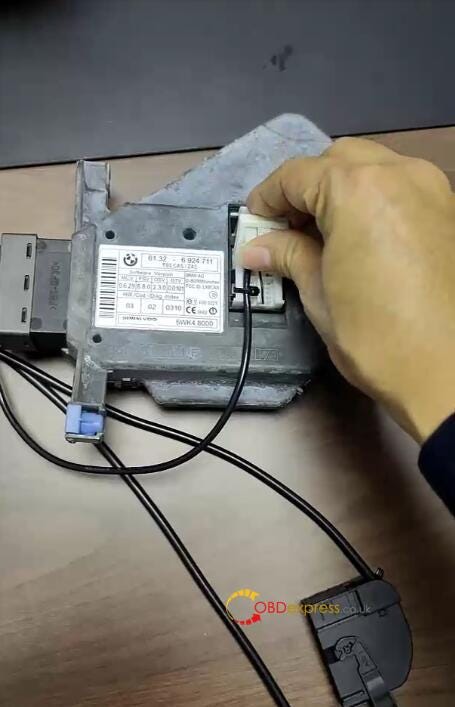
2.Connect the white connector of Godiag CAS1 Test Platform to CAS1 module

3.Supply 12V power to test platform

Xhorse Key Tool Plus Add CAS1 Mechanical Key with Godiag Test Platform

Xhorse Key Tool Plus Add CAS1 Mechanical Key with Godiag Test Platform

Then, check if the new key can work or not.

Press the start switch, the START-STOP indicator light on the CAS lights up

Insert the blank key into CAS1 module

The key is ejected, which means the key and CAS module is unsynchronized.

Xhorse Key Tool Plus Add CAS1 Mechanical Key with Godiag Test Platform

Next, start to program key on VVDI Key Tool Plus Pad

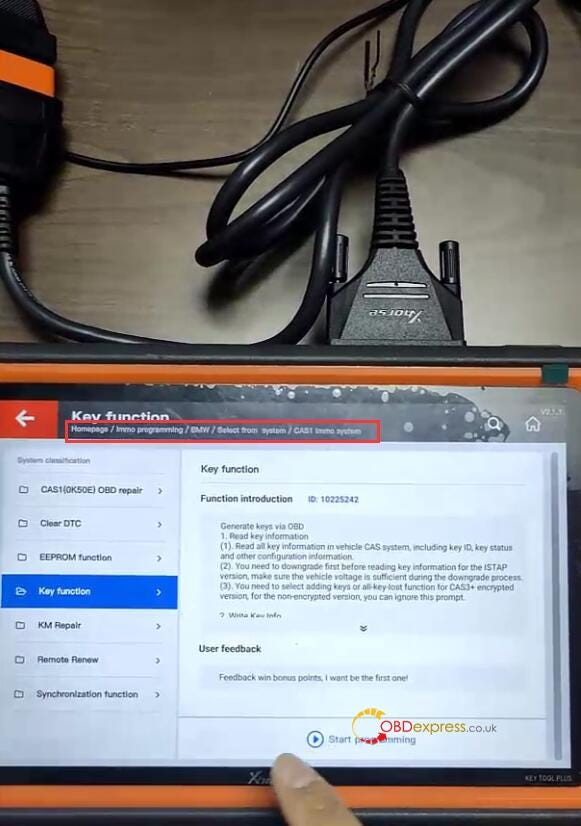
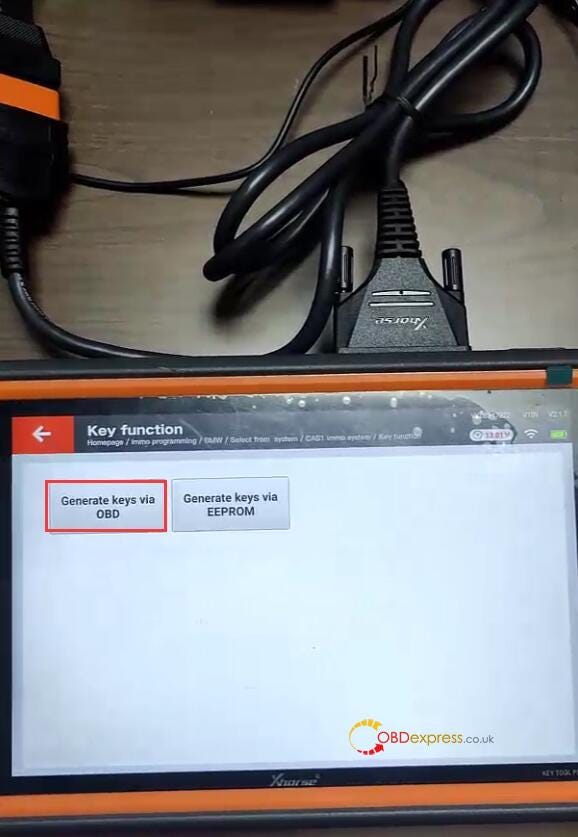
Select IMMO programming>> EUROPE>> BMW>> Select from type>> CAS1 immo system>> Key function>> Start programming>> Generate keys via OBD

Xhorse Key Tool Plus Add CAS1 Mechanical Key with Godiag Test Platform

Xhorse Key Tool Plus Add CAS1 Mechanical Key with Godiag Test Platform

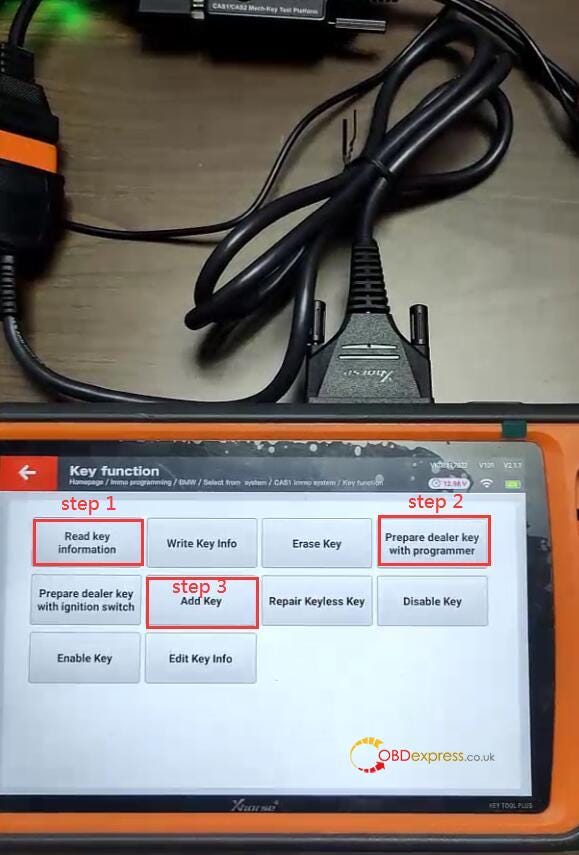
Perform the following steps:

  • Step 1: Read key information
  • Step 2: Prepare dealer with programmer
  • Step 3: Add key
  • Step 4: Check if the key info write into CAS system

Xhorse Key Tool Plus Add CAS1 Mechanical Key with Godiag Test Platform

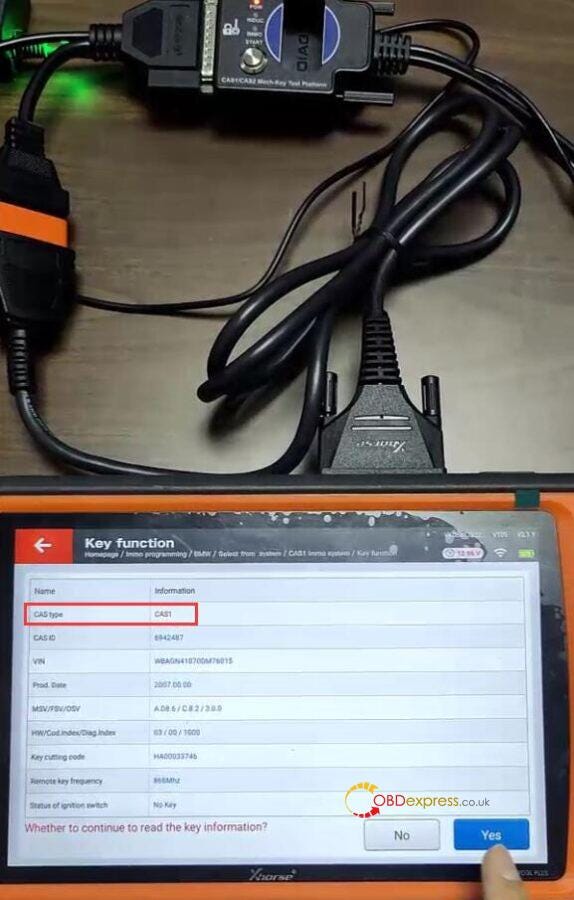
Step 1: Read key information

Choose add keys method to read key information

Read the CAS type is CAS1

Xhorse Key Tool Plus Add CAS1 Mechanical Key with Godiag Test Platform

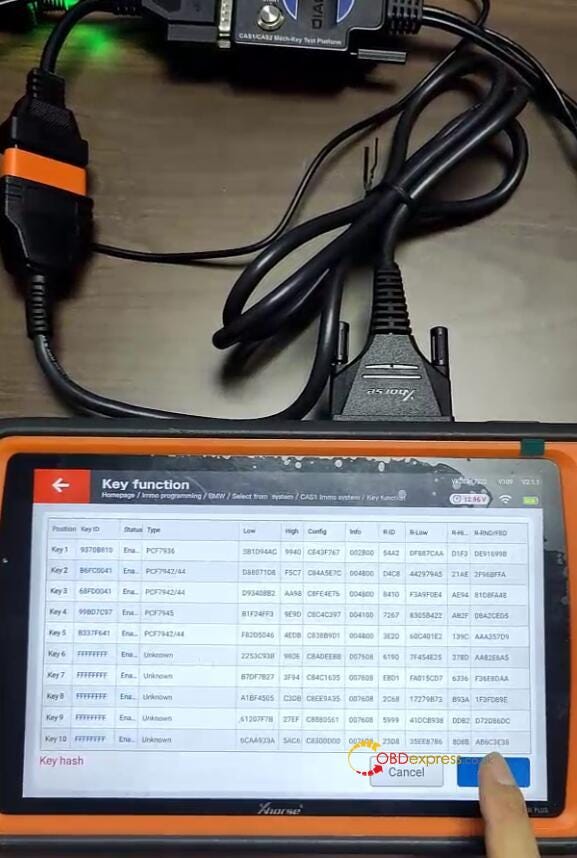
Continue to read the key info

Take away the blank key from Godiag Test Platform

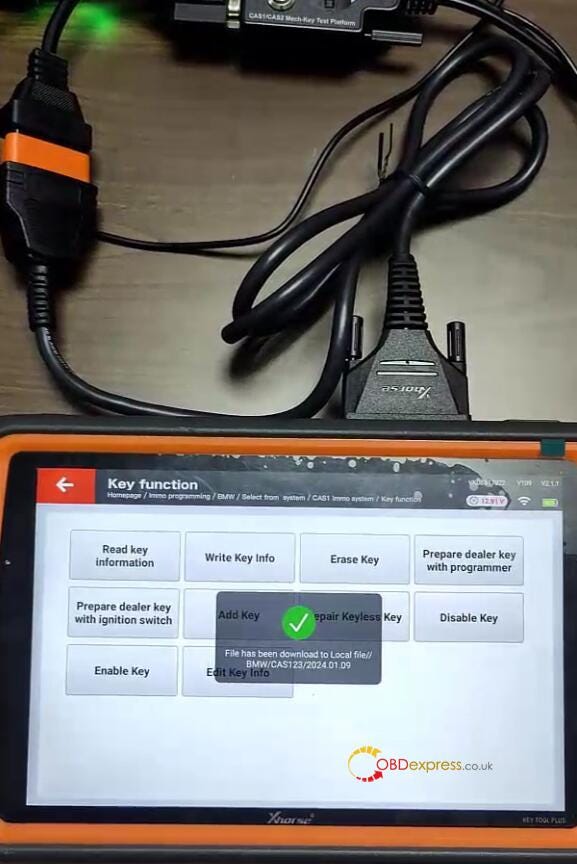
Save the key info after reading

Xhorse Key Tool Plus Add CAS1 Mechanical Key with Godiag Test Platform

Xhorse Key Tool Plus Add CAS1 Mechanical Key with Godiag Test Platform

Step 2: Prepare dealer with programmer

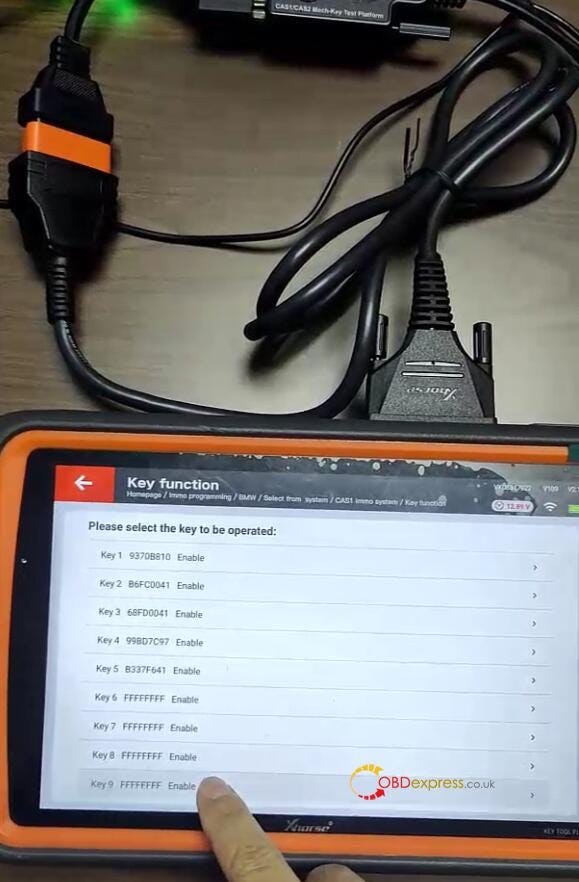
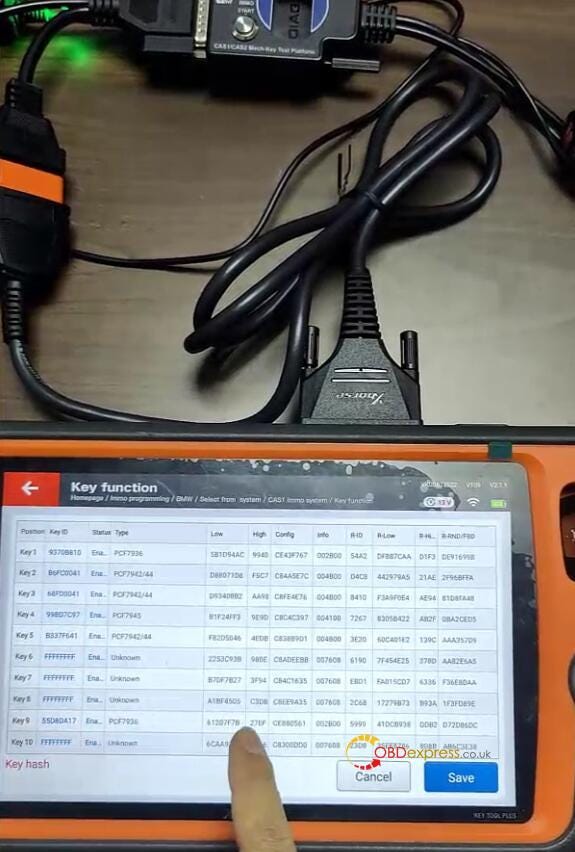
Select one unused key position (key 9)

Xhorse Key Tool Plus Add CAS1 Mechanical Key with Godiag Test Platform

Put the blank key into the coil of Key Tool Plus

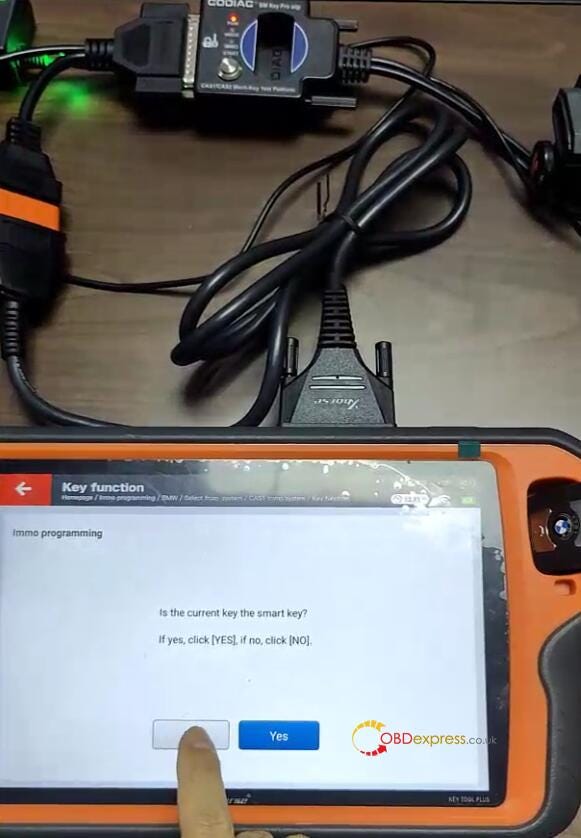
Confirm the key is not a smart key

Xhorse Key Tool Plus Add CAS1 Mechanical Key with Godiag Test Platform

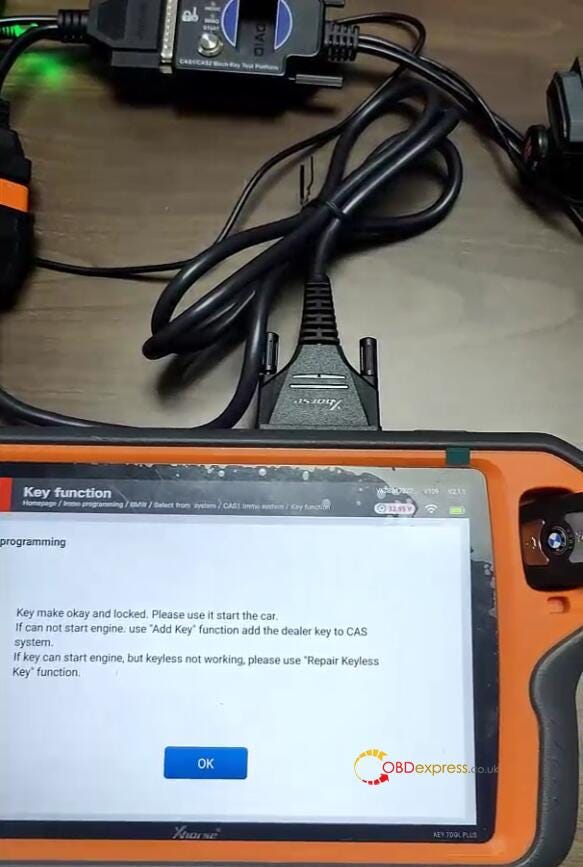
Make dealer key successfully

Xhorse Key Tool Plus Add CAS1 Mechanical Key with Godiag Test Platform

Step 3: Add key

Confirm the dealer key is not on ignition switch

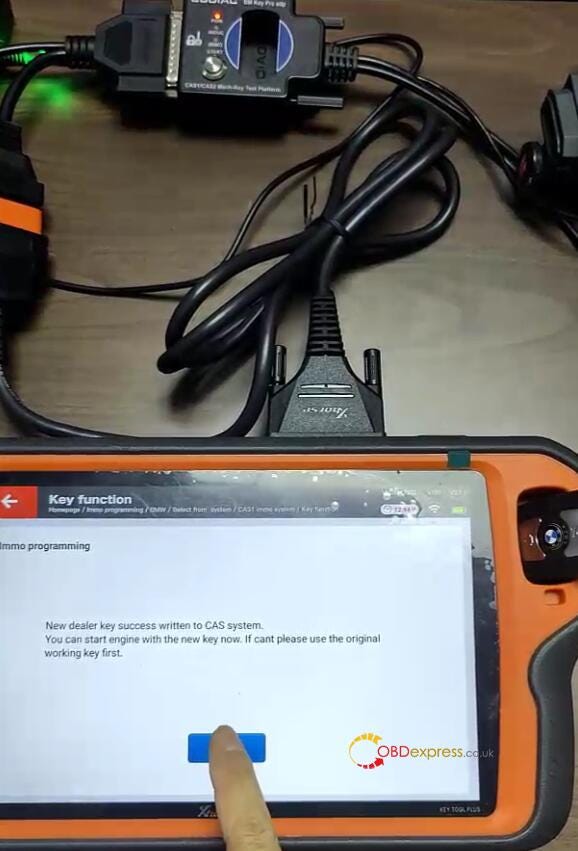
Write data successfully

The new dealer key is successfully written to CAS system.

Xhorse Key Tool Plus Add CAS1 Mechanical Key with Godiag Test Platform

Step 4: Check if the key info write into CAS system

Read key info. again, the new key info has already been written to CAS1 module.

Xhorse Key Tool Plus Add CAS1 Mechanical Key with Godiag Test Platform

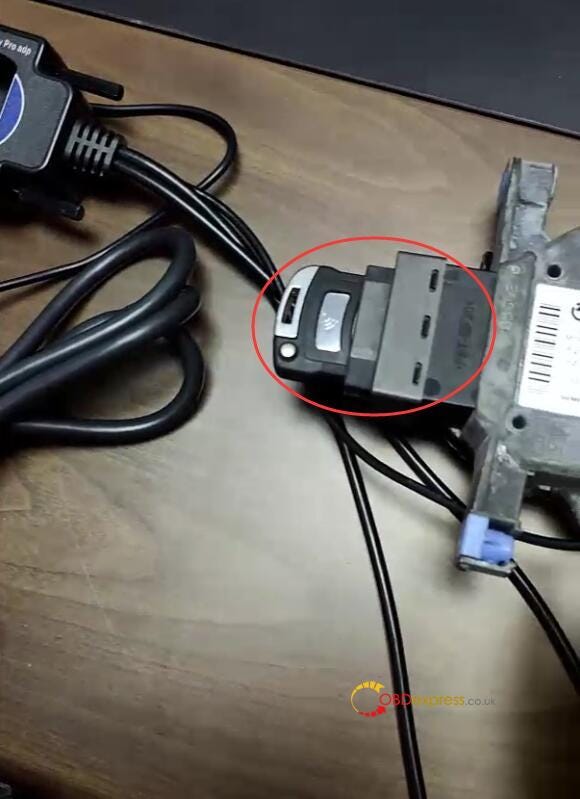
Finally, put the key programmed into the CAS1 module to test, the key is inserted into the CAS. It's matched with CAS1 module successfully.

Xhorse Key Tool Plus Add CAS1 Mechanical Key with Godiag Test Platform

Done!

Read also:

VVDI2 + GODIAG Mech-Key Test Platform Add BMW CAS1 Key

http://blog.obdexpress.co.uk/2024/01/09/vvdi2-godiag-mech-key-test-platform-add-bmw-cas1-key/

How to Unlock Ford BOSCH MD1CP006 with OBDSTAR ECU Master via Boot?

 This guide covers the procedure for unlocking, reading, and writing locked Bosch MD1 CP006 engine control units found on Ford F-250 and F-...