Showing posts with label GODIAG Test Platform. Show all posts

Monday, 29 January 2024

Xhorse Key Tool Plus Add CAS1 Mechanical Key with Godiag Test Platform

 Confirmed! Xhorse VVDI Key Tool Plus Pad is able to work with GODIAG BMW CAS1/CAS2 Mech-Key Test Platform to add a new BMW CAS1 mechanical key on bench without any issue.

First, connect devices and CAS1 module.

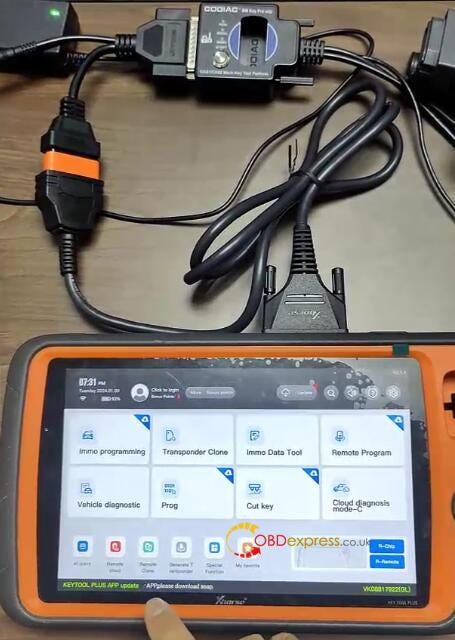
1.Connect Key Tool Plus and Godiag BMW Mech-Key Test Platform via OBD2 to DB25 Cable

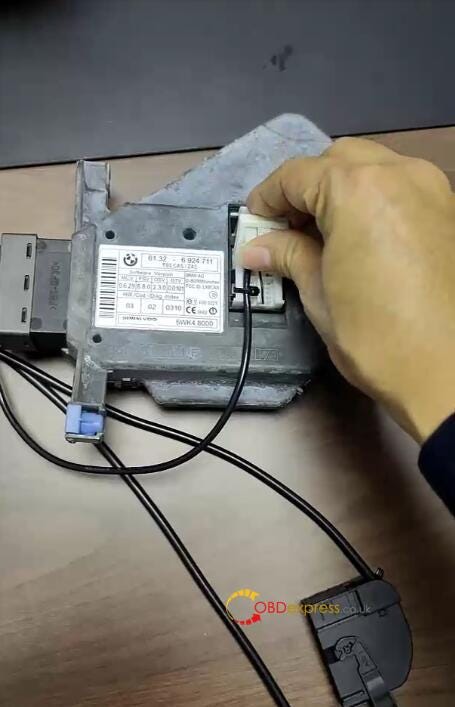
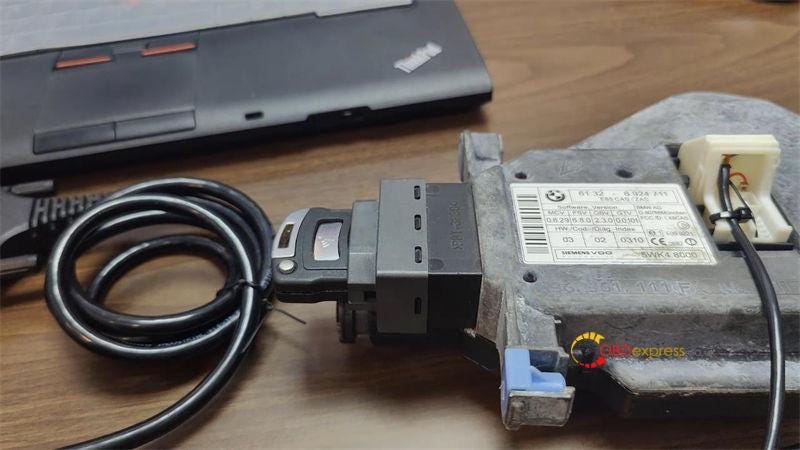
2.Connect the white connector of Godiag CAS1 Test Platform to CAS1 module

3.Supply 12V power to test platform
Xhorse Key Tool Plus Add CAS1 Mechanical Key with Godiag Test Platform

Xhorse Key Tool Plus Add CAS1 Mechanical Key with Godiag Test Platform

Then, check if the new key can work or not.

Press the start switch, the START-STOP indicator light on the CAS lights up

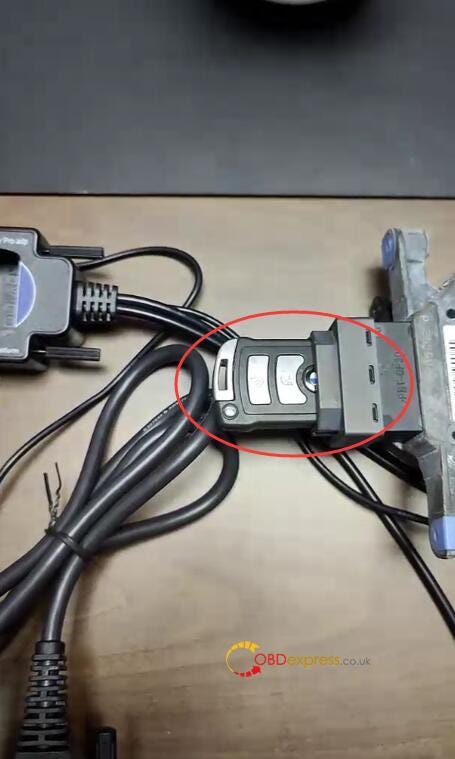
Insert the blank key into CAS1 module

The key is ejected, which means the key and CAS module is unsynchronized.
Xhorse Key Tool Plus Add CAS1 Mechanical Key with Godiag Test Platform

Next, start to program key on VVDI Key Tool Plus Pad

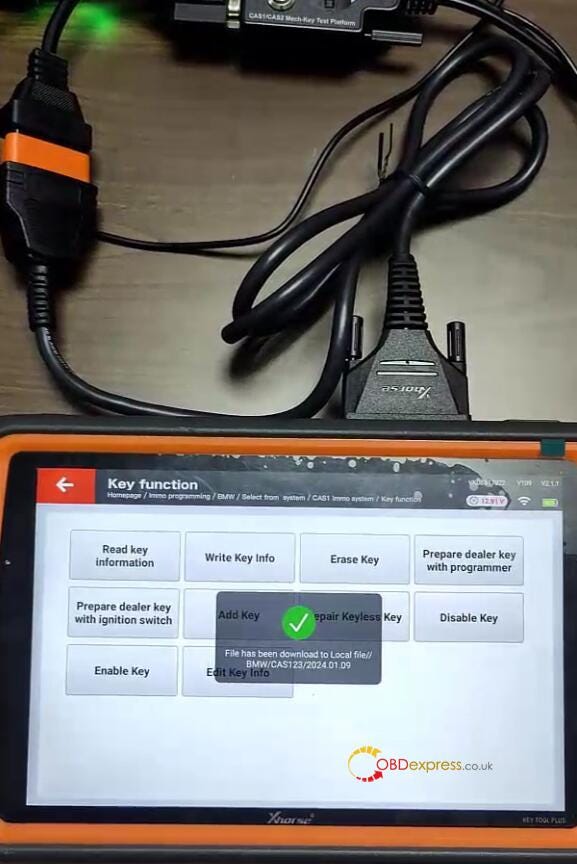
Select IMMO programming>> EUROPE>> BMW>> Select from type>> CAS1 immo system>> Key function>> Start programming>> Generate keys via OBD
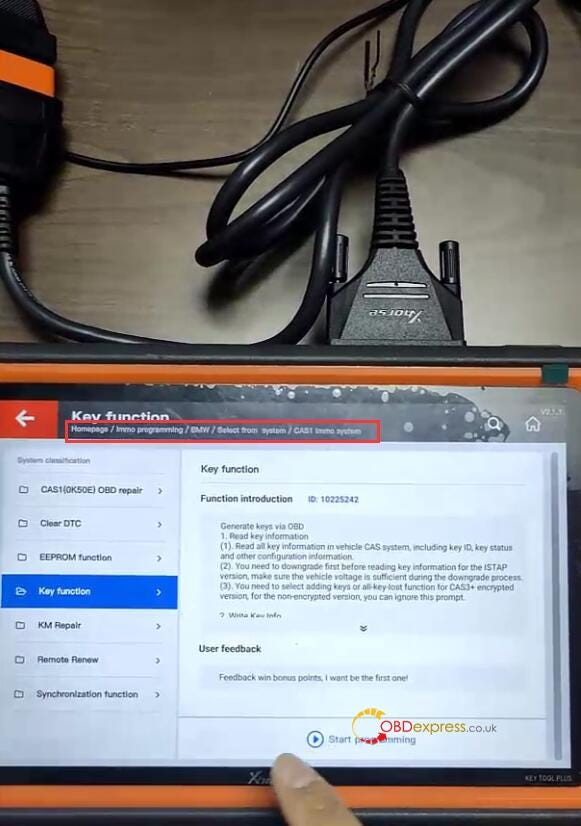
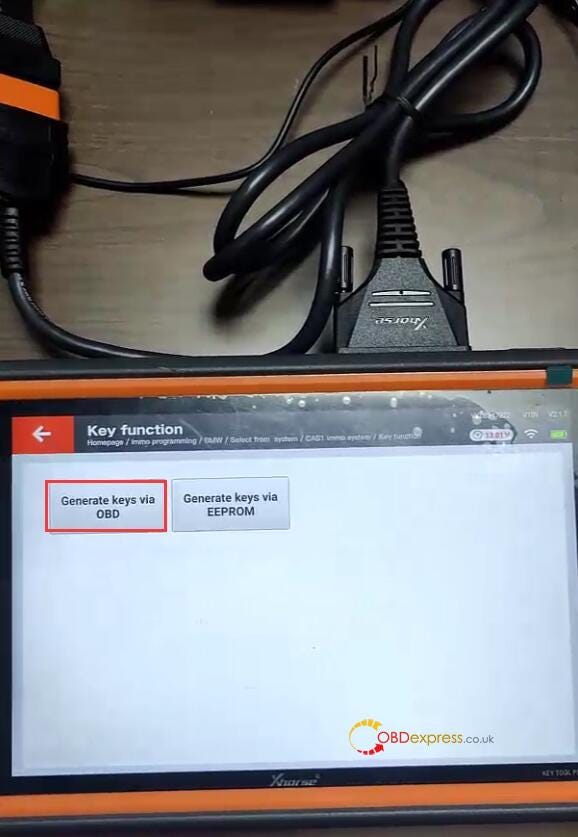
Xhorse Key Tool Plus Add CAS1 Mechanical Key with Godiag Test Platform

Xhorse Key Tool Plus Add CAS1 Mechanical Key with Godiag Test Platform

Perform the following steps:

  • Step 1: Read key information
  • Step 2: Prepare dealer with programmer
  • Step 3: Add key
  • Step 4: Check if the key info write into CAS system
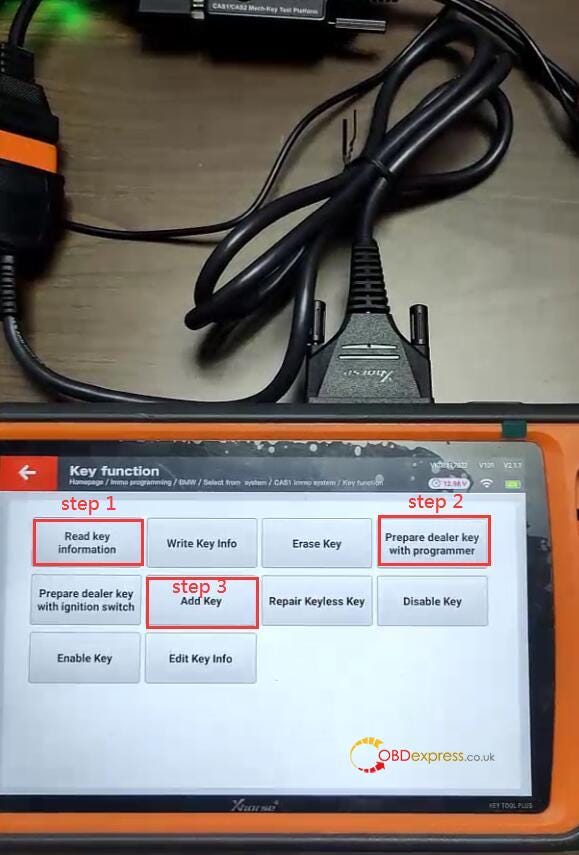
Xhorse Key Tool Plus Add CAS1 Mechanical Key with Godiag Test Platform

Step 1: Read key information

Choose add keys method to read key information

Read the CAS type is CAS1
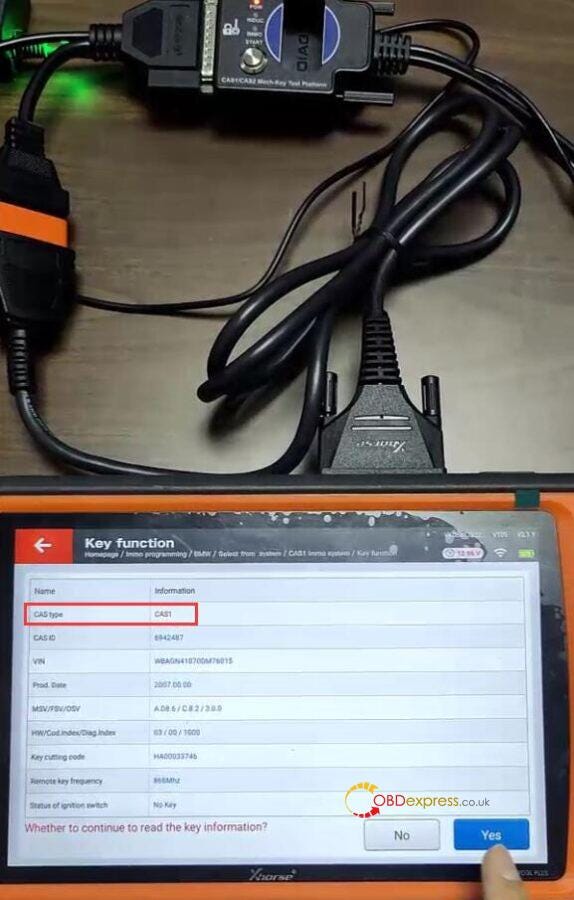
Xhorse Key Tool Plus Add CAS1 Mechanical Key with Godiag Test Platform

Continue to read the key info

Take away the blank key from Godiag Test Platform

Save the key info after reading
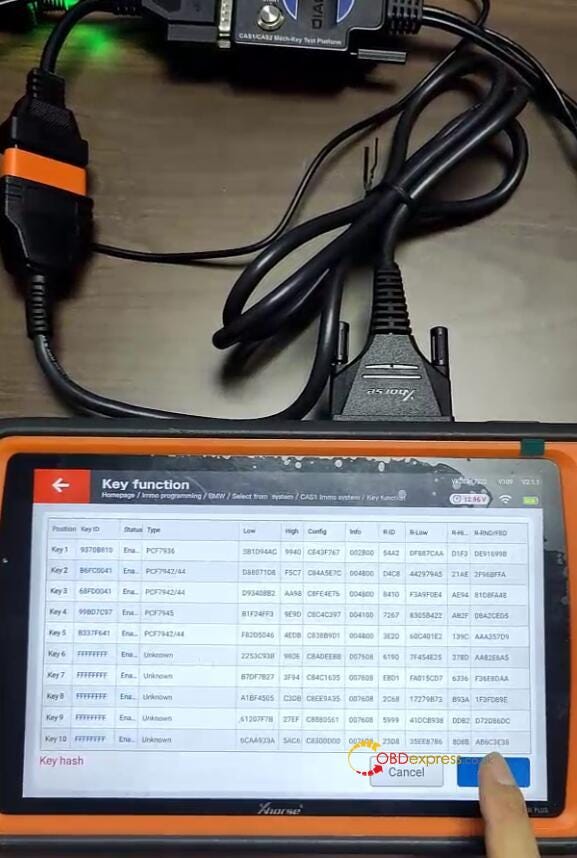
Xhorse Key Tool Plus Add CAS1 Mechanical Key with Godiag Test Platform

Xhorse Key Tool Plus Add CAS1 Mechanical Key with Godiag Test Platform

Step 2: Prepare dealer with programmer

Select one unused key position (key 9)
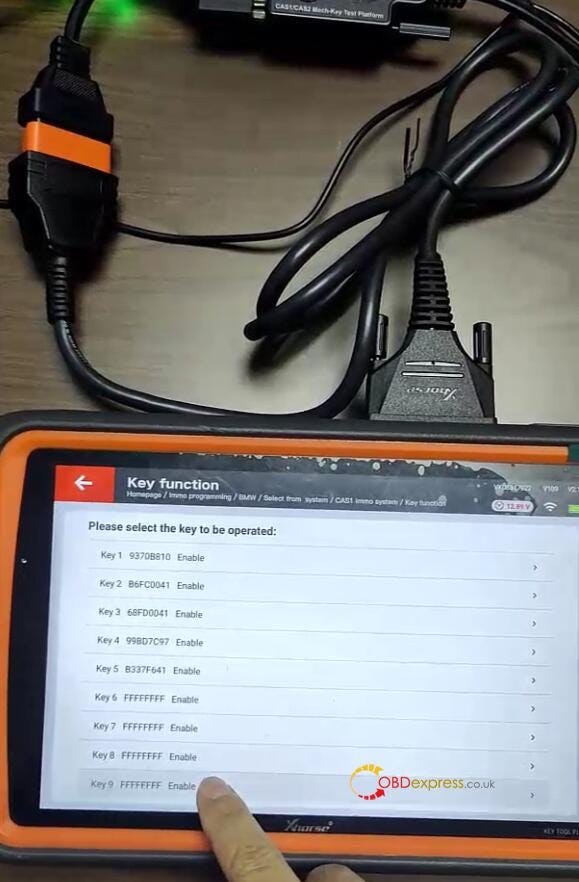
Xhorse Key Tool Plus Add CAS1 Mechanical Key with Godiag Test Platform

Put the blank key into the coil of Key Tool Plus

Confirm the key is not a smart key
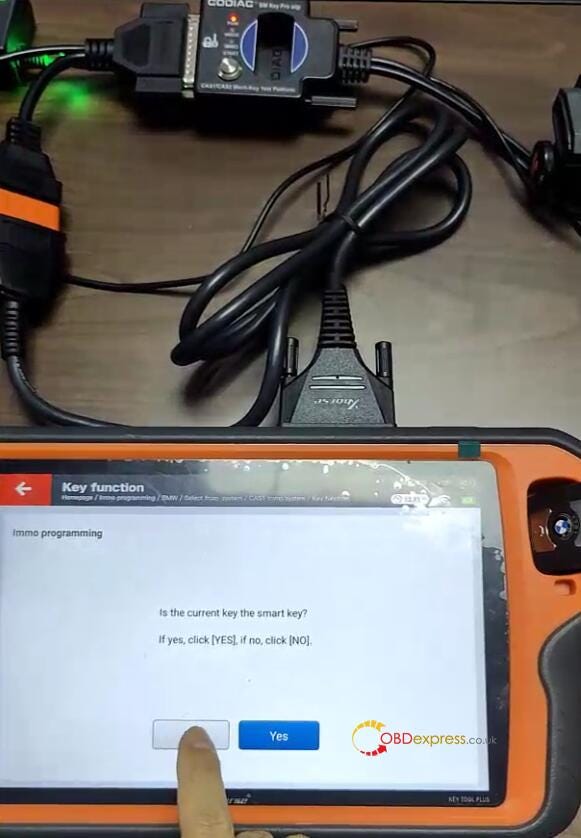
Xhorse Key Tool Plus Add CAS1 Mechanical Key with Godiag Test Platform

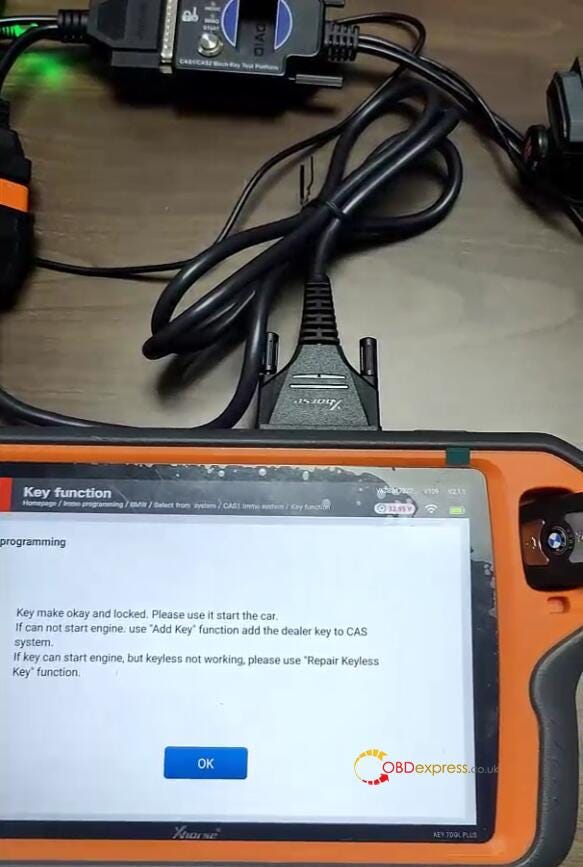
Make dealer key successfully

Xhorse Key Tool Plus Add CAS1 Mechanical Key with Godiag Test Platform

Step 3: Add key

Confirm the dealer key is not on ignition switch

Write data successfully

The new dealer key is successfully written to CAS system.
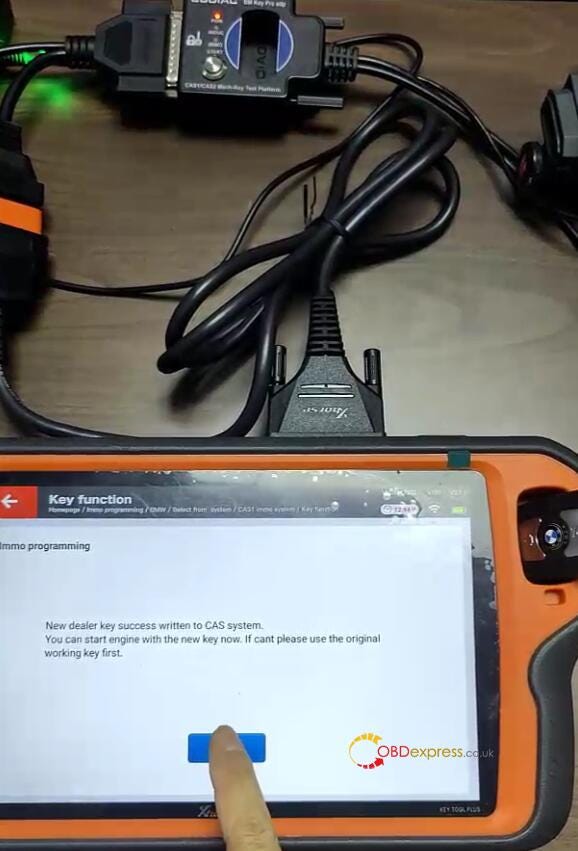
Xhorse Key Tool Plus Add CAS1 Mechanical Key with Godiag Test Platform

Step 4: Check if the key info write into CAS system

Read key info. again, the new key info has already been written to CAS1 module.
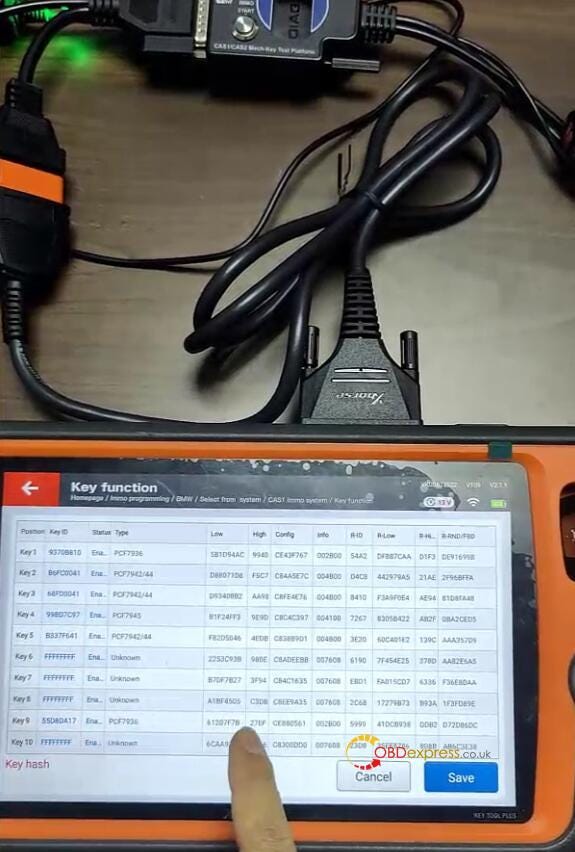
Xhorse Key Tool Plus Add CAS1 Mechanical Key with Godiag Test Platform

Finally, put the key programmed into the CAS1 module to test, the key is inserted into the CAS. It's matched with CAS1 module successfully.
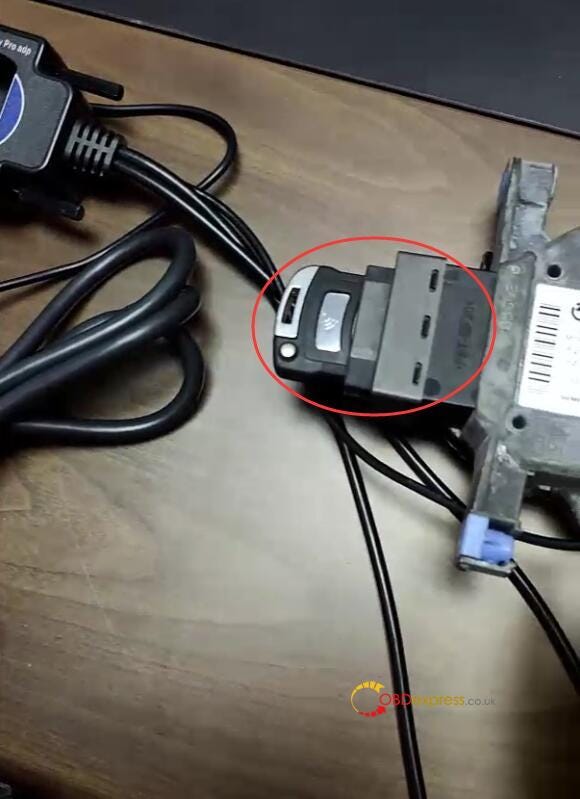
Xhorse Key Tool Plus Add CAS1 Mechanical Key with Godiag Test Platform

Done!

Read also:

VVDI2 + GODIAG Mech-Key Test Platform Add BMW CAS1 Key

http://blog.obdexpress.co.uk/2024/01/09/vvdi2-godiag-mech-key-test-platform-add-bmw-cas1-key/

Sunday, 14 January 2024

VVDI2 + GODIAG Mech-Key Test Platform Add BMW CAS1 Key

 GODIAG BMW Mech-Key Test Platform is specially designed for CAS1/CAS2 mechanical key programming without soldering. Supports to detect, read, write CAS data and synchronize keys. If programming semi smart keys, please select GODIAG CAS2/CAS3 Smart Key Test Platform.

Following we're gonna demonstrate how to add a CAS1 mechanical key with Xhorse VVDI2 and GODIAG BMW.

Operation process video:

https://www.youtube.com/watch?v=KNkmZvdbcb8

Preparation

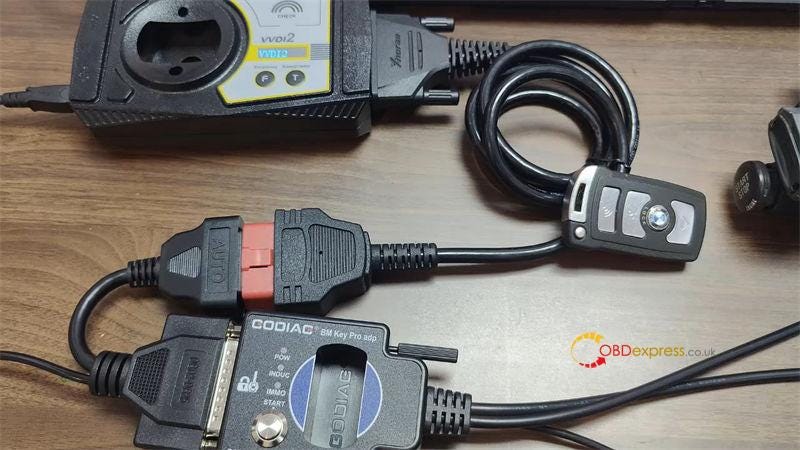
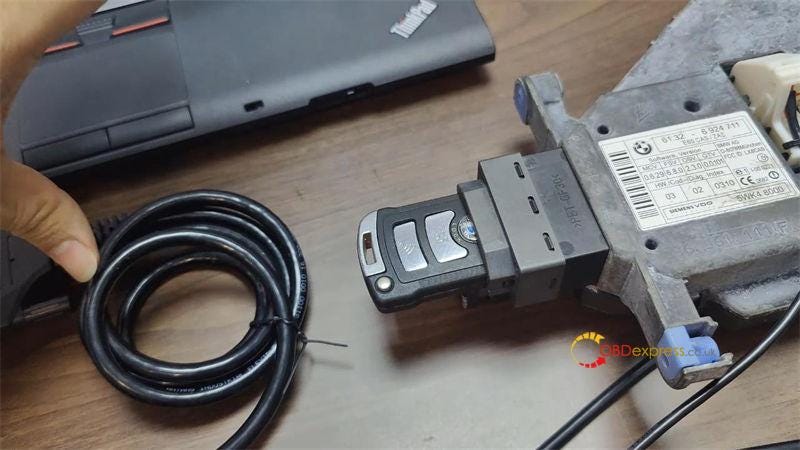
  • Connect GODIAG, VVDI2 & CAS1 module with power supplied.
  • Insert BMW key into ignition: the key is ejected, which means unsynchronized.
    1. VVDI2 and GODIAG Mech-Key Test Platform Add BMW CAS1 Key

      VVDI2 and GODIAG Mech-Key Test Platform Add BMW CAS1 Key

      Key Adding

      Open VVDI2 software,

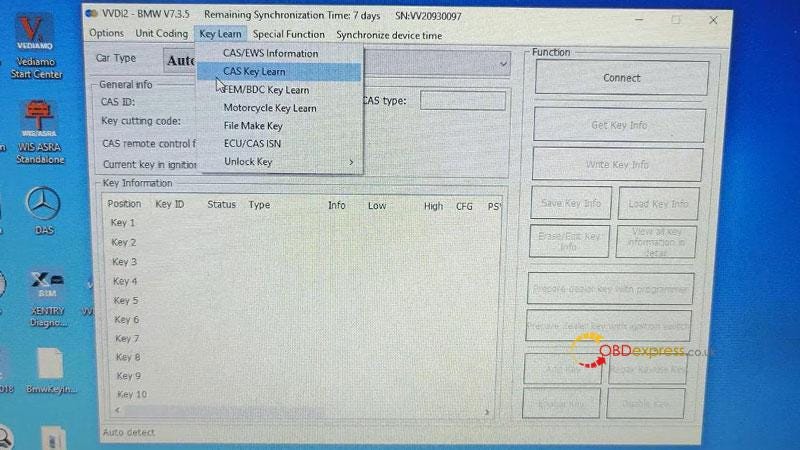
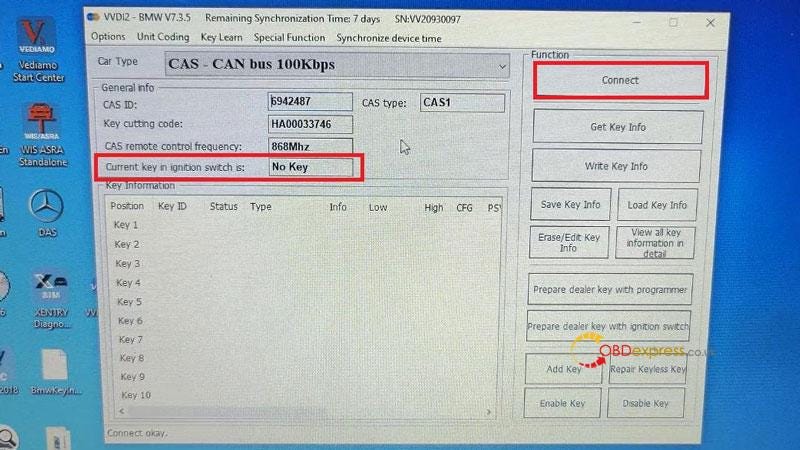
      Key Learn >> CAS Key Learn >> Connect

      It says current key in ignition switch is "No Key".

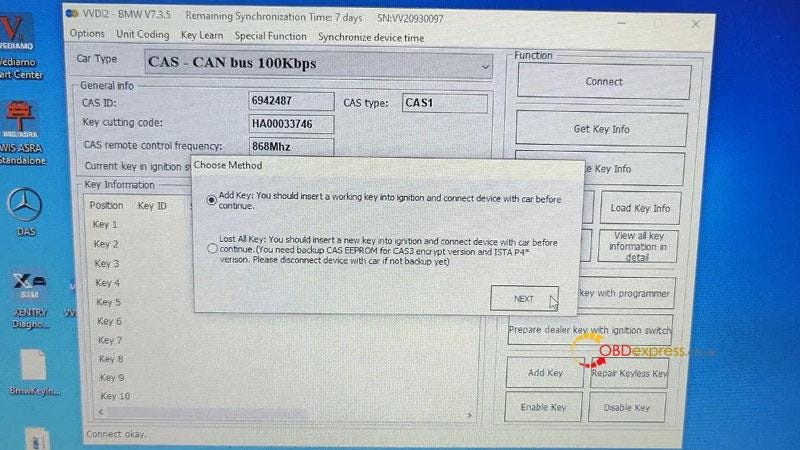
      Get key info >> Add Key >> OK >> Save Key Info

      Save key file success.

      VVDI2 and GODIAG Mech-Key Test Platform Add BMW CAS1 Key

      VVDI2 and GODIAG Mech-Key Test Platform Add BMW CAS1 Key

      VVDI2 and GODIAG Mech-Key Test Platform Add BMW CAS1 Key

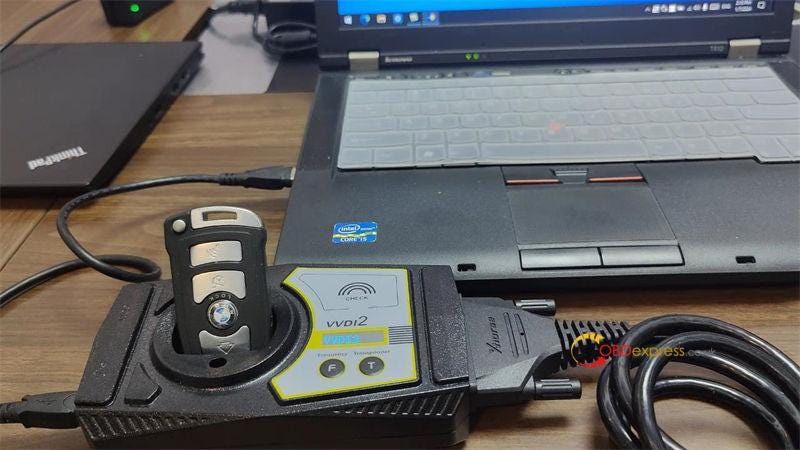
      Insert the key into VVDI2 key slot.

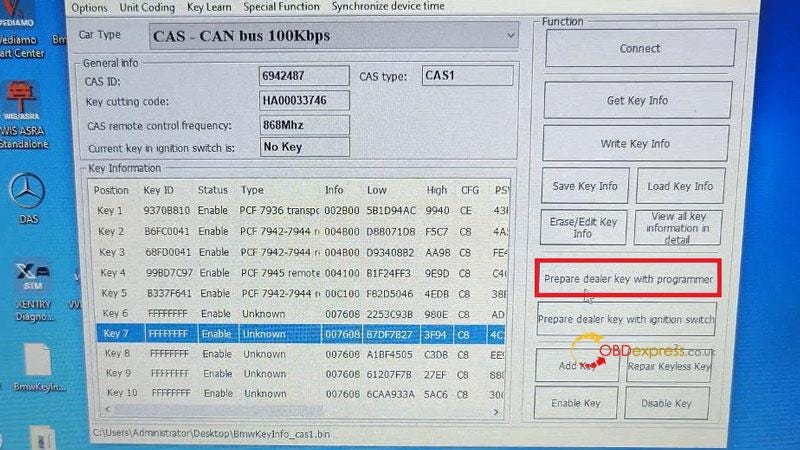
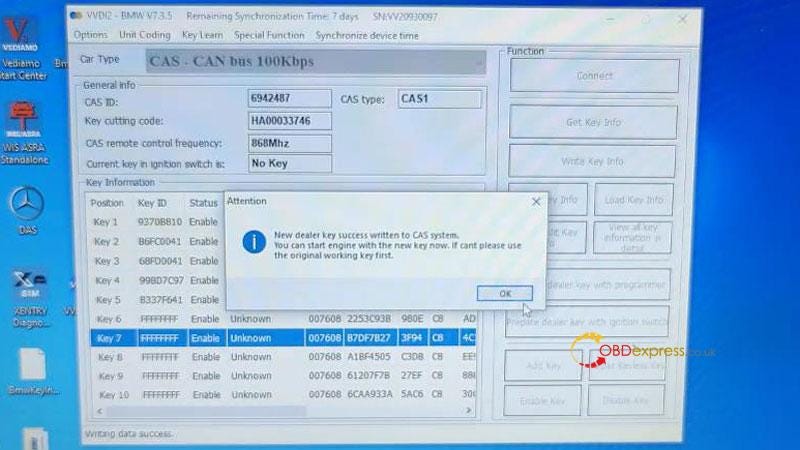
      Selected an blank key position: Key7 >> Prepare dealer key with programmer

      Is the new key have keyless? No

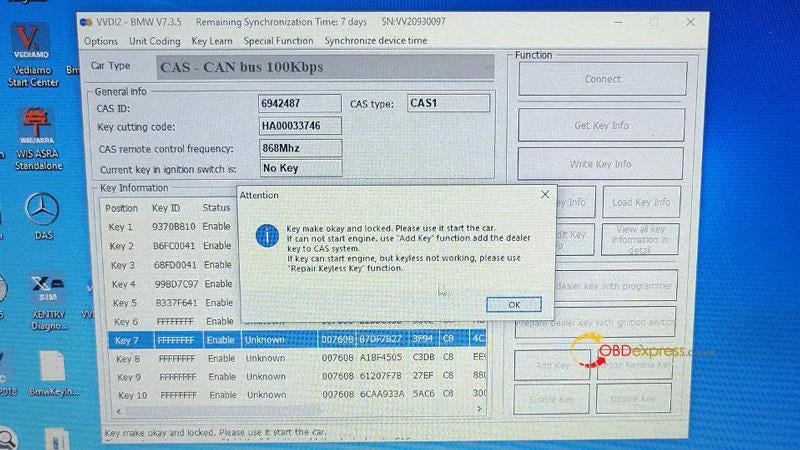
      Key make okay and locked.

      VVDI2 and GODIAG Mech-Key Test Platform Add BMW CAS1 Key

      VVDI2 and GODIAG Mech-Key Test Platform Add BMW CAS1 Key

      VVDI2 and GODIAG Mech-Key Test Platform Add BMW CAS1 Key

      Let's test the key again, it's still ejected from ignition.

      So put the key back to VVDI2 key slot.

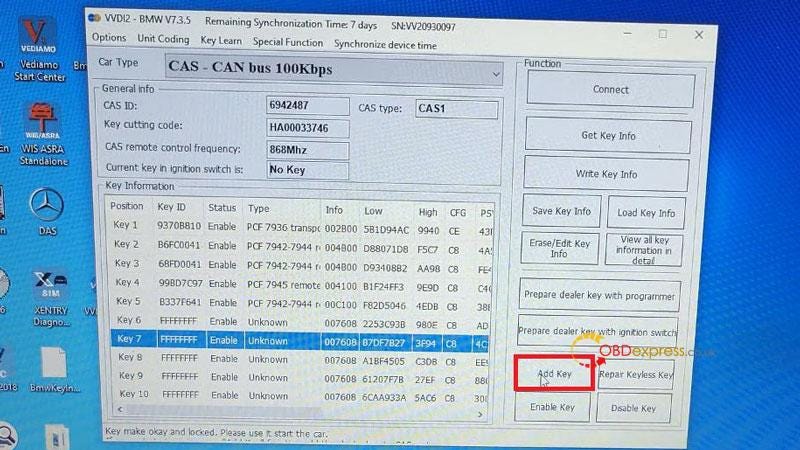
      Add key >> OK

      Is the new key have keyless? No

      Click "OK" to continue.

      New dealer key success written to CAS system.

      Test the new key one more time, now it can be inserted in ignition.

      That means key synchronization is successful.

      Done.

      VVDI2 and GODIAG Mech-Key Test Platform Add BMW CAS1 Key

      VVDI2 and GODIAG Mech-Key Test Platform Add BMW CAS1 Key

      VVDI2 and GODIAG Mech-Key Test Platform Add BMW CAS1 Key

      www.obdexpress.co.uk

      EoneBoss HK003: 6A Full Unlock Support for Hyundai/Kia Keys

       The EoneBoss HK003 has been upgraded with 6A full unlock support for Hyundai/Kia smart keys , giving locksmiths a simpler way to handle ...