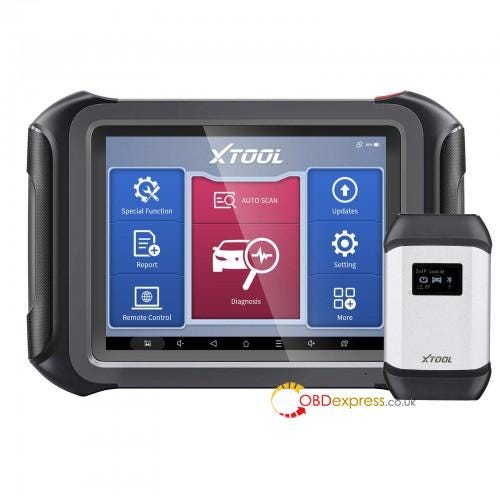
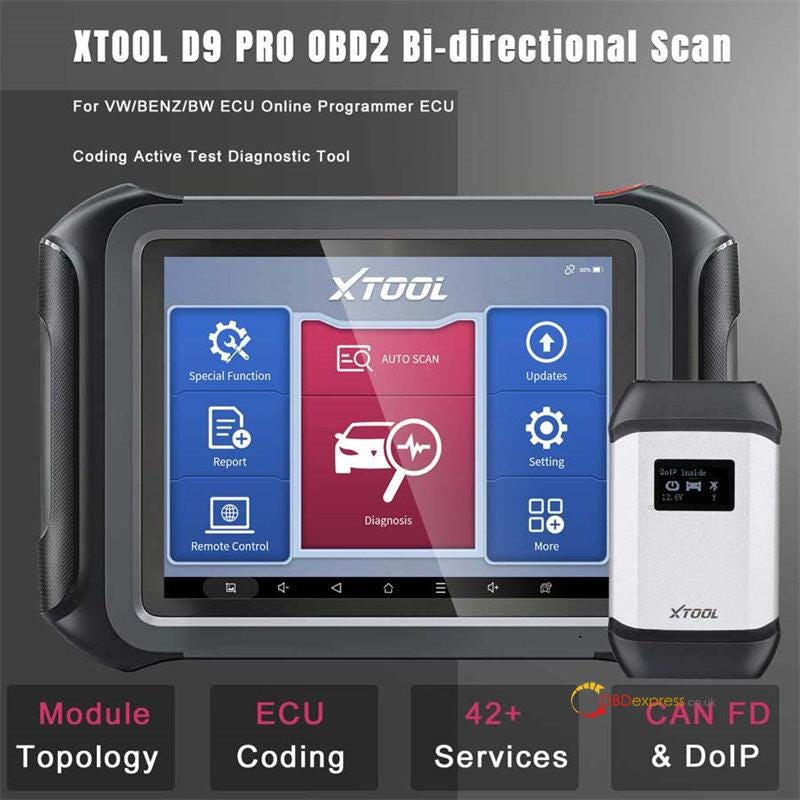
XTOOL D9 Pro is an OE-level professional full diagnostic
scanner which provides you with more efficient diagnostic service, supporting
full system diagnosis, smart AutoVin & Auto Scan, 42+ reset services, ECU
coding, and specially for VW/Benz/BMW ECU online programming, etc. It's equipped
with 5.1 Android System, touchscreen, 2GB RAM + 64GB ROM memory and offers 3
years free Update and 5 years warranty.
PART I:
Xtool D9 Pro Register (Activation)
For the first time to use this Xtool diagnostic tool, you need to register
and activate it so that can use normally.
Press the power button on the top right of the device to turn on
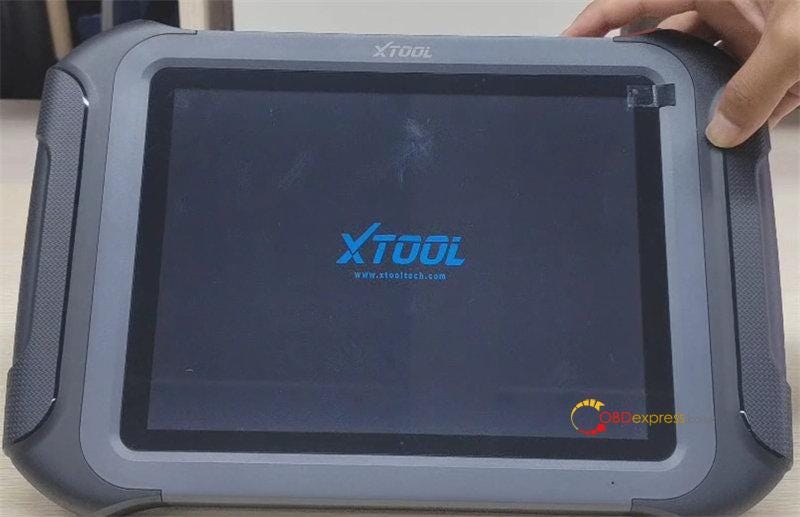
When it shows "Welcome", tap the circle button
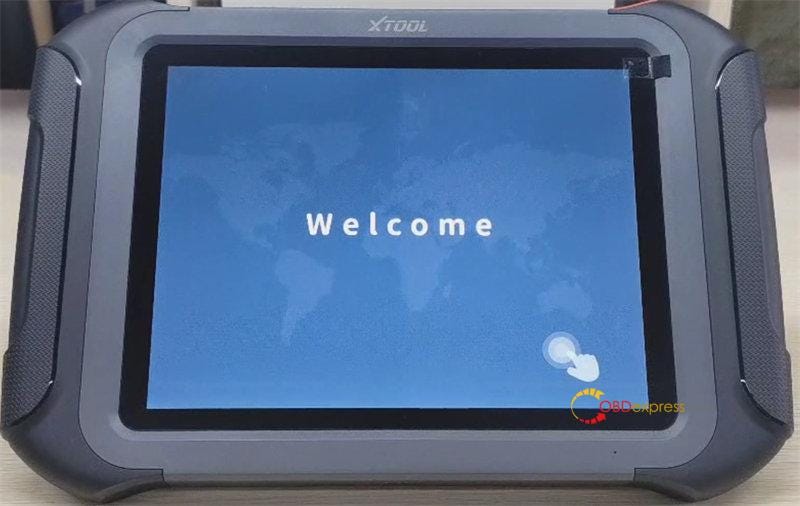
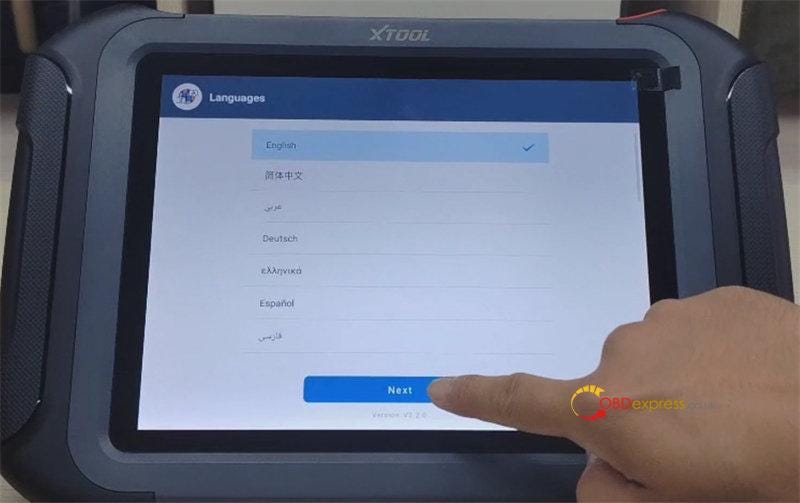
Then select the device language
*14 multi-language are available, and English is default. If you need other
language, just send the Serial Number(S/N) of D9 Pro to obdexpress.co.uk to change English to Spanish, Portuguese,
French, Japanese, German, Polish, Russian, Italian, Korean, Dutch, Swedish,
etc.
Click "Next"
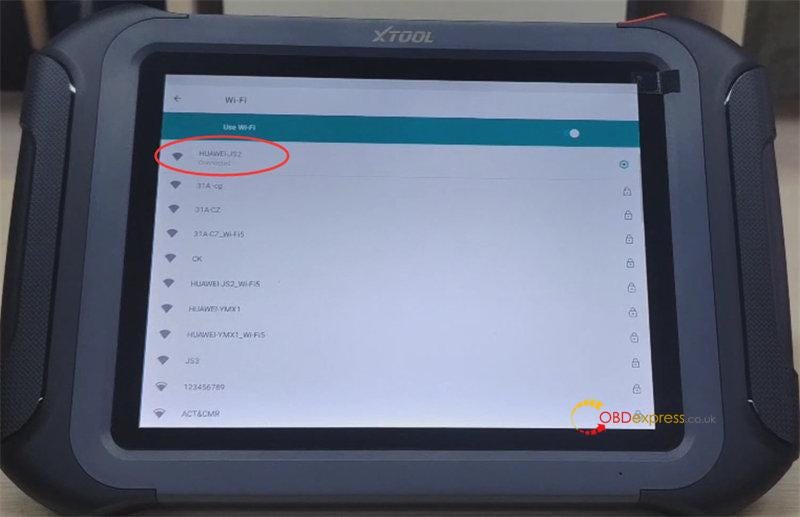
Connect with an available wifi
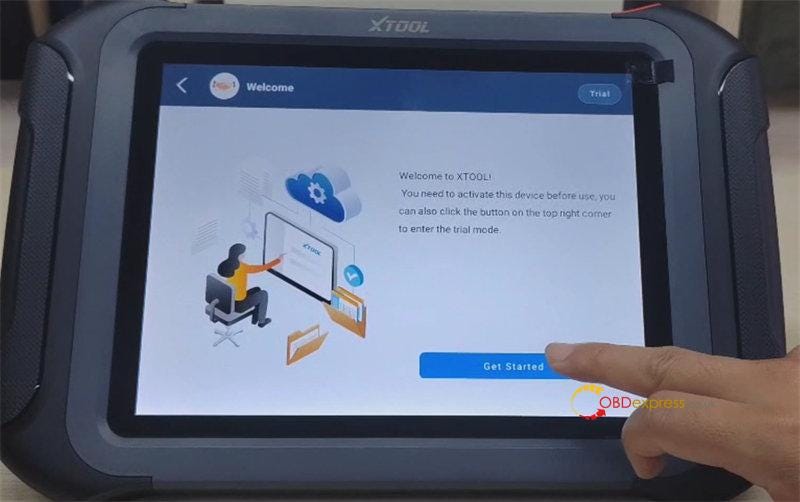
Then click "Get Started"
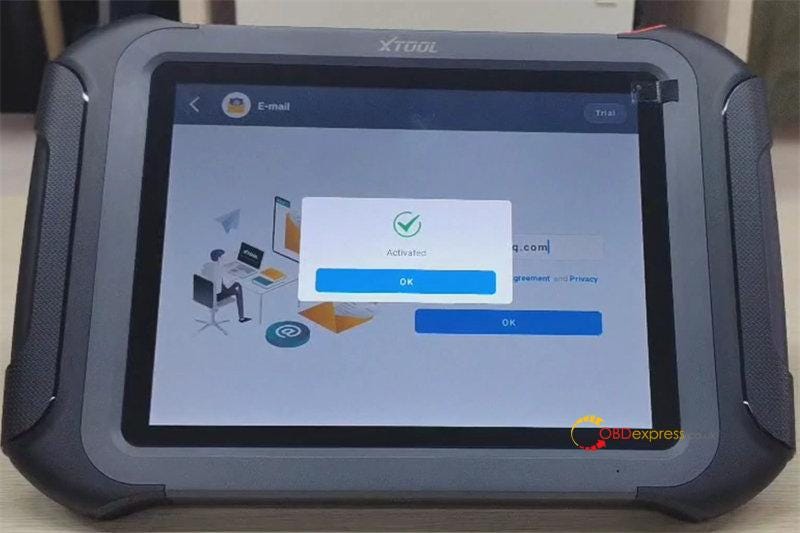
Input your email-address and accept user agreement, click "OK" to
register
The scanner is activated, and it's ready to use.
PART II:
Xtool D9 Pro Menu Function Display
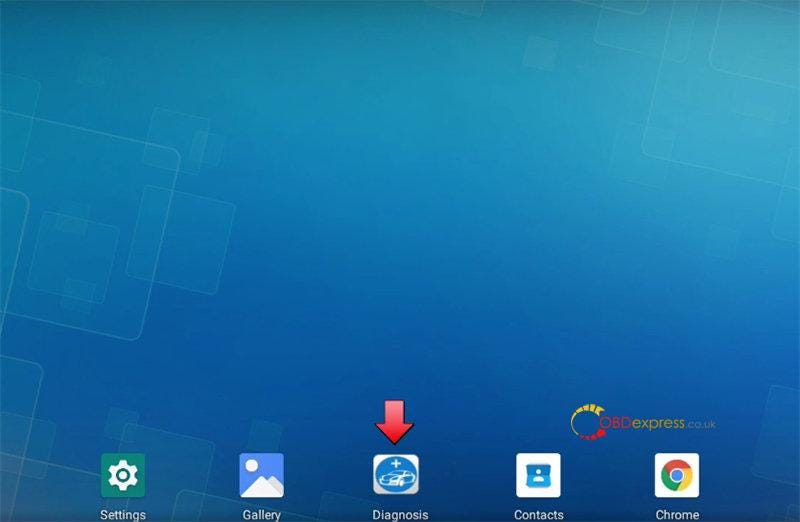
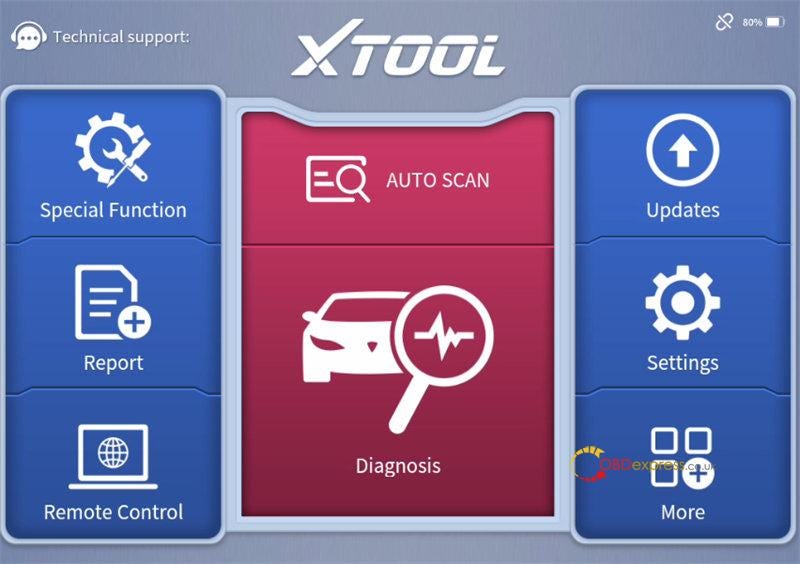
Tap "Diagnosis" to enter the main menu, and you can see 8 items on the main
interface below:
Special Function, Report, Remote Control, Auto Scan, Diagnosis, Updates,
Settings and More.
1.Special function
42+ services:
Oil Reset, Throttle Relearn, EPB, SAS Adjustment, Key programming, Instrument
Cluster, Gearbox Match, BMS Reset, Injector Coding, DPF, Gear Learning, TPMS
Reset, Power Balance, Language Change, Transport Mode, AdBlue Reset, Rain/Light
Sensor, A/F Reset, HV Battery, FRM Reset, ADAS, Headlight, Electronic Pump
Activation, Suspension, NOx Reset, Seat Match, EEPROM, ECU Configurations,
Control Unit Reset, Odometer Read, ABS Bleeding, Speed Limit, Clutch Adaption,
Stop/Start Reset, Write VIN, EGR Relearn, A/C Relearn, SRS, Windows
Initialization, VGT Relearn, Airbag Reset, Tire Upgrade
Note: Service functions don't support all vehicles.
2.Report
Contains Diagnosis Report, Data Playback, File Manager and Data View
The file manager is for professionals only. Amateurs are not suggested to
perform this function.
Internal storage, external storage and storage of diagnosis details are
inside.
3.Remote Control
This function can make technician to solve your device problem easier.
4.Diagnosis
Xtool D9 Pro vehicle coverage:
Europe: Abarth, Alfa Romeo, Astonmartin, Audi, Bentley, Benz, BMW, Bugatti,
Citroen, Dacia, Ferrari, Fiat, Ford (EU), GAZ, IZH, VAZ, Jaguar, Lamborghini,
Lancia, Landrover, Maserati, Maybach, Mini, Opel, Peugeot, Porsche, Renault,
Rolls- Royce, SAAB, Seat, Skoda, Smart, UAZ, Vauxhall, VAZ, Volvo, VW, VW-CV,
ZAZ
Aisa: (JAPAN) Acura, Daewoo, Daihatsu, Honda, Hyundai, Hyundai CV, Infiniti,
Isuzu, Kia, Lexus, Luxgen, Mazda, Mitsubishi, Nissan, Nissan GTR, Perodua,
Proton, Renault Samsung, Scion, Ssangyong, Subaru, Suzuki, Tlisuzu, Toyota
China: Brilliance, BYD, Changhe, Chery, Faw Audi, Faw VW, GAC Gongw, GAC
Motor, Geely, Great Wall, JAC, Lifan, MG, Roewe, Saic Maxus, SHVW
Americas: Buick, Cadillac, Chevrolet, Chrysler, Dodge, Ford (USA), GM, GMC,
Hummer, Jeep, Lincoln, Saturn
Australia: Ford (AU), Holden
5.Update
Xtool D9 Pro diagnostic tool supports 3 years free update
online via Bluetooth and WiFi.
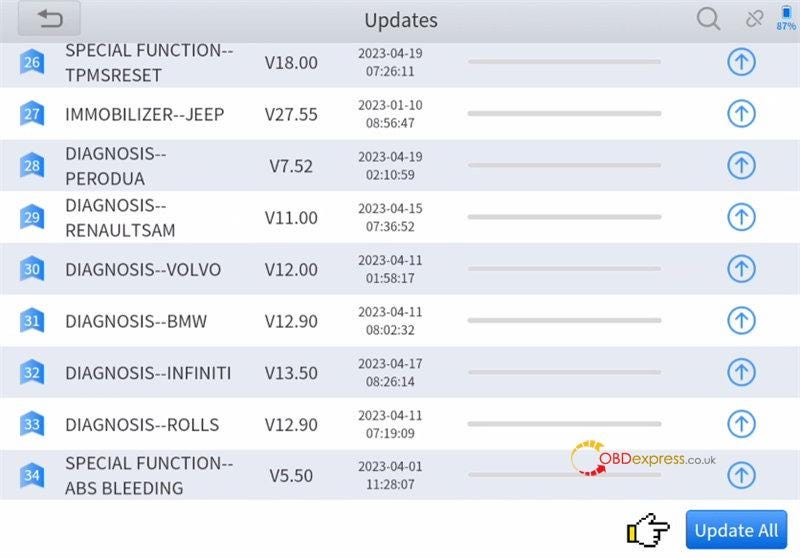
Click "Updates" function, if there is new software for upgrade, click "Update
All" at the bottom right to update directly.
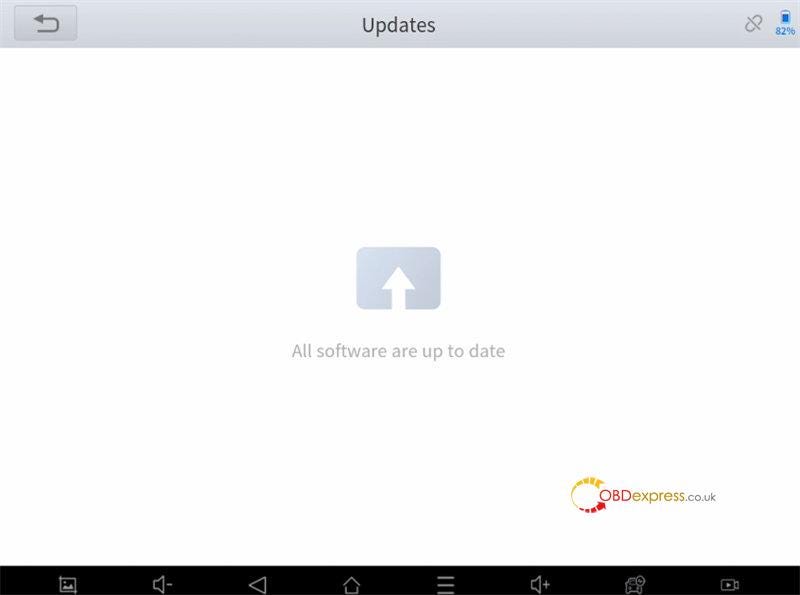
After updating, check again, then it shows "All software are up to date".
6.Settings
You can see language, unit, self-test, Bluetooth, workshop information,
firmware information and About.
- Unit: Metric Units, Imperial Units, U.S Units
- Bluetooth: display the Bluetooth connected, also can open Bluetooth
setting
- Workshop information: you can fill in company, address, website, telephone,
mailbox and contact person info, and they will be displayed in the diagnosis
report.
- Firmware information: firmware name, latest firmware version and current
firmware version
- About: APP, Subscription Expiration, SN and VCI
- Self- test:
Steps to self- test Xtool D9 Pro OBD2
Scanner:
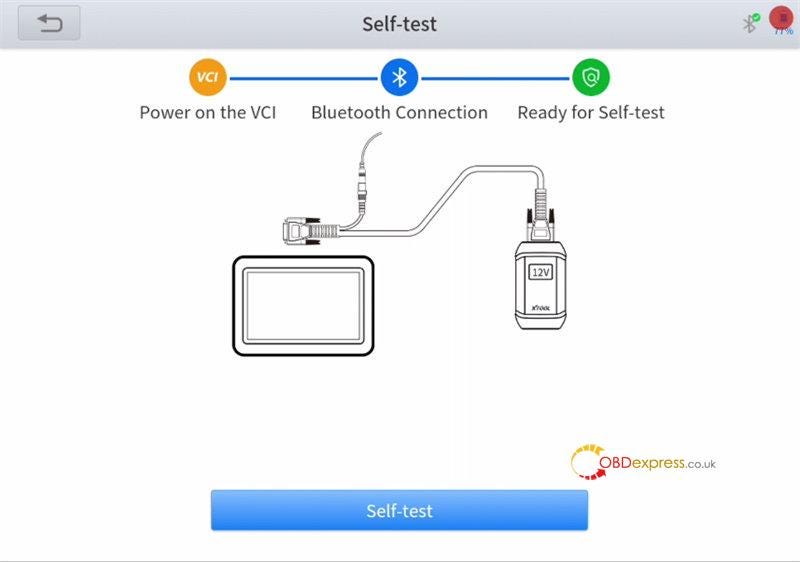
Step 1: Connect the VCI box to the external 12V power supply
Do not connect to the vehicle's DLC port
Step 2: Detect the circuitry to check the working status of each model or
pathway of the VCI box
Make sure the tablet is paired with the VCI Box via Bluetooth
Click "Ready to Self-test"
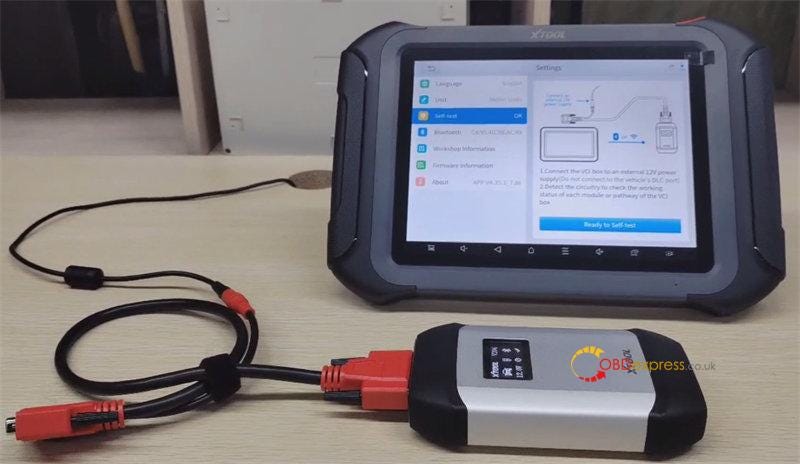
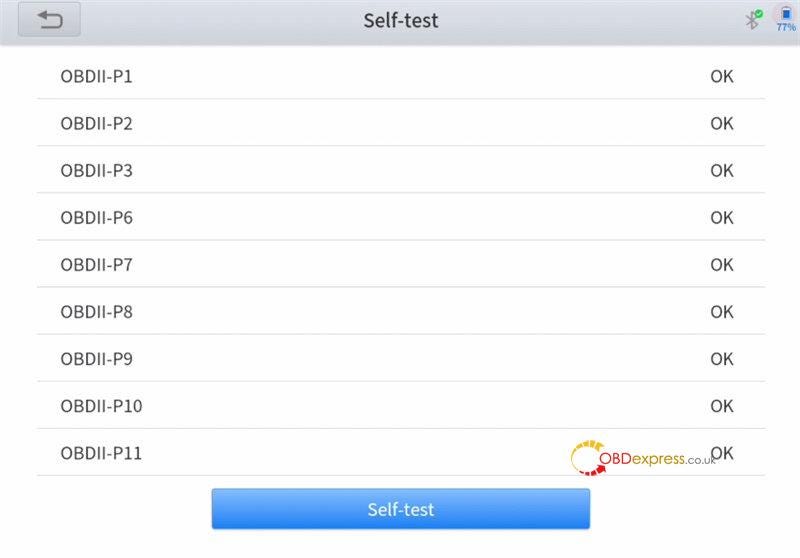
Self-test is OK
7.More
Incl. XTOOL and Endoscope
PART III
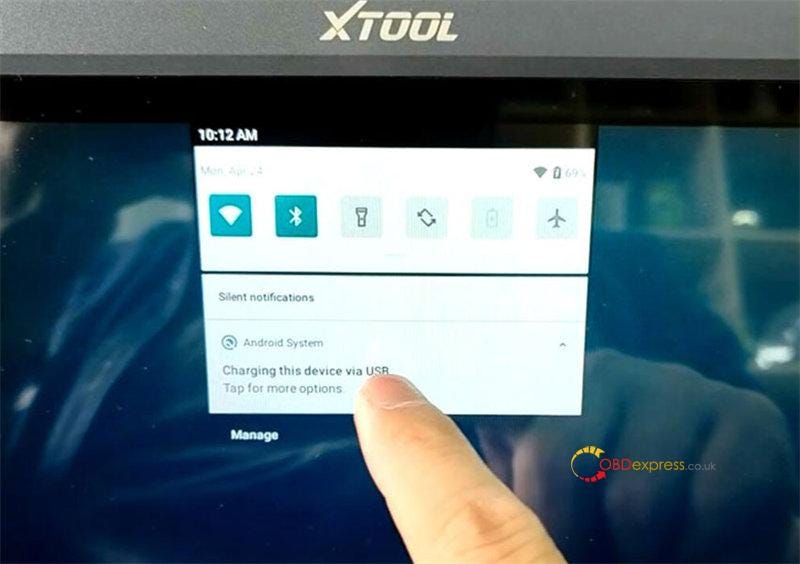
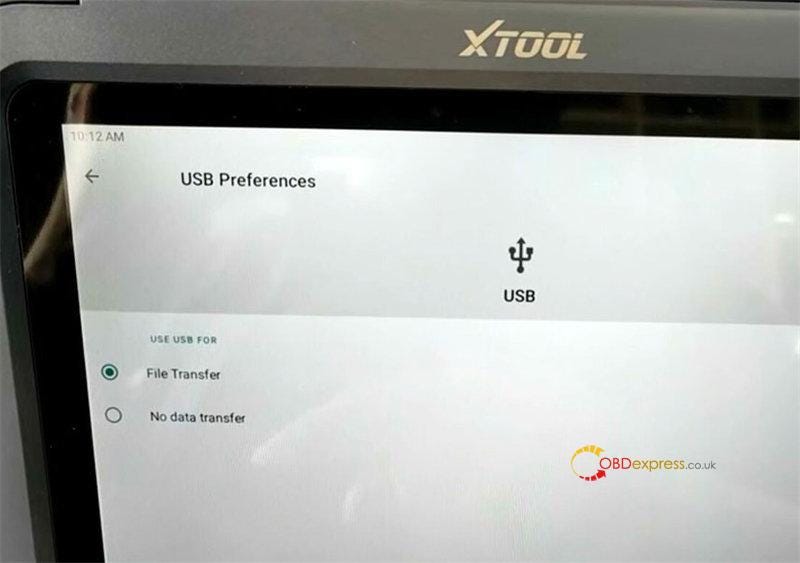
Xtool D9 Pro Export/Import Data via USB
In the Home menu, pull down main screen, and select "Charging this device via
USB"
Select use USB for File Transfer, and then you can transfer file from tablet
to PC.
Learn more:
https://www.obdexpress.co.uk/wholesale/xtool-d9-pro-diagnostic-tool.html