Question:
Do a universal key for Infiniti Q70 or M37 which is special smart key very
expensive. Which tool is recommended?
obdexpress.co.uk engineer's
suggestion:
Both can perform the function you need.
1.Generate by Autel IM608 Pro with Autel Nissan universal smart
key
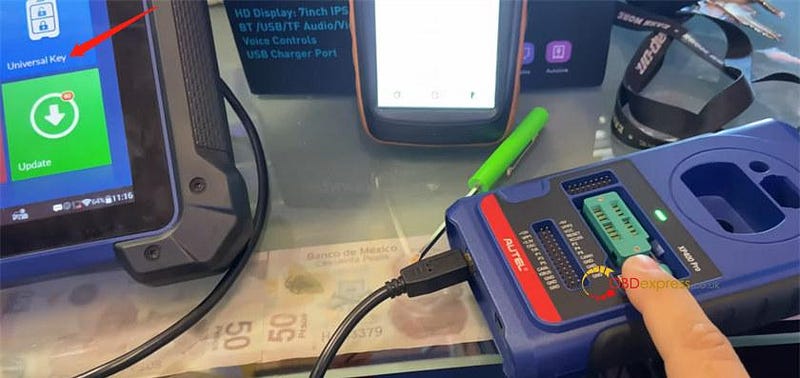
Make sure connect Autel IM608 Pro and XP400 Pro properly
Tap Universal key in the main menu
Accept the disclaimer
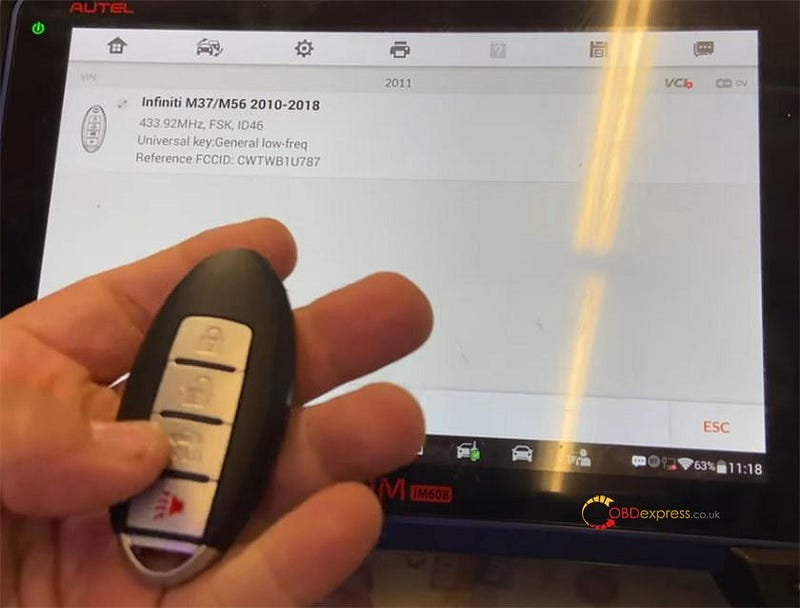
Select Universal key generation>> Asia>> Infiniti>> Type by
Model>> M37/M56>> 2011
Click the item- Infiniti M37/M56 2010–2018 to continue
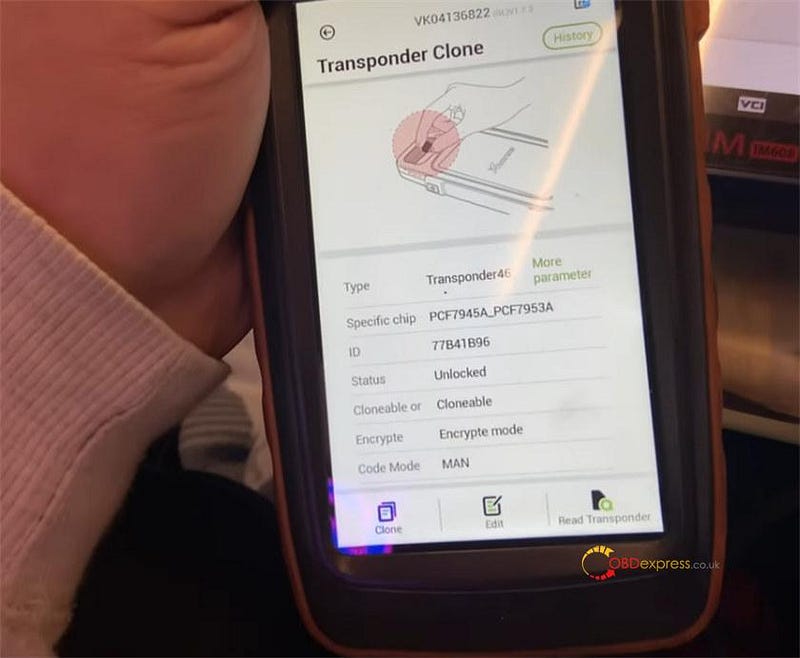
The key has been identified by VVDI Key Tool Max is transponder 46,
PCF7945A_PCF7953A, unlocked.
Put the key into XP400 Pro coil and start to generate universal key
Wait a while and the universal key generation is completed
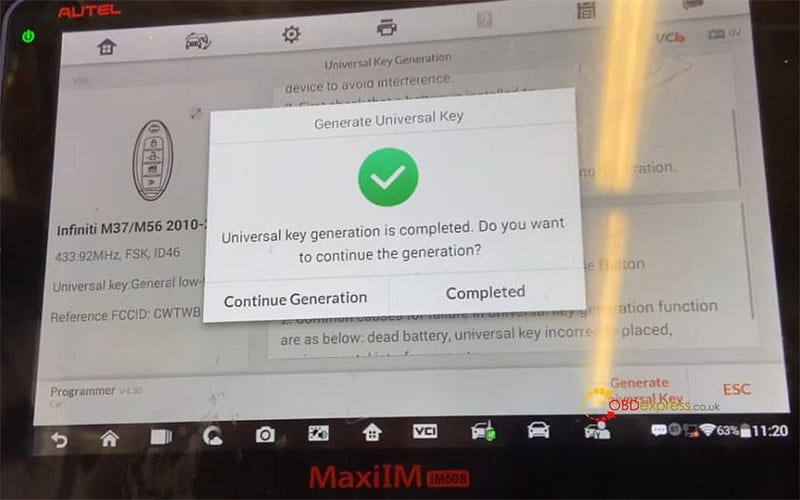
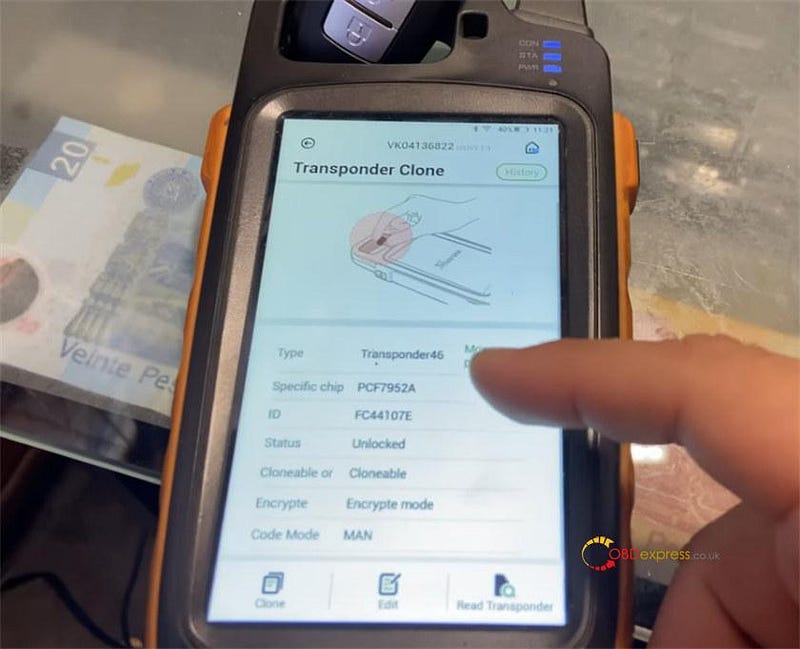
Then put the key into Key Tool Max Pro to read transponder again, it's
PCF7952A and unlocked
2.Generate by VVDI Key Tool Max Pro with Xhorse universal smart proximity key
Put the Xhorse universal key into the coil of key tool max
Tap vehicle remote>> infinity>> M37>> M37 (2010–2013)
KeylessGo ID46 433M >> Generate remote
The key flashes a red light, it means that the remote is successfully
generated.
Both universal keys remote are generated successfully
3.Program keys
After generation, you can use a professional key programmer to add new
key.
Here takes Xtool AutoProPad as an example.
We want to use it to read the PIN code and release the steering lock.
Note: Make sure you turn on the emergency lights, just to give the car a
little bit of power so we can start
Connect the key programmer to the vehicle
Tap Immobilization>> US Nissan>> Accept the disclaimer
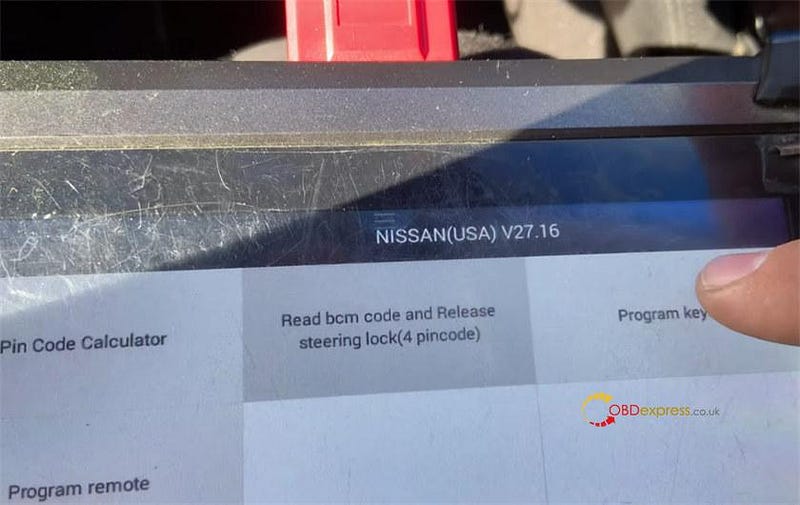
- Read BCM code and release steering lock (4 pincode)
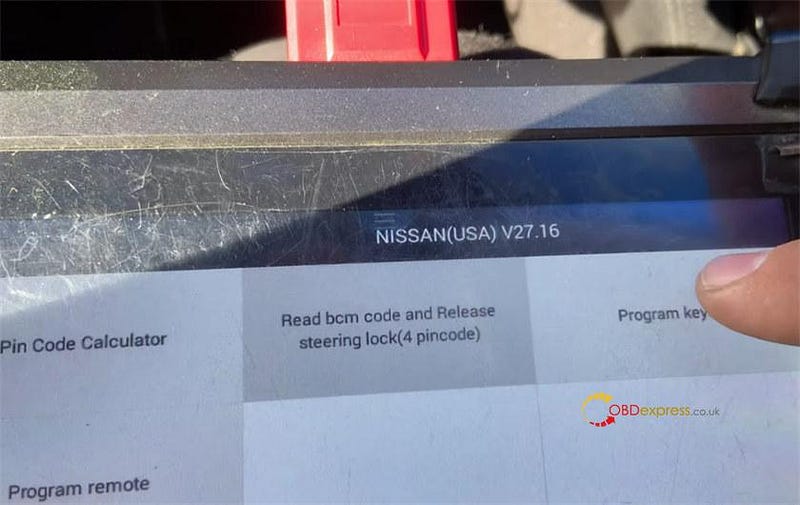
Read BCM code
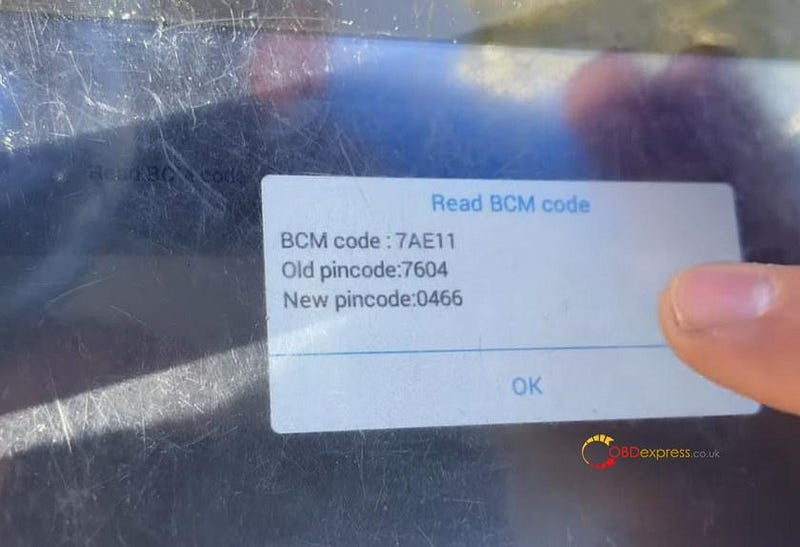
After reading success, release steering lock
Pay attention to the following notes:
Pin code can be calculated from the BCM code, press OK to continue
Switch ignition off
Confirm to bypass PIN code
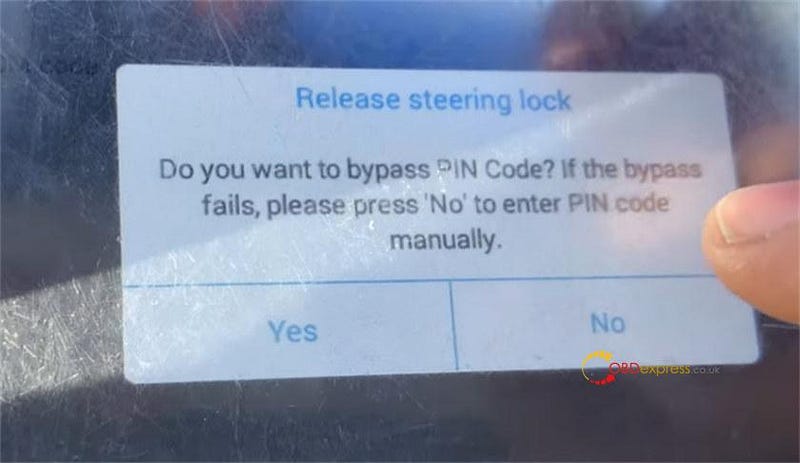
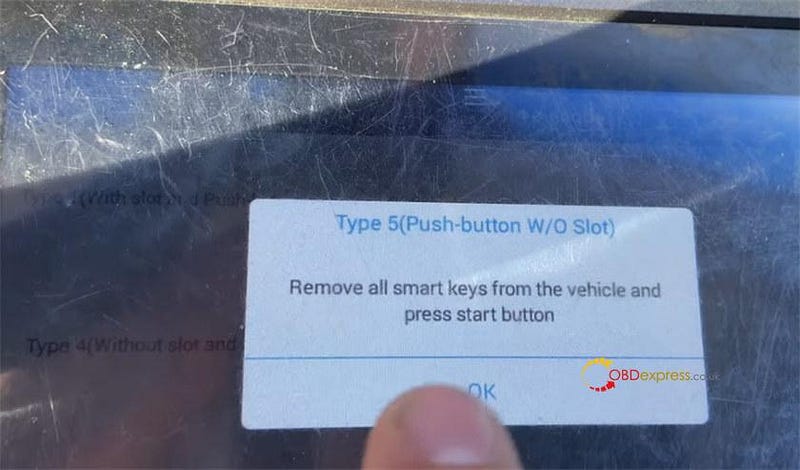
Select from type>> smart key system>> 4 pincode>> Type 5
(Push-button W/O Slot)
Remove all smart keys from the vehicle and press start button
Confirm perform the release steering lock function before programming
keys
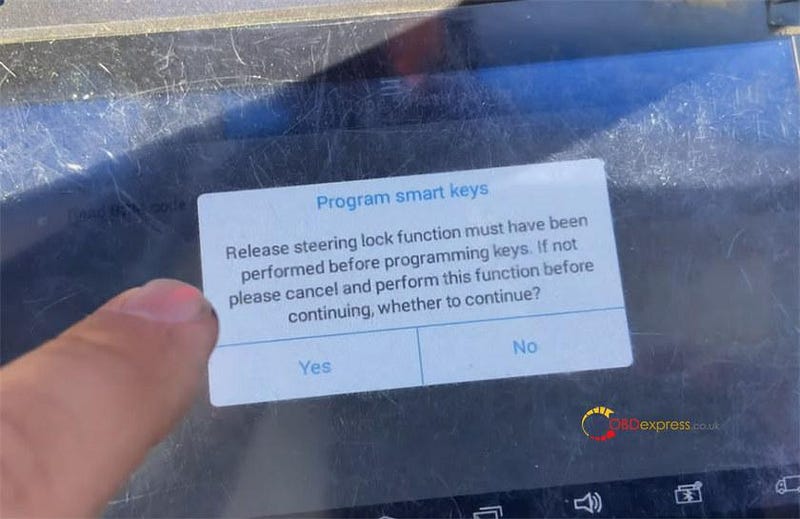
Follow the on-screen instruction to program keys
Step 1: Press the start/stop button with the logo of the key in the center of
the button
Step 2: If the vehicle chimes 2 times and the ignition switches on the key
was accepted. The immobilizer indicator would also flash 5 times. If the vehicle
chimes 6 or more times and the ignition remains off the key was not accepted and
you will need to try again with the same of different key
Step 3: If the key was accepted, press and release the start/stop button to
turn ignition off
Step 4: To program any additional key, repeat the same steps above
Step 5: Once all smart keys have been programmed, press and release the
start/stop button with the logo of the FIRST key that was introduced
successfully (This will close the learning mode)
Step 6: Open and close the driver door, key indicator light will flash five
times
Step 7: Press unlock on a programmed remote (this will activate the proximity
and remote function)
Step 8: Press brake pedal and start engine with each smart key. Keep any
smart keys not be being tested 10 ft away from the vehicle.
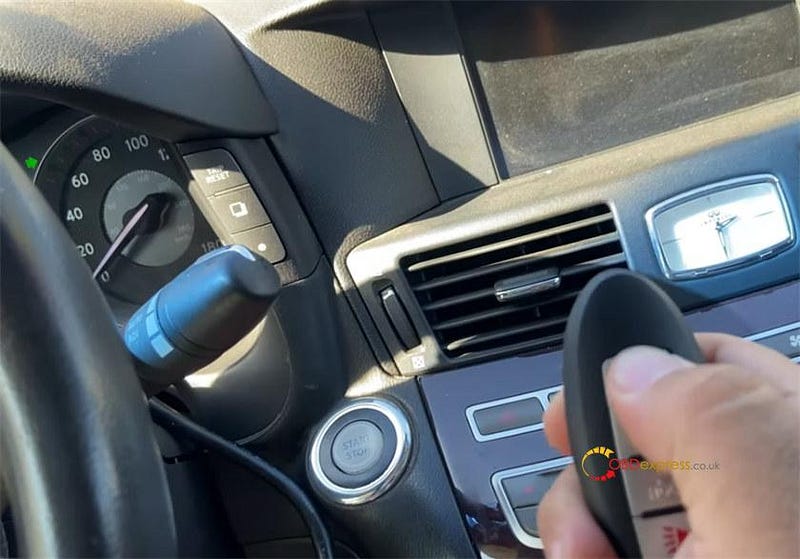
Done!
Both Autel MaxiIM IM608 Pro and Xhorse Key Tool Max Pro can generate universal key for
Infiniti M37/M56 2010- . Whichever you can make the bet profit on is the one
that is best for you.
Look at your costs for both and look at how much time is needed to do both
and then decide what works best in your market. Another locksmith in another
country or region might have totally different costs than you. So what is good
for you might not be for them and visa-versa.
www.obdexpress.co.uk