XHORSE CONDOR XC-TWINS is a professional Key Cutting Machine that supports two important locksmith functions: All Key Lost and Find Bitting. The All Key Lost function helps users retrieve key cutting data through an online key database by entering a key code. The Find Bitting function calculates missing key cuts when partial bitting information is available.
These functions help automotive locksmiths:
- Reduce manual decoding work
- Speed up key cutting jobs
- Solve all-key-lost situations faster
- Improve cutting accuracy
This guide explains how to use both functions step by step.
How to Use All Key Lost Function?
The All Key Lost feature allows users to generate key cutting data directly from the online database.
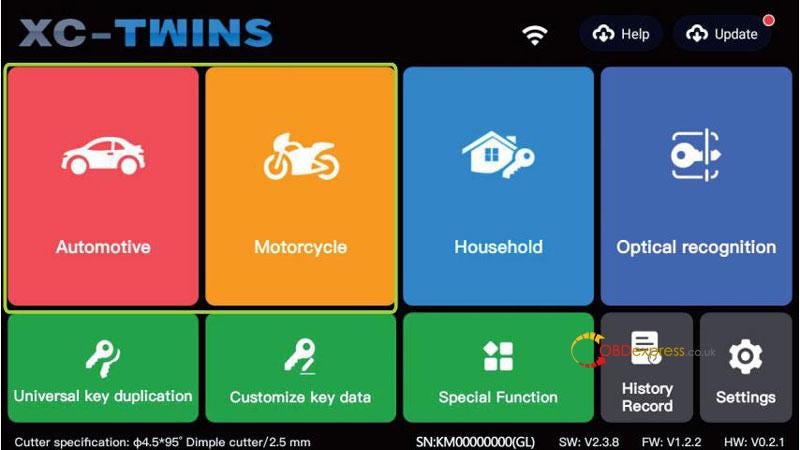
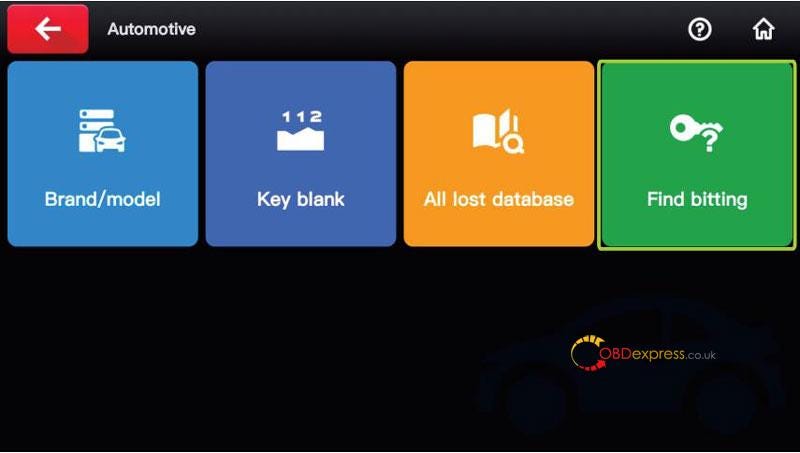
Step1. Enter "Automotive/Motorcycle" interface.
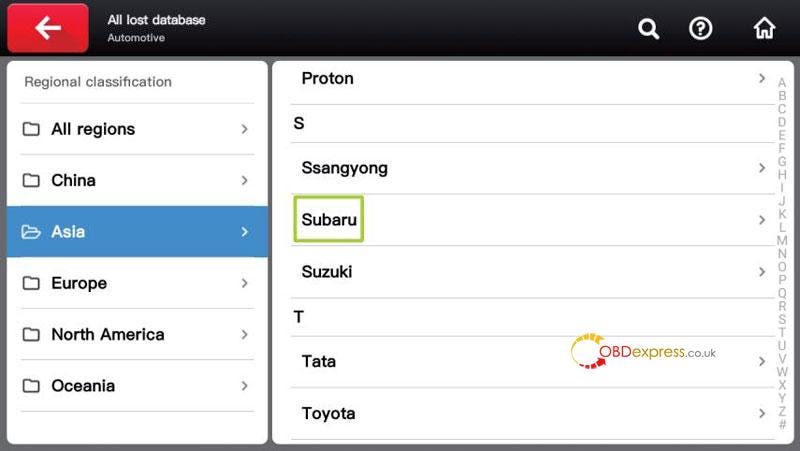
Step2. Select "All lost database".
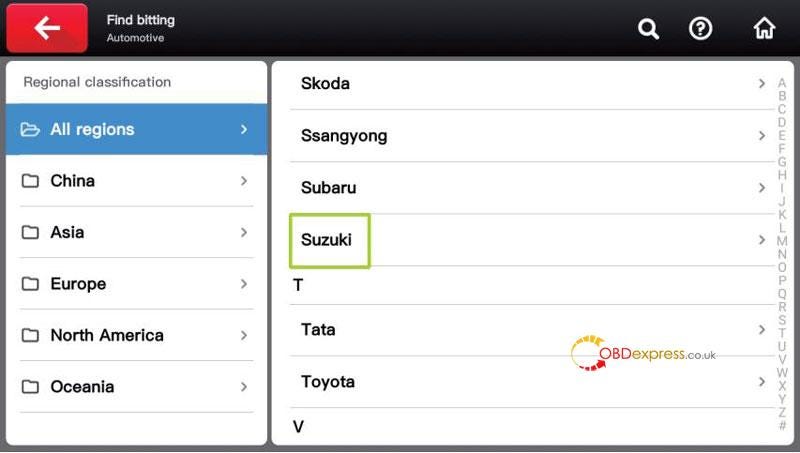
Step3. Choose the vehicle manufacturer or use the search function.
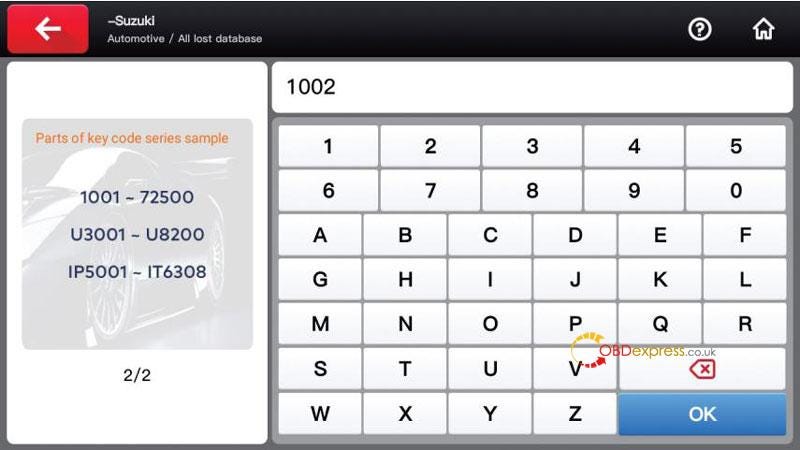
Step4. Input the valid key code obtained from:
- Factory key tag
- Lock body
- Other decoding methods
Step5. confirm to submit database query.
The system will automatically query the database and display the key cutting information.


How to Use Find Bitting Function?
The Find Bitting feature helps identify missing key cuts when some bitting positions are unknown.
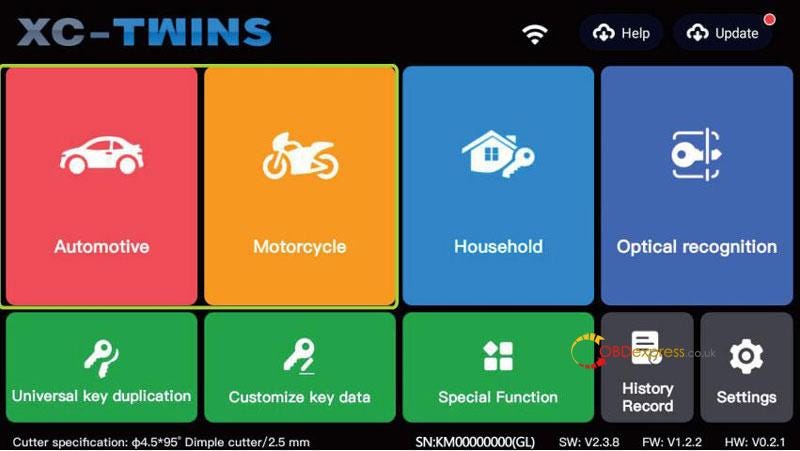
Step1. Enter "Automotive/Motorcycle" mode.
Step2. Select "Find Bitting" module.
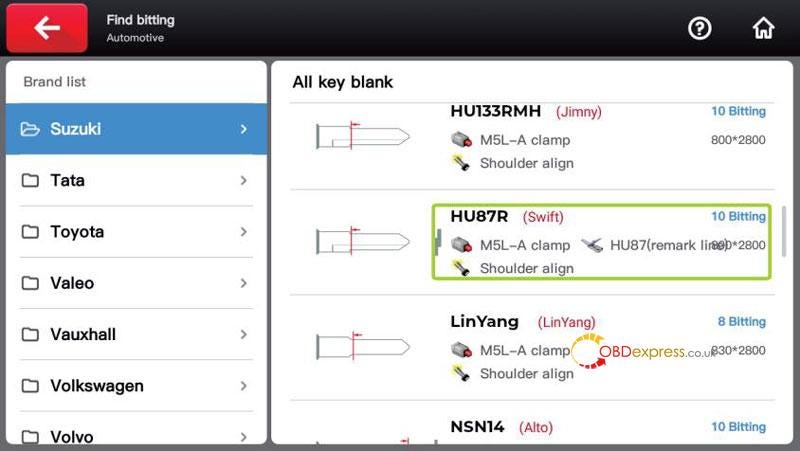
Step3. Choose vehicle manufacturer.
Step4. Select the correct key blank model.
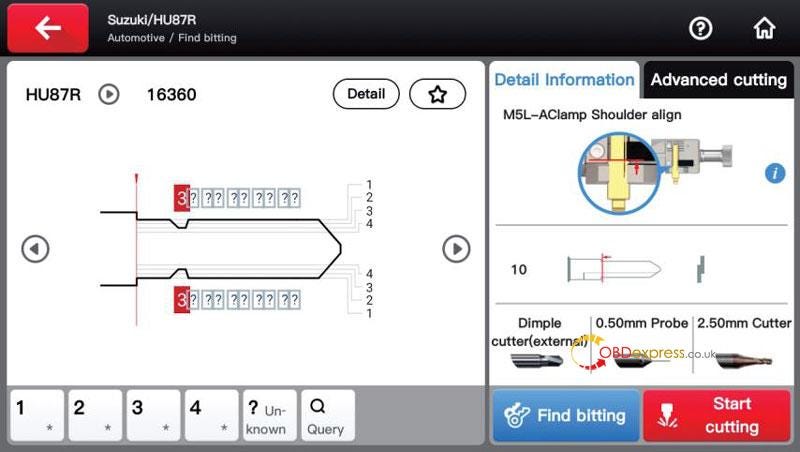
Step5. Enter the known key bitting.
For unknown positions: Leave blank or enter "?"(Eg. 32?4?)
Step6. Press "Find bitting" to start calculation.
System Behavior:
The machine analyzes known cut positions and generates all possible valid combinations based on lock structure logic, helping locksmiths verify the correct key pattern.
Why Locksmiths Choose XHORSE CONDOR XC-TWINS?
CONDOR XC-TWINS helps locksmiths complete all-key-lost and key decoding jobs more efficiently through:
- Intelligent online database support
- Automatic bitting calculation
- Faster key generation
- Simplified locksmith workflow
It is a practical solution for professional automotive key cutting and locksmith services.


No comments:
Post a Comment