OBDSTAR X300 Classic G3 effectively repairs Audi 4N0915105F battery modules. This tool clears collision data and resets the Battery Management System (BMS) via BENCH mode. Use the MP001 programmer to erase DTCs and restore module functionality instantly.
Required Equipment
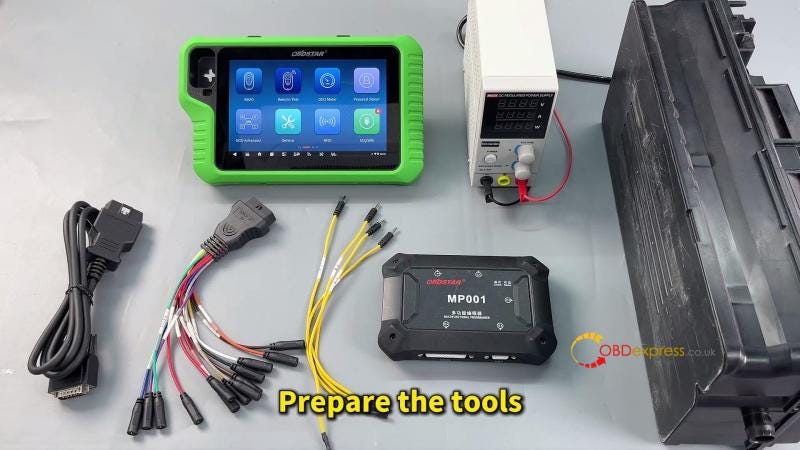
Prepare the following tools before starting the procedure:
Diagnostic Tool: X300 Classic G3.
Programmer: MP001 Programmer.
Power Supply: High-power DC regulated power supply.
Cables: Main cable and jumper wires.
Preparation: Update the software to the latest version.
Operational Steps
Setup and Navigation
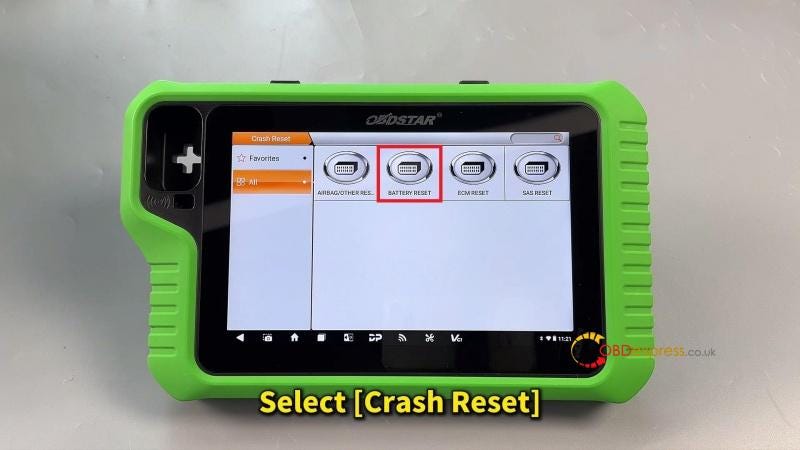
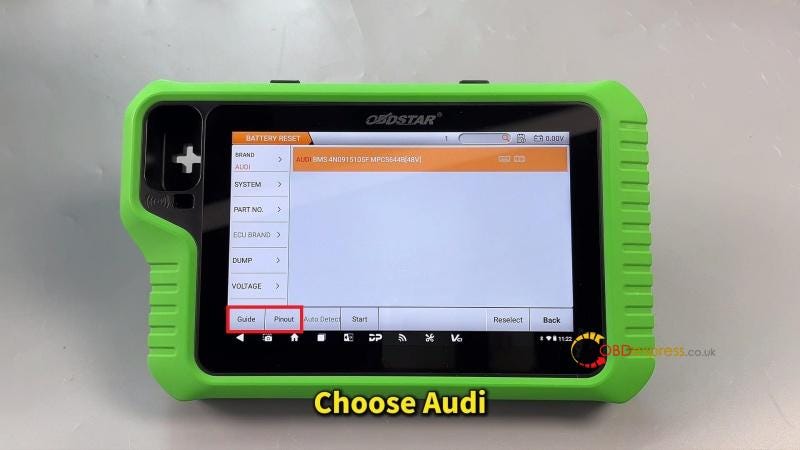
- Enter the menu: Crash Reset > Battery Reset > Audi > Guide.
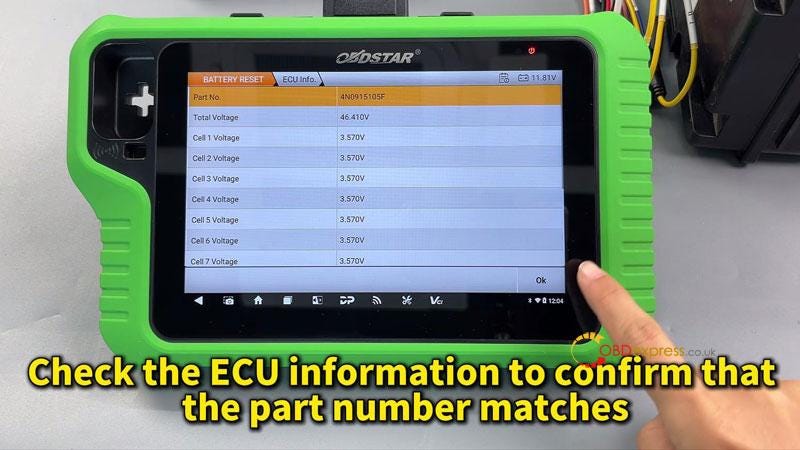
- Confirm the battery module part number matches the device software.

Hardware Connection
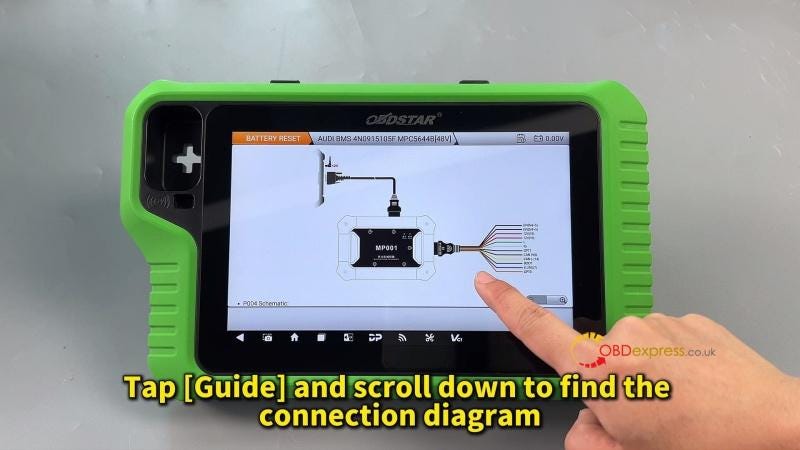
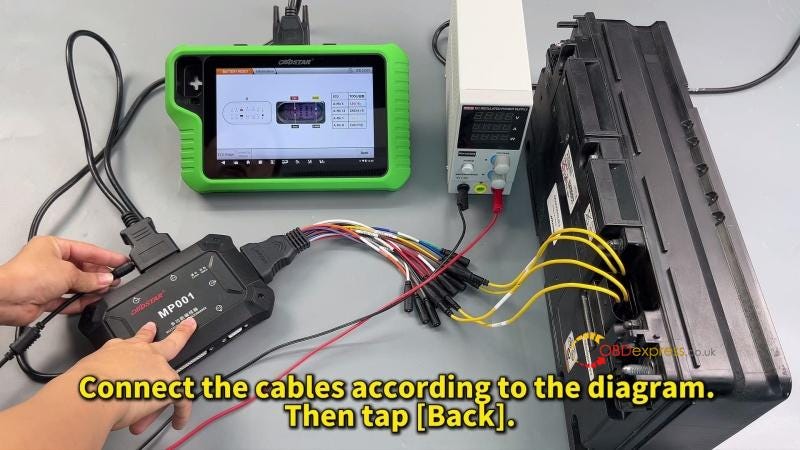
- Connect the MP001 programmer and module using the provided jumper wires.
- Follow the on-screen wiring diagram strictly.
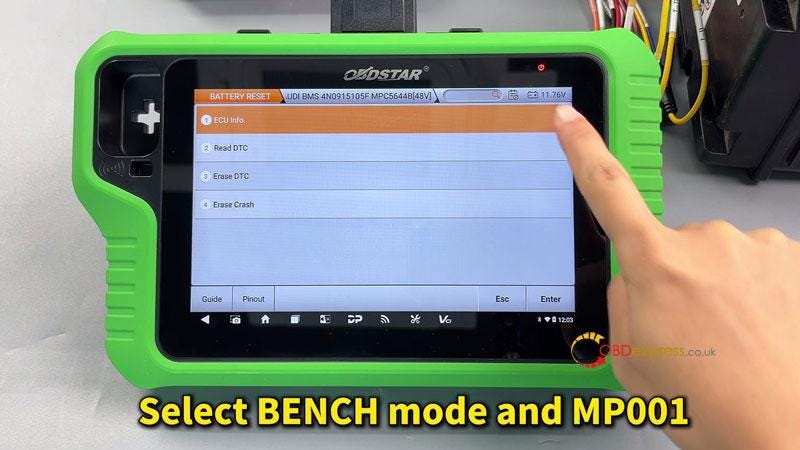
- Select the communication path: Start > BENCH > MP001.
Data Repair and Reset
- Verify Identity: Tap ECU Info to confirm the module information.
- Identify Faults: Tap Read DTC to verify the presence of crash data.
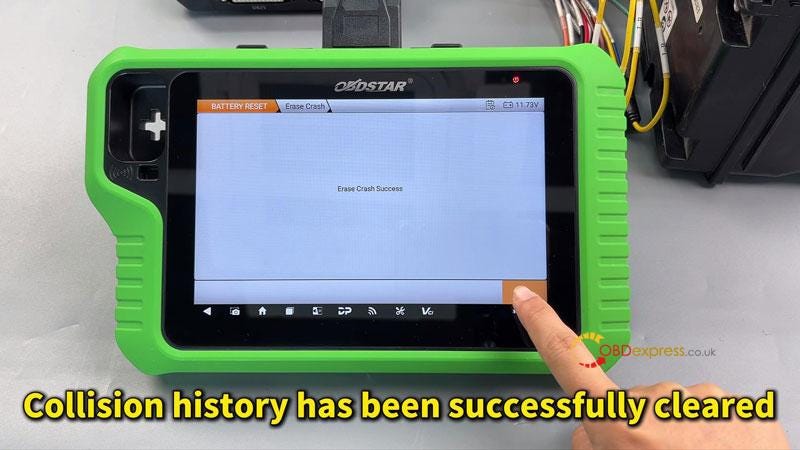
- Clear Crash Records: Tap Erase Crash to successfully delete collision history.
- Reset Faults: Tap Erase DTC to clear all diagnostic trouble codes.

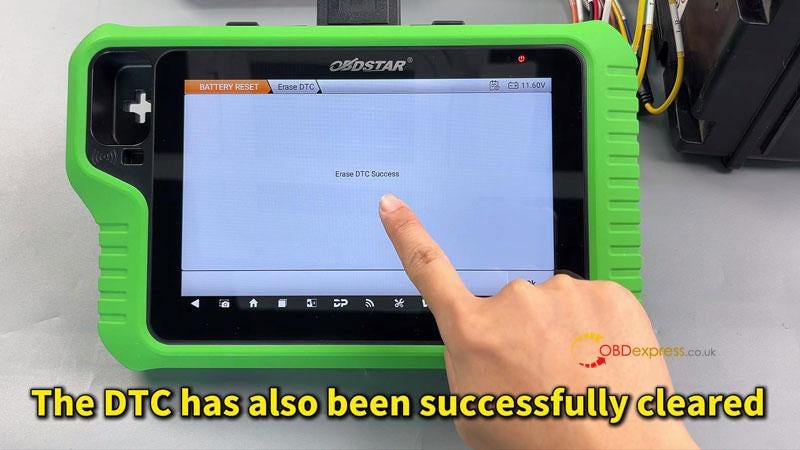
Final Validation
Run Read DTC once more to ensure the collision record is cleared and the module is healthy.


No comments:
Post a Comment