Looking for a reliable way to program a 2024 Volvo S60 when all keys are lost? This tutorial provides a direct, step-by-step walkthrough using the Lonsdor K518 Pro. We cover everything from CEM data extraction to final OBD key matching to get you back on the road quickly.
Hardware Requirements
Before starting, ensure you have these essential tools ready:
- Lonsdor K518 Pro Programmer.
- KPROG-2 Adapter
- LC202 cable.
- OBD communication cable.
- A new Volvo smart key.
CEM Data Extraction (Bench Mode)
Because all keys are lost, you must first read the security data directly from the Central Module (CEM).
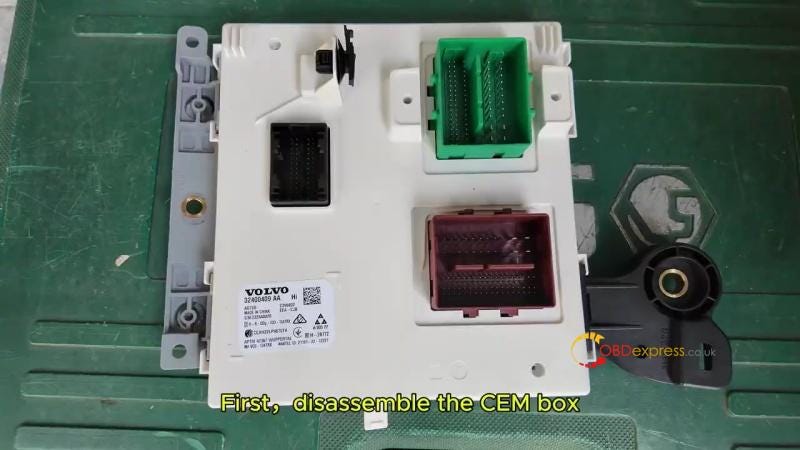
- Disassemble the CEM: Remove the CEM box from the vehicle.
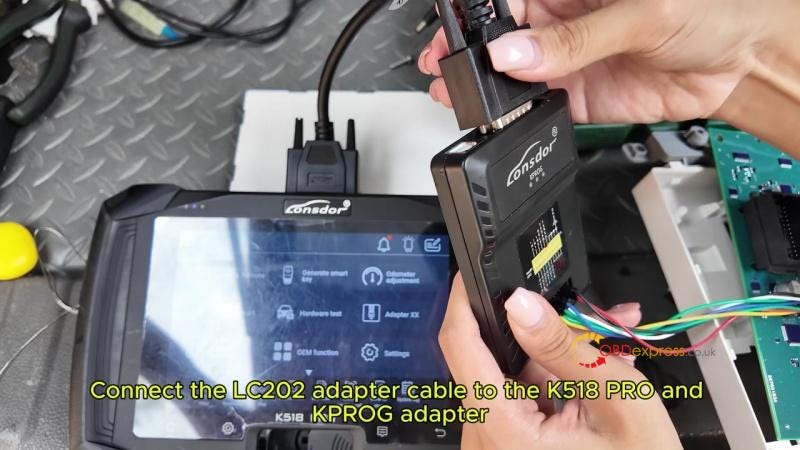
- Connect Equipment: Link the LC202 cable to the K518 Pro and the KPROG adapter according to the wiring diagram.
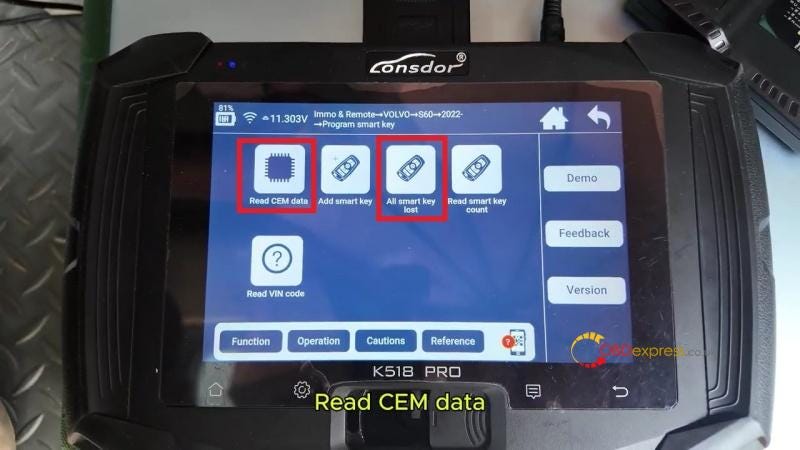
- Software Menu: Select IMMO & Remote >> Volvo >> S60 >> 2022- >> Program smart key >> Read CEM Data,
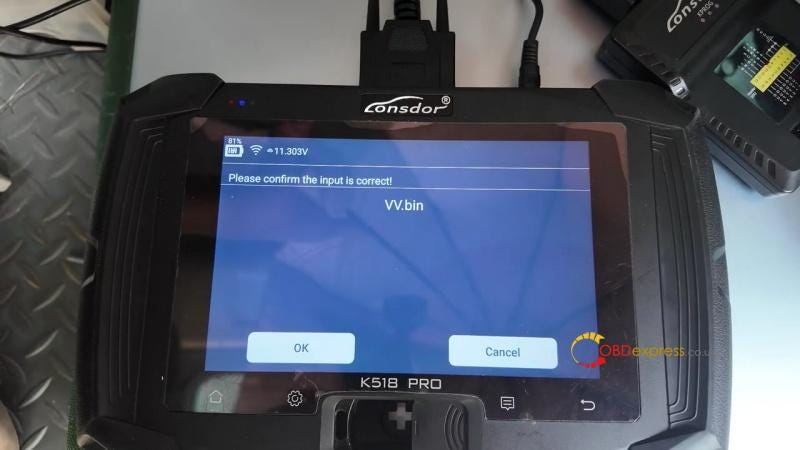
- Name your file, and wait for the "Read successfully" confirmation.
- Reinstall: Once the data is backed up, fit the CEM box back into the vehicle.
Smart Key Programming (OBD Mode)
With the data saved, move to the vehicle’s interior to finish the process via the OBDII port.
- Plug in OBD: Connect the K518 Pro to the car’s OBD port.
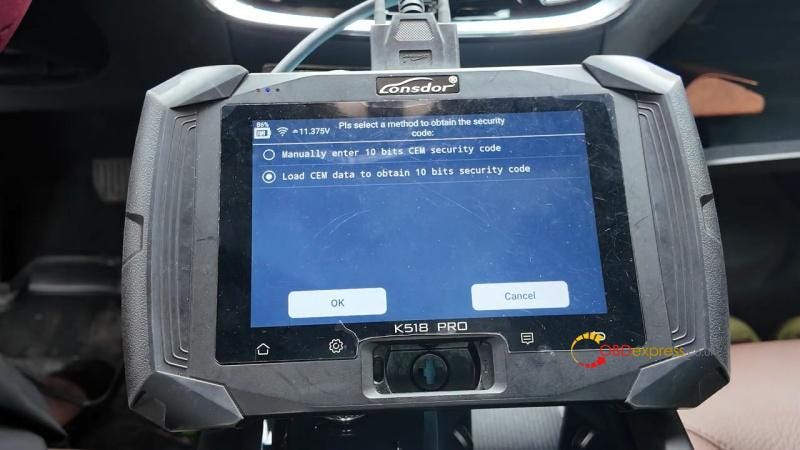
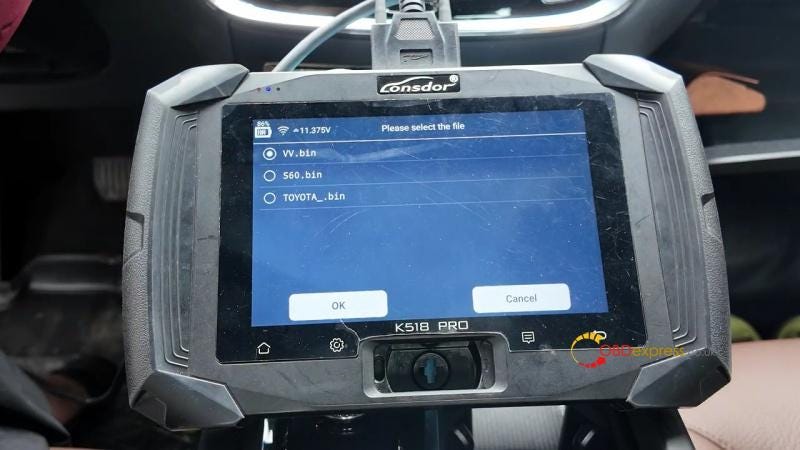
- Select Function: Navigate to IMMO & Remote >> Volvo >> S60 >> 2022- > Program Smart Key >> All Smart Key Lost >> Load CEM data to obtain 10 bits security code >> Select the CEM data file you just saved.
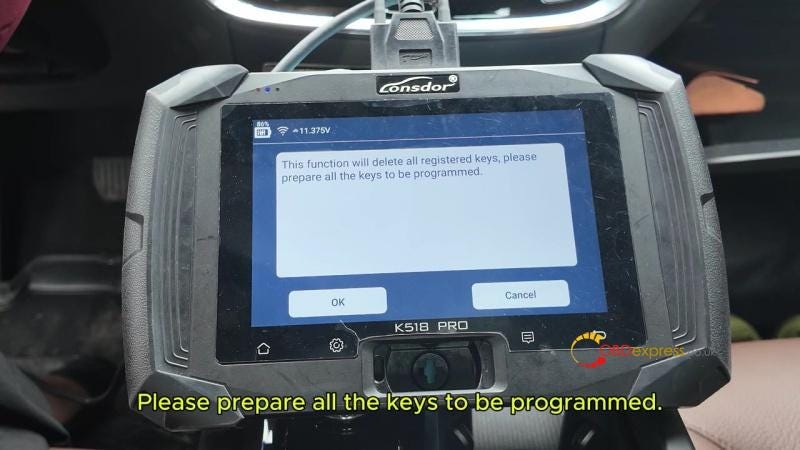
- Clear Keys: The system will delete all old keys; confirm to proceed.
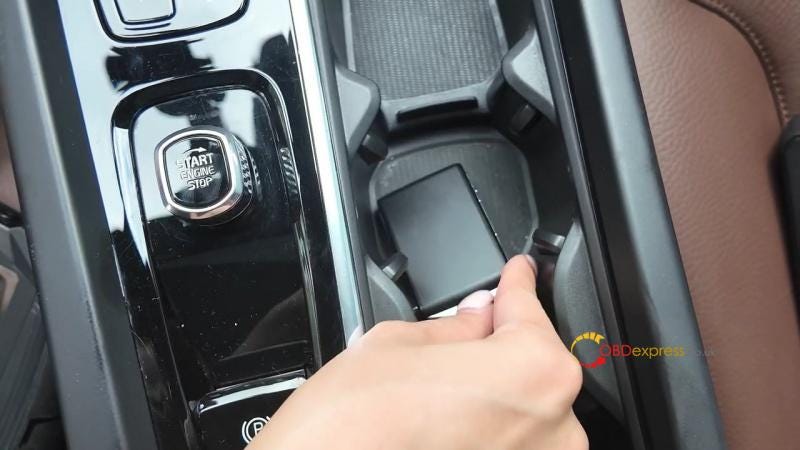
- Learn New Key: Place the new smart key in the vehicle’s induction area (usually the center console).
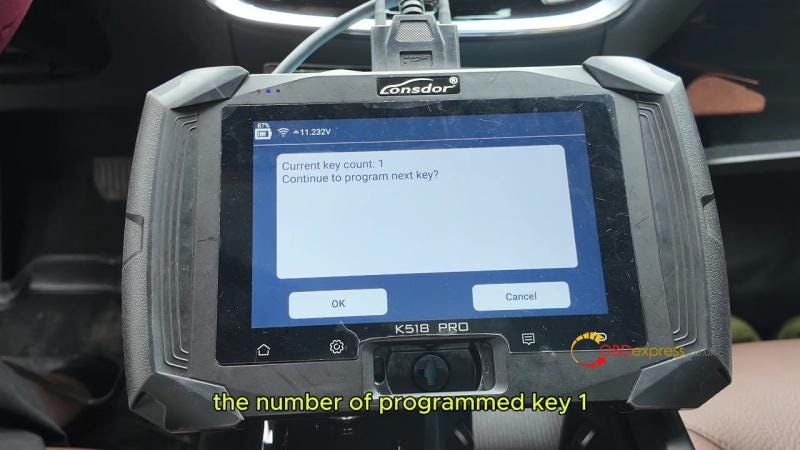
- Complete: The device will show "Programmed key: 1." Click Cancel to end the process.
Final Testing
Verify the new key’s performance before finishing:
- Engine Start: Step on the brake and turn the start button to ensure the car drives normally.
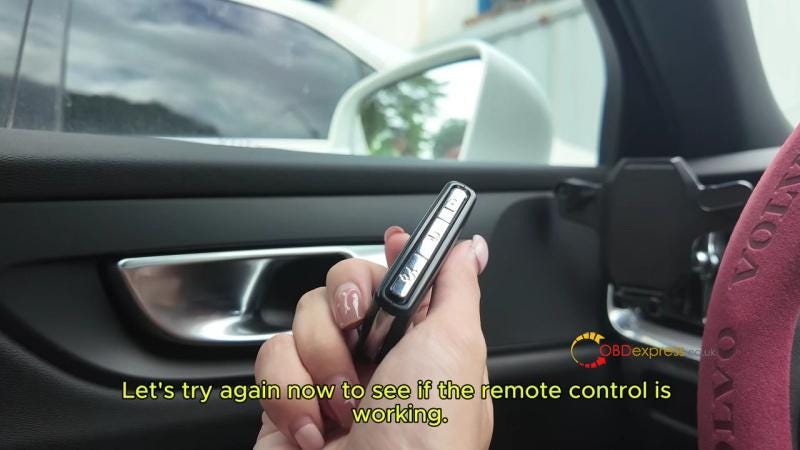
- Remote Control: Test the lock and unlock buttons to confirm the remote frequency is working.


No comments:
Post a Comment