This guide explains how to use KEYDIY KD-X4 to add a BMW BDC3 encrypted (Mexico) key by reading the original key data. A dedicated wiring harness is provided for reading and writing BMW data, which is also compatible with Volkswagen and Audi 5C/5D modules.
Requirement:
- KEYDIY KD-X4 or KD-MAX key programmer
- Original BMW BDC3 encrypted key
- New BMW BDC3 key or KD FGB58 remote
- Dedicated wiring harness (new)
- Activated KD G Function license
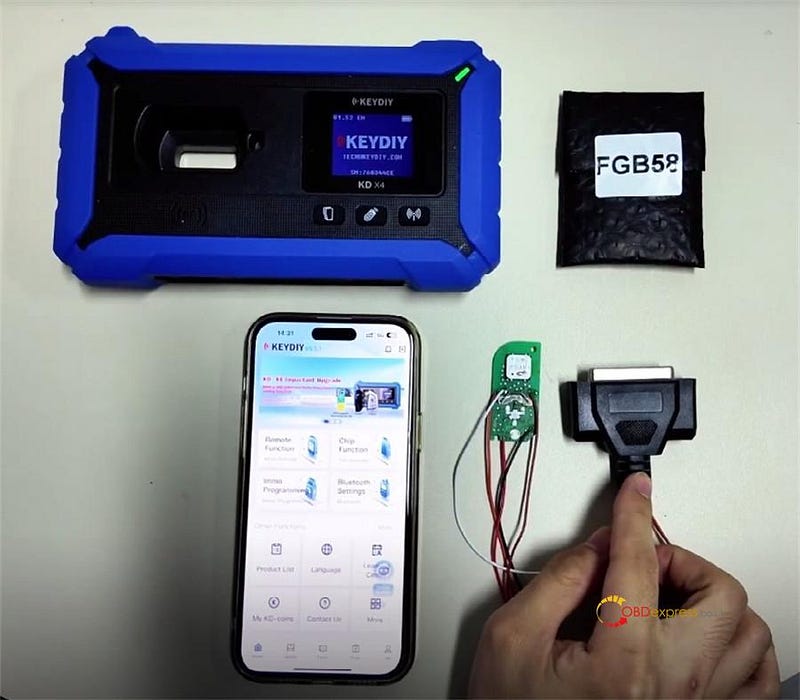
Procedure Overview:
1.Read data from the encrypted BMW BDC3 key.
2.Write the data to a new KD FGB58 remote.
Step 1: Initial Setup
Power on KD-X4 key programmer
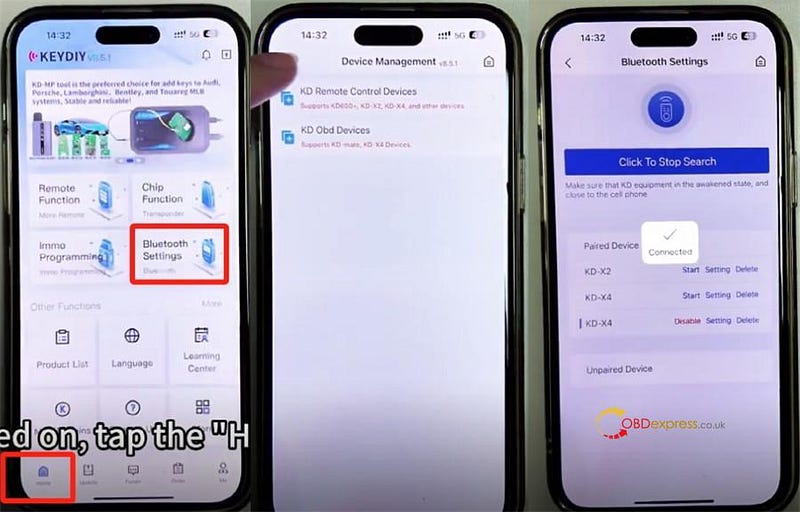
Press the home button and connect to the device (automatic connection is typical).
Navigation path:
Home → Bluetooth Settings → KD Remote Control Devices → Click to Search
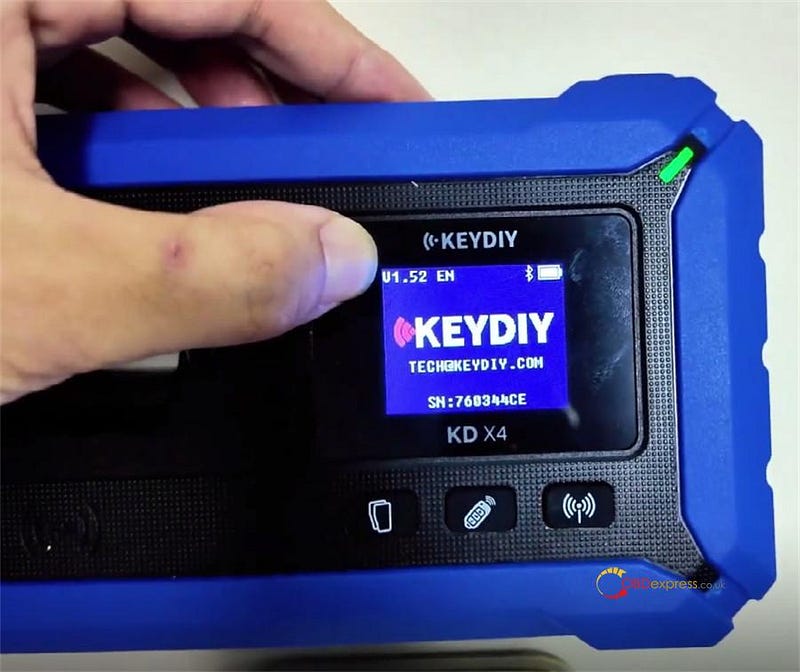
Important: Verify Software Version
Ensure KD-X4 software is updated to V1.52, which is required for programming encrypted BMW keys.
If an update is needed, select Update → Upgrade KD Device to install V1.52 and enable encrypted key functionality.

Step 2: Read Original Key Data
Connect the key correctly using the wiring diagram available in the corresponding menu.
Navigation path:
*Remote Function → Smart Key Clone → BMW BDC3/BCP Smart Key Clone → G Chassis/BDC3 Clone*

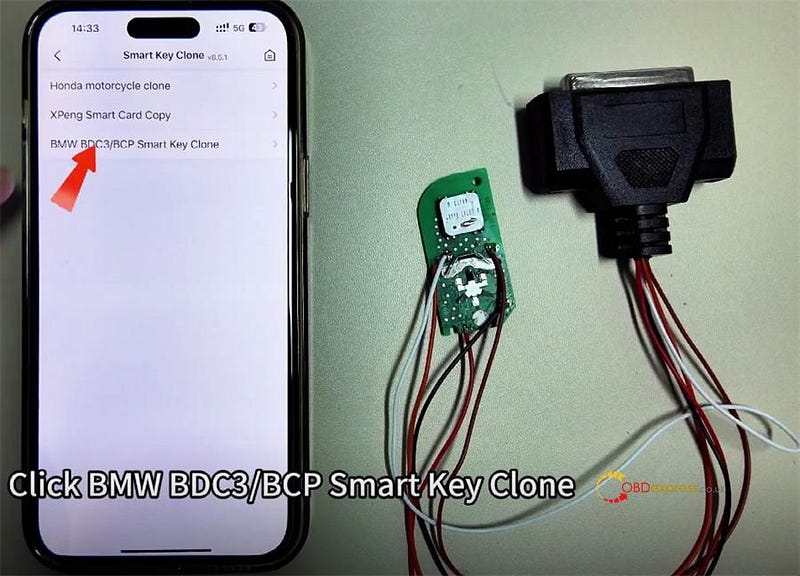
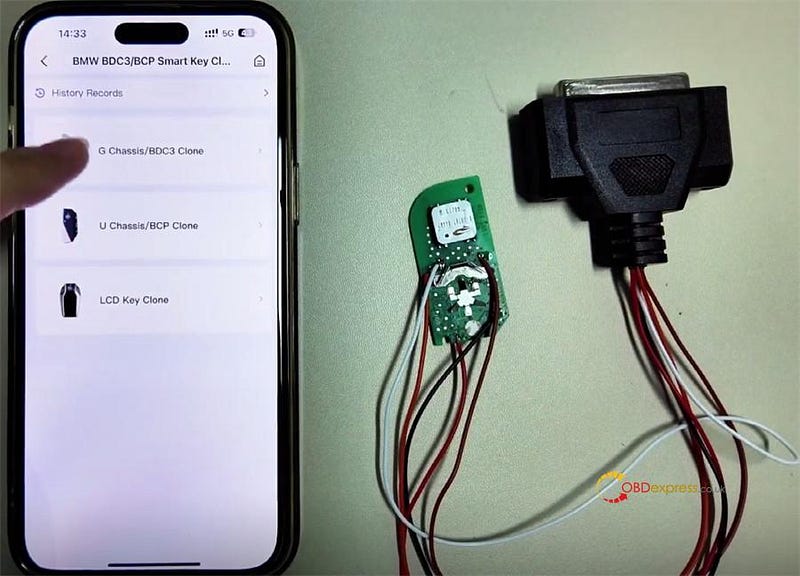
The wiring diagram can be viewed here.
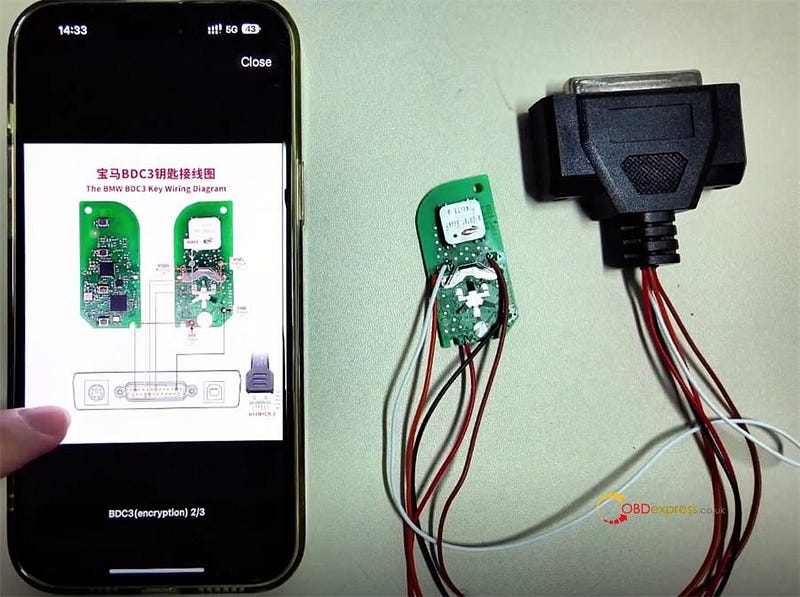
Proceed to read the key data once connected.
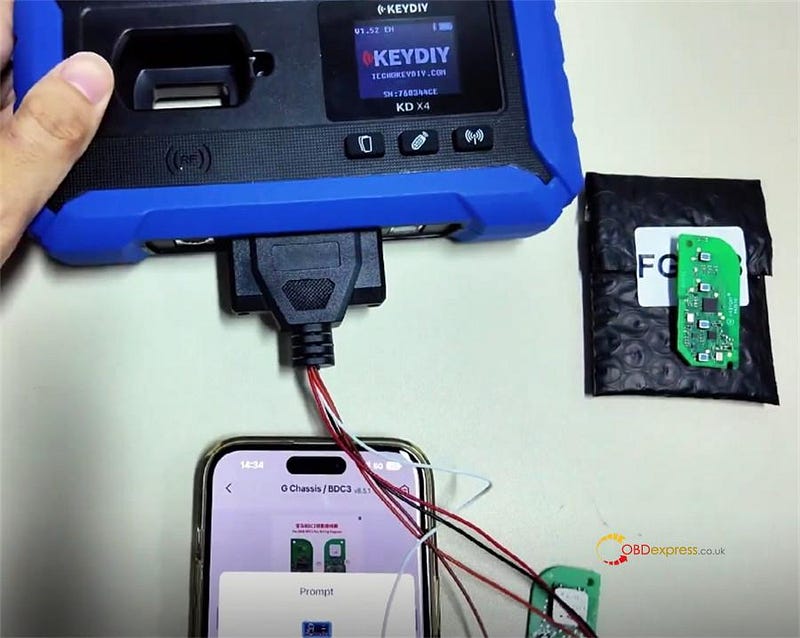
After reading is complete, save the data.

Step 3: Generate New Key
Disconnect the key from the harness and place it into the designated slot on the device.
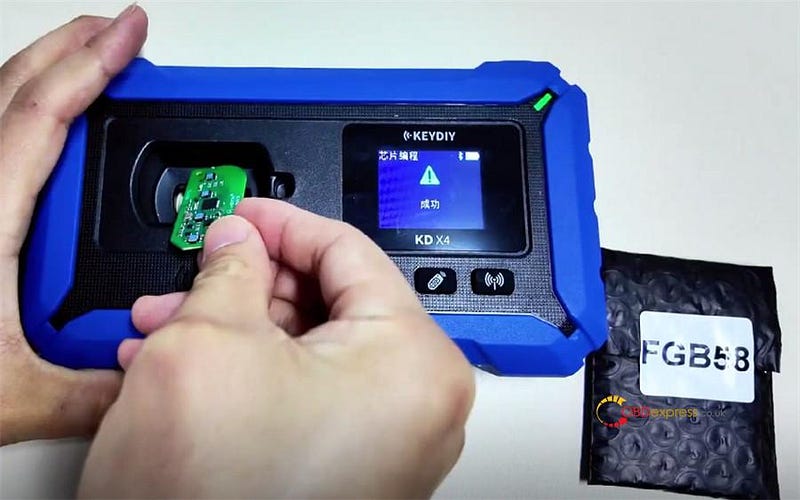
Select KD-FGB Remote to start wireless key generation.
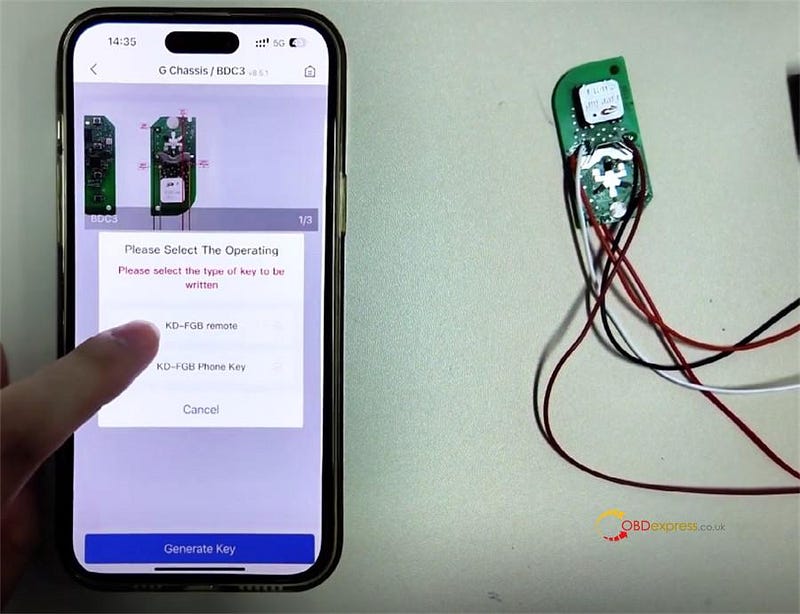
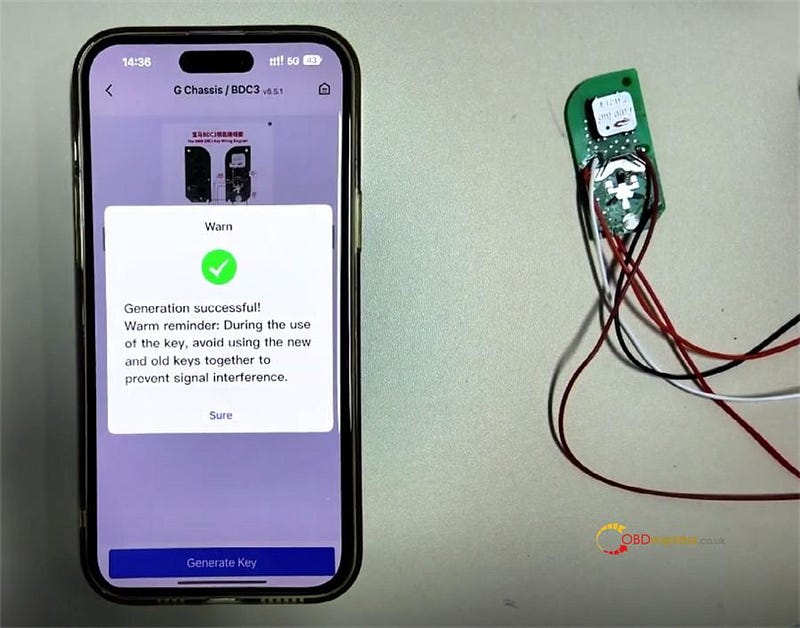
When "Generation Successful" appears, the key data has been prepared by the KD-X4 programmer.
Step 4: Installation & Usage
Install the newly programmed chip into a factory key shell.
Important Usage Notice:
To ensure proper vehicle operation, use each key separately. If both keys are present simultaneously, the "key to start" function may not work correctly.
Learn more:
CGDI K2 Update: Support BMW All BDC2 BDC3 BCP Keys Copy
http://blog.obdexpress.co.uk/2026/01/05/cgdi-k2-update-support-bmw-all-bdc2-bdc3-bcp-keys-copy/


No comments:
Post a Comment