Showing posts with label Godiag. Show all posts

Monday, 24 April 2023

Install JLR SDD V164 on Win7 or Win10

 Here is the guide to install JLR SDD V164 software on Win7/8/10 32/64 bit for Jaguar and Land rover 2005–2017 diagnosis.

JLR SDD V164 compatible devices:

Godiag GD101 J2534 Passthru Diagnostic Cable, JLR Mangoose SDD Pro, VXDIAG VCX SE JLR DOIP and VXDIAG VCX NANO JLR, etc

Free download V164 JLR SDD software

For more software info, click here to view.

Main installation steps:

Step 1: install SDD_164.00.001.FULL

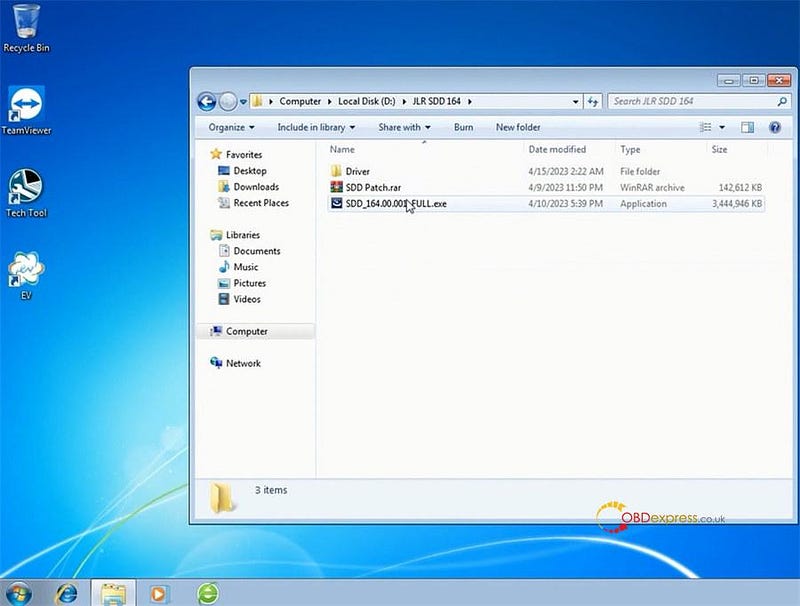
There are three items in the JLR SDD 164 folder: Driver, SDD Patch, and SDD_164.00.001_FULL
Install JLR SDD V164 on Win7 or Win10

Open SDD_164.00.001_FULL application

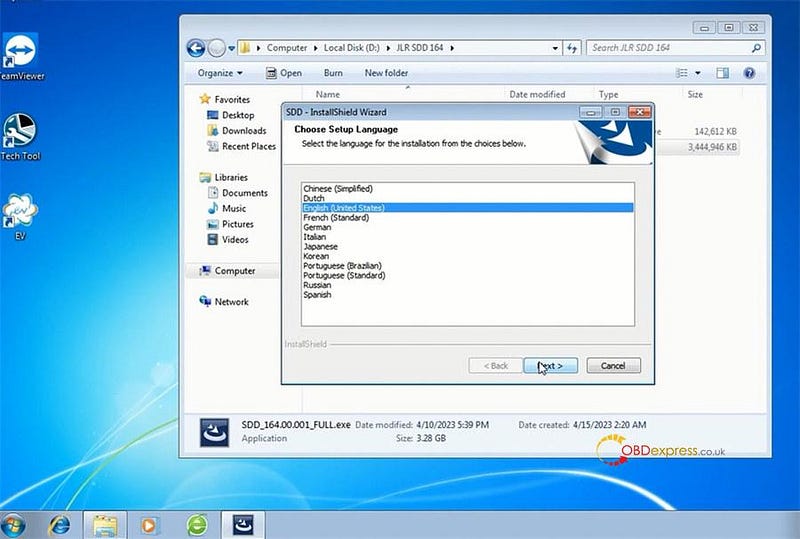
Choose the setup language
Install JLR SDD V164 on Win7 or Win10

Accept the terms of the license agreement

Read the SDD and Firewall compatibility

Select the destination drive>> language

If the Adobe Reader date is expired, then the system will prompt "The installed level of Adobe Reader of date is out of date and in order to use SDD as intended this needs to be updated. For further details please navigate to the system information page."

Click OK to continue

Then start to install

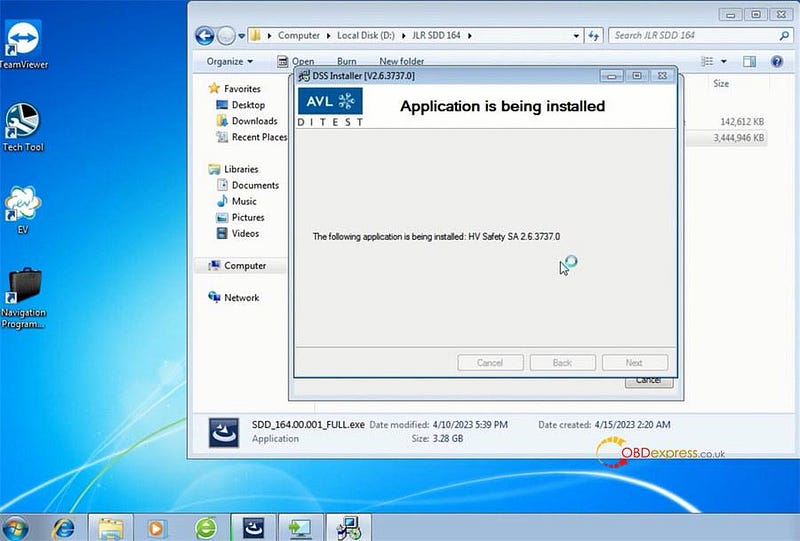
Install HV Safety installer
Install JLR SDD V164 on Win7 or Win10

Install MOXA UPort 1110/1130/1150 Windows driver
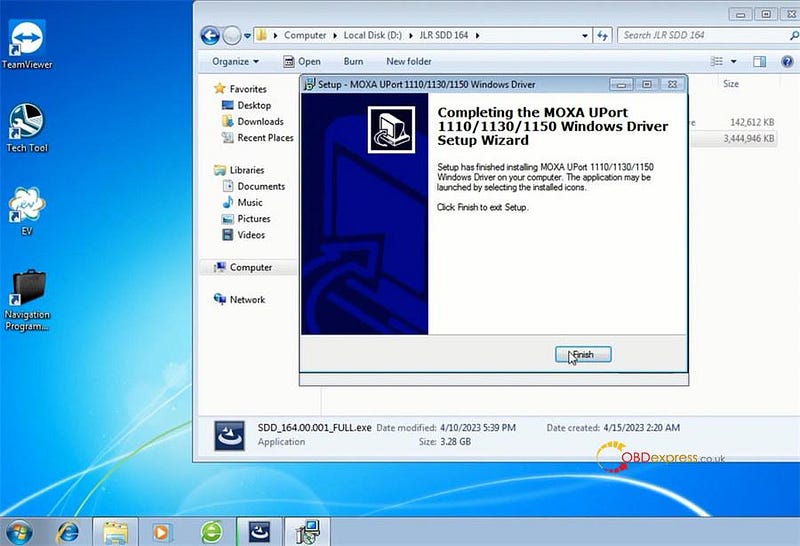
Install JLR SDD V164 on Win7 or Win10

Wait a moment till the JLR SDD V164 is installed successfully.

Before you can use the program, you must restart your computer. Just select restart now or later, and then click "Finish"
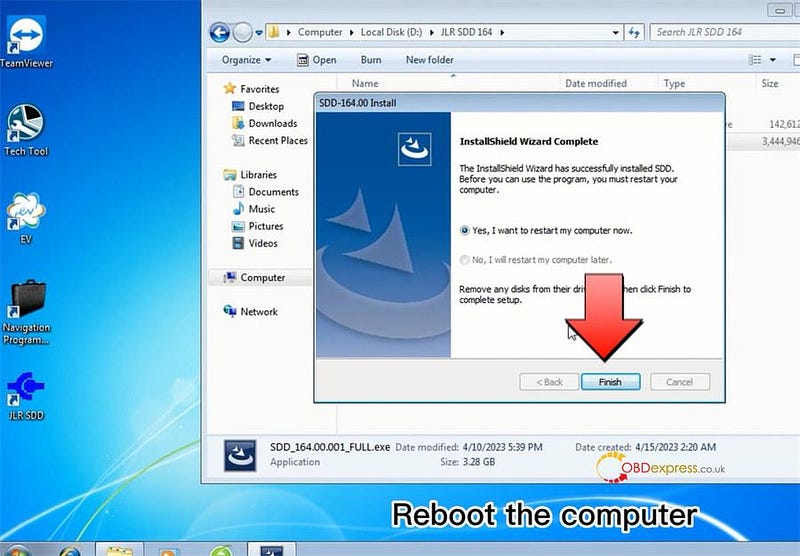
Install JLR SDD V164 on Win7 or Win10

Step 2: install SDD Patch

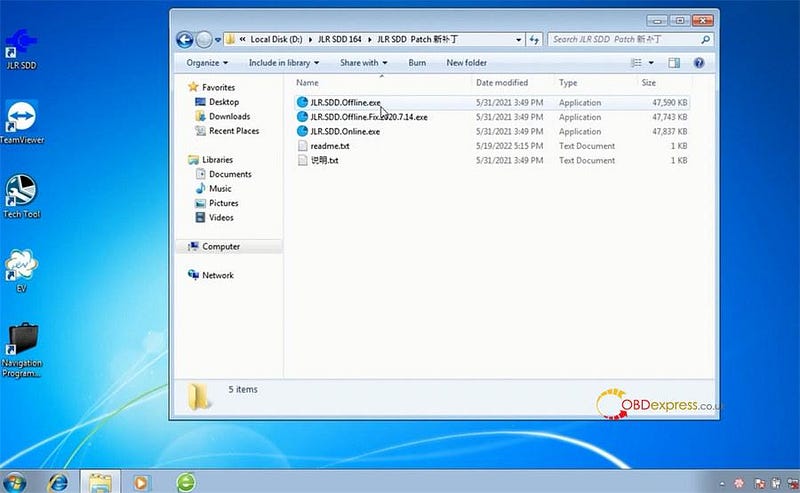
Extract SDD Patch folder

There are 5 items inside:

  • SDD.Offline.exe
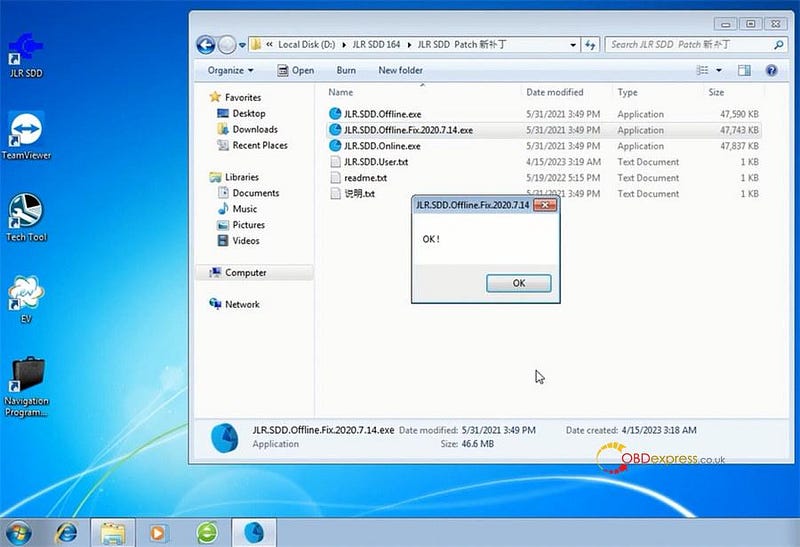
  • SDD.Offline.Fix.2020.7.14.exe
  • SDD.Online.exe
  • read me.txt
  • 说明 (instruction).txt

Install JLR SDD V164 on Win7 or Win10

Click JLR.SDD.Offline.exe, and you will get a JLR.SDD.user.txt which contains user ID and password
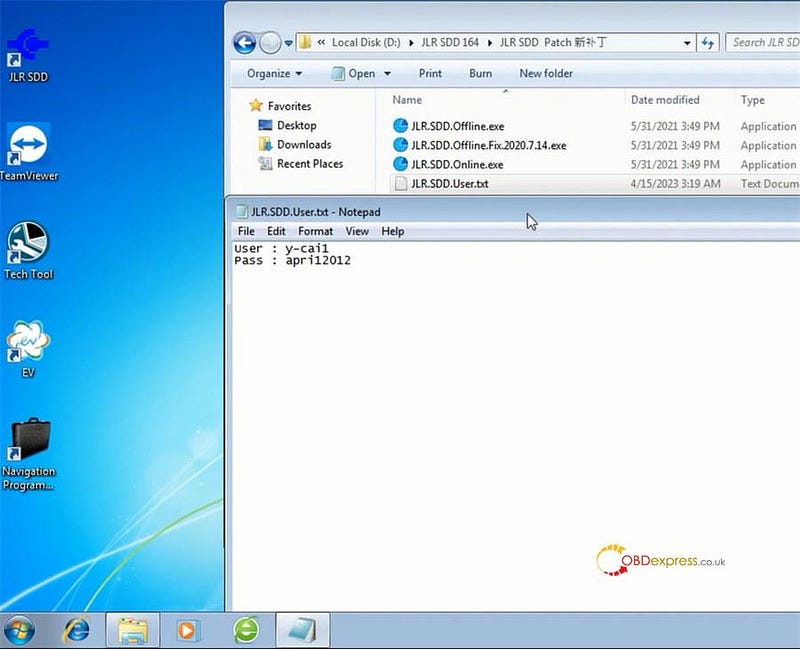
Install JLR SDD V164 on Win7 or Win10

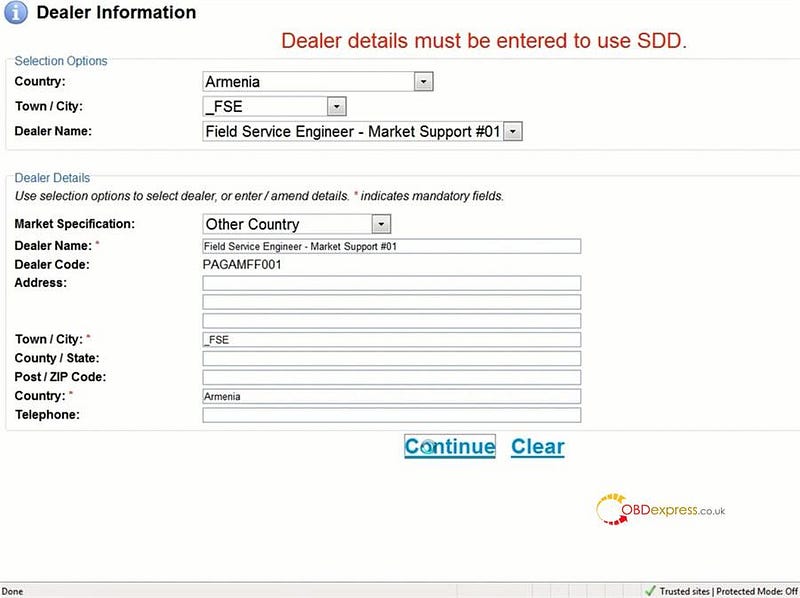
Then you can run JLR SDD program with them to diagnose vehicles.
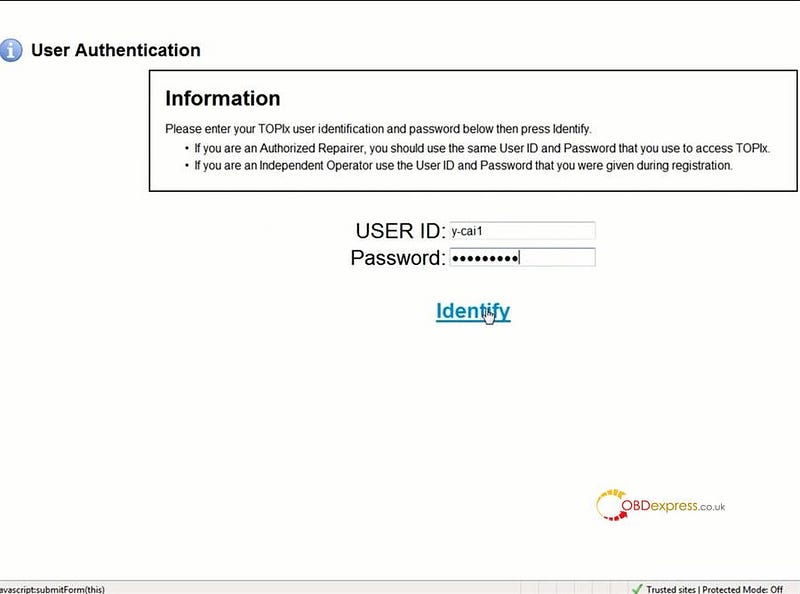
Install JLR SDD V164 on Win7 or Win10

Install JLR SDD V164 on Win7 or Win10

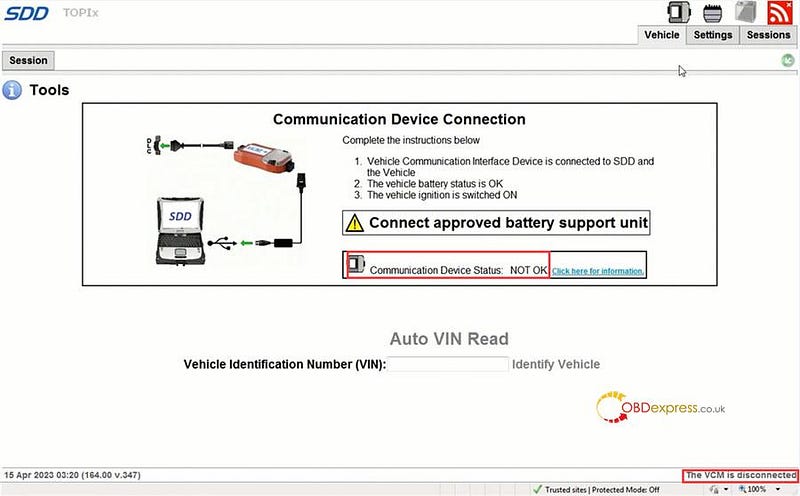
If the communication device status is not ok, and the VCM is disconnected, run JLR.SDD.Offline.Fix.2020.7.14.exe, and the problem can be solved soon.
Install JLR SDD V164 on Win7 or Win10

Install JLR SDD V164 on Win7 or Win10

www.obdexpress.co.uk

Friday, 8 July 2022

VW Airbag Diagnosis by Godiag + Vident/ Autel/ Launch/ OBDSTAR Tool

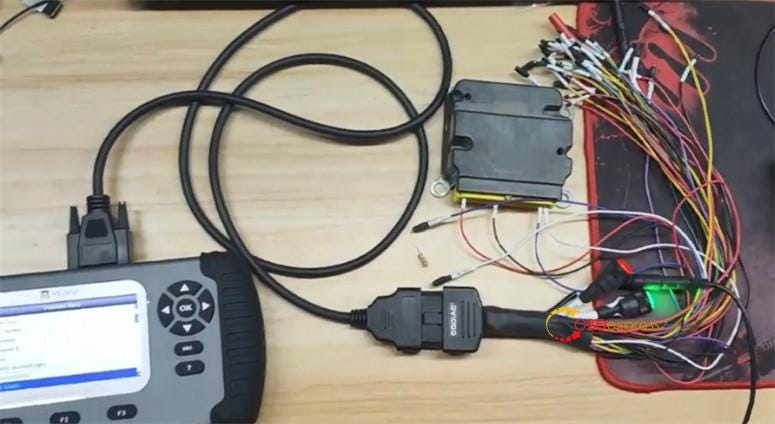
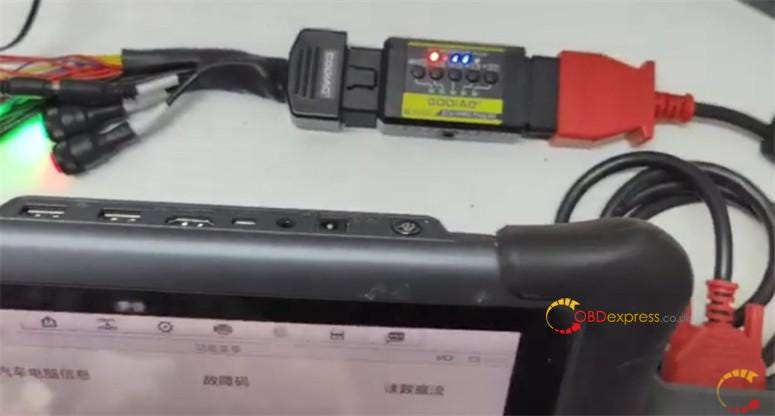
 Godiag GT105 with Full Protocol OBD2 Jumper can work well with many brands of diagnostic tools such as Vident, Autel, OBDSTAR, Launch tool to diagnose VW airbag. GT105 can display the ECU communication protocol, and the related CAN, K- line indicators light on.

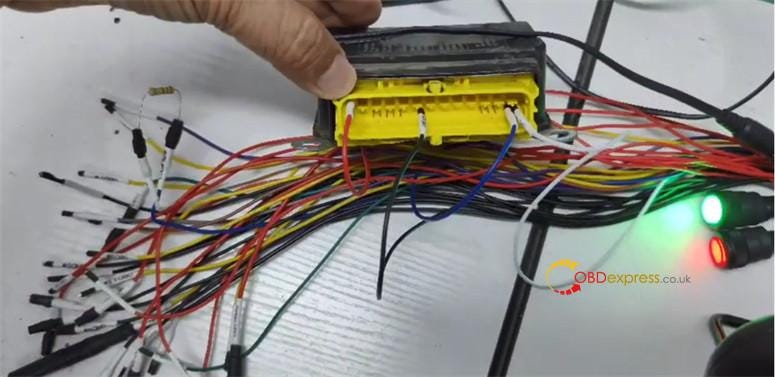
Correct connection method:

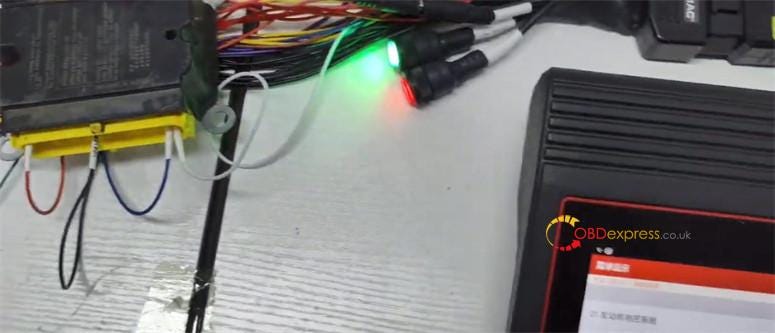
Connect Godiag Full Protocol OBD2 Jumper and ECU depending on the definition

Confirm the ECU terminals are connected correctly

Connect the 120 ohm CAN protocol resistor again

Connect the ECU dedicated regulated power supply

Connect Godiag tricode cable to GT105 and the diagnostic tool

Turn on the analog ignition switch to check whether the ECU can send CAN protocol communication

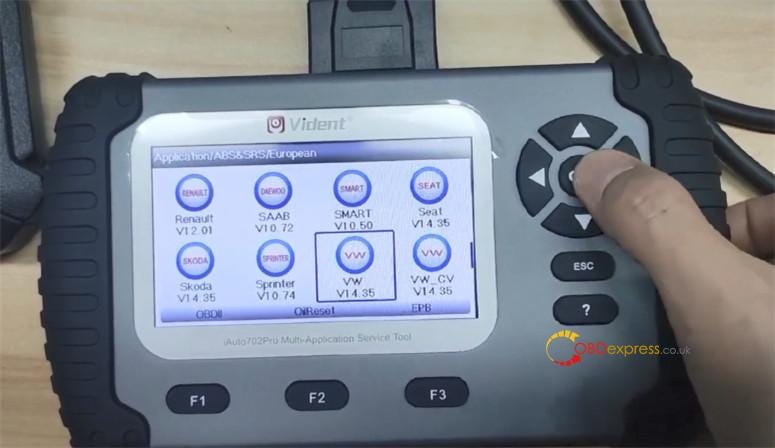
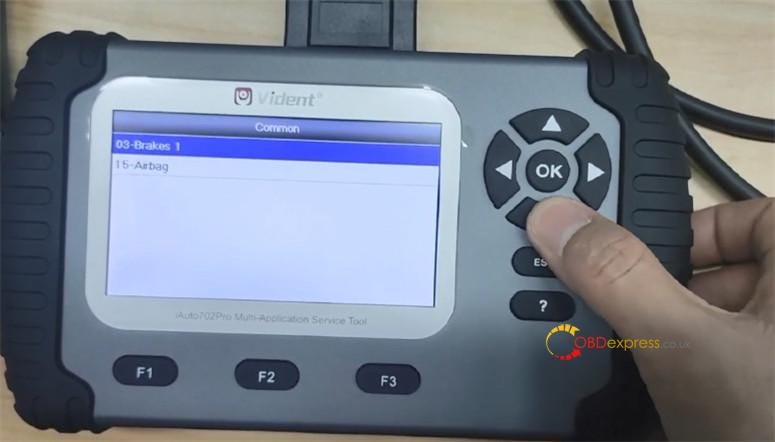
1.VW Airbag Diagnosis by VIDENT iAuto702 Pro with Godiag Full Protocol Jumper:

https://youtu.be/euFwTlGbi4Y

Connection:

Godiag do VW Airbag Diagnosis with 3rd party products

Main path:

Application>> ABS& SRS>> European>> VW V14.35>> Systems>> Control Unit>> 15- Airbag

Godiag do VW Airbag Diagnosis with 3rd party products

Godiag do VW Airbag Diagnosis with 3rd party products

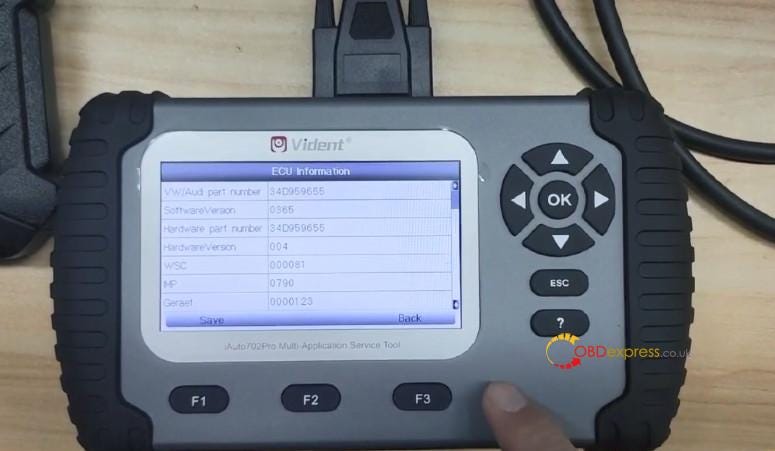
Read ECU info

Godiag do VW Airbag Diagnosis with 3rd party products

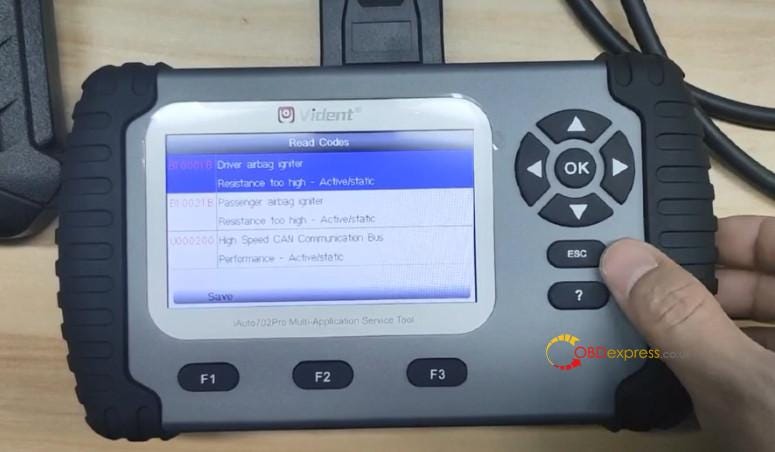
Read codes

Godiag do VW Airbag Diagnosis with 3rd party products

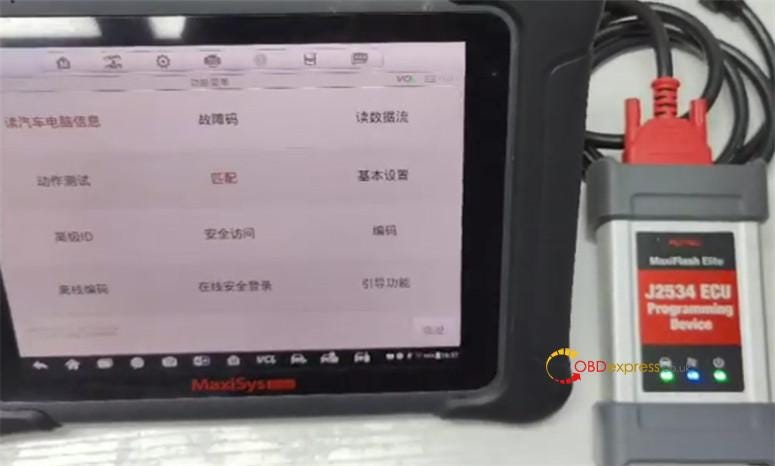
2.VW Airbag Diagnosis by Godiag GT105 + full protocol jumper with Autel tool:

https://youtu.be/AptZJ5MUJKE

Connection:

Godiag do VW Airbag Diagnosis with 3rd party products

Godiag do VW Airbag Diagnosis with 3rd party products

Godiag do VW Airbag Diagnosis with 3rd party products

Main path:

Offline code>> Coding>> Read trouble code

Airbag>> Coding (remember to record the original data)

Guided functions>> control unit replacement

Turn off the battery when installing or removing the airbag module.

The supply voltage must be capable of performing diagnostics.

Then go to perform coding function, just follow the on-screen instruction to do.

3.VW Airbag Diagnosis by Godiag GT105 + full protocol jumper with Launch tool:

https://youtu.be/1rQHw6dRgCg

Connection:

Godiag do VW Airbag Diagnosis with 3rd party products

Main path:

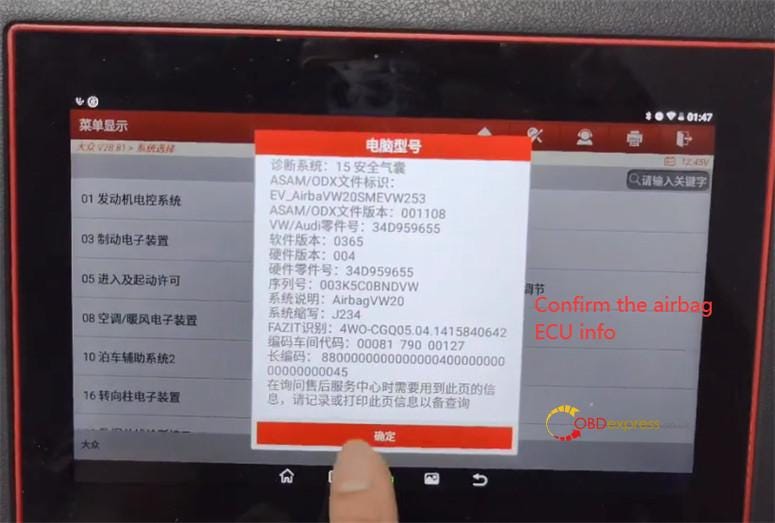
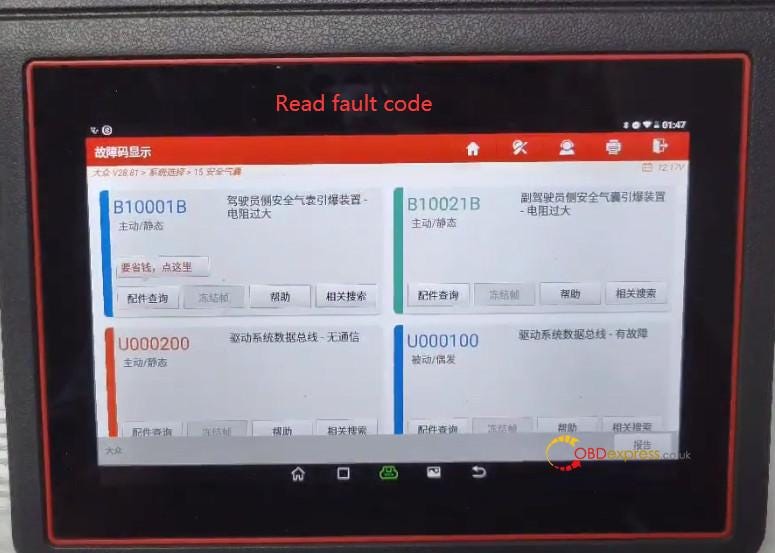
VW>> System selection>> airbag>> Confirm the airbag ECU info

Godiag do VW Airbag Diagnosis with 3rd party products

Read fault code

Godiag do VW Airbag Diagnosis with 3rd party products

Airbag matching

  • VW Airbag Diagnosis by Godiag GT105 + full protocol jumper with OBDSTAR tool:
    1. https://youtu.be/U05q9DZ-Ud4

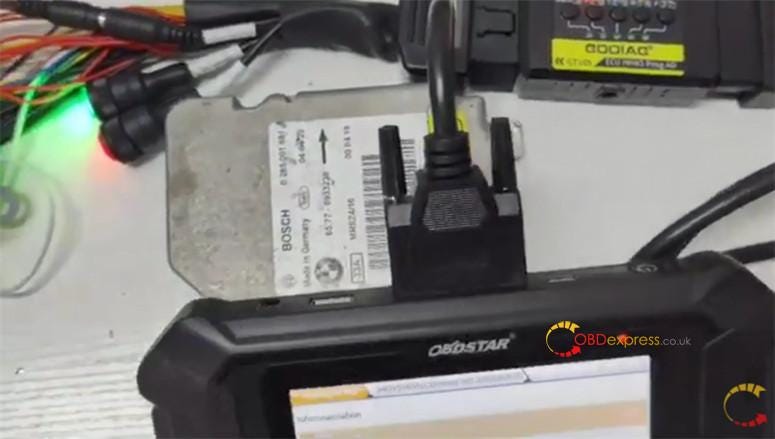
      Connection:

      Godiag do VW Airbag Diagnosis with 3rd party products

      Main path:

      Go to Airbag reset function interface

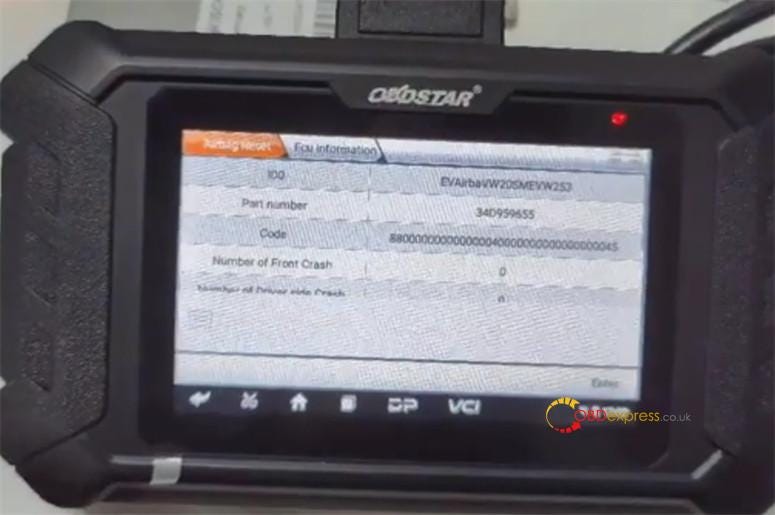
      Read ECU info

      Godiag do VW Airbag Diagnosis with 3rd party products

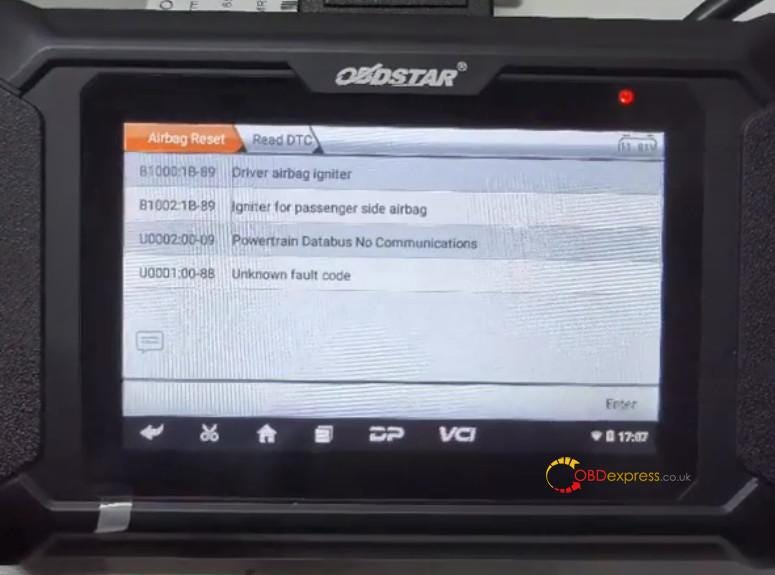
      Read DTC

      Godiag do VW Airbag Diagnosis with 3rd party products

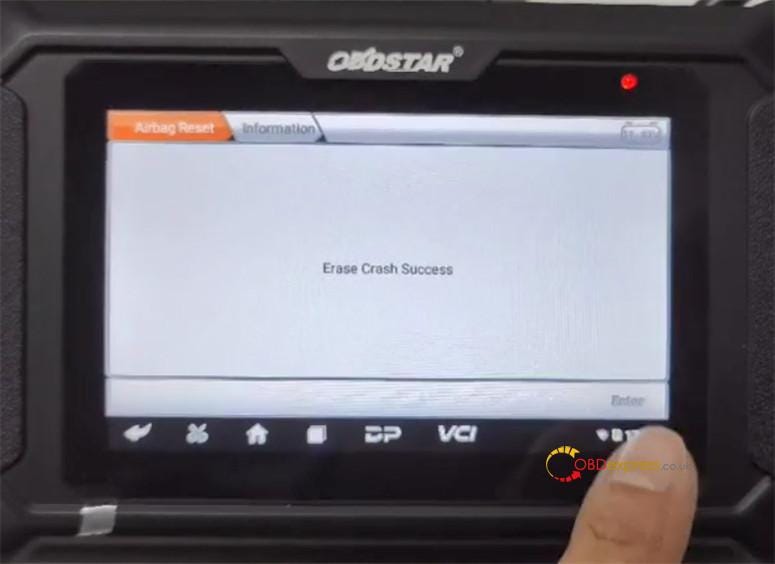
      Erase crash

      Godiag do VW Airbag Diagnosis with 3rd party products

      www.obdexpress.co.uk

      How to Unlock Ford BOSCH MD1CP006 with OBDSTAR ECU Master via Boot?

       This guide covers the procedure for unlocking, reading, and writing locked Bosch MD1 CP006 engine control units found on Ford F-250 and F-...