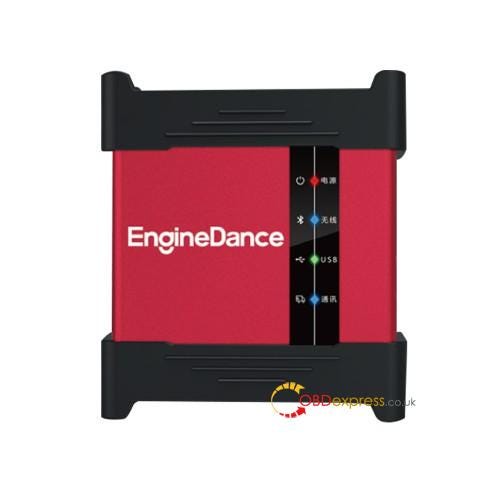
Servicing post-2021 Bosch MD1 and MG1 control units requires navigating updated ECU security. If you are working with EngineDance X5, there are two methods to complete the unlock: performing a local boot-glitch or using a remote unlock session.
Method Selection Overview
- Boot-Glitch Unlock: Requires ECU opening; executed on-site at your workshop; supports most TC29x microcontrollers.
- Remote Online Unlock: No ECU disassembly or shipping required; requires part number verification prior to operation.
Method 1: In-House Boot-Glitch Unlocking
If you prefer to perform all operations locally within your workshop without relying on remote connection slots or mail-in services, the boot-glitch method is the standard route.
Hardware needed:
- EngineDance X5 2-in-1 ECU Programming & Truck Diagnostics Tool
- Dedicated EngineDance MD1/MG1 BOOT-GLITCH Adapter.
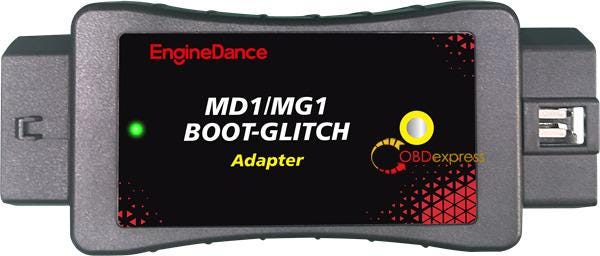
Functions:
Unlock ECU via boot-glitch, and read /write
ECU on bench
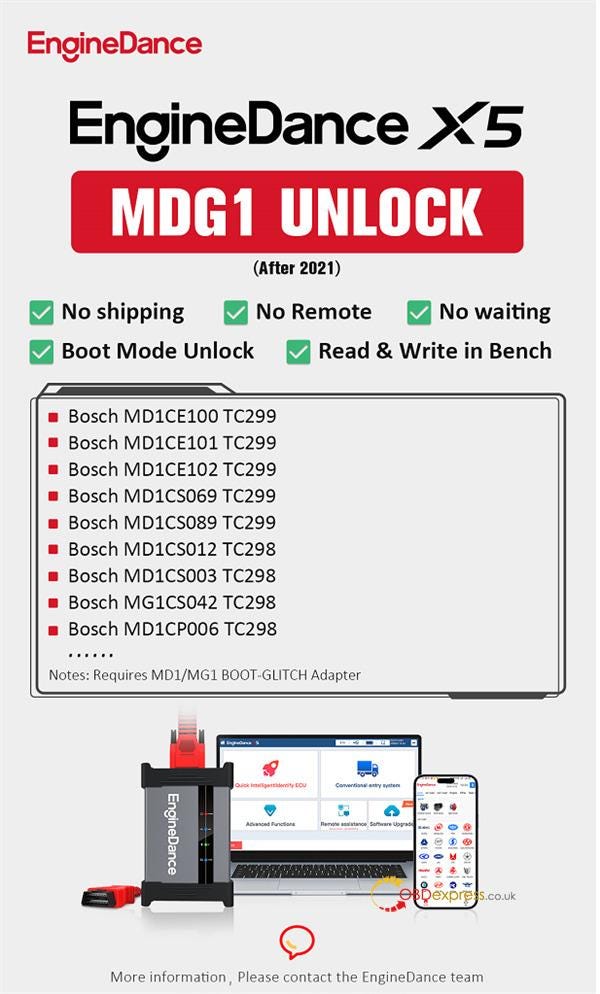
How it works:
Open the ECU casing, connect the boot-glitch adapter following the pinout guide, and trigger the hardware glitch routine directly in the software. Once completed, full bench reading and writing are enabled for supported TC29x chipsets across trucks, tractors, and light vehicles (e.g., Ford, Hyundai/Kia, PSA, Maxus, and ISUZU).
Bench After boot Unlock (after 2021) Support List:
- Bosch MD1CE100 TC299-MAN Trucks
- Bosch MD1CE100 TC299-Volkswagen Trucks
- Bosch MD1CE100 TC299-SITRAK
- Bosch MD1CS089 TC299-HOWO
- Bosch MD1CE100 TC299-FAW
- Bosch MD1CE100 TC299-WEICHAI
- Bosch MD1CE100 TC299-SDEC/Hongyan
- Bosch MD1CE101 TC299-IVECO FPT
- Bosch MD1CE101 TC299-New Holland
- Bosch MD1CE101 TC299-Case Construction
- Bosch MD1CE101 TC299-Case IH
- Bosch MD1CE101 TC299-Landini Tractors
- Bosch MD1CE101 TC299-Steyr
- Bosch MD1CE102 TC299-Iveco
- Bosch MD1CS012 TC298-Hyundai/KIA
- Bosch MD1CS012 TC298-Genesis
- Bosch MD1CS003 TC298-Stellantis(PSA)
- Bosch MG1CS042 TC298-Stellantis(PSA)
- Bosch MD1CP006 TC298-Ford
- Bosch MD1CS069 TC299-IVECO
- Bosch MD1CS069 TC299-Fiat Ducato
- Bosch MD1CS069 TC299-Case IH Farmall
- Bosch MD1CS069 TC299-John Deere
- Bosch MD1CS069 TC299-Landini Tractors
- Bosch MD1CS069 TC299-Massey Ferguson
- Bosch MD1CS069 TC299-McCormick
- Bosch MD1CS069 TC299-New Holland
- Bosch MD1CS069 TC299-Steyr
- Bosch MD1CS089 TC299-ISUZU
- Bosch MD1CS089 TC299-IVECO
- Bosch MD1CS089 TC299-Deutz-Fahr
- Bosch MD1CS089 TC299-Maxus
- Bosch MD1CS089 TC299-GWM Cannon Poer
- Bosch MD1CS089 TC299-GWM Haval
- Bosch MD1CS089 TC299-SAIC
- Bosch MD1CS089 TC299-Foton
- Bosch MD1CS089 TC299-JAC
- Bosch MD1CS089 TC299-JMC
- Bosch MD1CS089 TC299-HOWO
- Bosch MD1CS089 TC299-BAIC
- Bosch MD1CS089 TC299-MG
- Bosch MD1CS089 TC299-Dr Motor
- Bosch MD1CS089 TC299-EVO
- Bosch MD1CS089 TC299-ICH-X
- Bosch MD1CS089 TC299-Same Tractors
- Bosch MD1CS089 TC299-Lamborghini Tractors
Method 2: Remote Unlocking
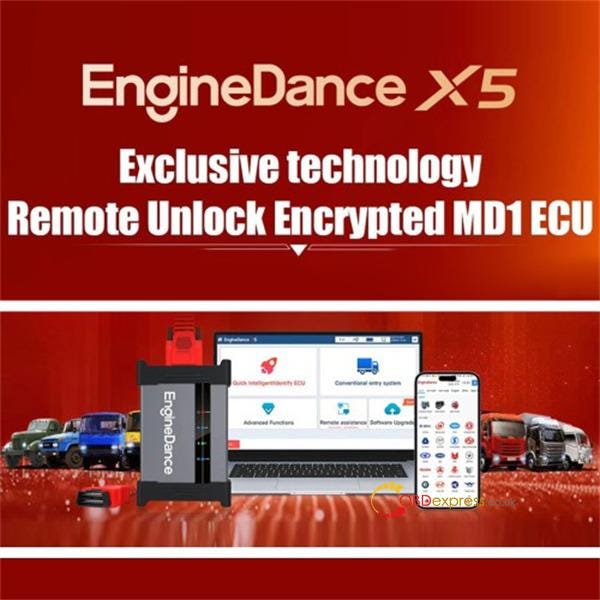
For specific encrypted modules where boot-glitching cannot be performed locally, or if you want to avoid opening the ECU, EngineDance offers a remote decryption option.
Step-by-step preparation:
- Connect the target ECU to your X5 tool on the bench according to the standard wiring diagram. (Note: If the ECU is unencrypted, remote service is unnecessary — you can unlock it straight away with X5 or X5-Max).
- Read and record the ECU software and hardware identification numbers inside the X5 application.
- Take a clear picture of the physical label on the ECU housing.
- Download ToDesk on your workshop PC (https://www.todesk.com/download.html), grab your X5 serial number, and book a remote slot with EngineDance technical support.
- Keep your internet line stable. An engineer will remote in via desktop and guide you through the process to finish the unlock.
Bench After Remote Unlock (after 2021) Support List:
【0281020645】DONGFENG-MD1CE108-P1892-SPC5898
【0281020654】YUNNEI-MD1CE108-P1961-SPC5898
【0281020695】YUNNEI-MD1CC878-P2270-SPC5898
【0281020692】YUCHAI-MD1CC878-P2061-SPC5898
【0281037071】IVECO-MD1CS089-P2096-TC299
【0281037078】IVECO-MD1CS069-P1768-TC299
【0281036675】JAC-MD1CS089-P2031-TC299
【0281020677】JAC-MD1CS089-P1968-TC299
【0281036215】JMC-MD1CS089-P1853-TC299
【0281036399】JMC-MD1CS089-P1741-TC299
【0281037336】JMC-MD1CS089-P1853-TC299
【0281036372】JMC-MD1CS089-P1917-TC299
【0281020652】ISUZU-MD1CE108-P1963-SPC58
【0281039460】JIM-MD1CS089-P2327-TC299
【0281039581】JIM-MD1CS089-P2213-TC299
【0281039581】JIM-MD1CS089-P2266-TC299
【0281039679】JIM-MD1CS089-P1967-TC299
【0281039593】JIM-MD1CS089-P2266-TC299
【0281037245】MAXUS-MD1CS089-P1816-TC299
【0281036116】MAXUS-MD1CS089-P1816-TC299
【0281036114】MAXUS-MD1CS089-P1817-TC299
【0281037248】MAXUS-MD1CS089-SK83-TC299
【0281035944】MAXUS-MD1CS089-P1826-TC299
【0281020693】SDEC-MD1CE100-P1958-TC299
【0281020600】SAICHONGYAN-MD1CE101-P1603-TC299
【0281021127】SAICHONGYAN-MD1CE101-P1603-TC299
【0281020801】QUANCHAI-MD1CC878-P1966-SPC5898
【0281020621】QUANCHAI-MD1CC878-P1966-SPC5898
【0281020599】SITRAK-MD1CE100-P1708-TC299
【0281021190】SITRAK-MD1CE100-P1158-TC375
【0281020755】SANY-MD1CC878-P2089-SPC5898
Support Note:
Due to the large volume of Bosch MD1/MG1 variants and continuous manufacturer security updates, current unlock support is limited to select verified models. Full coverage for all ECU software and hardware versions cannot be guaranteed.
In addition to EngineDance X5 2-in-1 ECU programmer, several top brands such as OBDSTAR G3/DC706/ECU Master, Flex, FormulaFlash will also support encrypted MD1 MG1 ECUs reading/writing and unlocking functions.