KEYDIY KD-X4 5-in-1 key programmer and KD-MAX have added support for NCF29AX series (NCF29A1, NCF29A4, NCF29A2, NCF2953, NCF29A3 and NCF2954) chip type synchronization.
This function requires C29AX71 Synchronization‑specialized Key (KD ZB71 smart remote) and allows users to read original key data for copying or adding smart keys.
Preparation:
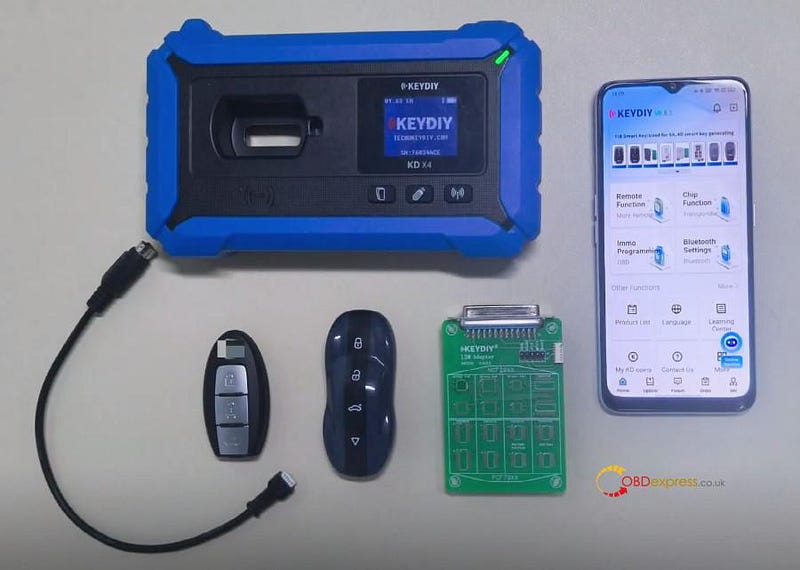
- KEYDIY KD-MAX or KD-X4
- KEYDIY ZB71–4 smart remote (data must be written into it)
- KD #13 NCF29xx interface board
- Original key
Important Notes
- Update your KD App to the latest version before proceeding.
- This is not a simple read‑and‑copy procedure. Some keys require chip removal and soldering onto the KD board.
- There is no need to generate a remote program before reading key data.
Detailed Operation Instruction:
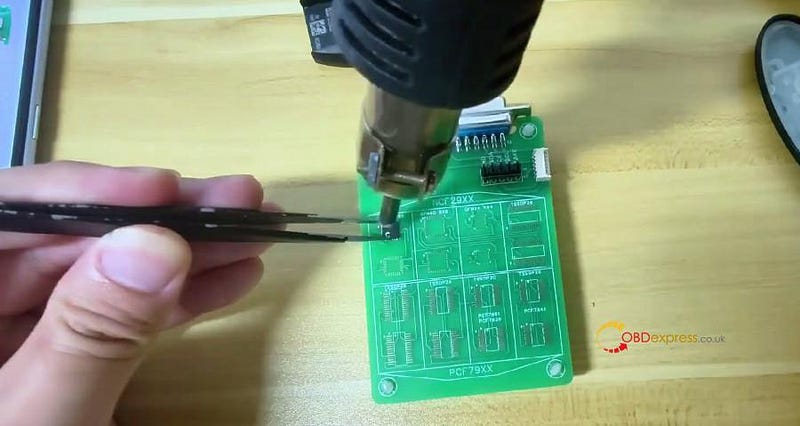
Step 1: Remove original car key chip
Disassemble the original smart key and carefully remove the NCF29Ax chip.
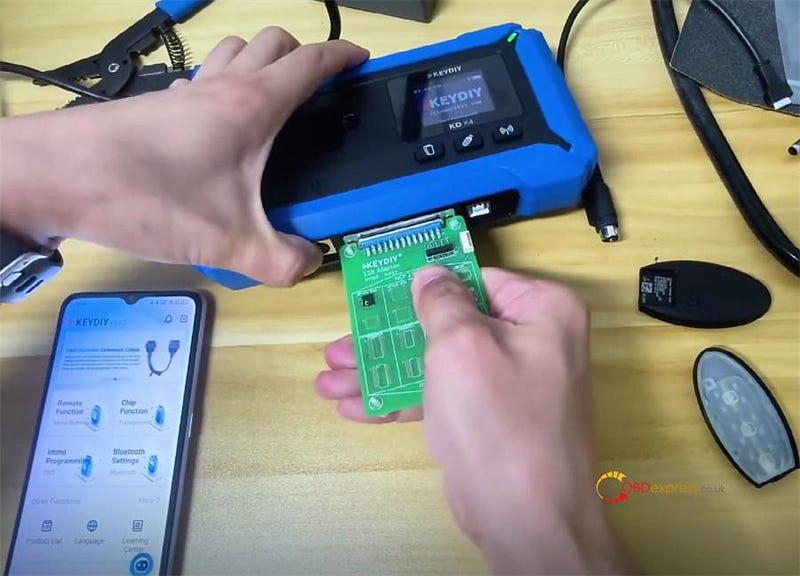
Step 2: Attach chip to KD #13 adapter
Solder the chip onto the KD #13 adapter, then connect the adapter to your KEYDIY KD-X4 or KD-MAX key tool.
Step 3: Read chip data
Navigate to: Remote Function → Smart Key Clone → Universal Smart Key Synchronization
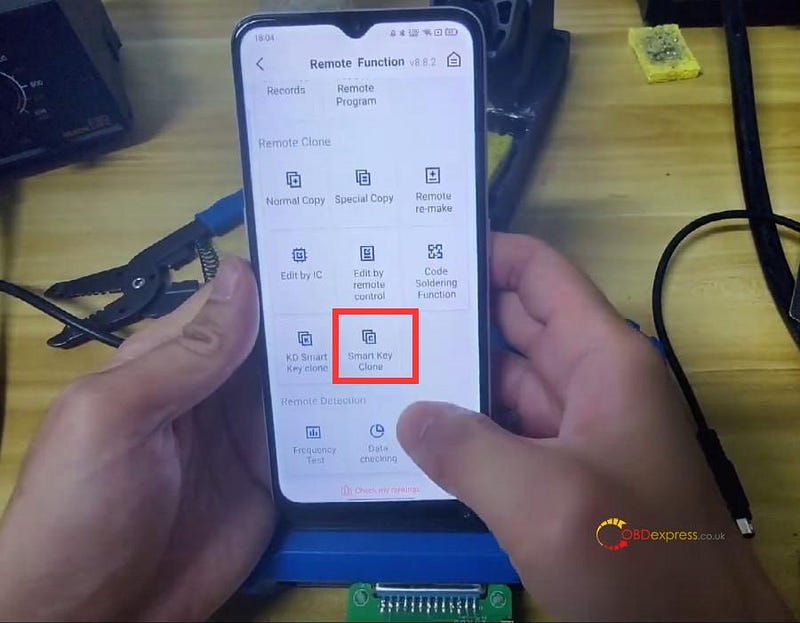
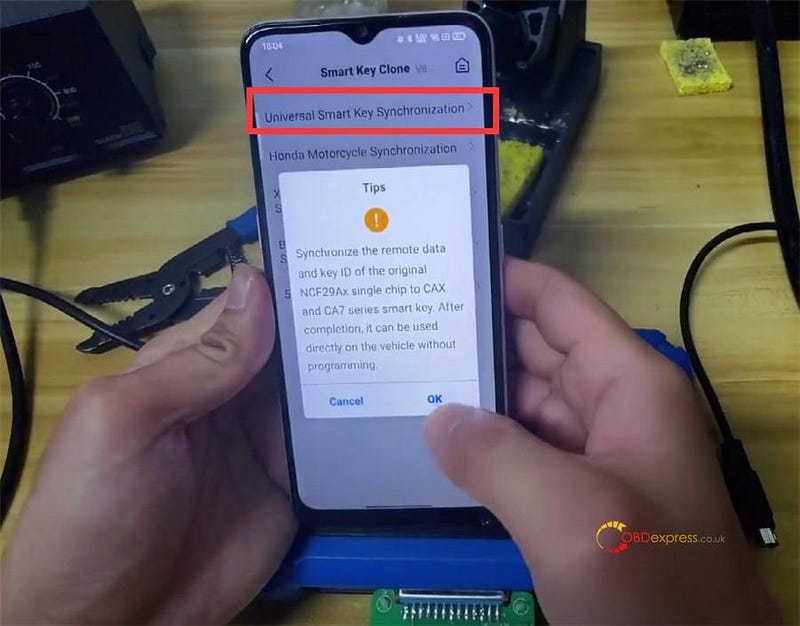
This process synchronizes the original chip’s remote data and key ID to KD ZBX and ZB7 series smart keys.
After completion, the key works directly on the vehicle — no additional programming is required.
Alternative method:
Follow the provided wiring diagram to solder wires directly to the key board, read and save the data, then remove the adapter and re-solder the chip back to the original key.
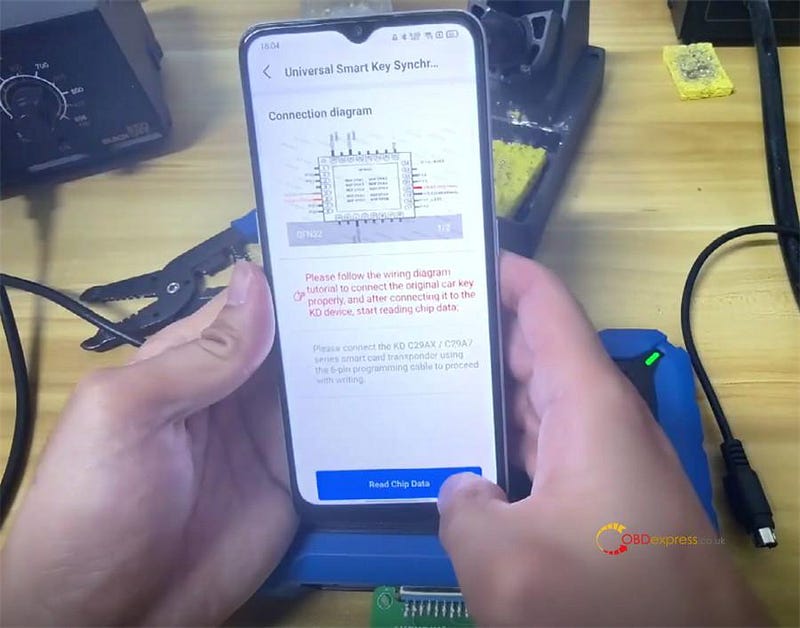
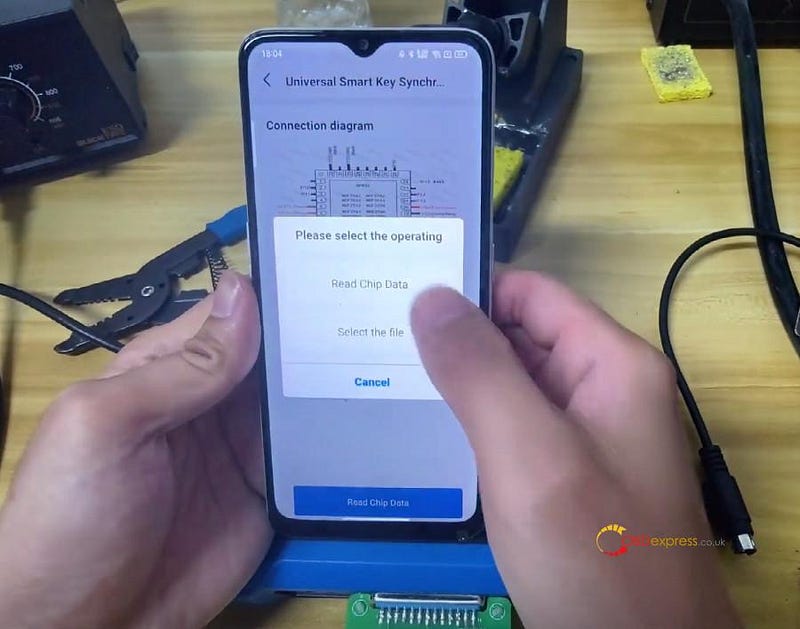
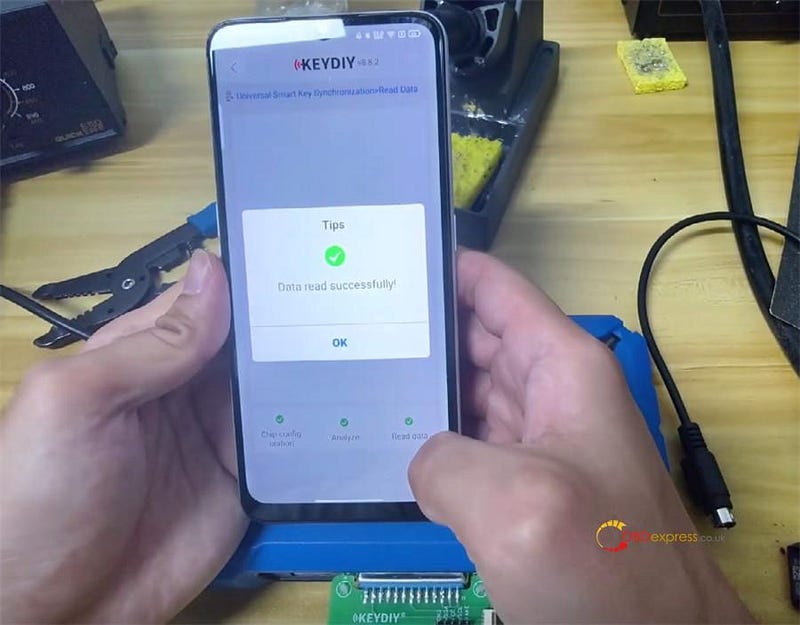
Step 4: Write data to KD ZB71 remote
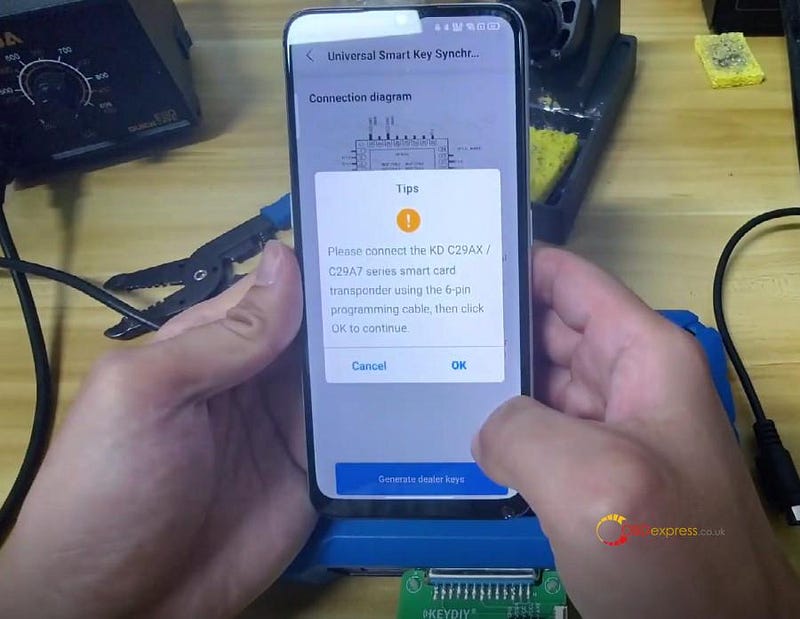
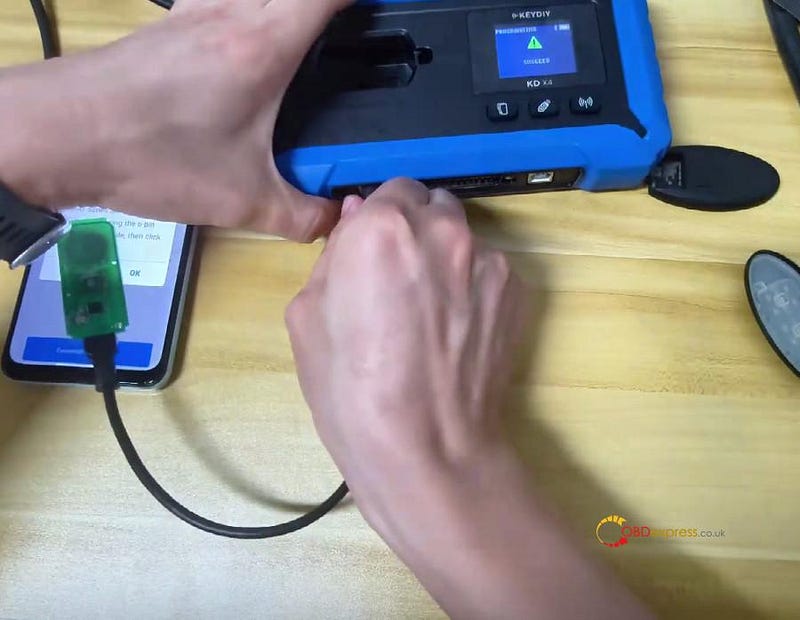
Use the 6‑pin programming cable to connect KD 29AX/29A7 smart card to KD-X4 key programmer.
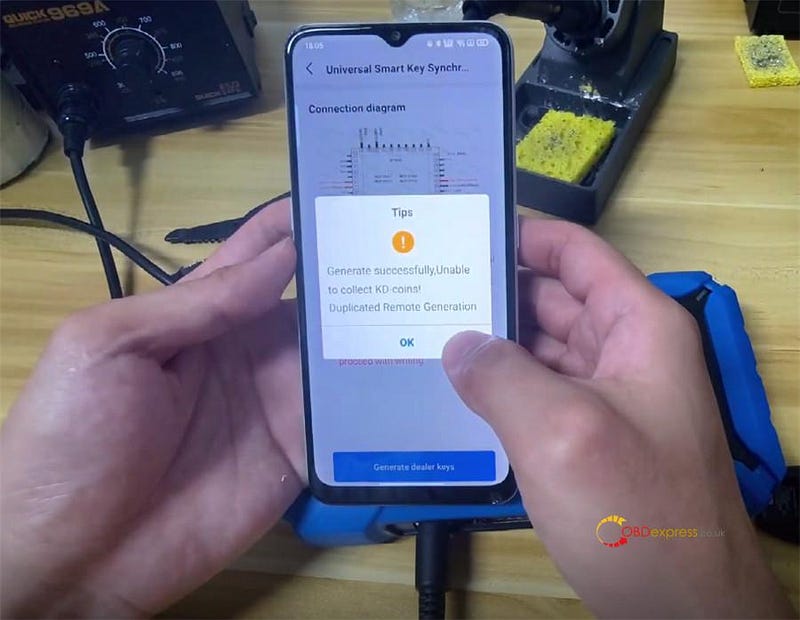
Select "Generate dealer keys"
The process will complete successfully.
Then snap the key shell onto the KD ZB remote.
Key Advantage:
No need to program the key in the vehicle after writing KD remote.
Simply test both KEYDIY ZB71 smart remote key and the original key to confirm all functions operate normally.


No comments:
Post a Comment