This post explains how to modify original key ID using KEYDIY KD-X4 with FGB25/ FGB08 key.
Preparation:
KEYDIY KD-X4 5-in-1 key programmer
Mobile phone
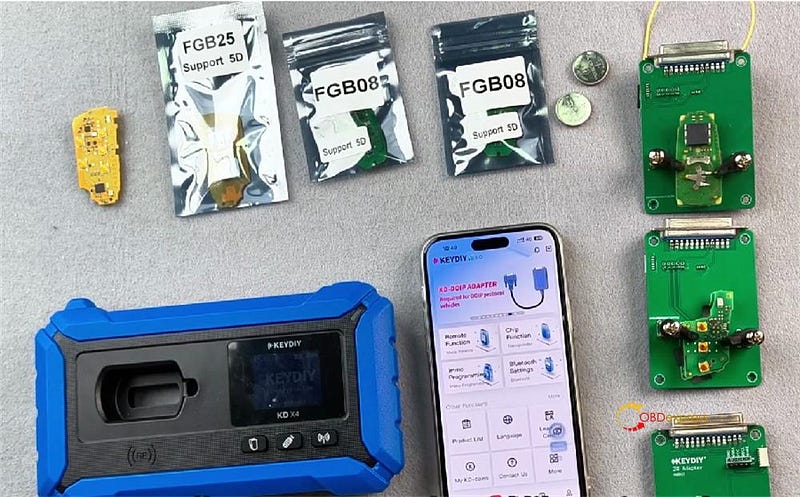
First Thing — Check Your Key
When you get this KD FGB25–5 key, a few things might happen:
- The chip could be 5C or a 46 chip
- Sometimes there’s no frequency when you put the battery in
- No frequency? Just generate it — it’ll come back to normal ✅
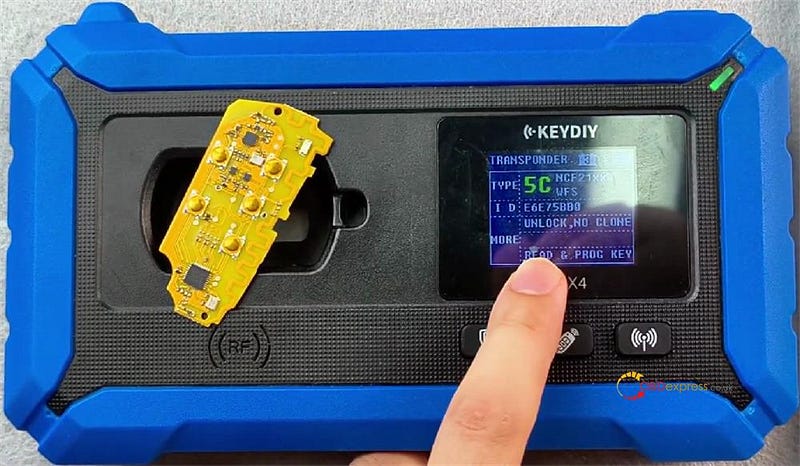
Why Bother Modifying the ID?
This is mainly for official after‑sales service and repairs. The system reads the key ID that’s stored in Volkswagen’s official server. Matching that ID avoids trouble down the road.
Let’s Do It — Step by Step
- Get into the matching function
- Connect your KEYDIY KD-X4 key programmer
- Select IMMO Programming-> IMMO Programming-> Volkswagen-> Select by type-> 5C/5D Immobilizer system-> Start Execution
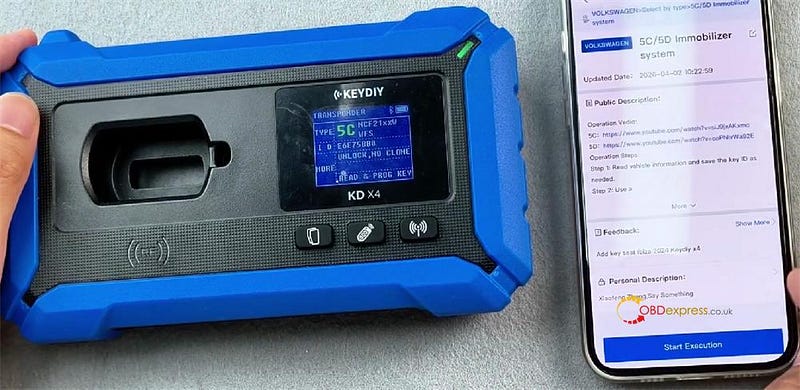
- We’ll use two types of 5C keys: a flip key and a B8 key
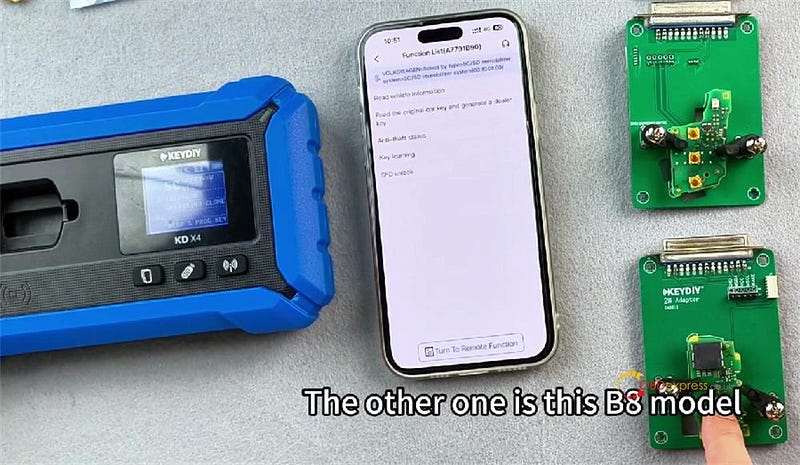
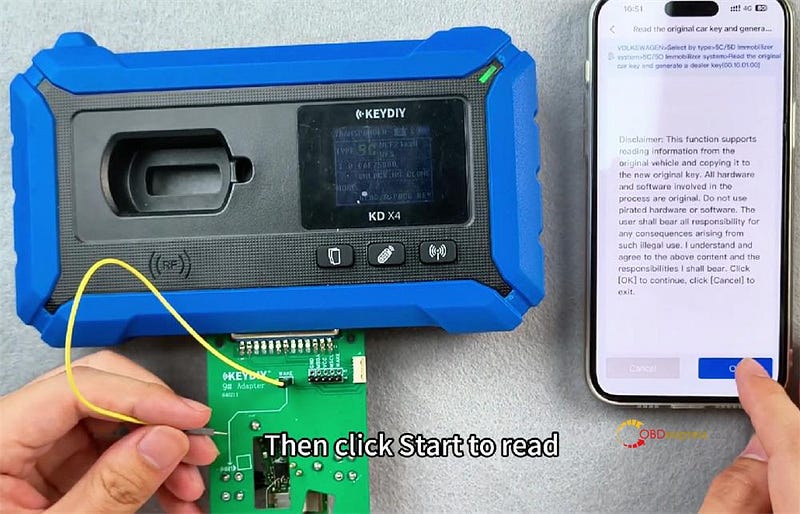
- Insert the adapter
Plug the adapted version into the device and hit "Start" to read.
- Choose how to get the ID
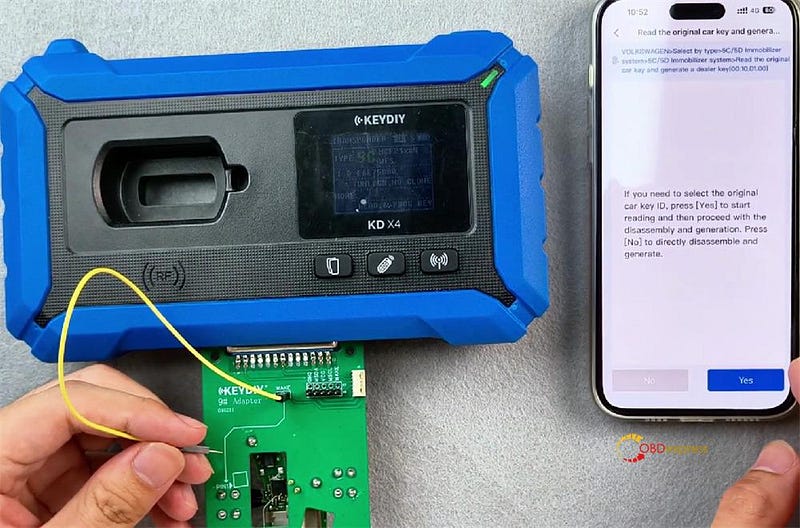
You’ve got two choices:
- Press [Yes] to start reading and the proceed with the disassembly and generation.
- Press [No] to directly disassemble and generate
- Connect the cable
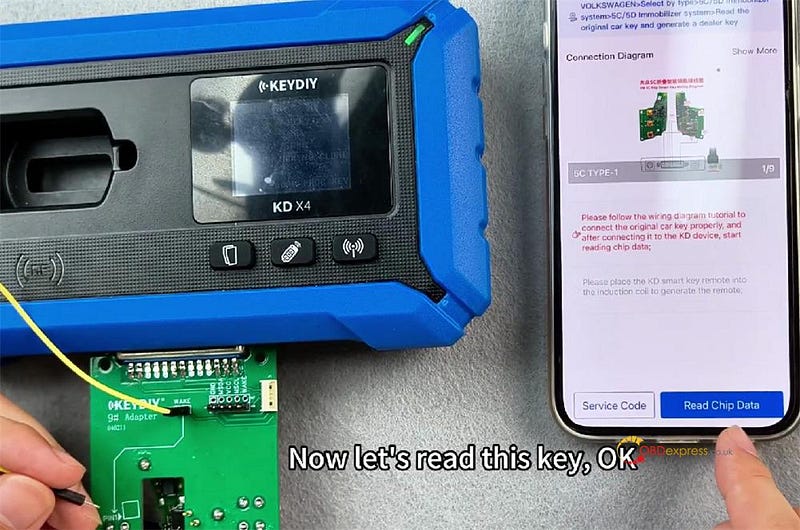
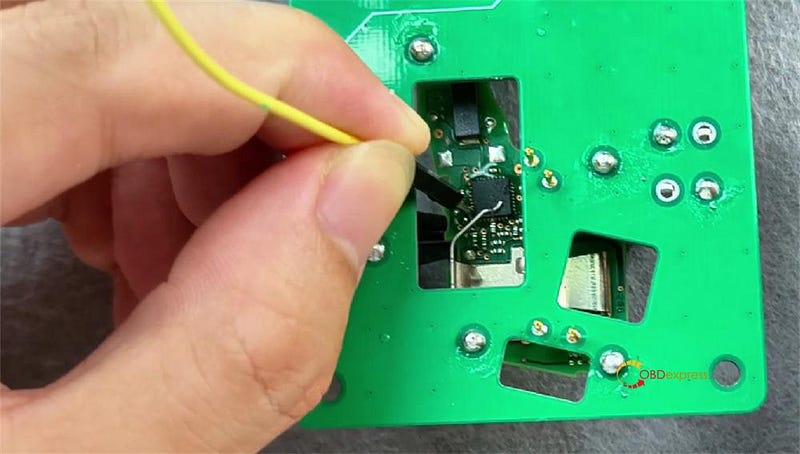
Grab the cable with the two pins (they’re identical). Stick them into either pin position, then insert the pin onto pin one. Hit Start Reading.
- See the service code & ID
The system shows you a service code and the ID it just read from your key.
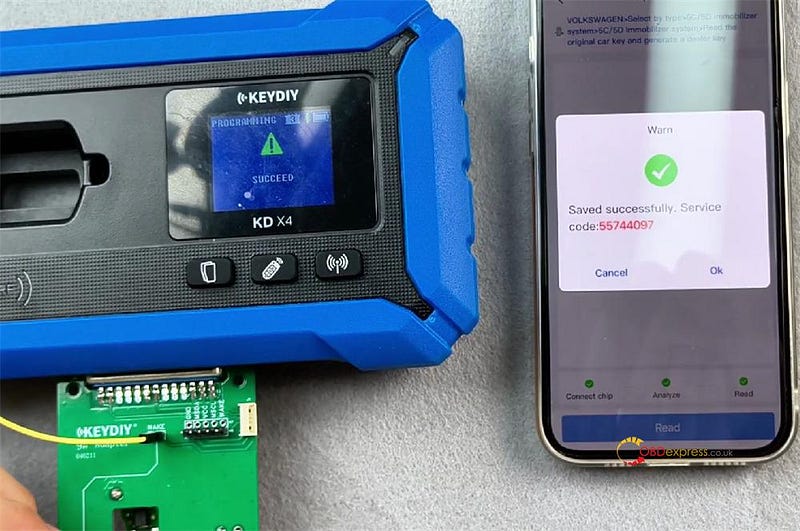
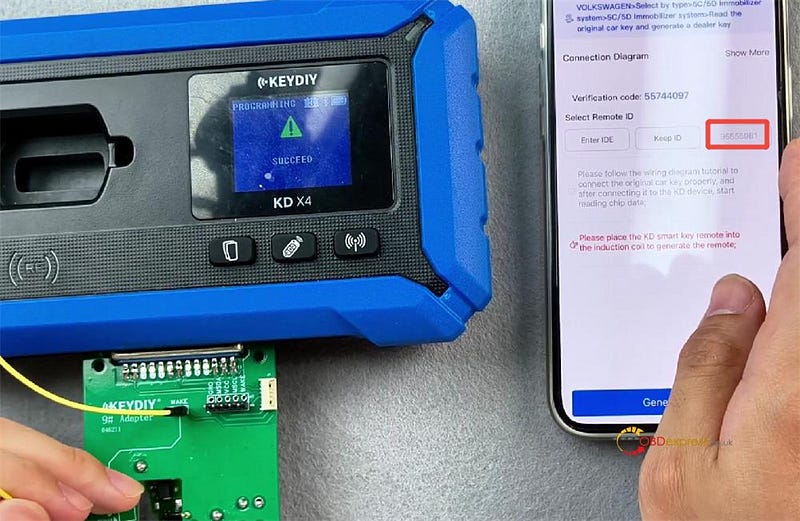
Example time!
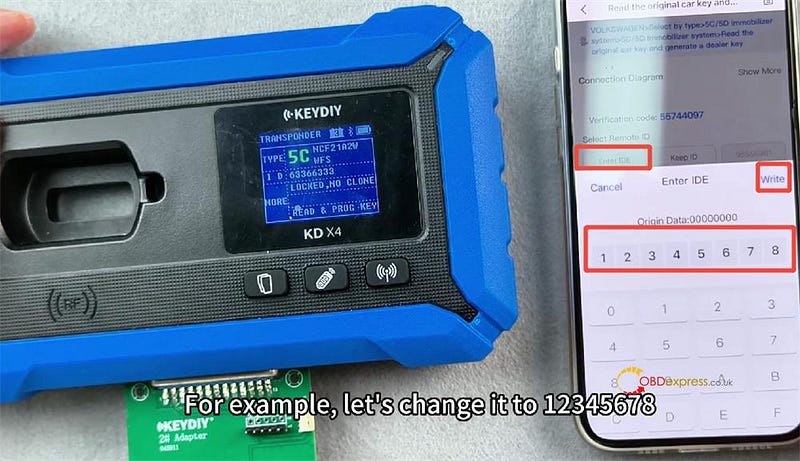
Let’s say the ID is 63,366,333. We want to change it to 12345678.
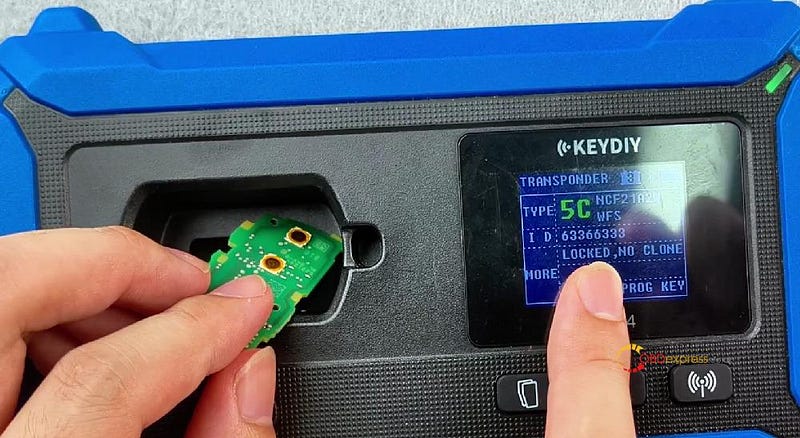
- Enter 12345678 and write it to the original factory key
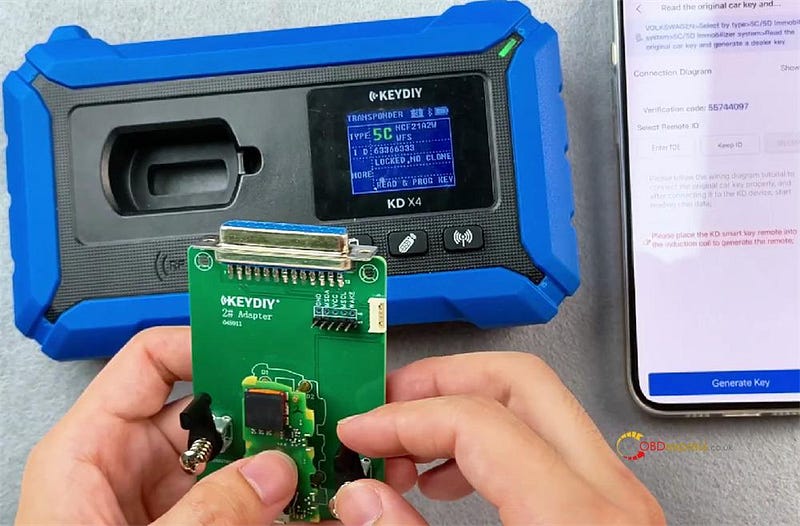
- Select "Original Key (Non-Vehicle)"
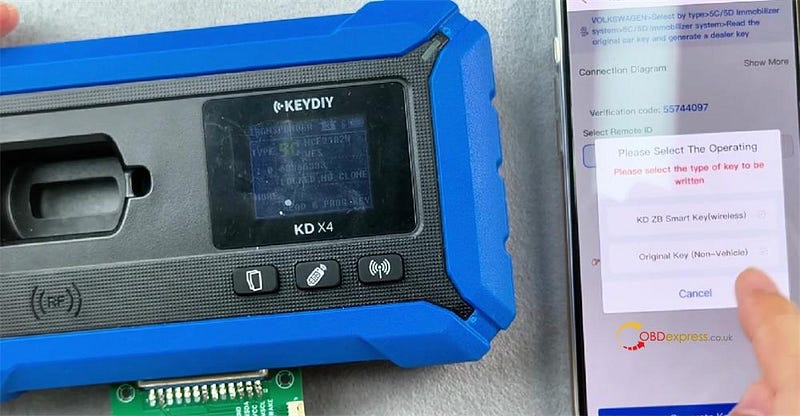
- Cost: 100K coins or $2 per modification (coins used first, then money — no double charge for the same key)
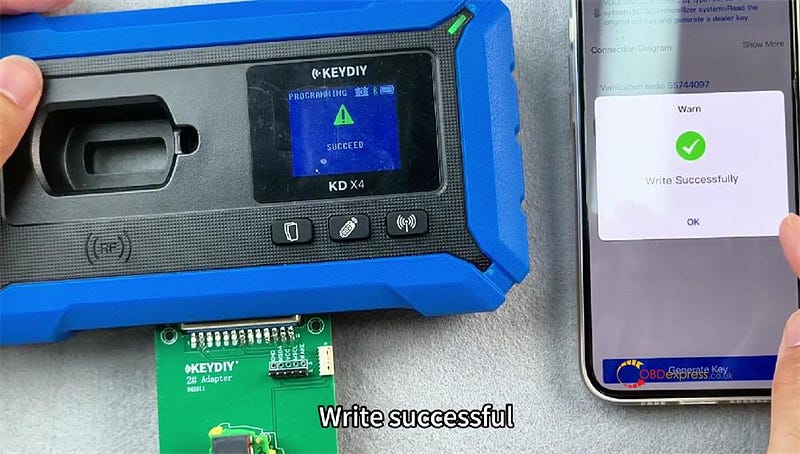
Click OK — write successful!
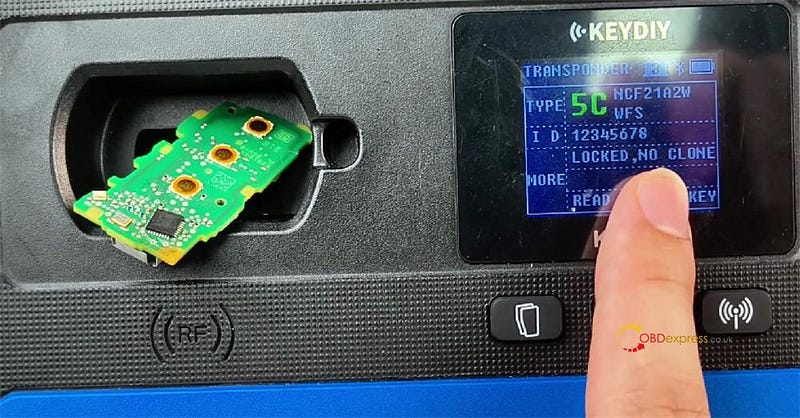
- Check it worked
Identify the key again. The new ID should be 12345678. Boom — modified!
Now About KEYDIY 5D Key
KEYDIY 5D key works with:
- FGB23, FGB57, FGB58
Besides doing everything those three BMW keys do, the 5D key also works as a ZB (emergency key) and supports the 5D function. But heads up — you need to buy both key types (KD FGB25–5 and KD FGB08) to use the 5D function.
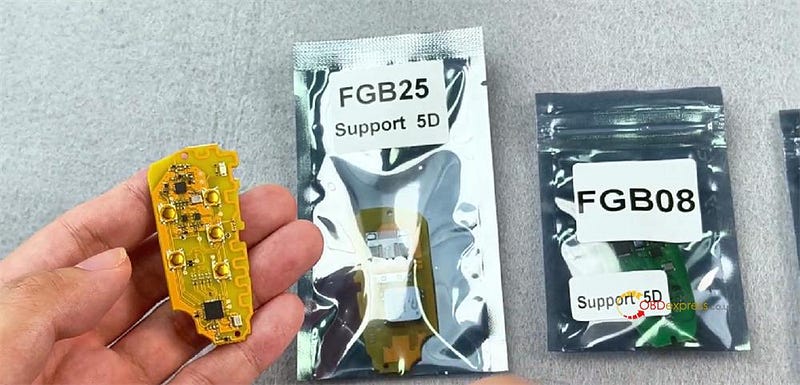
BMW covered:
- CAS4, CAS4+
- FEM, BDC, BDC2, BDC3, BCP
Audi 5D Key
Same card plate as before — just plug it in and read. Super simple.
How to Program 5D Key
1.Go back and restart the process. Click OK.
2.Choose ID option:
- Keep ID = random ID
- Enter ID = type your own
3.Place the key in position, pick Keep ID (or Enter ID if you need a specific one).
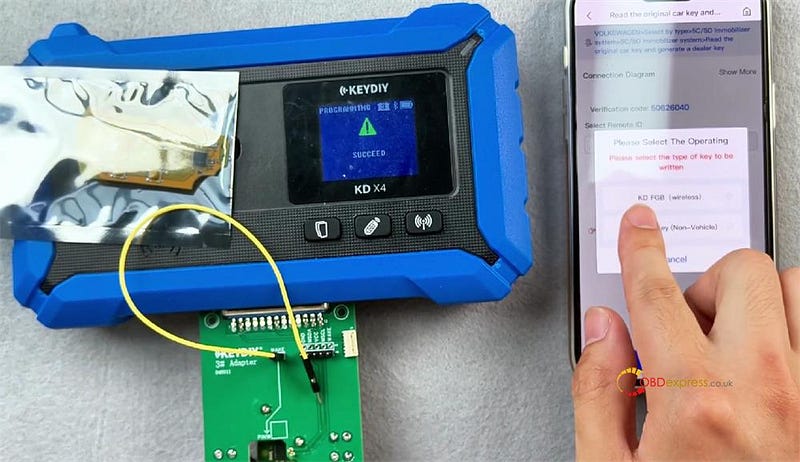
4.Select KDFGB (wireless), choose your frequency, and generate.
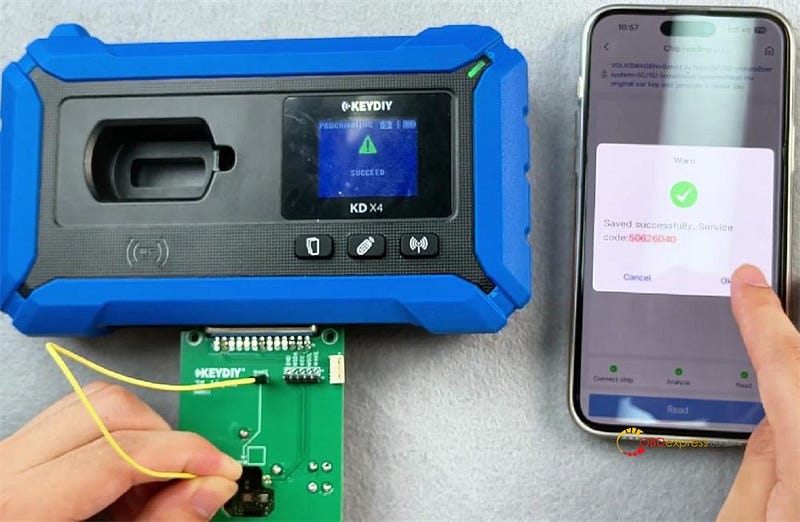
5.Check it — should now show as 5D with a random ID.
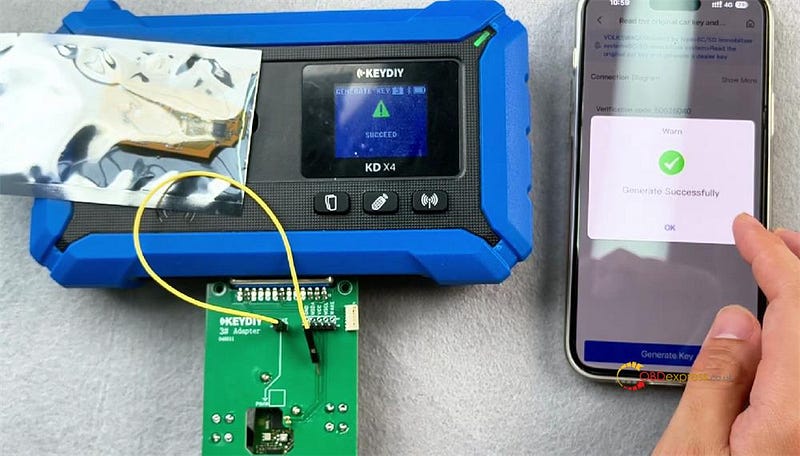
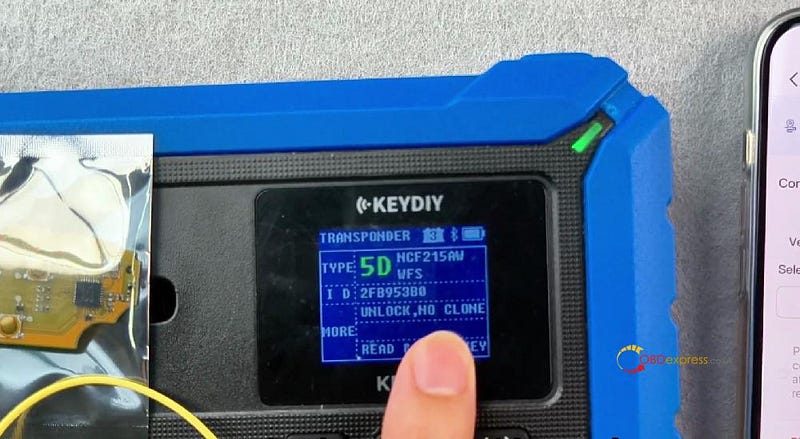
6.Use the key learning function to pair it with the car.
All done!
KEYDIY FGB25, FGB08, and 5D keys give you tons of flexibility for VW and BMW work.


No comments:
Post a Comment