Showing posts with label OBDSTAR ODO Master. Show all posts

Tuesday, 5 August 2025

OBDSTAR ODO Master TOYOTA R7F701441 Dash Mileage Calibration

 In this article, we’ll show how to calibrate the mileage TOYOTA R7F701441 dashboard with OBDSTAR ODO Master by bench.

What you’ll need:

ODO Master (or X300 Classic G3)

High-power DC regulated power supply

Main cable

P004 Adapter + Jumper

TOYOTA R7F701441 Dashboard

Make sure to update software to the latest version before we get started.


OBDSTAR ODO Master TOYOTA R7F701441 Dash Mileage Calibration

Operations

ODO Meter >> AGREE >> TOYOTA/LEXUS/DAIHATSU >> Latest version >> TOYOTA >> LEVIN >> R7F701441 DENSO >> BENCH

Tap "Guide" and carefully read the function introduction, menu description and connection methods.

Refer to the wiring diagram to make the connection.


OBDSTAR ODO Master TOYOTA R7F701441 Dash Mileage Calibration

After connecting, check "ECU Info." to verify the information.

This is the original mileage reading: 6789km.

Read eeprom(R7F701441) >> OK >> Start >> Save eeprom file

Mileage Calibration >> OK >> Start >> Save data file

*If the read mileage differs from the mileage displayed on the dashboard by about 1.6 times, it means that the dashboard of the vehicle is configured in miles. When repairing the dashboard, please divide the mileage to be repaired by 1.609433 to repair it.

Input the data you wish to calibrate, then tap "Enter": 6000km.

Turn off the ignition.

Turn on the ignition.

Turn off the ignition.

Turn on the ignition.

As we can see, the current mileage has been changed to 6000km.

We can check "ECU Info." again to confirm the calibration is complete.

Done.


OBDSTAR ODO Master TOYOTA R7F701441 Dash Mileage Calibration

www.obdexpress.co.uk

Friday, 4 July 2025

OBDSTAR ODO Master Mileage Calibration for GEELY R7F701412

 In this article, we’ll show how to calibrate the mileage on the GEELY R7F701412 Dashboard with OBDSTAR Odo Master.

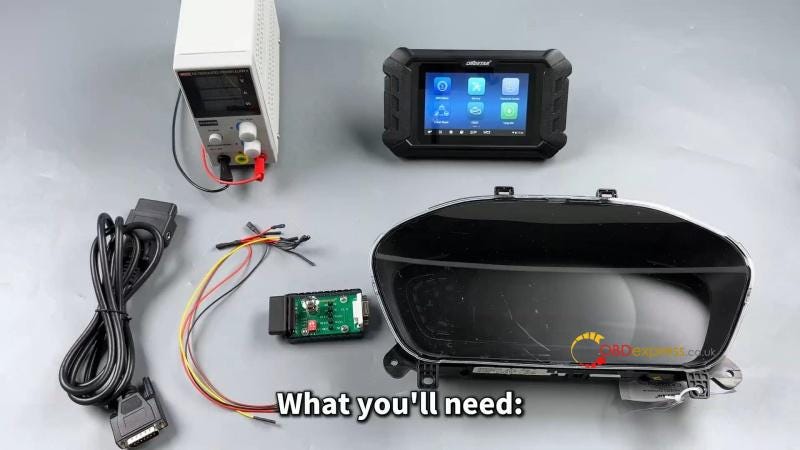
Required Tools

Odo Master/ X300 Classic G3

High-power DC regulated power supply

Main cable

Jumper

P004 adapter

GEELY R7F701412 Dashboard

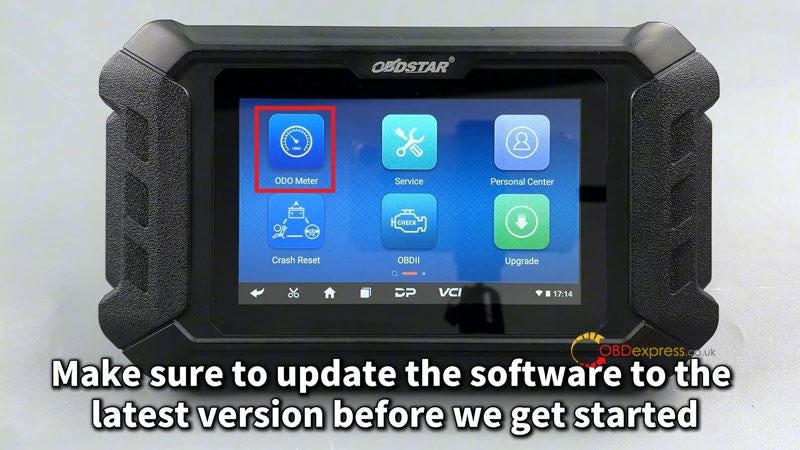
Make sure to update the software to the latest version before we get started.


OBDSTAR ODO Master Mileage Calibration for GEELY R7F701412

Procedure

ODO Meter >> AGREE >> Select the correct brand and MCU type: GEELY >> COOLRAV >> CONTINENTAL(R7F701412)

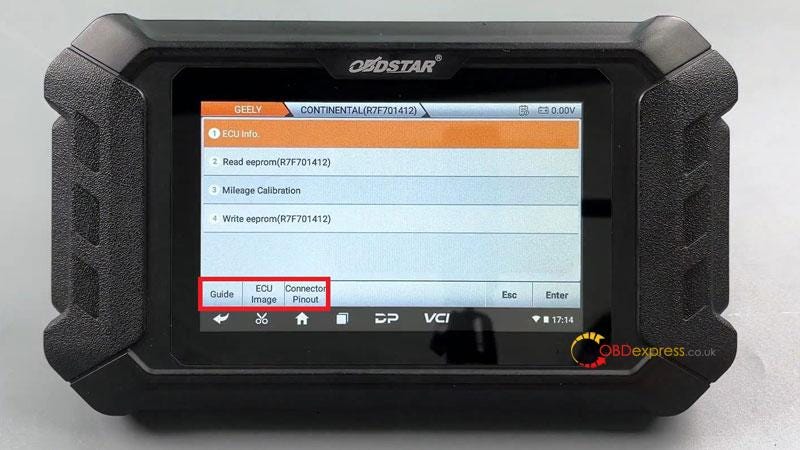
Tap [Guide] and carefully read the function introduction, menu description and connection methods.

Tap the [Connector Pinout].

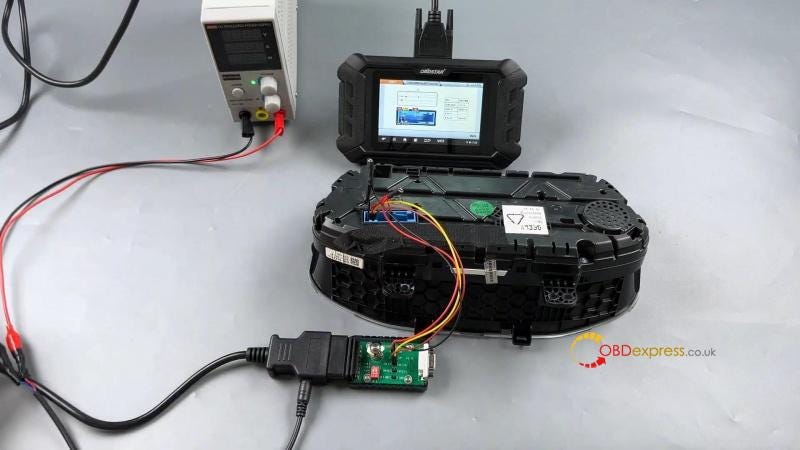
Refer to the wiring diagram to make the connection.


OBDSTAR ODO Master Mileage Calibration for GEELY R7F701412

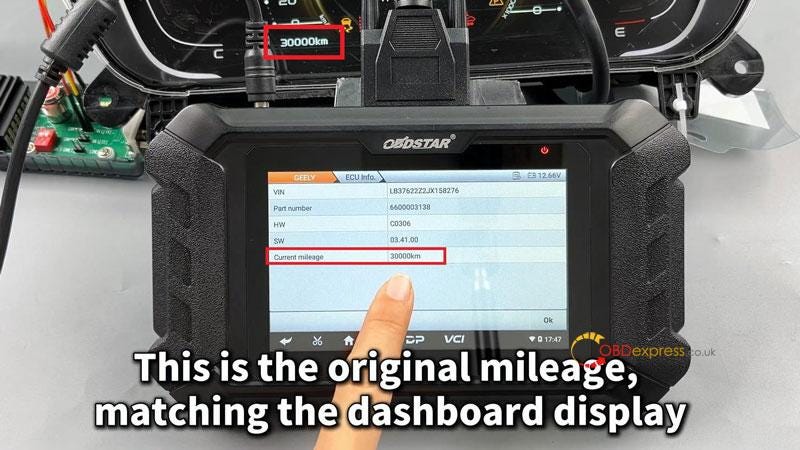
After connecting, check [ECU Info.] to verify the information.

This is the original mileage: 30000km, matching the dashboard display.

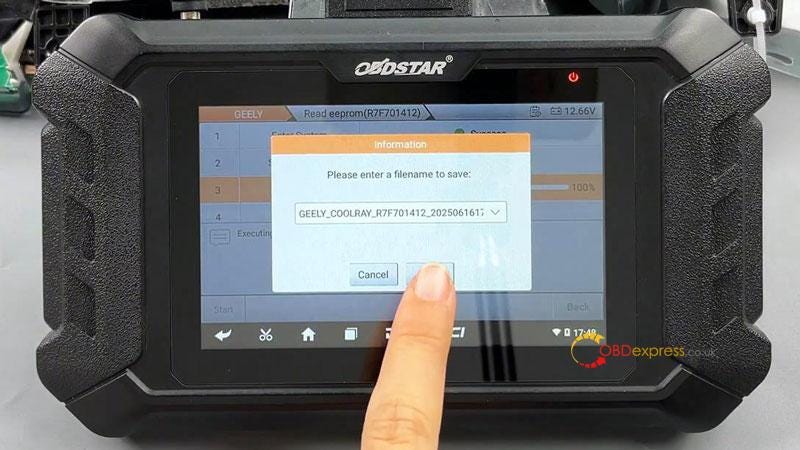
Before proceeding, back up the data.

Read eeprom(R7F701412) >> OK >> Start >> Save the file

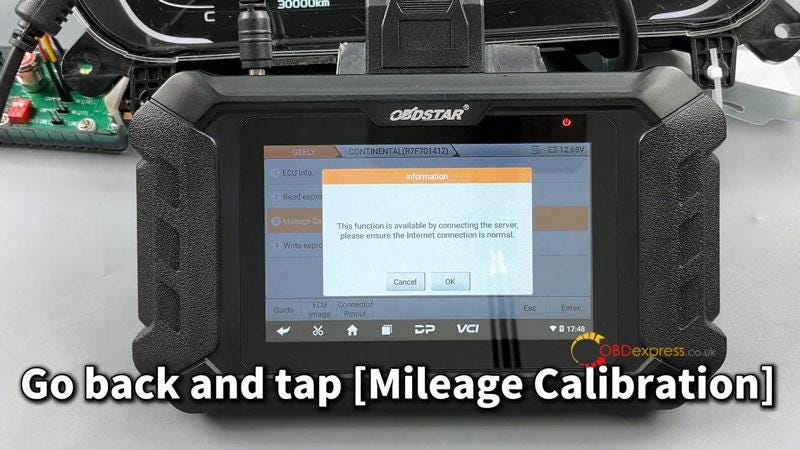
Follow device prompts, go back and tap [Mileage Calibration].

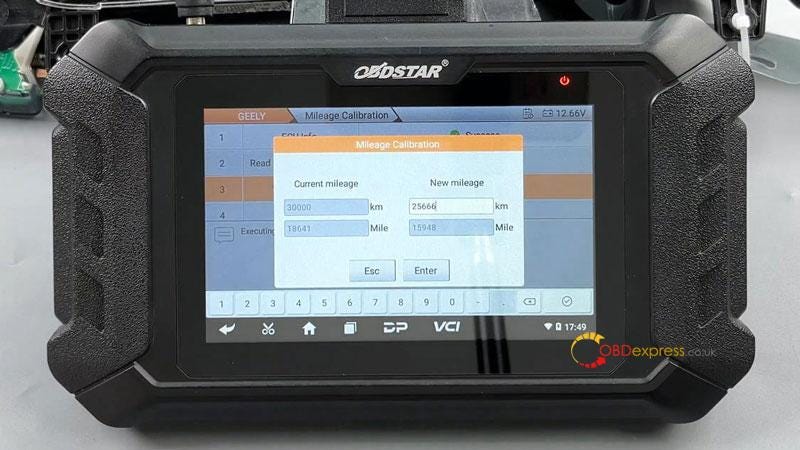
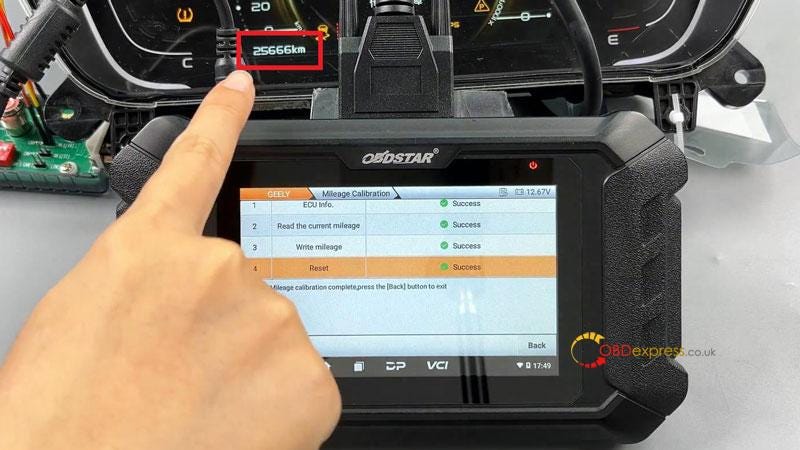
Enter the new mileage: 25666km

The mileage adjustment has been successfully done.

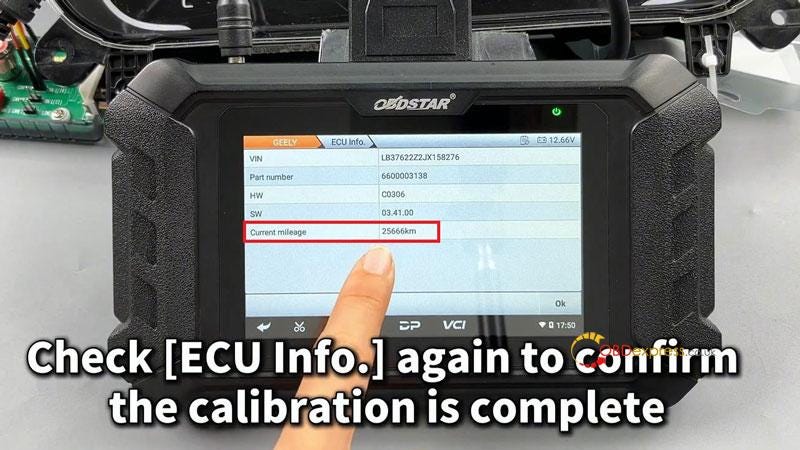
Check [ECU Info.] again to confirm the calibration is complete.


OBDSTAR ODO Master Mileage Calibration for GEELY R7F701412

www.obdexpress.co.uk

Tuesday, 4 June 2024

OBDSTAR ODO Master Calibrate CHANGAN UNI-V Cluster Mileage

 This is a tutorial on how to recalibrate CHANGAN UNI-V cluster mileage with OBDSTAR ODO Master by bench.

Connect OBDSTAR Mileage Correction Tool to the cluster.

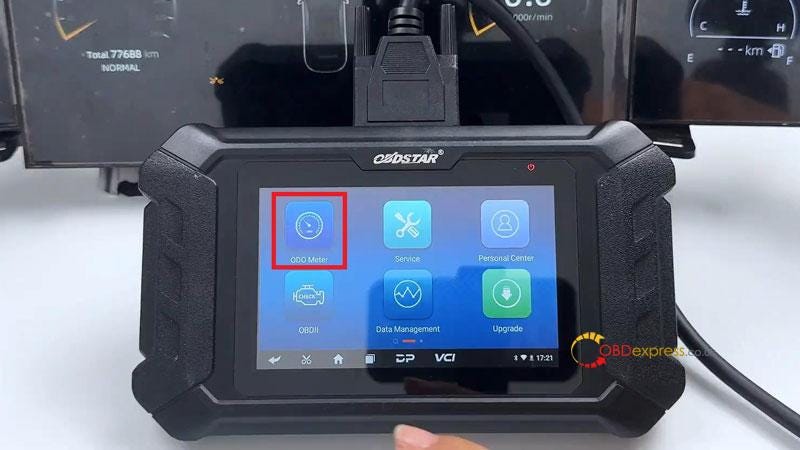
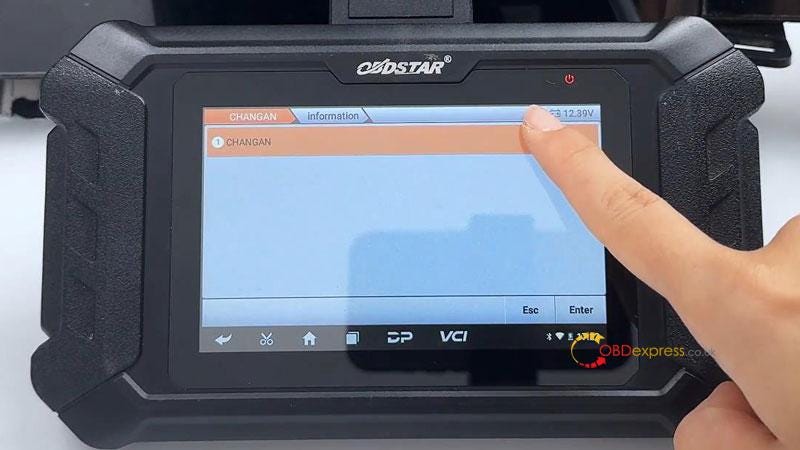
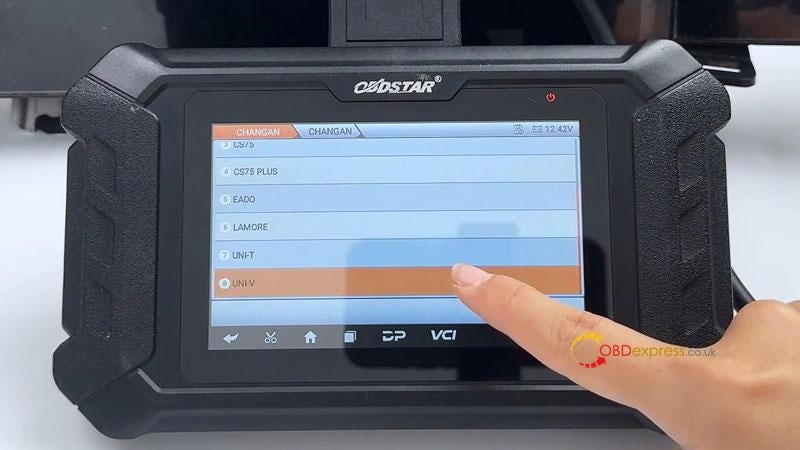
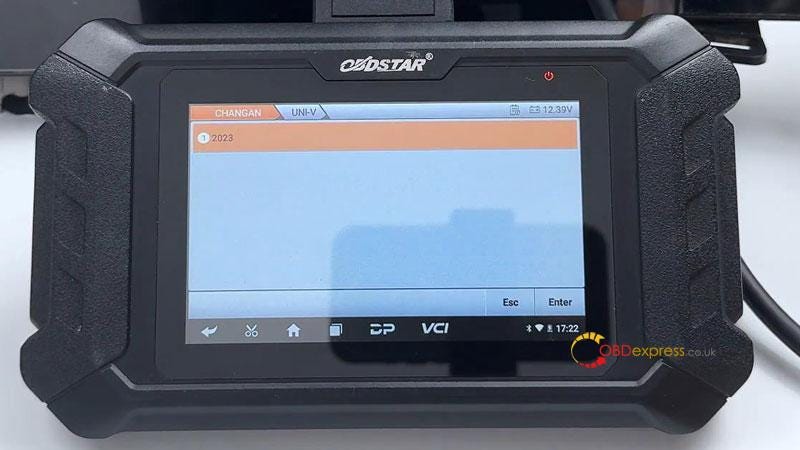
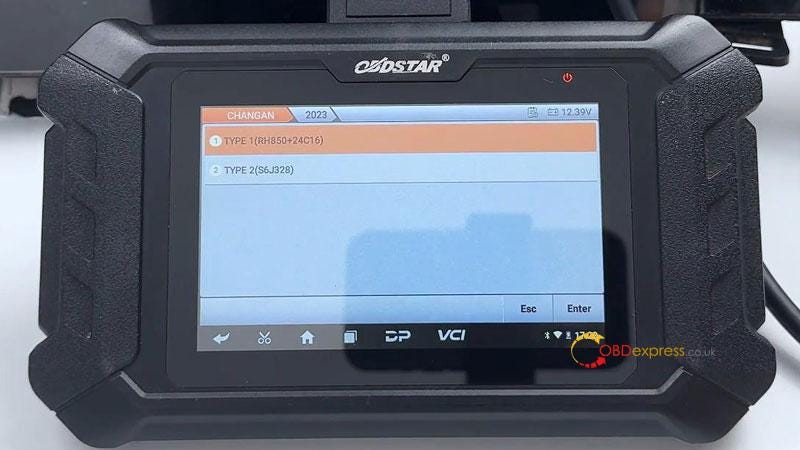
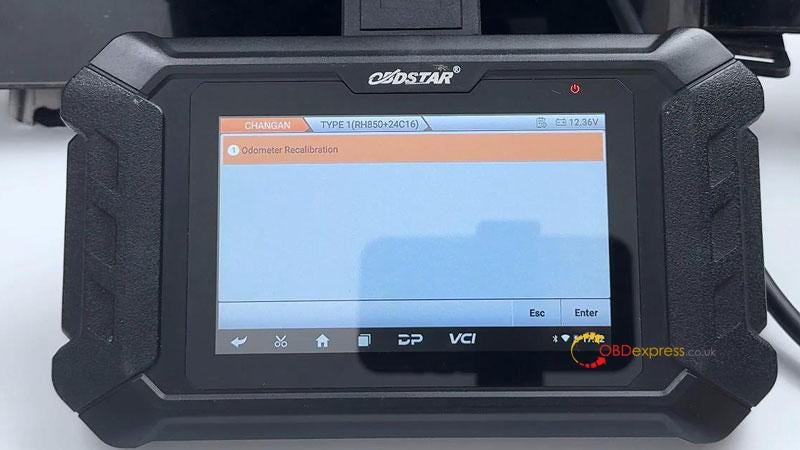
ODO meter >> AGREE >> CHANGAN >> Latest version >> CHANGAN >> UNI-V >> 2023 >> Odometer recalibration


OBDSTAR ODO Master Calibrate CHANGAN UNI-V Cluster Mileage

This function is available by connecting the server, please ensure the Internet connection is normal.

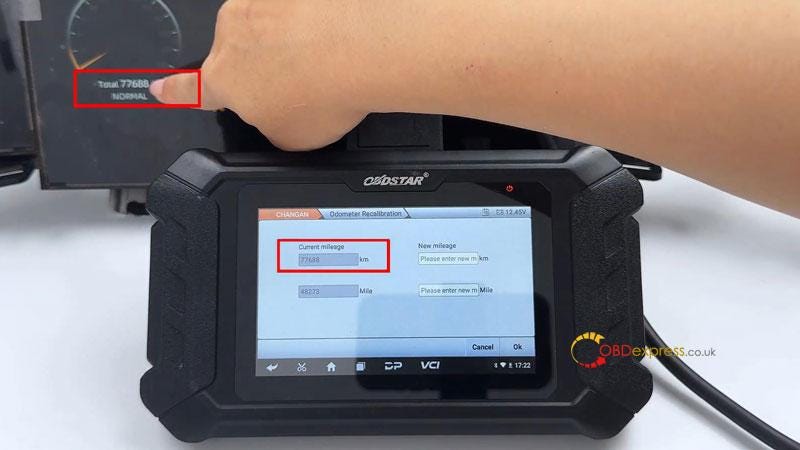
Switch ignition on.

As we can see, the current mileage is 77688km..

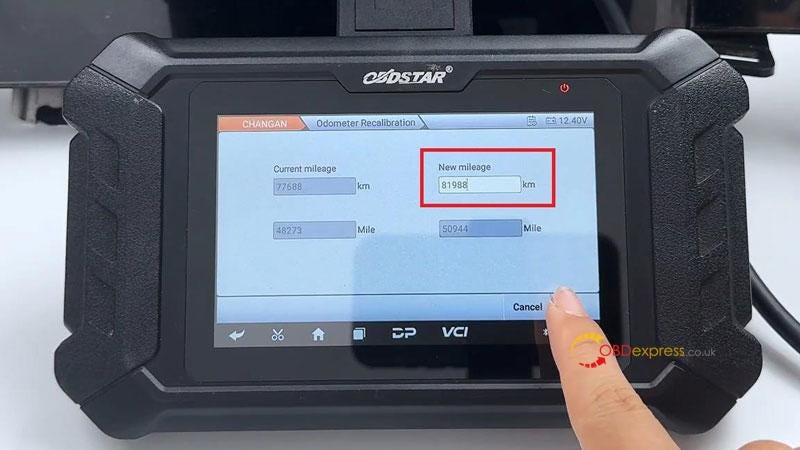
Enter the new mileage: 81988km

Double confirm, press "OK".

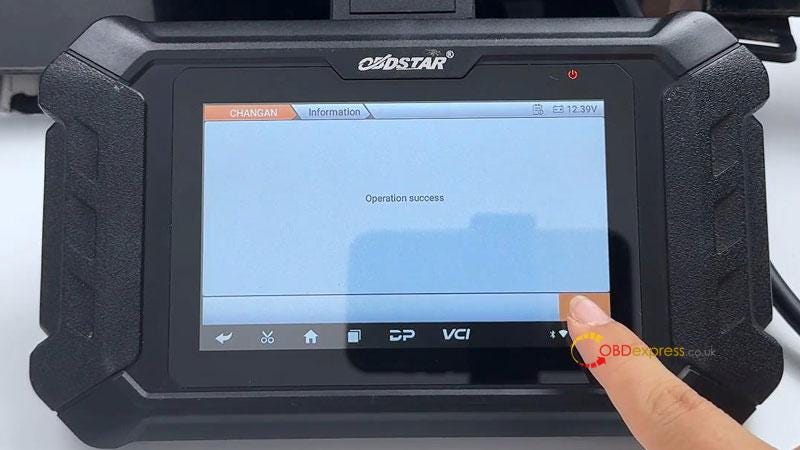
Operation success.

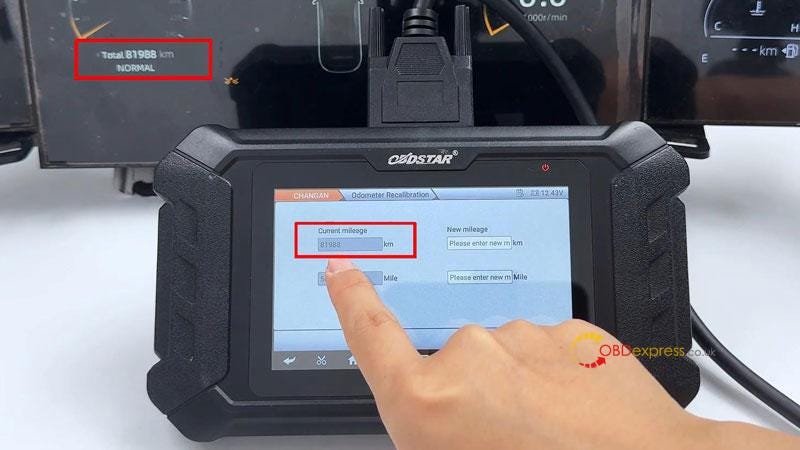
Go back to check the mileage.

Now the current mileage has been changed to 81988km.

Mileage adjustment was successful!


OBDSTAR ODO Master Calibrate CHANGAN UNI-V Cluster Mileage

www.obdexpress.co.uk

EoneBoss HK003: 6A Full Unlock Support for Hyundai/Kia Keys

 The EoneBoss HK003 has been upgraded with 6A full unlock support for Hyundai/Kia smart keys , giving locksmiths a simpler way to handle ...