Showing posts with label 2M2 TANK2 Pro. Show all posts

Tuesday, 1 April 2025

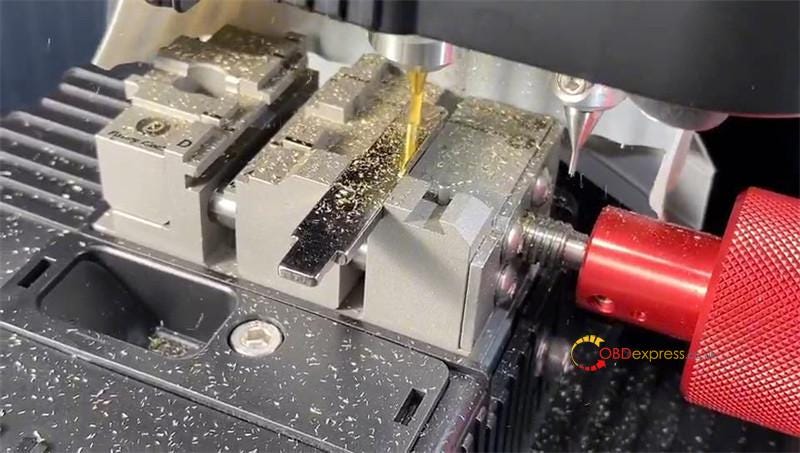
2M2 TANK 2 Pro Cut Ford Jaguar FO21 TIBBE Key Tutorial

 This is a tutorial on how to cut Ford/ Jaguar FO21 TIBBE key with 2M2 TANK 2 Pro Key Cutting Machine. The FO21 TIBBE key decoding process is also included.

How to Decode FO21 TIBBE Key Code?

  • Start from the 1st one. If you feel that is small gap, please click and go to another gap. Click one time, the code is 2.
  • The 2nd position is the same. If you feel that is minor wing, click and go to another gap. It’s still minor swing, go on clicking again. Now it’s major swing at a big gap. Here the code is 3.
  • The next, we have to decode the 3rd position. If you feel the space is very tight, click and go to another gap. The space is still tight, click again. We found the big gap before clicking 2 times. The code is also 3.
  • The 4th space is major swing at a big gap. The code is 1.
  • Touch the 5th, if you feel the space is tight, click and go to another gap. Meanwhie the lock is picked. The 5th position, click 1 time, the code is 2.
  • The 6th position that can not be moved is 4.

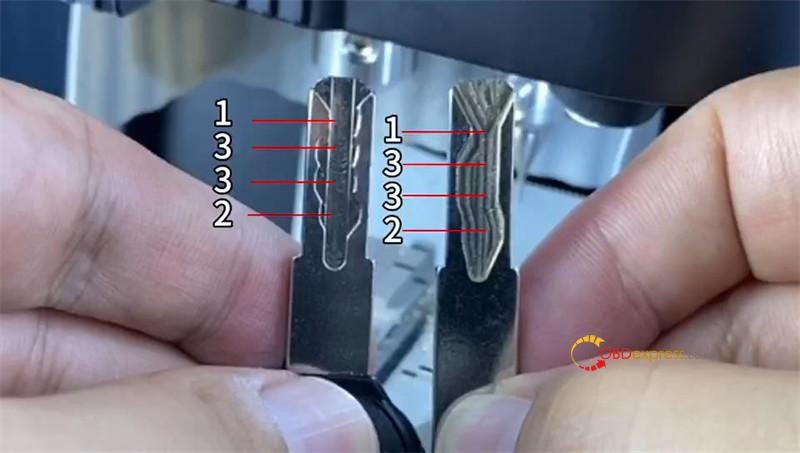
So the full key code is 233124.


2M2 TANK 2 Pro Cut Ford Jaguar FO21 TIBBE Key Tutorial

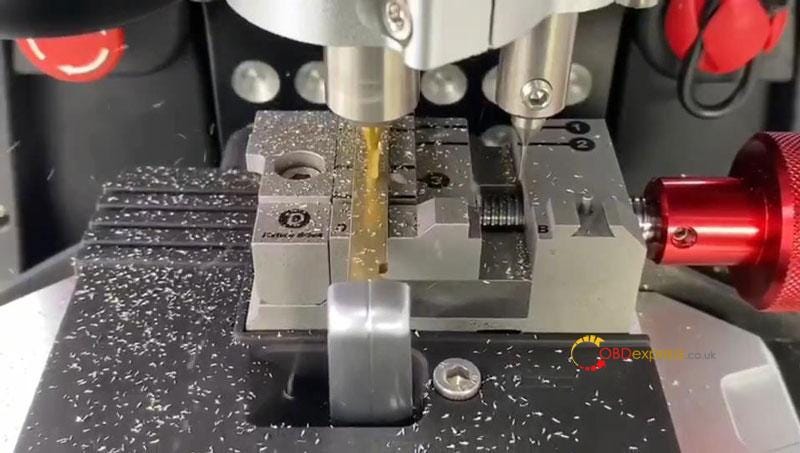
How to Cut FO21 TIBBE with 2M2 TANK 2 Pro?

Open 2M2 TANK app.

Input the number and cut the key.

The FO21 Clamp will automatically rotate to cut the key. No operation is required during the process.

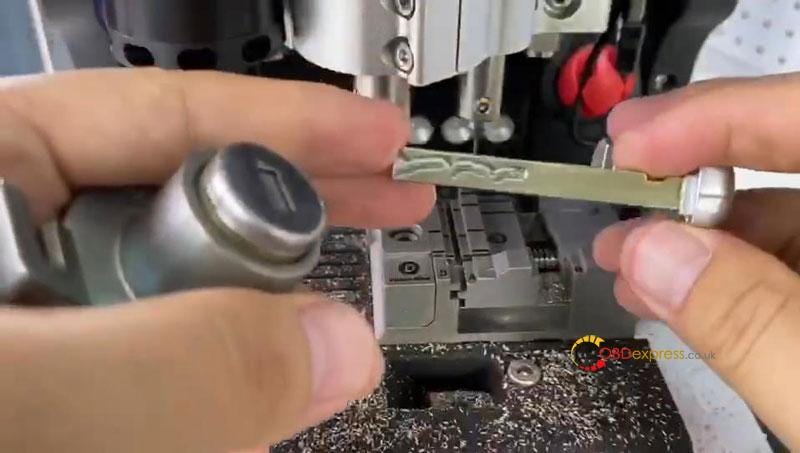
After cutting finished, take out the key for a test.

It does work.

Done.


2M2 TANK 2 Pro Cut Ford Jaguar FO21 TIBBE Key Tutorial

www.obdexpress.co.uk

Wednesday, 18 September 2024

How to use 2M2 TANK2 Pro CNC Smart DIY Key Function?

 2M2 TANK 2 Pro CNC Key Cutting Machine Smart DIY Key is a powerful function that can easily create key types for household, trucks, ships and motorcycles, etc. Friendly for both old and new locksmiths.

How to use 2M2 TANK Smart DIY Key function?

Here’s creating a motorcycle key type for example, total in 3 steps.

Step1. Identify Key Data

Turn on the 2M2 TANK machine at first.

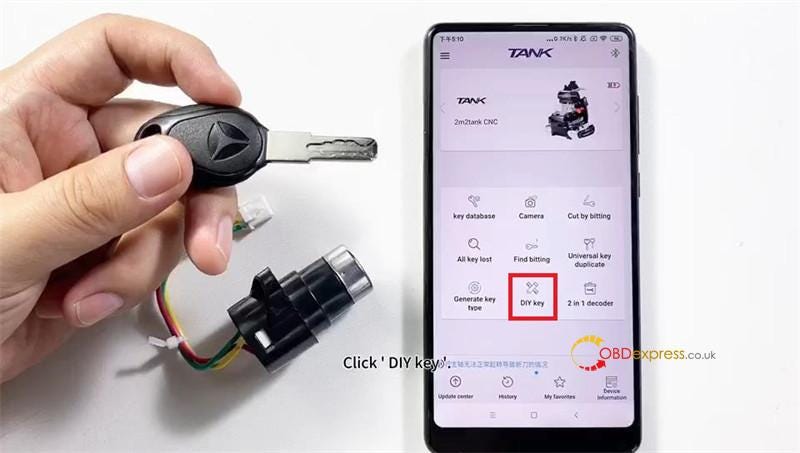
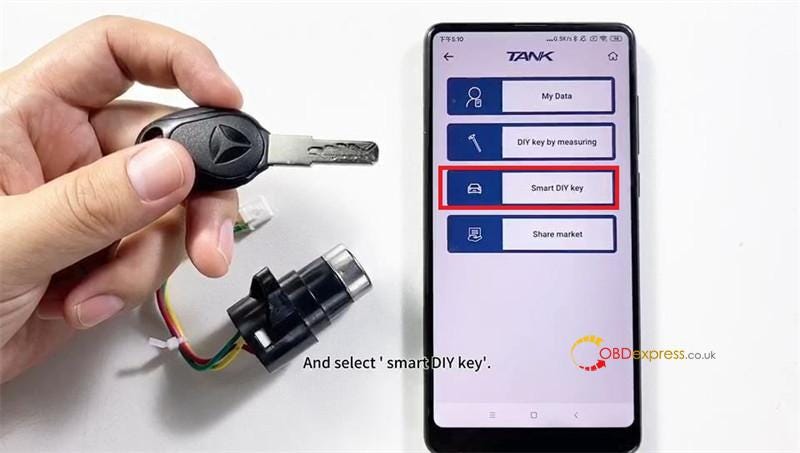
DIY key >> Smart DIY key

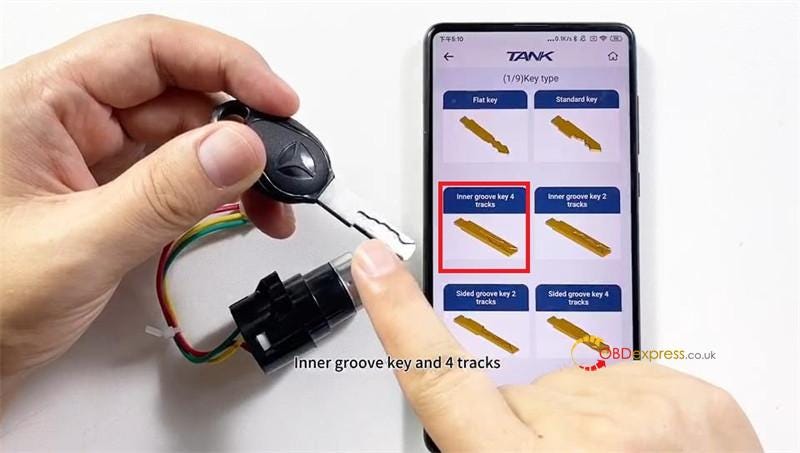
There are several types, we have to find the same shape with the original key.

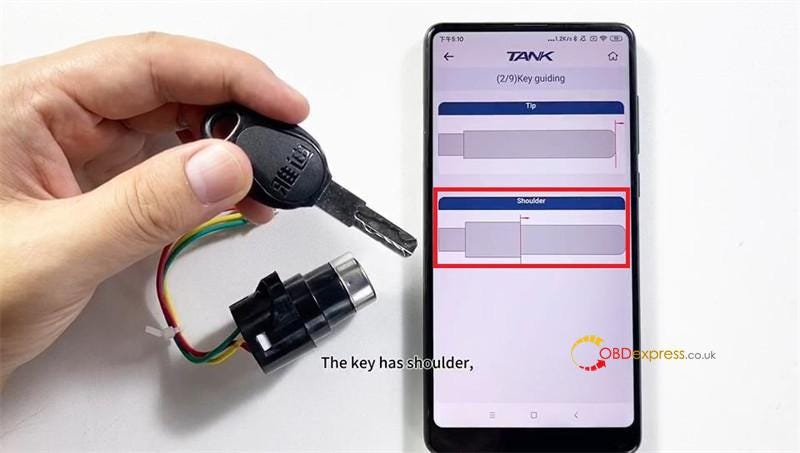
The key also has shoulder, so select:

Inner groove key 4 tracks >> Shoulder

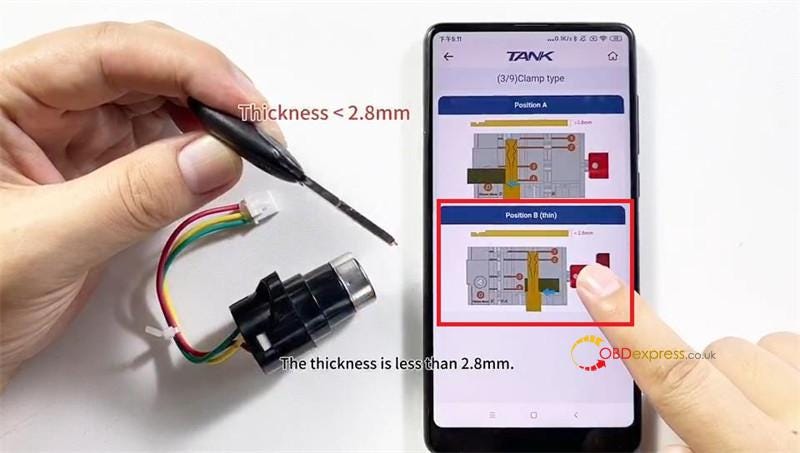
Please make sure the key thickness, it’s less than 2.8mm.

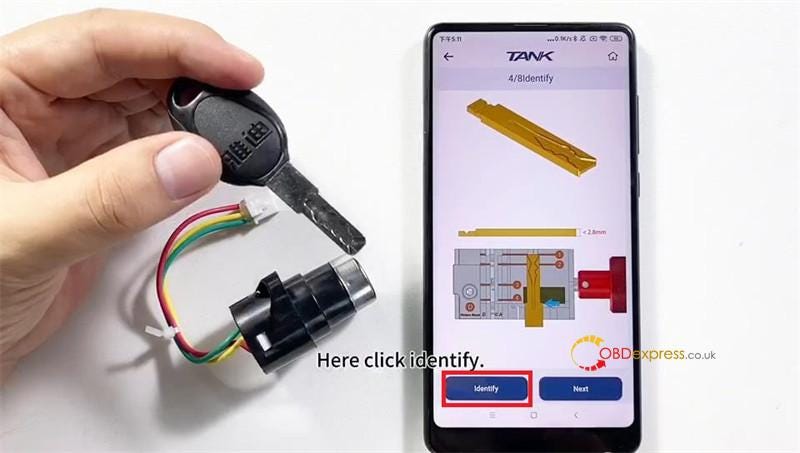
Position B(thin) >> Identify

Follow the guide picture to install the original key.

*Use stopper to put against the shoulder.

Click "Continue" once ready.

TANK 2 Pro will start reading automatically…

This step is to identify the depths and positions of the key smartly.

Identifying completed.


How to use 2M2 TANK 2 Pro CNC Smart DIY Key Function

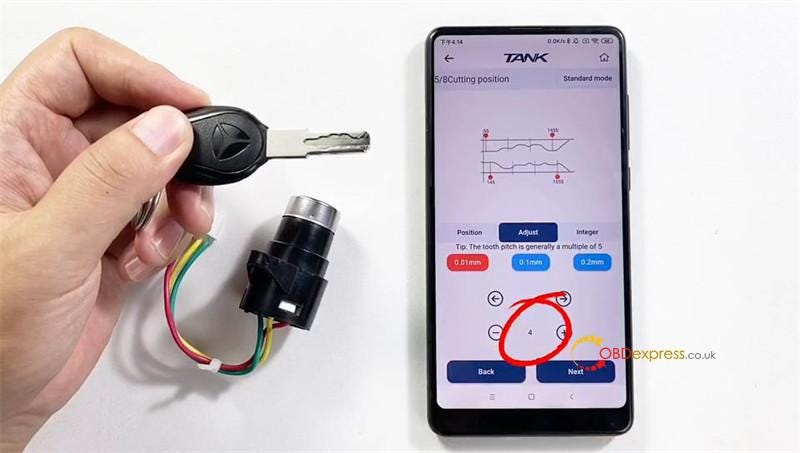
Here we have to adjust the position of the key.

The key has 4 positions.

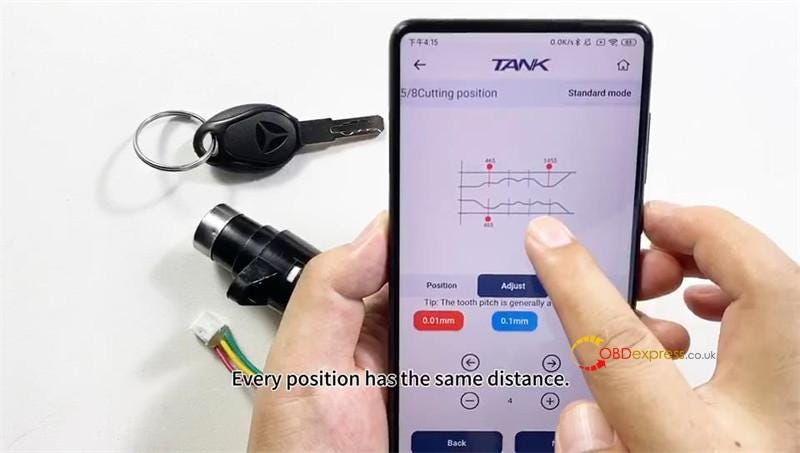
Click "Adjust" to modify the position.

Please keep touching the line and pull them in every middle of the positions. Each position has the same distance.

Install the original key on the clamp again.

Next >> Continue

The step is to confirm the key data if it’s right.

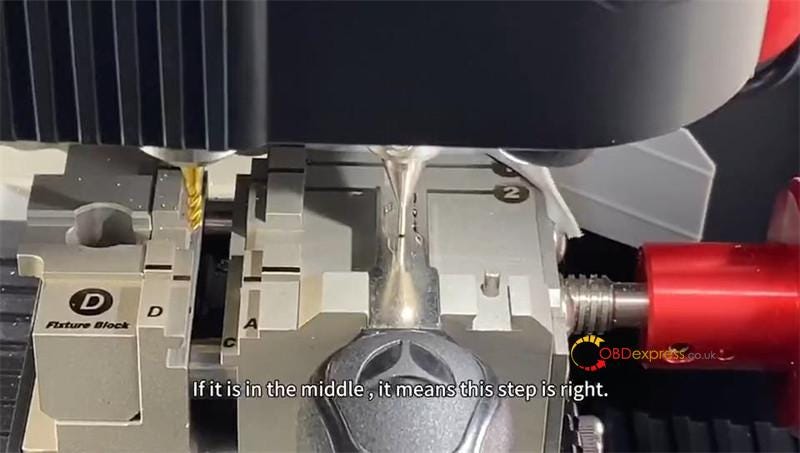
Please check if the probe touches in the middle of the positions.

If it’s in the middle, it means this step is right.

Key data is created successfully.

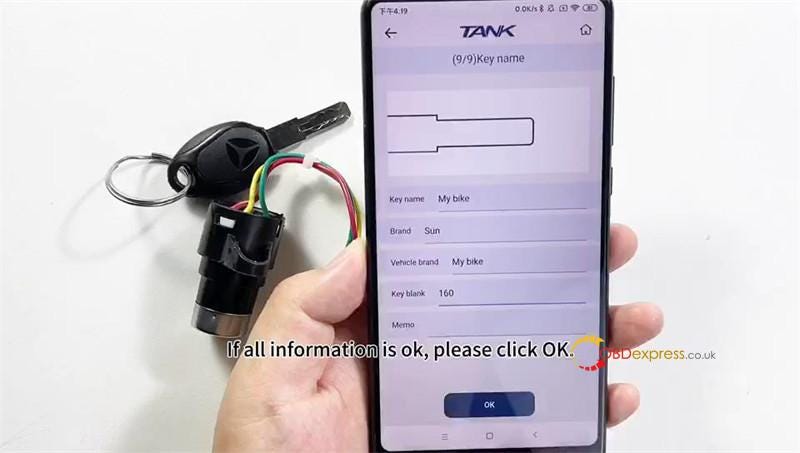
Name the key data.


How to use 2M2 TANK 2 Pro CNC Smart DIY Key Function

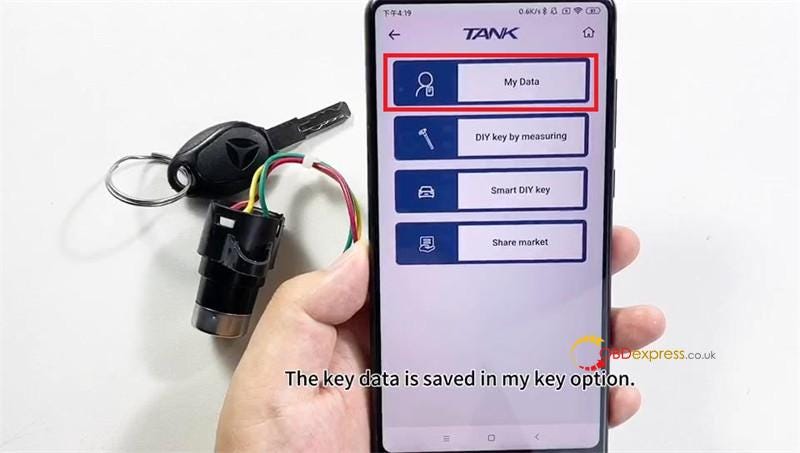
The key data is saved in "My Data" option.

If you want to use it, just select it. No matter cut by bitting or all keys lost.

Step2. Check & Modify Key Data

Then we’’ check if it’s accurate, and how to modify it?

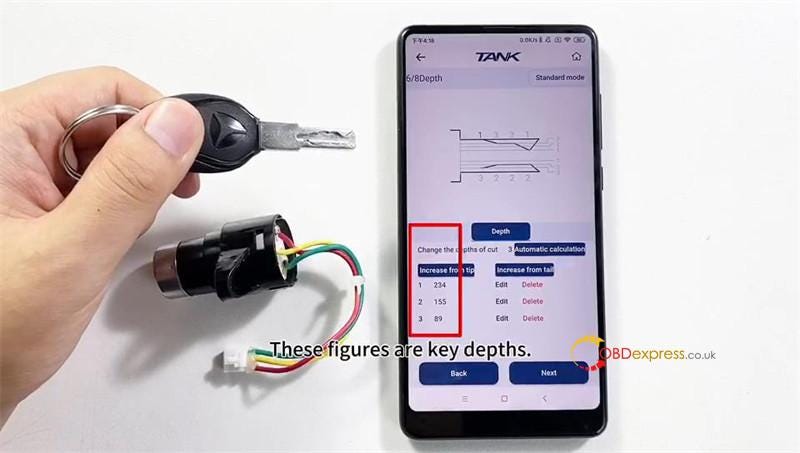
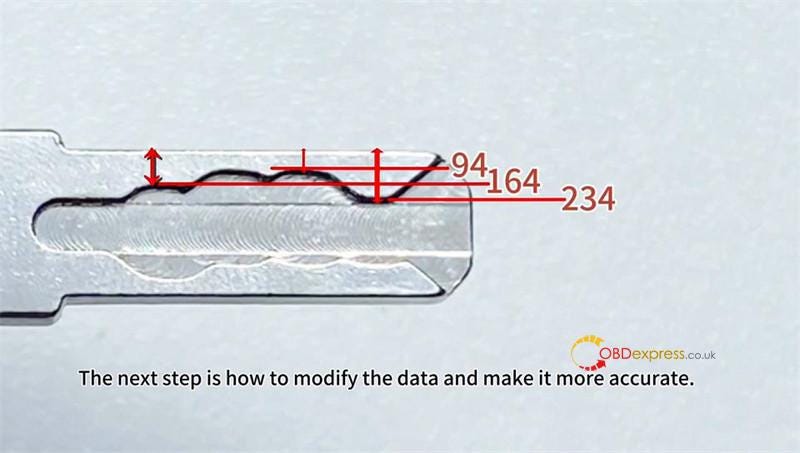
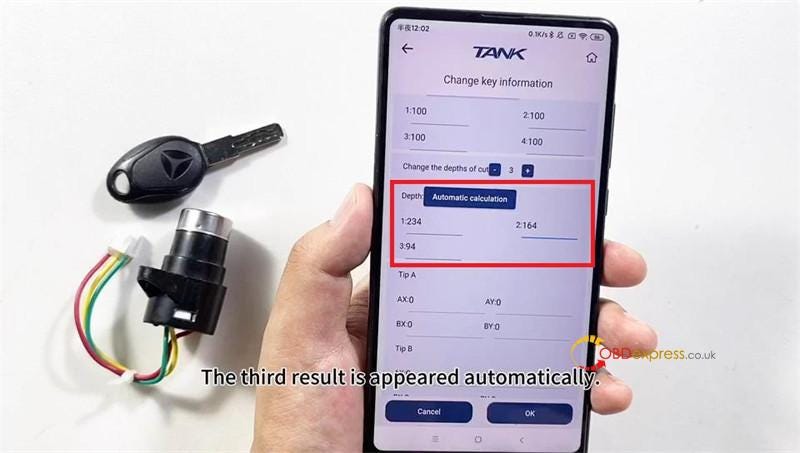
The first depth that I measured is 234, the second is 164, the third is 94.

The next step is how to modify the data and make it more accurate.

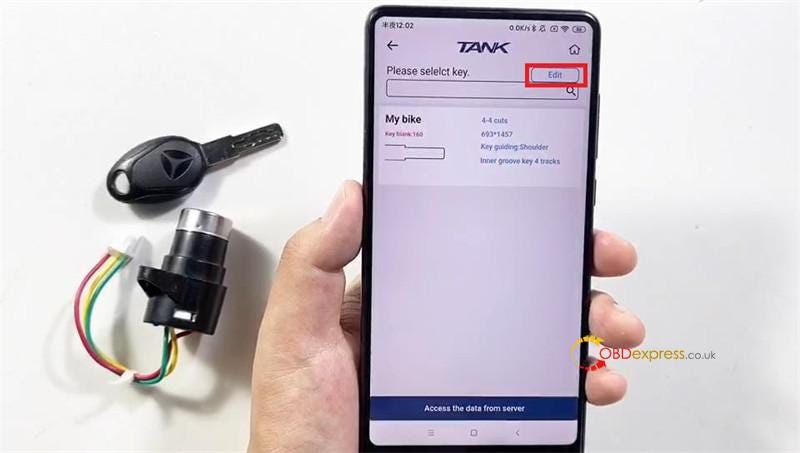
DIY key >> My Data >> Edit >> Edit

Slide down, here we can modify the key depths and click "Automatic calculation".

Click OK after checking.

Finally we will cut key by bitting via this data.


How to use 2M2 TANK 2 Pro CNC Smart DIY Key Function

Step3. Cut New Key

Enter this key data >> Continue

Install the original key on the clamp

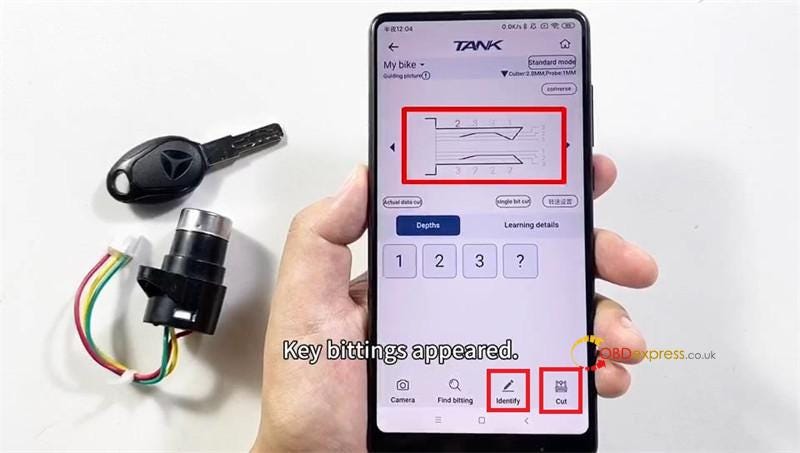
Identify >> Continue

2M2 key cutting machine is decoding the key…

Key bitting will appear after decoding completed.

Install the key blank on clamp.

Cut >> Continue

2M2 TANK is cutting…

2 sides cutting are all the same way.

Cutting finished.

Compare 2 keys, all positions and depths are the same.

The new key can work, perfect done.


How to use 2M2 TANK 2 Pro CNC Smart DIY Key Function

www.obdexpress.co.uk

Wednesday, 7 August 2024

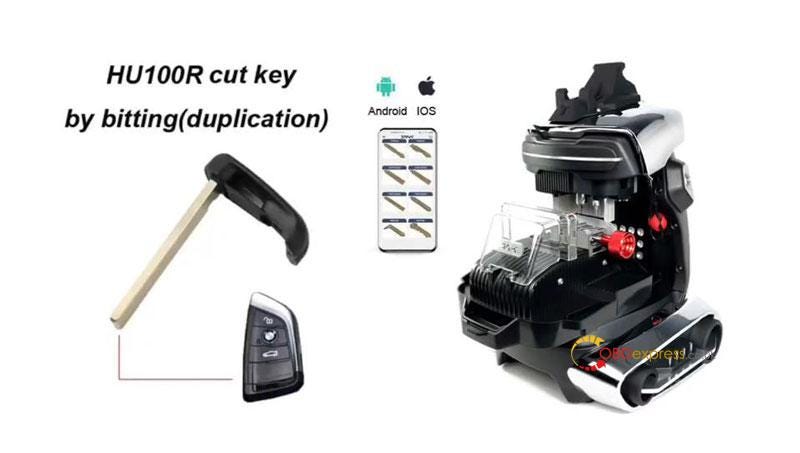
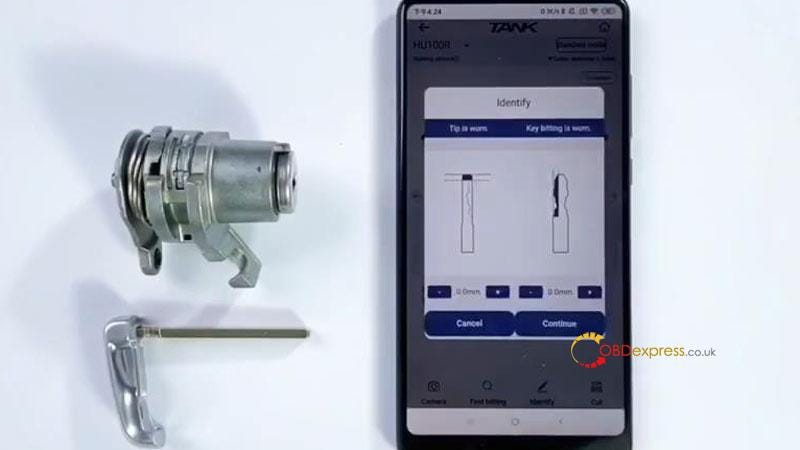
2M2 TANK 2 Pro CNC Duplicate BMW HU100R Key by Bitting

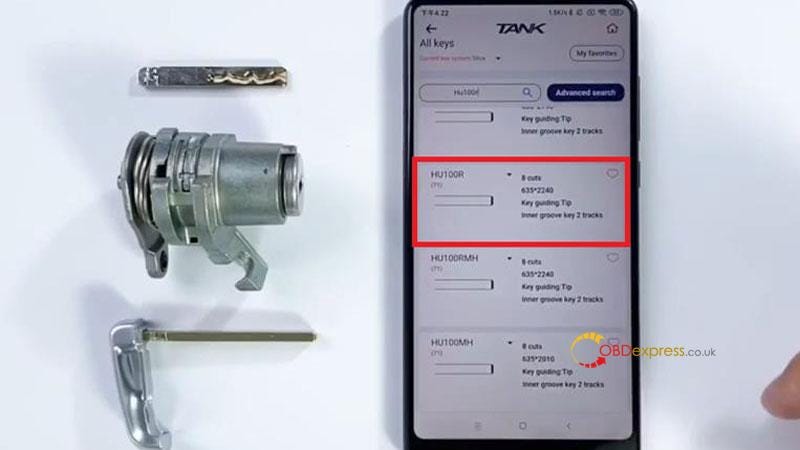
 This is a tutorial on how to duplicate BMW HU100R with 2M2 TANK 2 Pro CNC Key Cutting Machine by bitting. The process includes 2 steps: Decode & Cutting. Before that, you’ll need to prepare an original key and a new key blank.

Without further ado, let’s go.


OBDSTAR X300 Software IMMO Upgrade

Step1. Decode

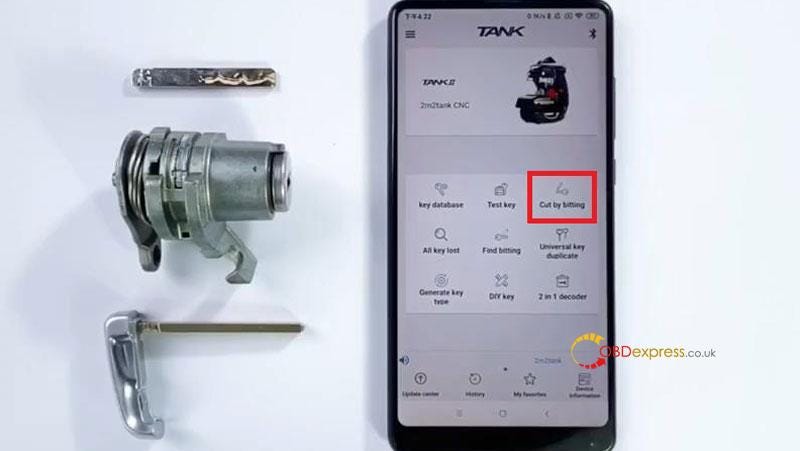
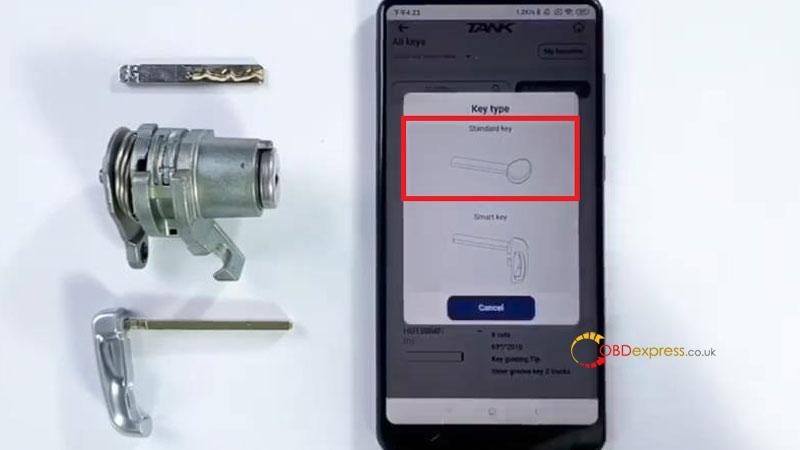
Cut by bitting >> HU100R 8 Cuts >> Standard key

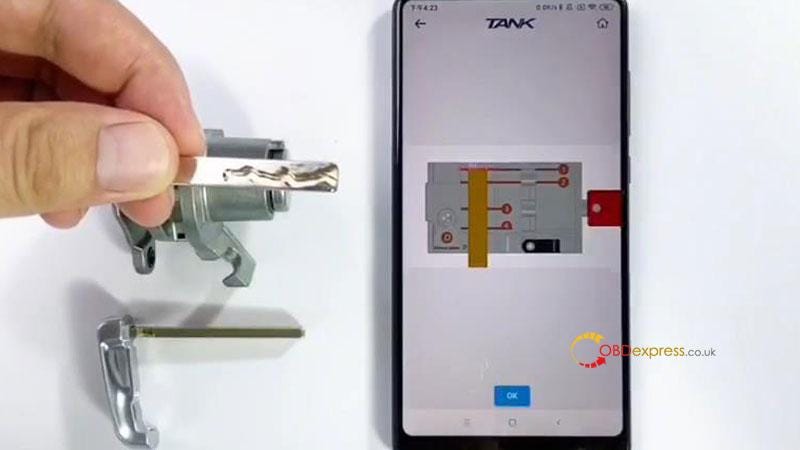
Follow the diagram to install the original key.

OK >> Identify >> Continue

The 2M2 TANK 2 Pro CNC machine will start to decode the key…

Remove the key to replace a blank key when decoding finished.


OBDSTAR X300 Software IMMO Upgrade

Step2. Cutting

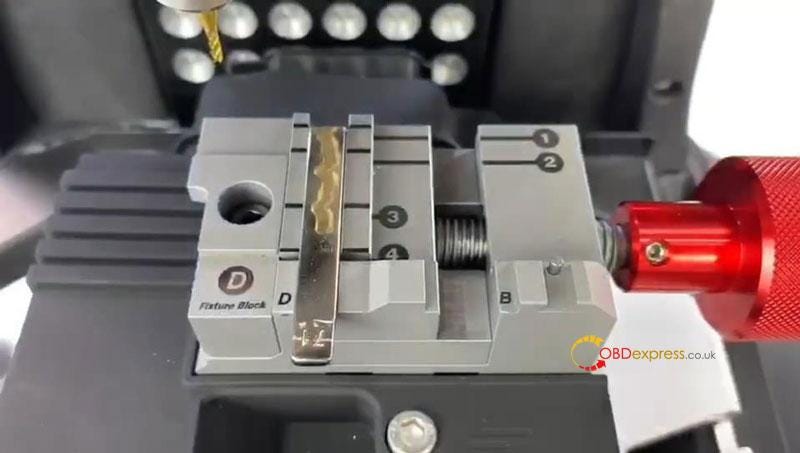
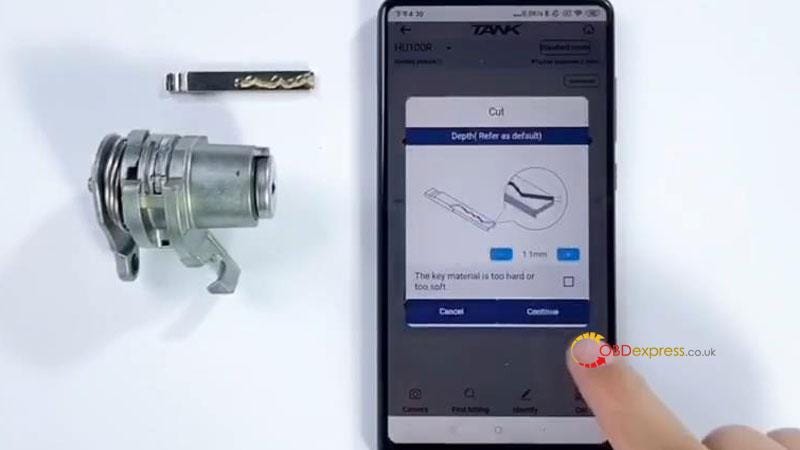
After installation, Cut >> Continue

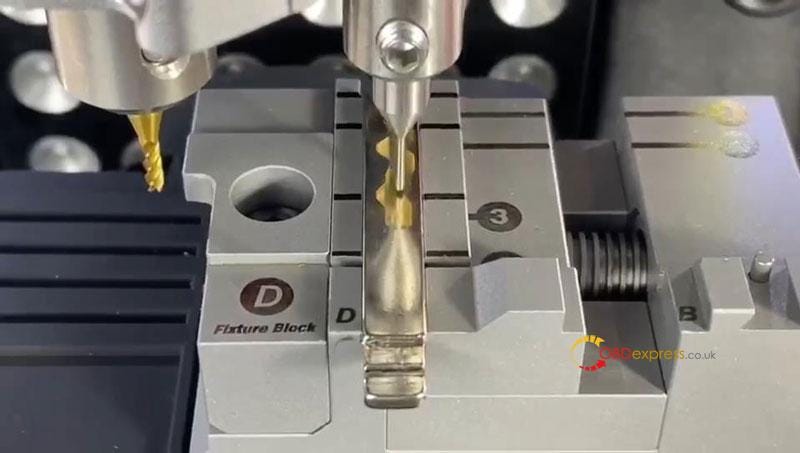
The 2M2 TANK Key Cutting Machine will start to cut automatically…

Just wait until cutting finished.

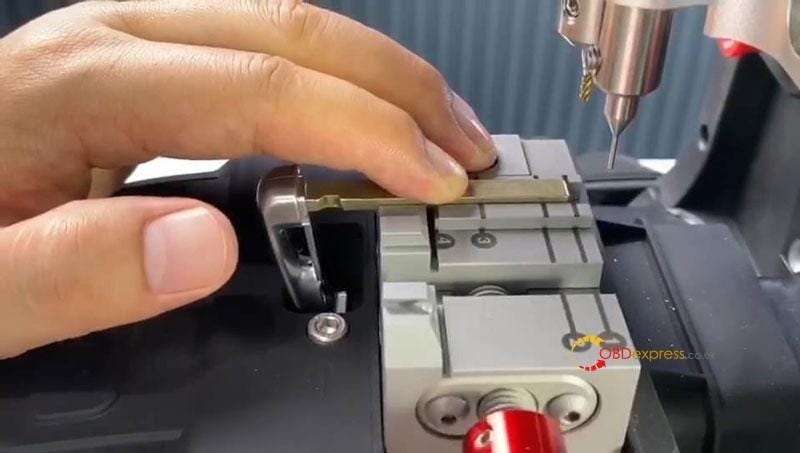
Then Turn over the key to cut the other side.

Now the key cutting was completed.

Take out the new key to have a test, it can work normally.

Perfect done.


OBDSTAR X300 Software IMMO Upgrade

www.obdexpress.co.uk

KEYDIY New KD-Moto Adapter Adds Honda, Yamaha & Ducati

  Motorcycle key programming is now coming to the KEYDIY KD-X4 . The new KEYDIY KD-Moto Adapter adds dedicated motorcycle coverage for a w...