Thursday, 4 December 2025

Lonsdor K518 Pro Add 2025 Toyota BZ4X LT-20 Smart Key OK

 This step-by-step guide explains how to successfully add a smart key to a 2025 Toyota BZ4X using the Lonsdor K518 Pro and an LT-20 Smart Key. Follow these instructions for a reliable and cost-effective key programming process.

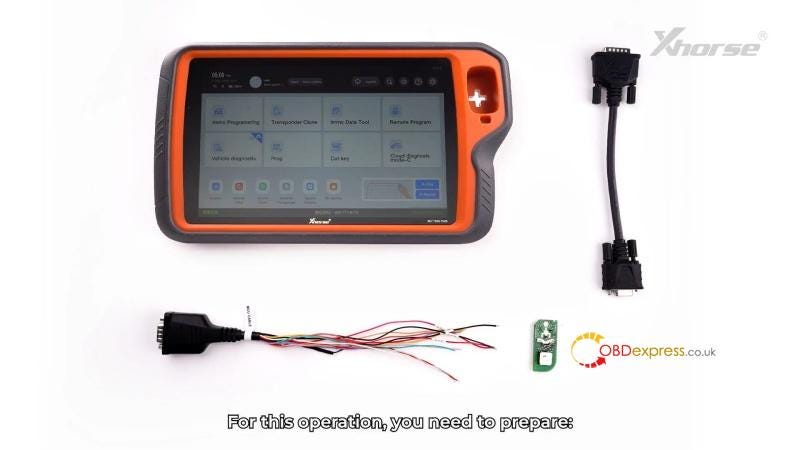
Tools & Parts Needed

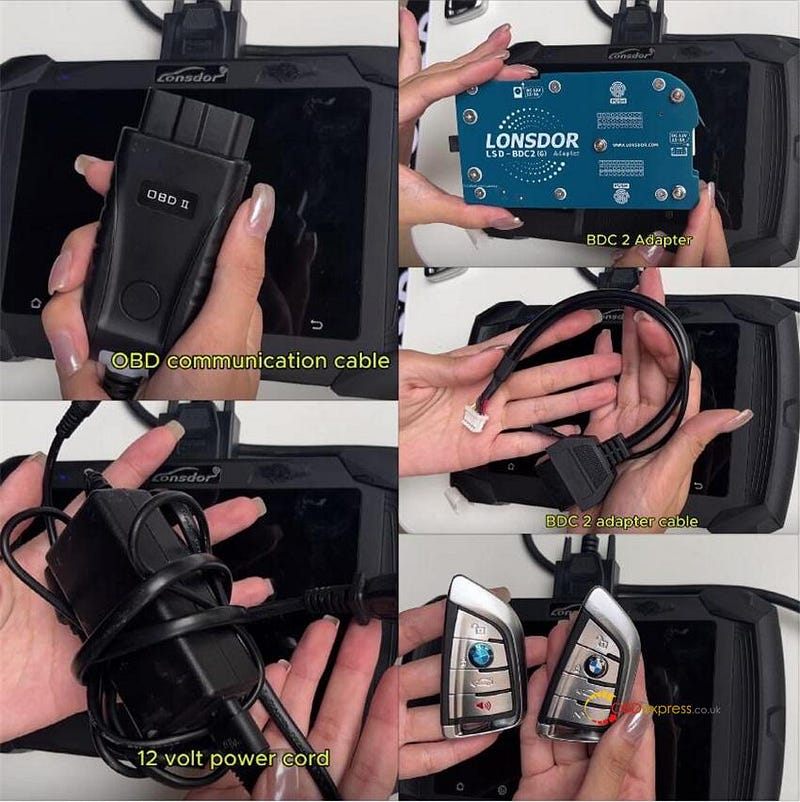
Lonsdor K518 Pro Key Programmer

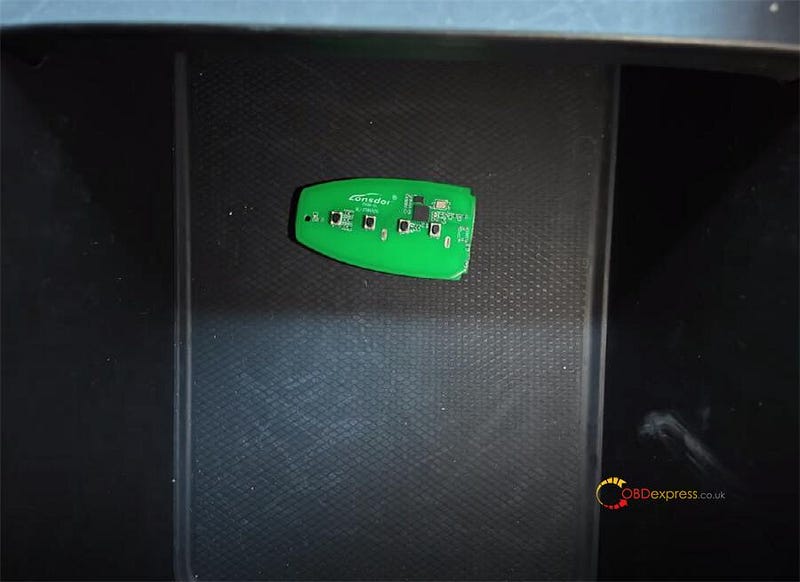
Lonsdor LT-20–10 Smart Key

30-Pin Adapter Cable

Original Working Toyota Key

Lonsdor K518 Pro Add 2025 Toyota BZ4X LT-20 Smart Key OK

Step-by-Step Programming Guide

Step1. Key Generation with LT-20

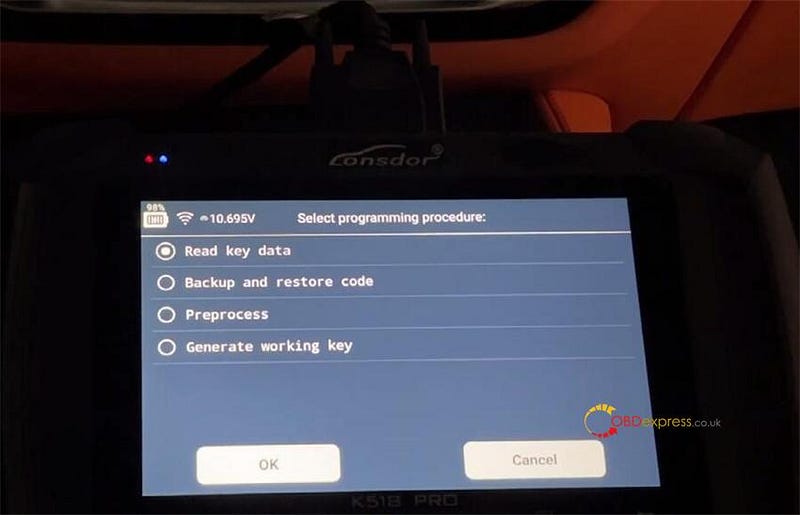
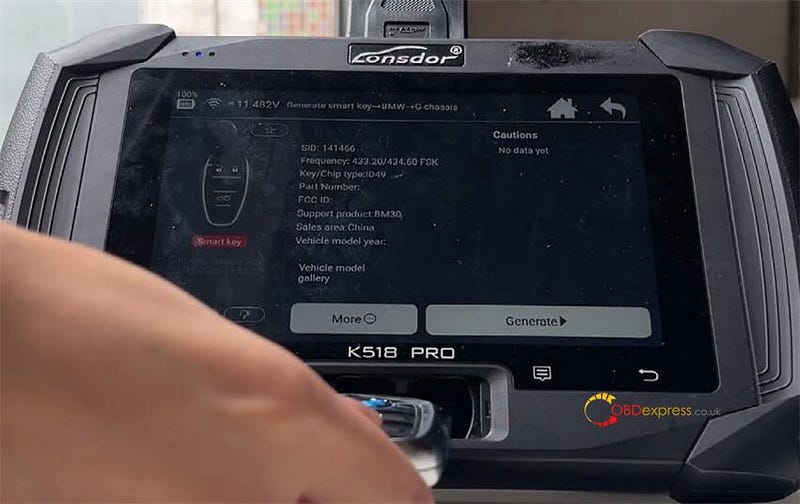
Open K518 Pro, go to: Immo &Remote → Toyota → Key Settings → LT20 smart key → Covert smart key type

Place the new LT-20 key on the K518 Pro to generate.

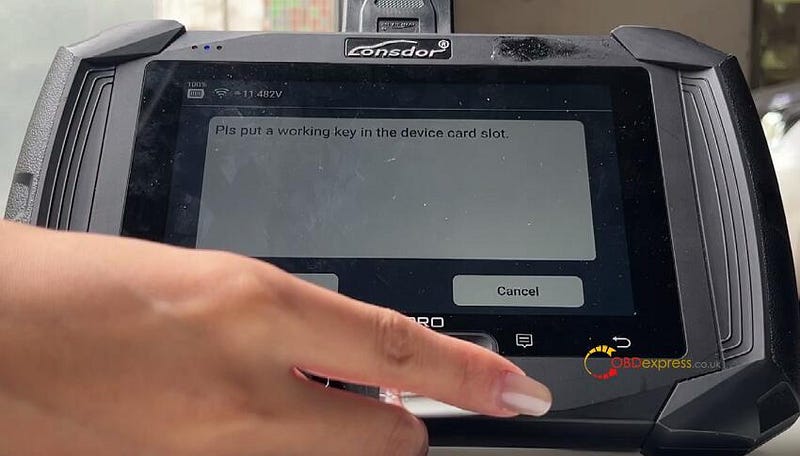
By identifying working key → Place a working key into K518 Pro’s card slot.

Hold the original key close to the card slot and press the button to detect.

The tool should display two frequencies (e.g., 314.35/312.09MHz).

Always select the higher frequency first for better reliability.

Assign the key functions as follows:

Button 1: Lock

Button 2: Unlock

Button 3: Hatch/Trunk

Button 4: Panic

Button 5: AC (if supported)

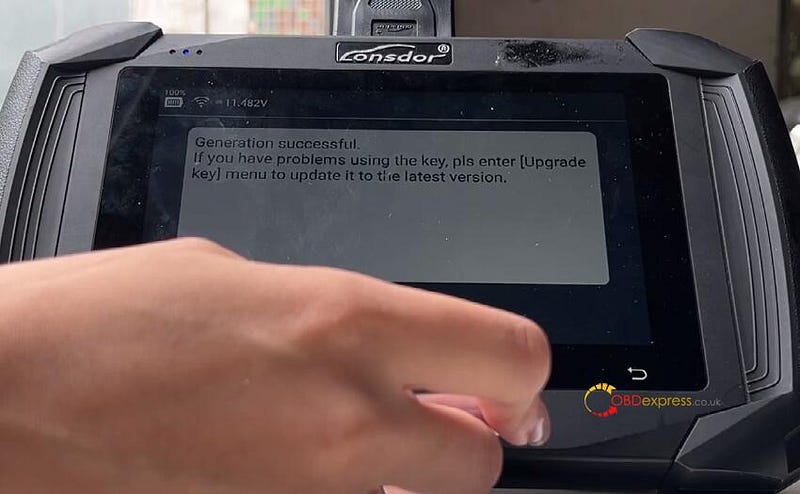
Put LT20 smart key back to the K518 Pro’s cars slot to generate.

The process usually takes a few minutes.

Lonsdor K518 Pro Add 2025 Toyota BZ4X LT-20 Smart Key OK

Step2. Add Key to Vehicle

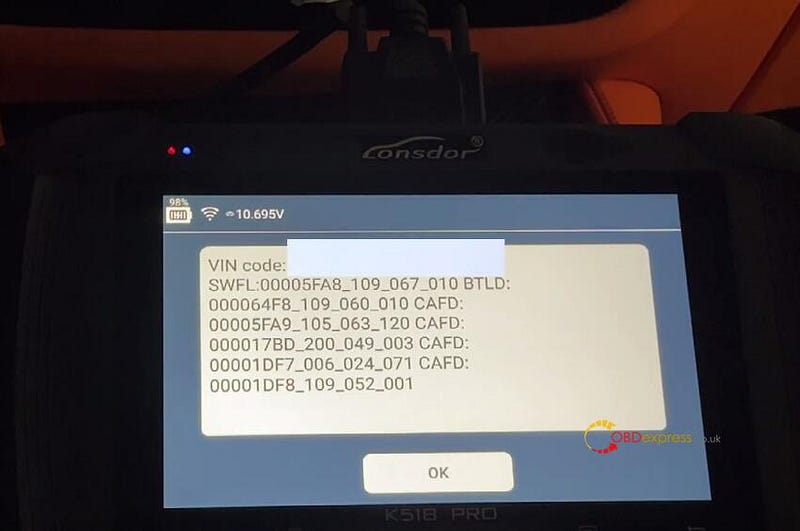
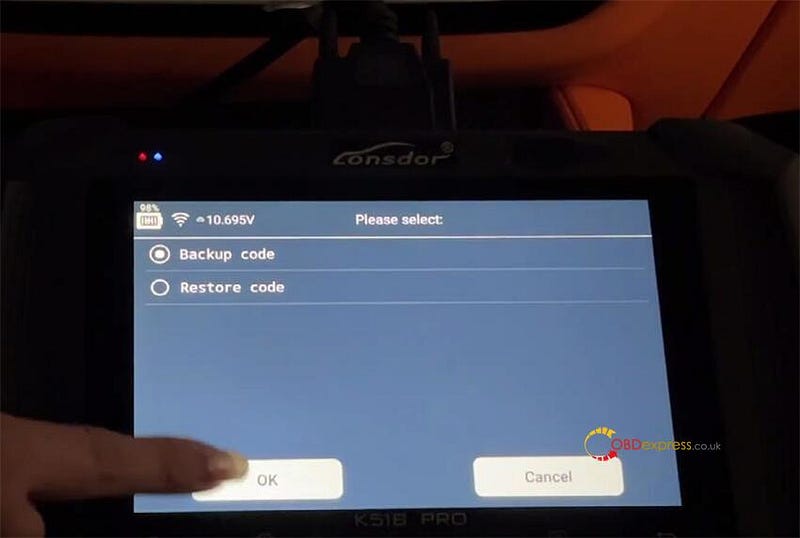
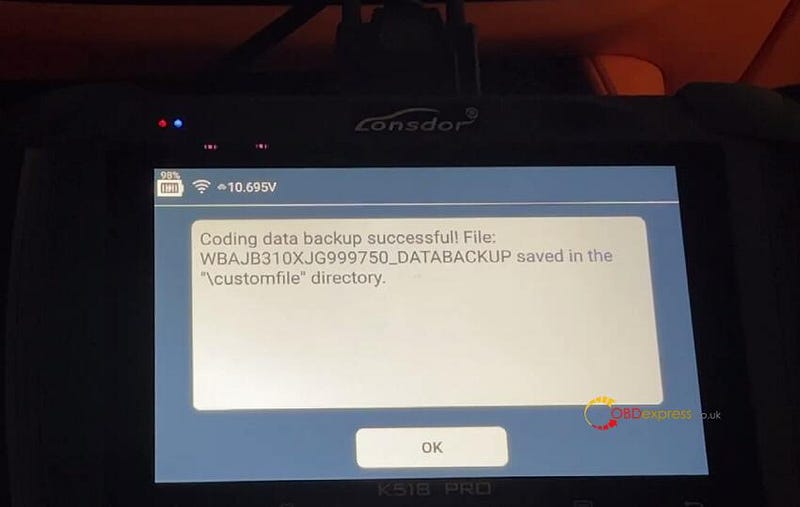
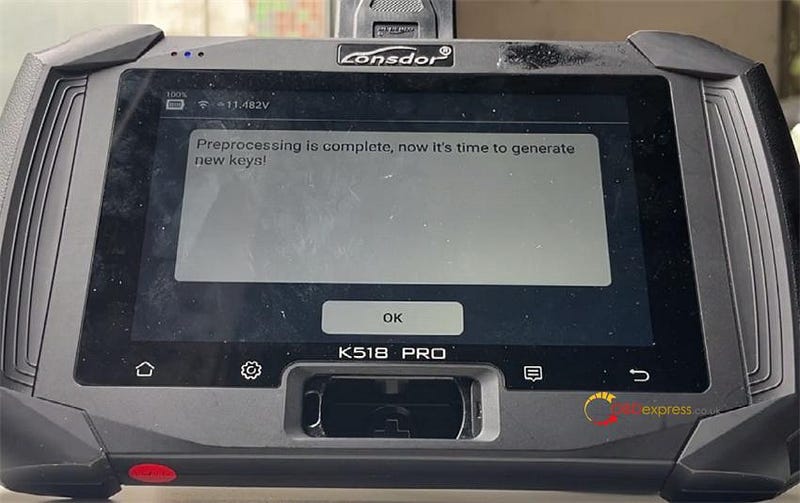
Go to Immo & Remote → Toyota → Select from vehicle → USA → BZ4X → Smart Key → PEPS(CAN) → Backuo Immo data

I’ve already backup the data, so select “Add Smart Key”.

Turn the ignition ON (do not start the engine).

Load the previously saved backup EEPROM data.

The tool will bypass the encode out code.

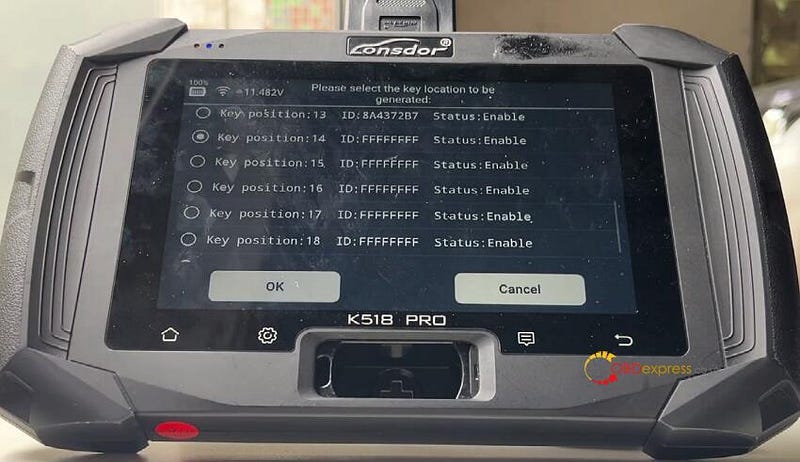
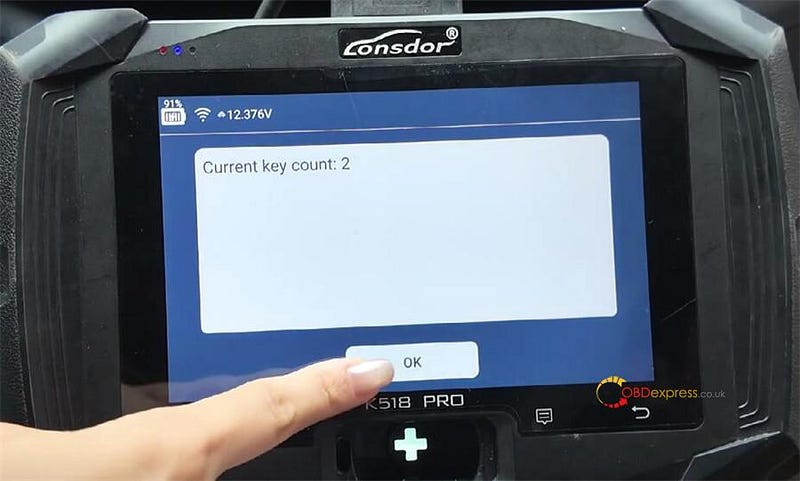
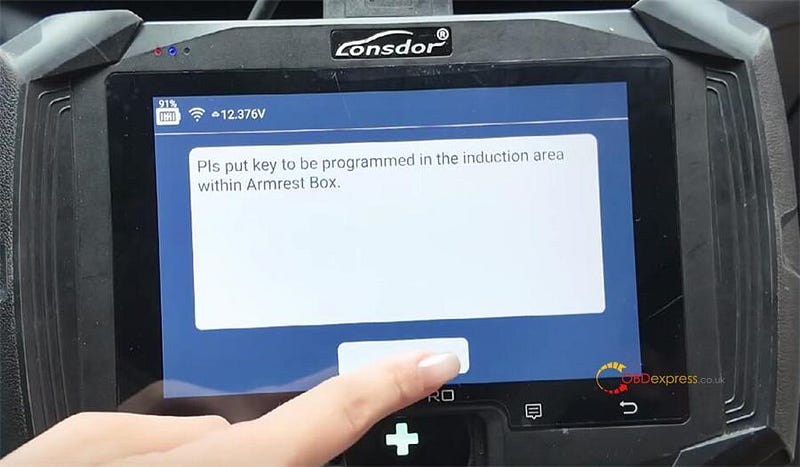
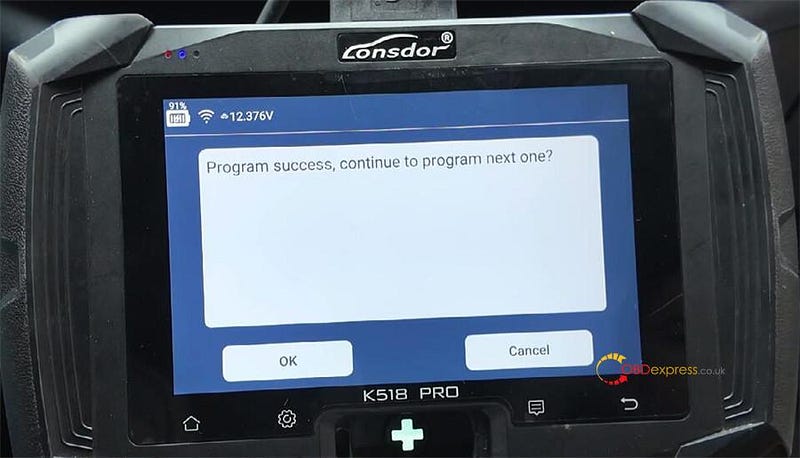
Follow the on-screen instructions until you hear two beeps.

Lonsdor K518 Pro Add 2025 Toyota BZ4X LT-20 Smart Key OK

Step3. Test the Key

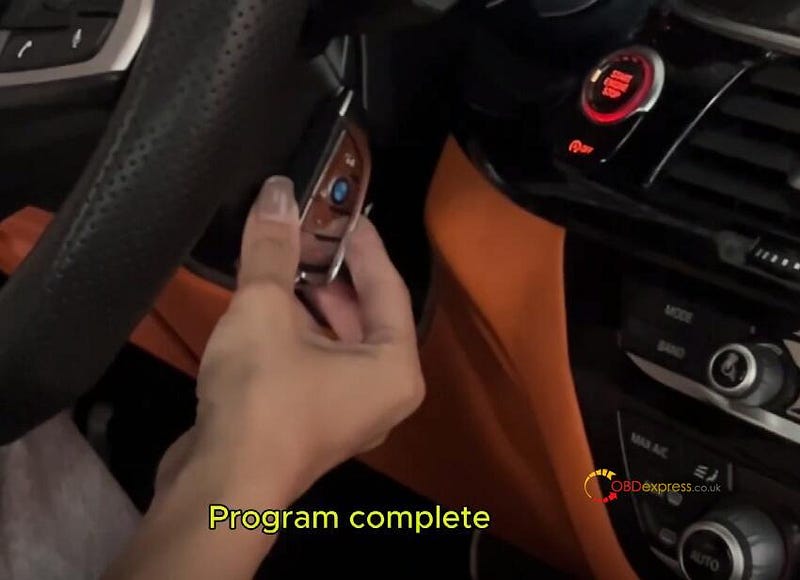
Test all buttons, verify the key starts the vehicle.

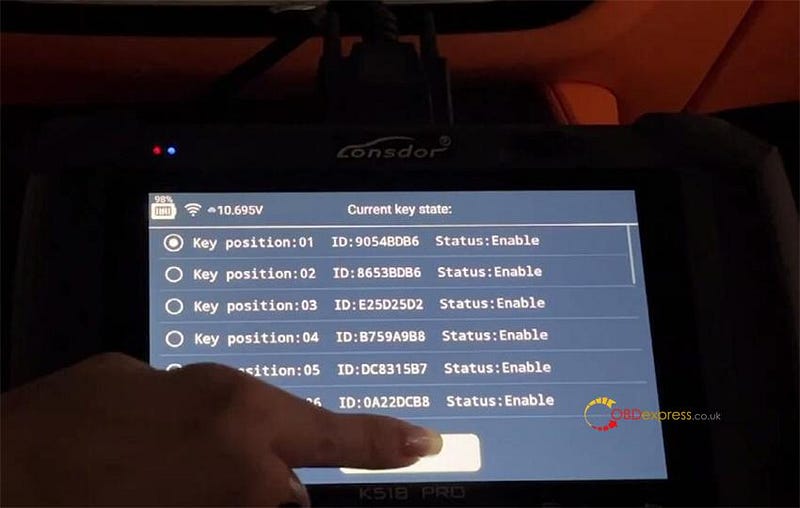
A message like “A new key has been registered” confirms success.

Lonsdor K518 Pro Add 2025 Toyota BZ4X LT-20 Smart Key OK

Pro Tips

  • Always back up EEPROM data before starting.
  • Use the original key for frequency detection when possible.
  • If the key fails, try upgrading the key via the tool.
  • For difficult cases, use a third-party service to generate data.

Conclusion

Programming a smart key for 2025 Toyota BZ4X with the Lonsdor K518 Pro and LT-20 key is a straightforward process when following these steps. This method is both affordable and reliable, making it an excellent alternative to expensive OEM keys.

www.obdexpress.co.uk

How to Change OBDSTAR ODOMaster Language?

 Question: Can I change the language of OBDSTAR ODOMaster to Spanish? How to do?

OBDexpress.co.uk technician replied:

Yes, currently ODOMaster supports several languages, including English (default), Italian, Russian, German, Spanish, Polish, Portuguese, and French.

You can freely switch to any of these languages directly on the device, and no device SN is needed for this process.

Please note:

You can only have one additional language active besides English, but you are free to switch between English and that language as many times as you like.

Simple guide to change language:

For example: English-> French

Turn on OBDSTAR ODOMaster odometer correction tool

Tap "DP" on the home page and agree to the disclaimer


How to Change OBDSTAR ODOMaster Language

After a moment, the language will be successfully changed

Restart the device to confirm the new language setting


How to Change OBDSTAR ODOMaster Language

Then from the main menu, select "Upgrade" to log in to your account


How to Change OBDSTAR ODOMaster Language

Select the software you want to update


How to Change OBDSTAR ODOMaster Language

Once completed, your ODO Master is ready for use.

www.obdexpress.co.uk

EONEBOSS TLK1 User Manual: Unlock Toyota/ Lexus 8A-AA Keys

The EONEBOSS TLK1 is a professional key unlocking tool and one of the essential Key Programming Tools designed for Toyota and Lexus vehicles using 8A-AA, BA, B9, and B8 type keys. This guide explains how to easily restore and reprogram locked or deleted keys.


How to Use EONEBOSS TLK1 for Toyota Lexus Key Unlock

Key Features

  • Simulate & Restore Keys: Reads, matches, and writes back key data.
  • Voice & Light Guidance: Real-time status updates via voice and LED indicators.
  • Flexible Power Options: Works with battery (3.7V, 450mAh) or external power (5V/500mA).
  • Wide Compatibility: Use with phone chargers, power banks, computer USB and 5V adapters.


How to Use EONEBOSS TLK1 for Toyota Lexus Key Unlock

LED Status Guide

Solid Green: Connected and charging.

Solid Red: Voice broadcast mode with real-time status updates.

Flashing: Core operation in progress (read/match/write).

Button Controls

Power On/Off: Long press (~3 seconds).

Check Status: Short press for voice update.

Reset Device: Long press (~5 seconds).


How to Use EONEBOSS TLK1 for Toyota Lexus Key Unlock

How to Use EONEBOSS TLK 1?

Step 1: Simulate the Key

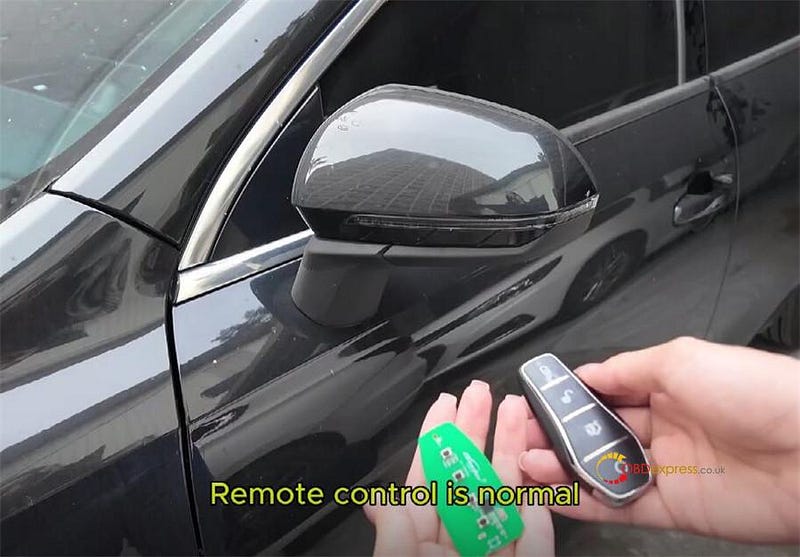
Place the locked or deleted key in the TLK1 sensing area. Press the button. The device will read the key ID and simulate a matching key.
Step 2: Match to Your Vehicle

Use the TLK1 as a temporary key during the vehicle matching process. It will write the key ID and security data into your car’s system.

Step 3: Write Back to Original Key

Once the data is retrieved, the TLK1 writes the complete key information back to the original key, restoring its function.

Step 4: Final Check

Test the original key to confirm it starts the vehicle and all functions work.


How to Use EONEBOSS TLK1 for Toyota Lexus Key Unlock

Summary

With the EONEBOSS TLK1, restoring Toyota/Lexus 8A-AA, BA, B9, and B8 keys is fast and user-friendly. Follow these simple steps to reactivate locked keys and avoid costly replacements.

Read also

EONEBOSS TLK 1 Key Tool: Reuse Toyota/Lexus Keys Easily

http://blog.obdexpress.co.uk/2025/10/14/eoneboss-tlk-1-key-tool-reuse-toyota-lexus-keys-easily/

www.obdexpress.co.uk

Lonsdor K518 Pro Add 2025 Toyota BZ4X LT-20 Smart Key OK

 This step-by-step guide explains how to successfully add a smart key to a 2025 Toyota BZ4X using the Lonsdor K518 Pro and an LT-20 Smar...