Tuesday, 20 January 2026

LAUNCH X431 PROS ELITE Unable to Reset Connector Solution

 Having trouble running a full vehicle scan with your Launch X431 PROS Elite/ PRO Elite? If you see "Unable to reset connector, please try again!" every time you try, follow these steps to resolve it.
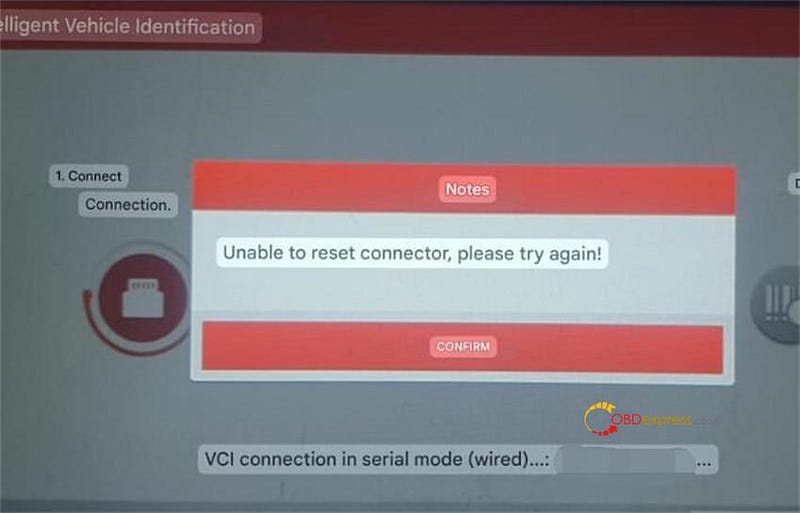

LAUNCH X431 PROS Elite Unable to Reset Connector Solution

Solution:

Perform a factory reset on your X431 PROS Elite / X431 PRO Elite tablet and retry the diagnostic scan.

Steps to factory reset:

Power on your X-431 PROS Elite tablet

From the home screen, tap "Setting"


LAUNCH X431 PROS Elite Unable to Reset Connector Solution

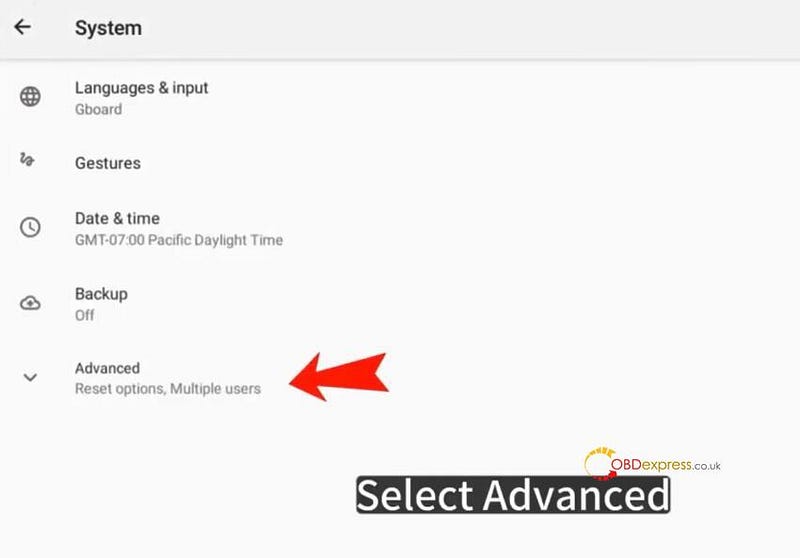
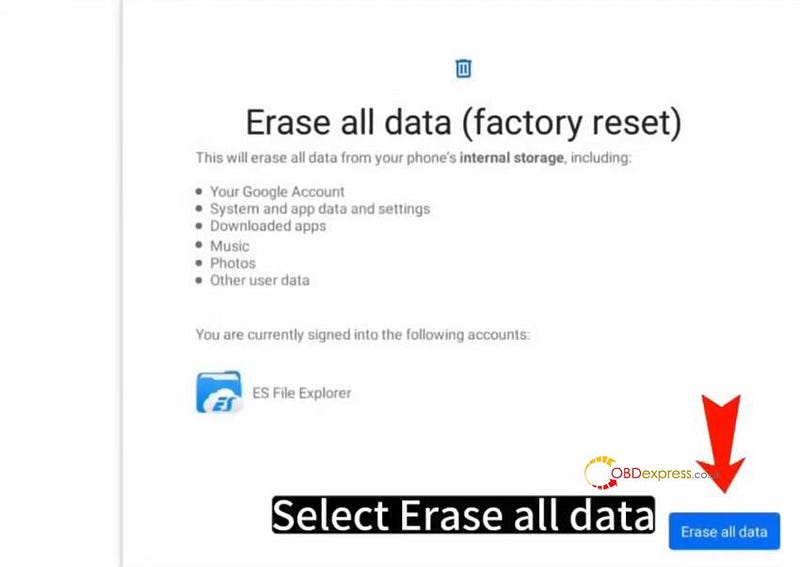
Go to System → Advanced → Reset Options → Erase all data (factory reset) → Erase all data.
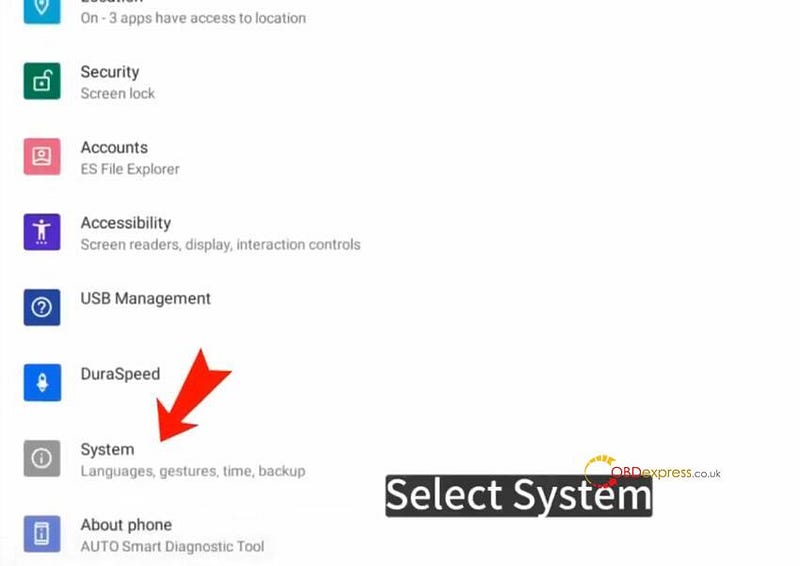

LAUNCH X431 PROS Elite Unable to Reset Connector Solution

After the reset, reconnect to the vehicle’s OBD port and start the scan again.

Install X431 PROS Elite APP, login with available username and password, and update all vehicle diagnostic software via "Software Update" option

Reference:

http://blog.obdexpress.co.uk/2023/08/11/how-to-reset-launch-x431-pro-elite-and-download-diagnostic-software/

www.obdexpress.couk

No comments:

Post a Comment

How to Generate VW MQB49 5C/5D Dealer Key with VVDI2/Key Tool MIDI?

Generating a dealer key for the VW MQB49 5C/5D system is a standard procedure for automotive locksmiths. This guide provides a step-by-step...