If the original battery in your Xhorse VVDI Key Tool Plus Pad is no longer functioning, you can replace it by following the instructions below.
Compatible Battery Model:
XHORSE XDKP00EN Battery (Suitable for VVDI Key Tool Plus Full Version and VA Version).
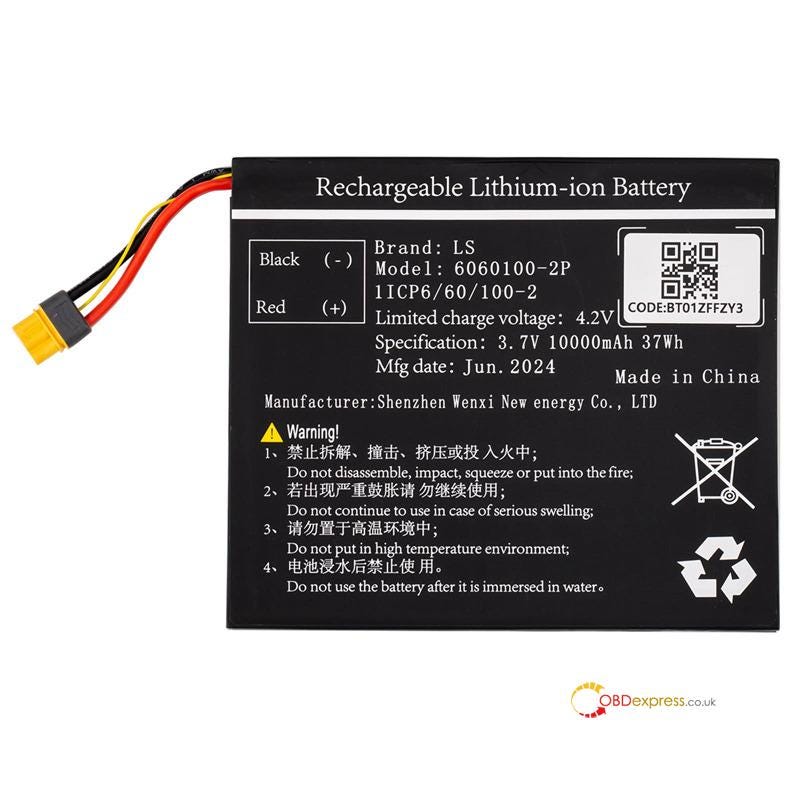
Step-by-Step Replacement Guide:
Step 1: Installation & Preparation
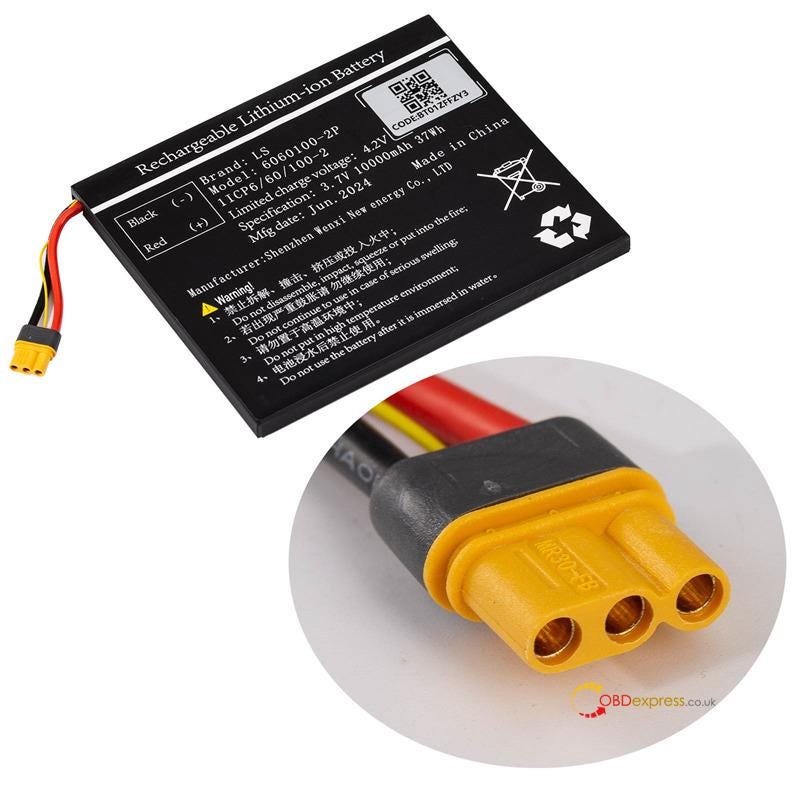
Take a clear photo of the label on the new replacement battery for reference.
Correctly insert the new battery into your device.
Ensure Key Tool Plus app is updated to the latest available version.
Step 2: Initialize the Battery in the App
Open VVDI Key Tool Plus app and navigate to Settings > Battery Initialization.
Enter the unique code printed on the battery label as prompted.
Step 3: Final Verification
Follow the on-screen instructions in the app.
Once the process is successfully completed, a notification saying "Battery Initialization Success" will appear, confirming that your device is ready for use.



No comments:
Post a Comment