If your Xhorse XSBTK0EN Digital Smart Key has Bluetooth problems, follow these simple steps to fix it:
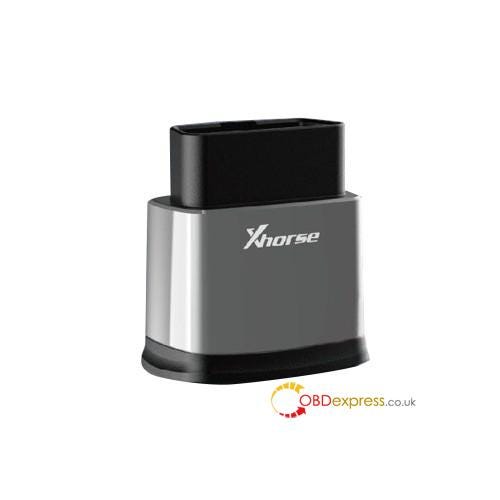
Reset the Device
- Press and hold the power button for 20 seconds to reset.
- Fixes temporary Bluetooth glitches.
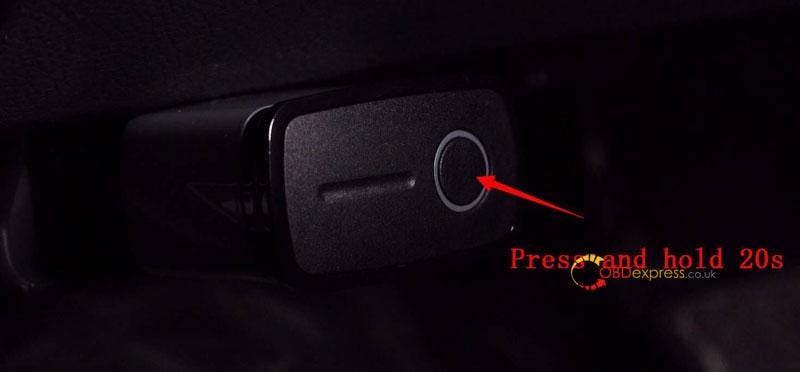
Reconnect via Bluetooth
- Open Bluetooth settings on your phone.
- Select "Xhorse XSBTK0EN" and confirm pairing.
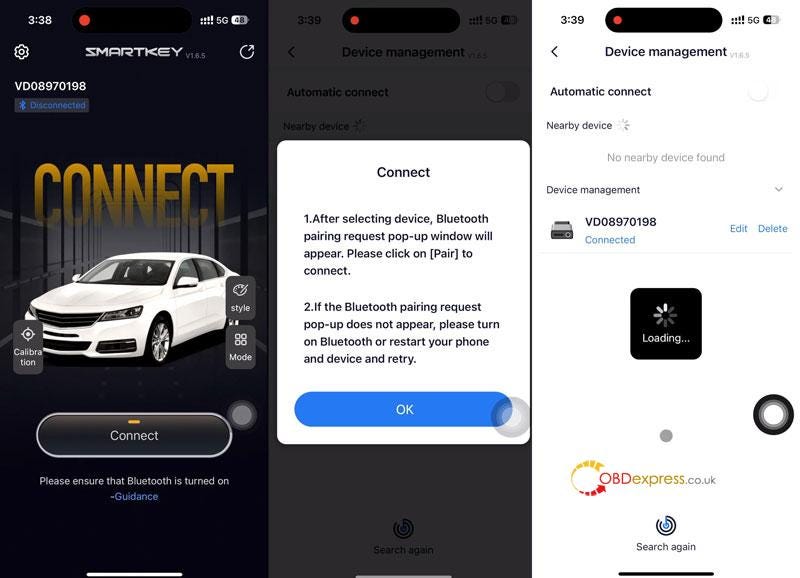
Complete Setup in App
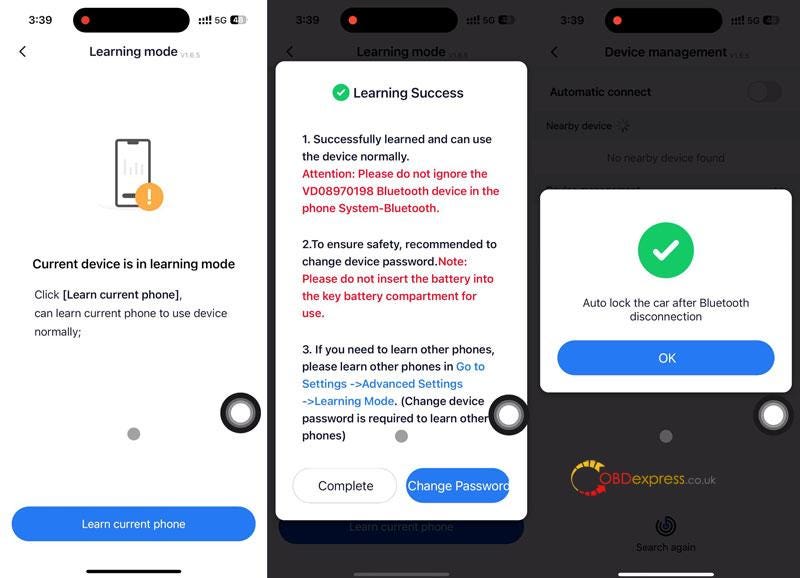
- Choose "Learn current phone" in the app.
- Follow prompts and press "OK" to finish.
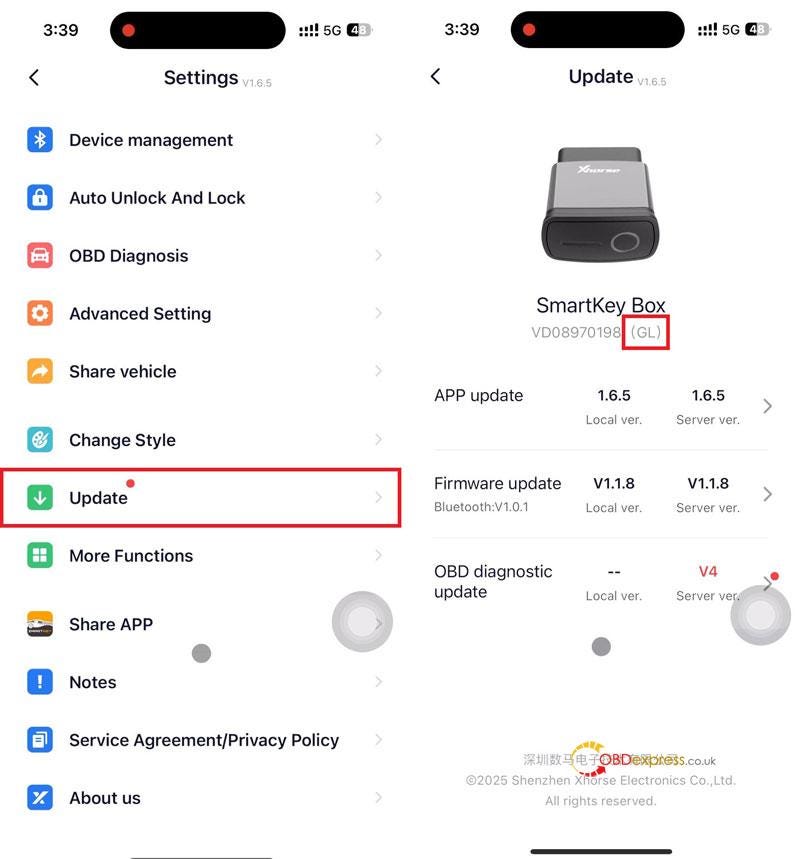
Check GL Version
- Verify the latest GL version in Settings >> Update.
For more help, visit www.obdexpress.co.uk
No comments:
Post a Comment